

The category of clothing design websites has expanded significantly. A few years ago, the answer was mostly Adobe Illustrator for technical work and a handful of pattern-making tools. In 2026, the category spans AI image generators, 3D simulation platforms, custom print-on-demand services, and mood board tools — each solving a different part of the design process.
The best website to design clothes depends entirely on what you are trying to produce. A fashion brand building campaign imagery has different needs from a designer drafting tech packs, and both are different from a creator launching a custom merch line.
This guide covers ten of the best websites to design clothes in 2026, with enough detail to help you pick the right one for your workflow, budget, and output goals.
What to Look for in a Clothing Design Website
Before choosing a tool, it’s worth being clear on what kind of output you need. A few questions narrow the field quickly.
What is the deliverable? AI-generated fashion images for social media are a different deliverable from factory-ready tech packs, and both are different from a printed hoodie. Most tools are built for one of these, not all three.
What’s the learning curve? CLO 3D produces remarkable output but takes months to learn properly. Fashion Diffusion or Canva produce useful results in minutes. The right tool is one you’ll actually use consistently.
Does it need to connect to production? If the output is going to a manufacturer, the tool needs to export in formats factories can use — tech packs, flat sketches, specification sheets. AI image generators produce visuals, not production files. This distinction matters.
What’s the budget? Pricing ranges from free to enterprise-level annual contracts. Most workflows can be covered for under $100/month with the right combination of tools.
Types of Clothing Design Websites
Understanding the four main categories makes it easier to identify which tool or combination of tools fits a specific workflow.
| Type | What It Does | Output | Representative Tools |
| AI fashion image generation | Generates photorealistic fashion visuals from product images or text prompts | Campaign photos, on-model images, social content | Fashion Diffusion, Adobe Firefly, Midjourney |
| Technical design and pattern making | Creates production-ready technical drawings, patterns, and spec files | Vector flats, tech packs, 3D garment simulations | Adobe Illustrator, CLO 3D, Procreate |
| Custom apparel and print-on-demand | Designs and produces physical clothing without inventory or minimum orders | Printed T-shirts, hoodies, hats — fulfilled on demand | Printful, Canva |
| Mood board and trend tools | Supports research and concept development before design work begins | Visual reference boards, collection direction, trend reports | Pinterest, Milanote |
The 10 Best Clothing Design Websites — Full Breakdown
Each tool below is reviewed on what it actually does, who it suits, and what makes it worth considering over alternatives in the same category.
1. Fashion Diffusion
Fashion Diffusion is an AI fashion design and photoshoot platform built specifically for fashion brands and content creators. It generates on-model campaign images, editorial visuals, and product photography from existing garment photos or text prompts — producing results in seconds without a studio, a model, or a photographer.
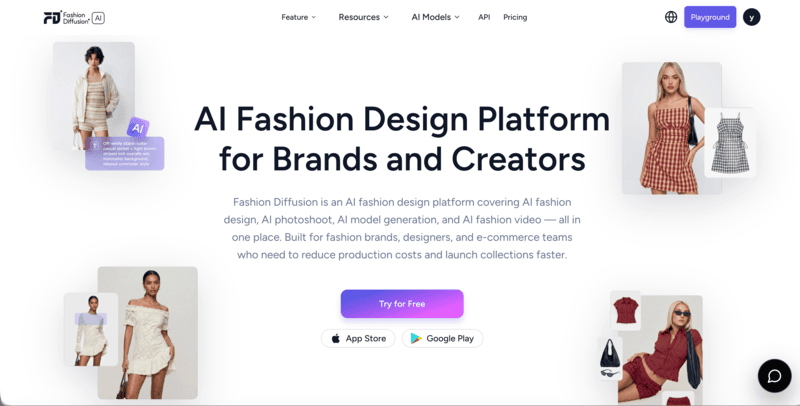
The platform covers virtual try-on for clothing, shoes, jewelry, wedding dresses, and lingerie, alongside tools for AI model generation, background changing, AI Lookbook, flat-lay generation, and AI fashion video. For brands that need consistent, high-quality fashion imagery at scale — product catalog images, social content, campaign visuals — it’s the most purpose-built option in this category.
Best for: Fashion brands and creators who need campaign-ready fashion imagery, on-model product photos, and visual content without a studio shoot.
Pricing: Free credits on signup; $12/month for starter.
Key strength: Fashion-specific AI training produces garment-accurate, campaign-ready output across apparel, accessories, and footwear.
2. Adobe Illustrator
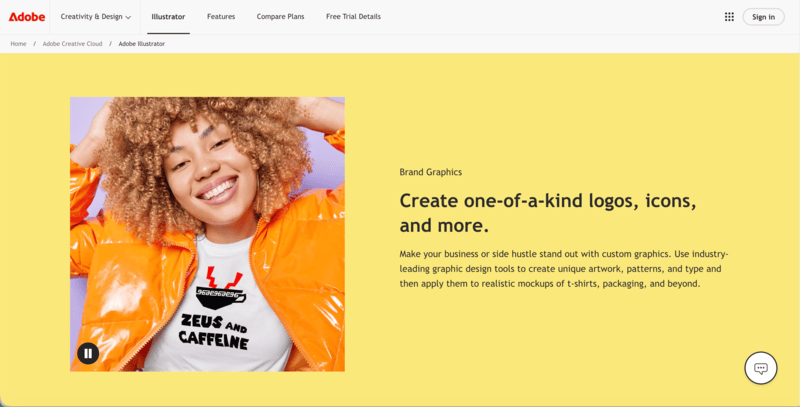
Adobe Illustrator remains the industry standard for technical clothing design. Its vector tools produce precise flat sketches, garment illustrations, and technical drawings that scale without quality loss — the format factories and production teams expect. Pattern callouts, construction details, and spec illustrations are all handled in Illustrator before being assembled into tech packs.
Best for: Fashion designers and product development teams who need production-ready technical drawings and garment flats.
Pricing: Free 7-day trial available; $22.99/month or $34.49/month (Creative Cloud Pro).
Key strength: Industry-standard vector tools for technical flats and garment illustration — the format manufacturers expect.
3. CLO 3D
CLO 3D is a garment simulation platform that lets designers build clothing digitally, drape virtual fabrics over avatars, and test fit before any physical sample is made. It simulates how different fabrics behave — how silk drapes versus denim, how a seam sits, how a garment moves.
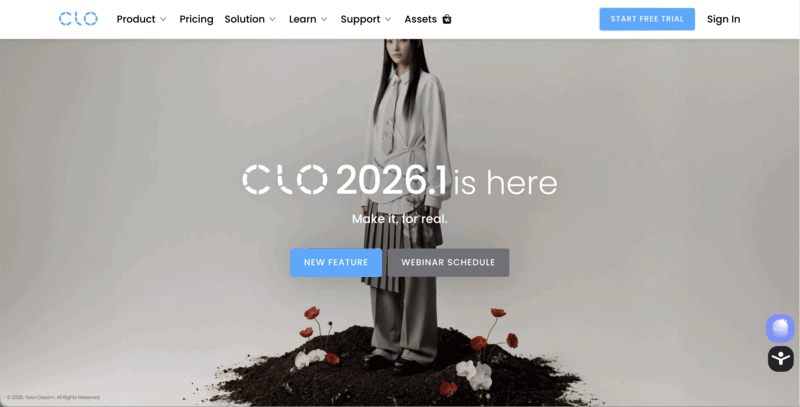
The learning curve is significant — CLO 3D takes time to master. But for brands doing serious product development, the ability to review fit digitally before sampling is one of the highest-ROI investments available.
Best for: Fashion brands and designers who want to reduce physical sampling rounds through digital garment simulation and fit testing.
Pricing: Free 14-day trial; $25/month (student); $37.50/month billed annually or $50/month billed monthly (individual).
Key strength: Realistic fabric physics simulation — the closest thing to a physical sample without producing one.
4. Canva
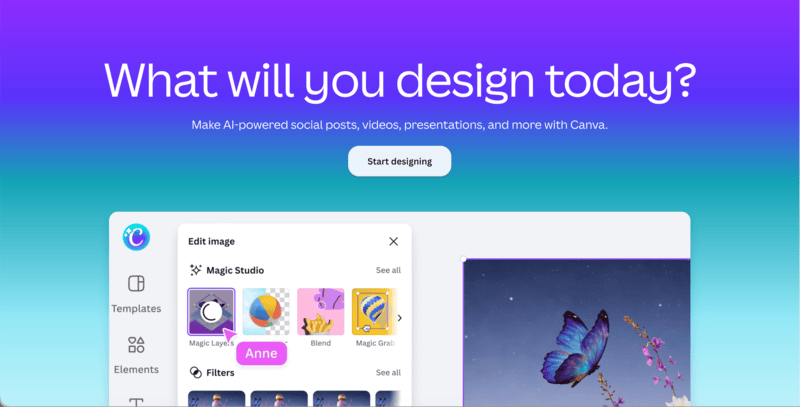
Canva is the most accessible design tool in this list and the most versatile for non-technical users. It doesn’t replace professional fashion CAD software, but it covers a wide range of tasks that fashion brands and creators actually need: mood boards, social media content, product mockups, presentation decks, and custom apparel graphics for print-on-demand.
Best for: Creators, small brands, and anyone who needs polished visual output — mood boards, social content, print-on-demand graphics — without a steep learning curve.
Pricing: Free; Pro at $18/month.
Key strength: Broad template library and zero learning curve — usable from day one for a wide range of fashion visual tasks.
5. Printful
Printful is a print-on-demand and fulfillment platform that handles production and shipping of custom clothing — T-shirts, hoodies, hats, tote bags — on demand, without minimum orders. Designers upload artwork, set prices, and connect their store. Printful handles the rest.
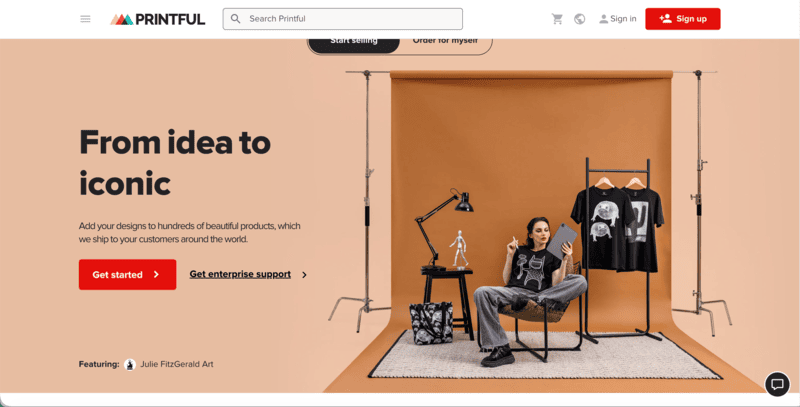
The built-in design tool lets users place artwork on garment mockups, preview placement, and export files ready for production. It integrates directly with Shopify, Etsy, WooCommerce, and other platforms, which makes it the standard setup for creators and small brands launching custom apparel lines.
Best for: Creators and small brands who want to sell custom apparel without managing inventory or production logistics.
Pricing: Free to use; cost is per order produced and fulfilled.
Key strength: No upfront cost, no minimum orders, and direct integration with major e-commerce platforms.
6. Milanote
Milanote is a visual workspace used by fashion designers and creative teams for mood boards, collection planning, and concept presentation. It’s not a garment design tool — it’s a research and organization layer that sits before the actual design work begins.
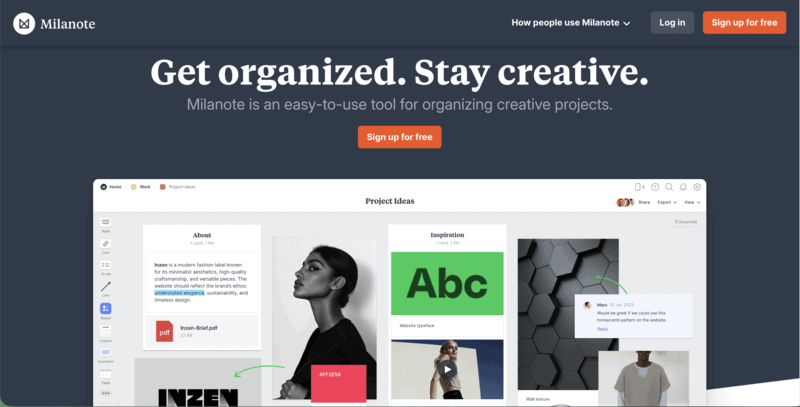
What makes Milanote useful in a fashion context is its flexibility: images, color palettes, fabric swatches, reference photos, and text notes can all coexist in one board, shareable with collaborators. It’s used by brands during trend research, collection direction setting, and creative brief development.
Best for: Designers and creative directors who need a structured workspace for mood boards, trend research, and collection concept development.
Pricing: Free for basic use; Pro at $12.50/month.
Key strength: Visual and flexible — designed for creative thinking, not rigid document formats.
7. Procreate
Procreate is a tablet-based illustration app widely used by fashion designers for garment sketching, fashion illustration, and concept art. It runs on iPad and produces high-quality hand-drawn fashion illustrations with a natural feel that vector tools don’t replicate.
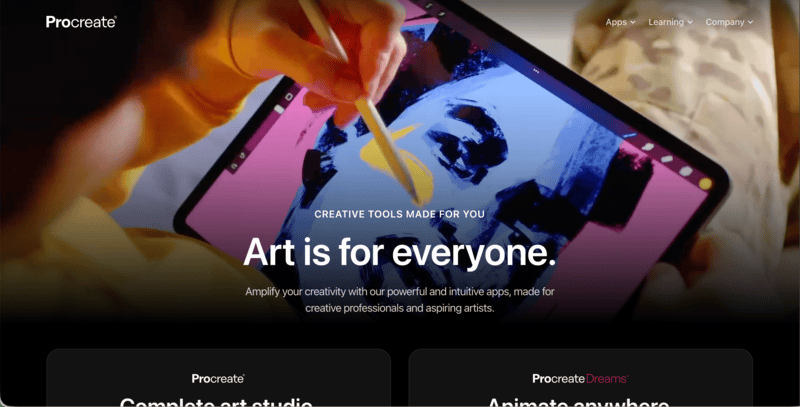
It doesn’t produce tech packs or production files, but for the concept and ideation phase — getting ideas out of your head and onto paper before technical development begins — Procreate is one of the most creatively satisfying tools in the category.
Best for: Designers who prefer hand-drawn garment sketches and fashion illustrations over vector-based technical drawings.
Pricing: One-time purchase of $12.99 on the App Store.
Key strength: Natural drawing feel on iPad — the closest digital equivalent to traditional fashion sketching.
8. Midjourney
Midjourney is one of the most widely used AI image generation platforms, producing high-quality visuals from text prompts across a wide range of styles — photorealistic, editorial, painterly, and abstract. For fashion brands and creators, it’s useful for generating concept imagery, mood board visuals, print pattern ideas, and campaign-style photography that doesn’t require a specific garment as input.
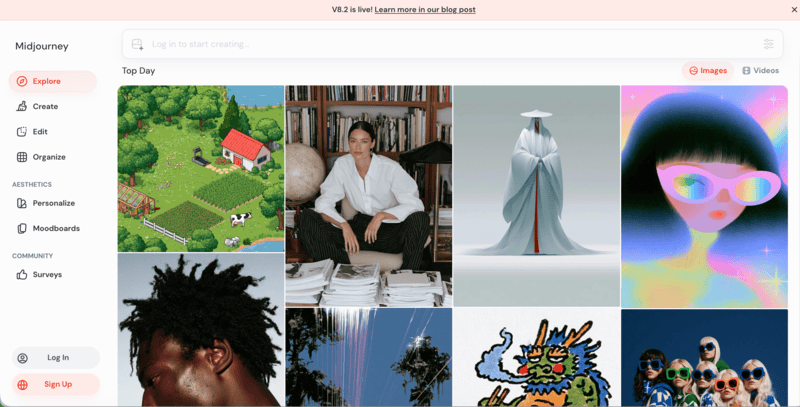
Where Midjourney differs from fashion-specific tools like Fashion Diffusion is the lack of garment accuracy — it generates fashion imagery from descriptions, but doesn’t place a specific product onto a specific model. It suits the concept and ideation phase more than the product photography phase, and works well alongside fashion-specific tools in a broader creative workflow.
Best for: Fashion brands and creative teams who need high-quality concept imagery, mood board visuals, and editorial-style photography from text prompts.
Pricing: No free trial; Basic at $10/month, Standard at $30/month, Pro at $60/month, Mega at $120/month. Annual billing is 20% cheaper.
Key strength: Consistently high visual quality across diverse styles — strong for concept development and editorial imagery.
9. Adobe Firefly
Adobe Firefly is Adobe’s generative AI image tool, integrated across Creative Cloud. For fashion teams already in the Adobe ecosystem, it’s the most accessible AI image generation option — available inside Photoshop and Illustrator without switching platforms.
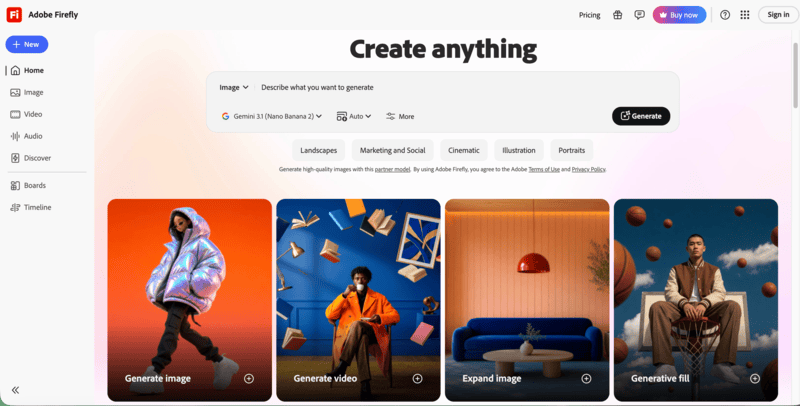
Firefly is trained on licensed content and is commercially safe by design, which matters for brands publishing AI-generated imagery at scale. It’s less fashion-specific than Fashion Diffusion, but useful for generating fabric patterns, print designs, background variations, and concept imagery within existing Adobe workflows.
Best for: Fashion teams already using Adobe Creative Cloud who want AI image generation integrated into their existing workflow.
Pricing: Included with Creative Cloud; standalone at $9.99/month for 2,000 credits.
Key strength: Commercially safe AI generation built into Adobe’s design tools — no platform switching required.
10. Pinterest
Pinterest is the most widely used research tool in fashion design — used by designers, brands, and stylists to collect reference images, track trends, and build visual direction boards. It’s not a design tool in the technical sense, but it’s the platform most fashion professionals use before any design work begins.
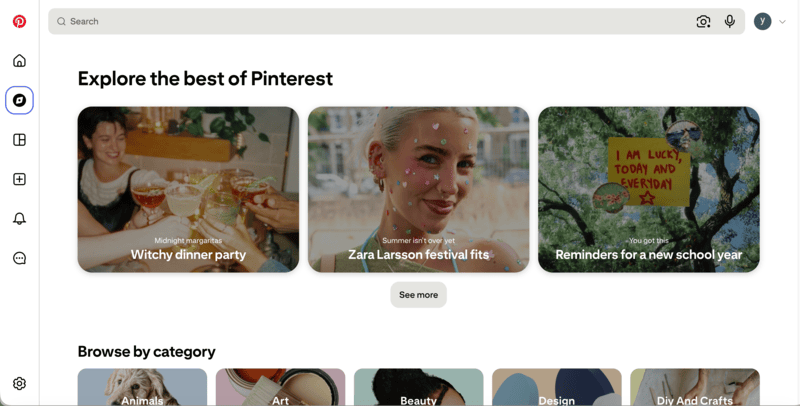
Collections (boards) are shareable, searchable, and organized visually, making Pinterest the default starting point for trend research, mood boarding, and aesthetic direction setting at every level of the industry.
Best for: Anyone in fashion who needs a visual research and inspiration tool — from student designers to senior creative directors.
Pricing: Free.
Key strength: The largest visual fashion reference library in existence, free to access and organize.
How to Use AI to Design Clothes — A Quick Workflow
Here’s a practical end-to-end workflow that moves from initial inspiration to campaign-ready output. This workflow replaces several traditionally expensive or time-consuming stages — physical samples for colorway review, separate shoots for campaign imagery — with AI-generated outputs that can be produced in a single session.
Step 1: Gather References on Pinterest
Start with research. Pinterest is the most efficient tool for collecting visual references — silhouettes, color palettes, styling direction, trend imagery. Build a board that defines the aesthetic direction before any design work begins. The clearer the reference, the more useful it is as a prompt input in the next step.
Step 2: Generate Initial Concepts
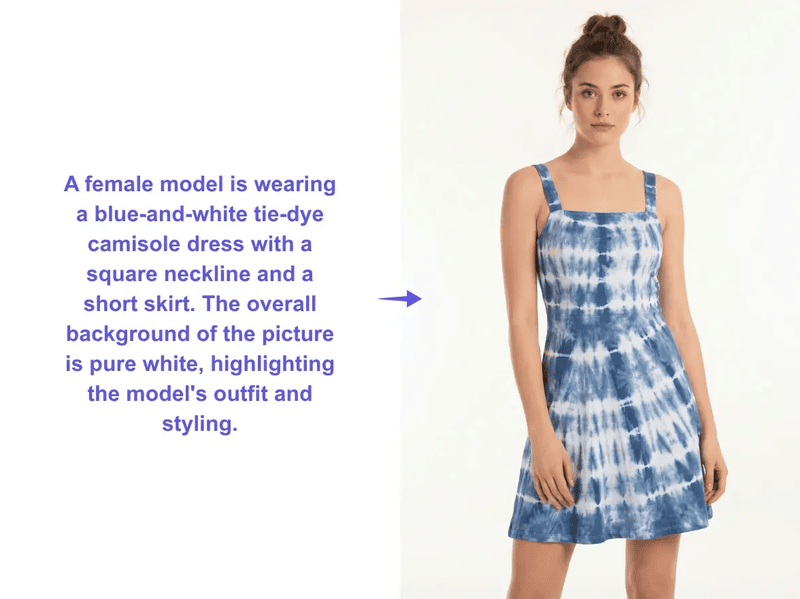
Take the mood and direction from your Pinterest board and use Fashion Diffusion’s AI Outfit Generator to generate initial clothing concepts. Describe the silhouette, fabric, mood, and styling, and the AI produces a range of visual options. This replaces the early-stage sketching process with something faster and more immediately visual — useful for exploring directions before committing to one.
Step 3: Build a Direction Board in Milanote
Pull the AI-generated concepts alongside Pinterest references, color swatches, and fabric inspiration into a Milanote board. A structured visual board at this stage aligns the team on creative direction before any production resources are committed — and gives clients or collaborators something concrete to react to.
Step 4: Design the Print or Fabric
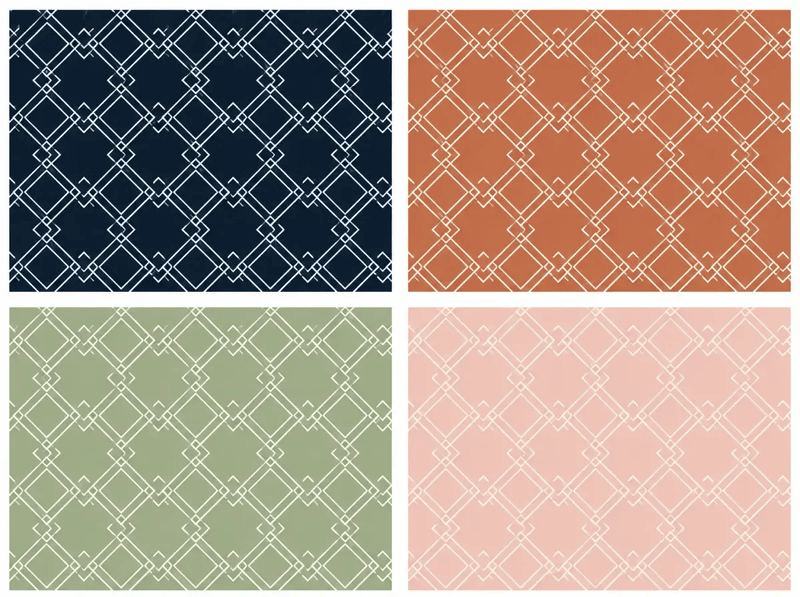
For garments with surface design, Fashion Diffusion’s Seamless Pattern Generator creates repeating print patterns from a prompt or reference image. Once a pattern is ready, Apply Fabric maps it onto the garment to show how the print will actually look at scale on the finished piece — a step that traditionally requires a physical sample or complex rendering software.
Step 5: Produce Technical Flats in Adobe Illustrator
Translate the approved direction into production-ready technical drawings. Adobe Illustrator produces the vector flats — front, back, and detail views — that form the foundation of a tech pack. This is the step where the garment moves from a visual concept to a specification that a factory can actually use.
Step 6: Generate On-Model Campaign Visuals
With the final design confirmed, use virtual try-on tools to place the garment on a model and generate on-model imagery ready for product pages, social content, and campaign materials. Use Canva to format the outputs for specific platforms — Instagram posts, Stories, marketing decks, lookbook layouts.
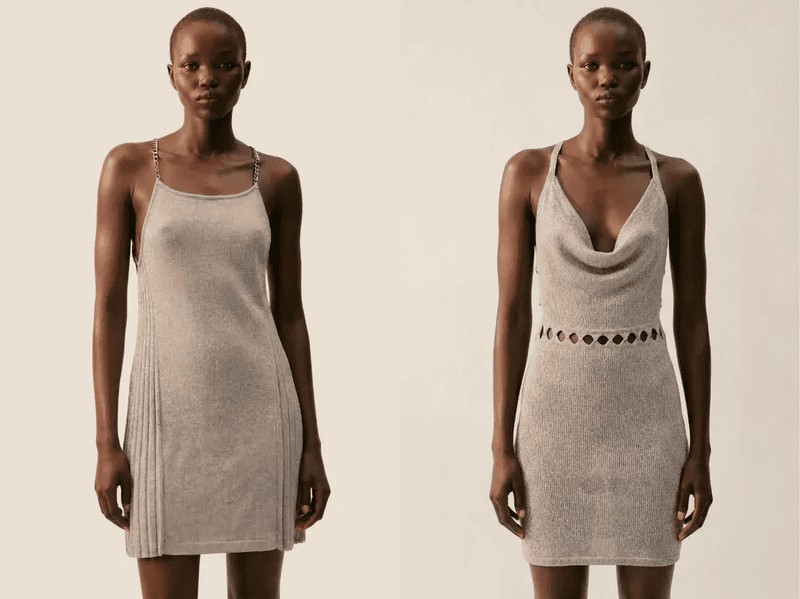
Skip the Shoot — Design Fashion Content with AI
Fashion Diffusion is the AI fashion platform built specifically for brands and creators who need high-quality fashion imagery at speed. From concept visualization to campaign-ready on-model photography, it handles the visual side of fashion design without a studio or a production budget.
New accounts start with free credits. Upload a garment image or describe the look you want, and see what the AI produces.
FAQ
It depends on what you need to produce. For AI-generated fashion imagery and on-model campaign photos, Fashion Diffusion is the most purpose-built option. For technical drawings and production files, Adobe Illustrator is the industry standard. For custom printed apparel without inventory, Printful is the most practical choice.
Yes. Canva, Pinterest, and Printful’s design tool are all free to use. Fashion Diffusion offers free credits on signup. Adobe Illustrator and CLO 3D require paid subscriptions, though both offer trial access.
AI fashion design tools like Fashion Diffusion generate photorealistic fashion imagery from prompts or product images — they produce visuals, not production files. Traditional tools like Adobe Illustrator and CLO 3D produce technical drawings, patterns, and spec sheets that factories can use to manufacture garments. Most professional workflows use both at different stages.
If you are a creator or brand needing campaign imagery and social content, start with Fashion Diffusion. If you are a designer producing tech packs and production files, Adobe Illustrator is essential. If you are launching custom merch without inventory, Printful handles production and fulfillment. If you are in the concept and research phase, Milanote or Pinterest support mood boarding and trend research.


