Create faster in the app
Create faster in the app

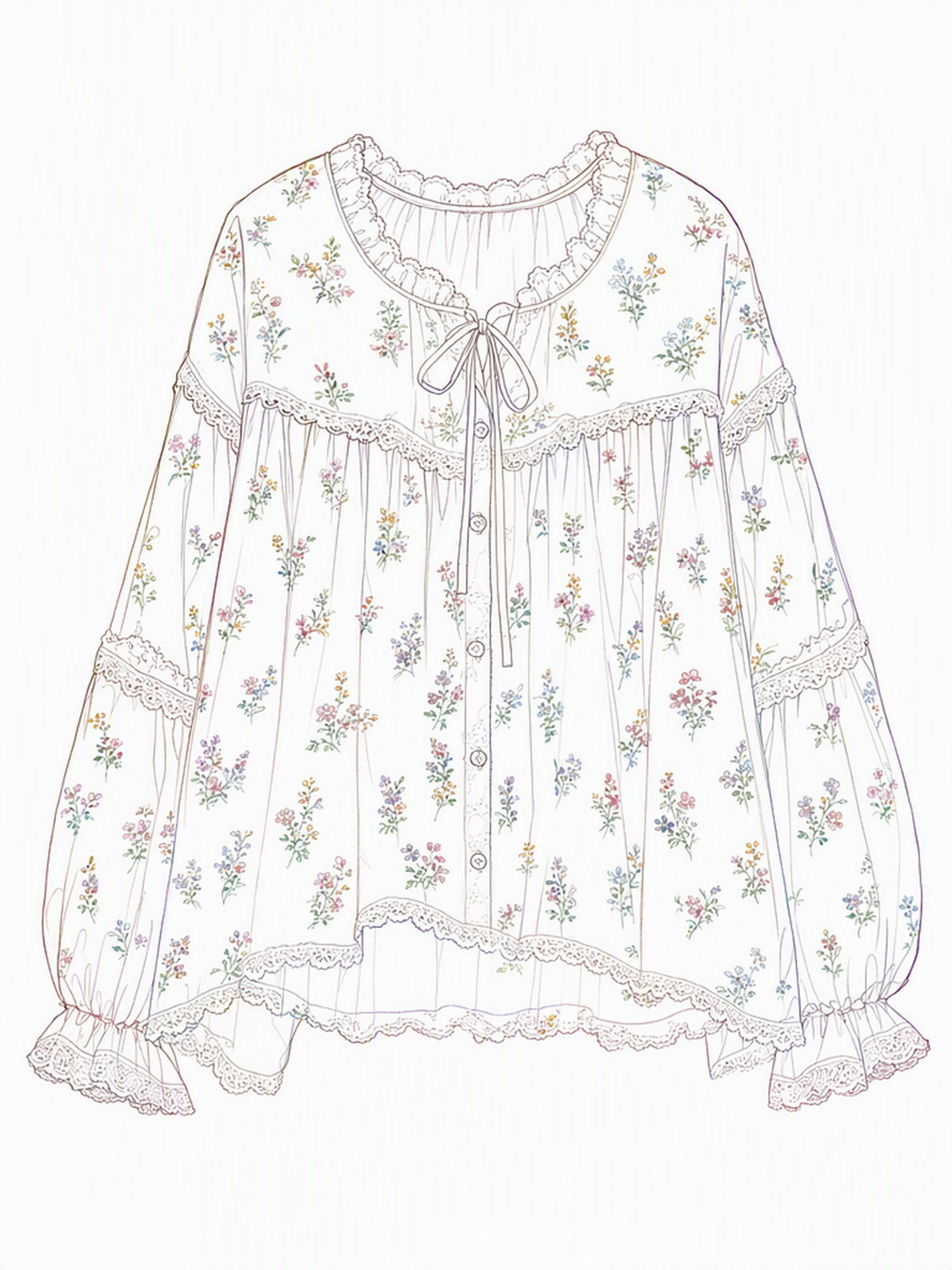
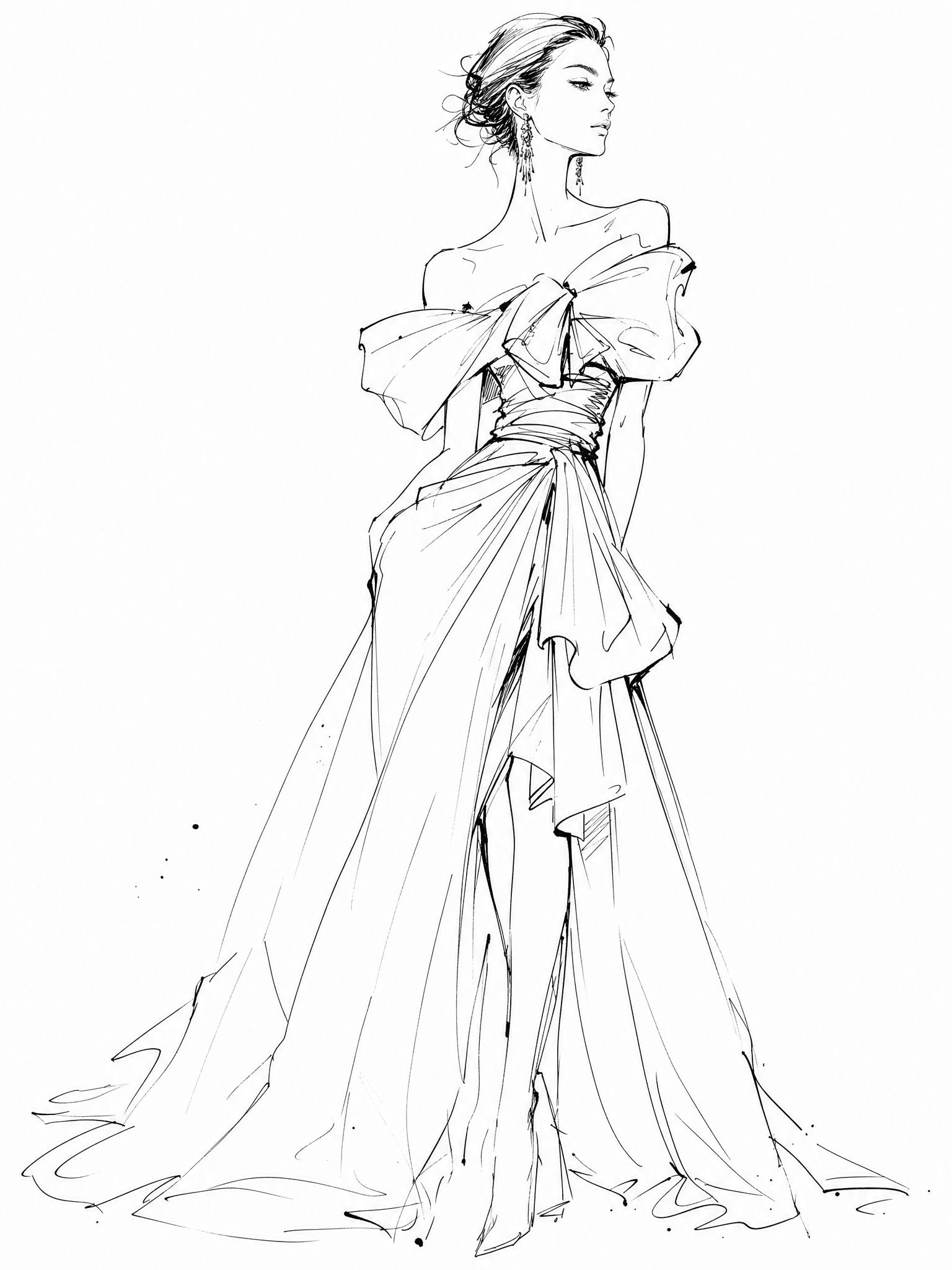
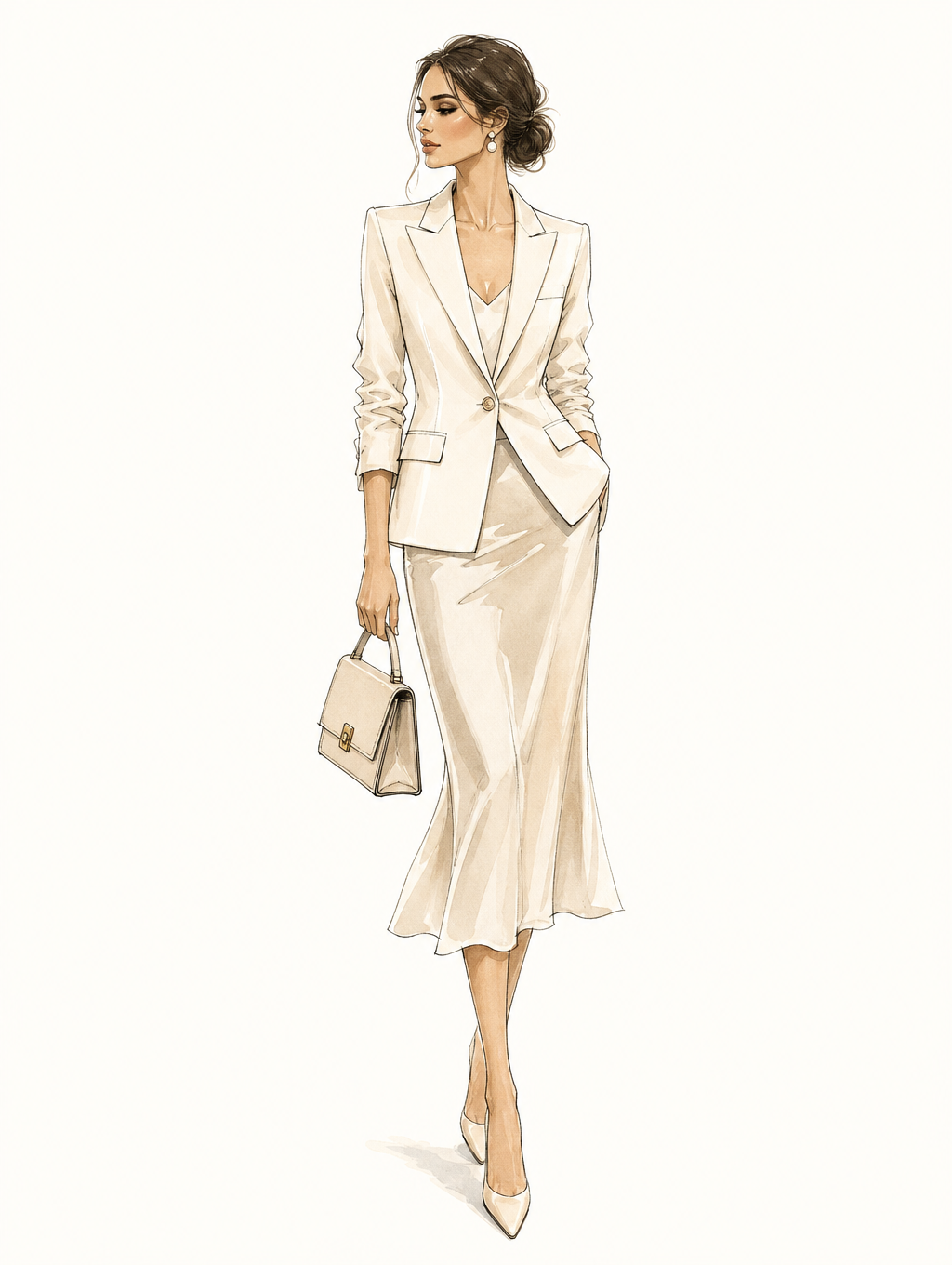
The AI Sketch to Render tool transforms any line drawing — hand-sketched, digital, or AI-generated — into a full-color, fabric-realistic fashion render in seconds. No 3D software or manual coloring — just upload your sketch, describe fabric and color, and the AI turns it into a visual ready for client review or production planning.
Upload a sketch, describe the details, and walk away with a professional fashion render — ready for client review, production planning, or your next campaign.


Whether your sketch is rough or refined, hand-drawn or digital, the AI handles the rendering — so your design can move forward without waiting on sampling or manual visualization work.

Upload your line drawing and use a prompt to define fabric, color, and style. The sketch to render AI instantly produces a high-quality render with accurate drape, texture, and shading — turning a flat sketch into a visual that clearly communicates your design vision. No Photoshop, no manual coloring required. Just a sketch and a prompt.
Try for free
One sketch, multiple variations. The fashion render AI lets you quickly change fabrics, colors, or textures through simple prompts, producing several renders from a single line drawing. Perfect for exploring material options, testing colorways, and preparing multiple concepts for client review.
Try for free
The biggest cost in early-stage design isn’t the sketch — it’s the sample. The sketch to render online tool generates high-resolution renders suitable for client presentations, lookbooks, e-commerce mockups, and internal production reviews — all before a single physical sample is made. Export directly and use immediately.
Try for freeI used to spend hours refining sketches in Photoshop. Now I upload a line drawing, add a short prompt, and the render is ready in seconds. The fabric texture and drape accuracy are genuinely impressive.

Aisha Khan
Fashion Designer
Describe your design in words instead — the AI generates a sketch from your text prompt.

Upload a flat-lay or sketch and see your design on a realistic AI model in seconds, testing fit, proportions, and styling easily.

Turn prompts into high-quality AI fashion images with realistic fabrics and styling.

Apply any fabric pattern to your design and preview how materials like silk, denim, or lace look before production.

Change the color of any garment design instantly, from pastel to bold shades, without reprinting or creating new samples.
A sketch to render AI tool takes a fashion line drawing and converts it into a full-color, photorealistic visualization — adding fabric texture, drape, shading, and lighting based on your description. Instead of waiting for physical samples or spending hours in Photoshop, you upload your sketch, describe the material and color, and the AI generates a professional render in seconds.
The tool works with hand-drawn sketches on paper (photographed or scanned), digital line drawings, technical flats, and AI-generated sketches from Fashion Diffusion's Text to Sketch or Image to Sketch tools. Clean line art produces the most accurate results, but the AI can also work with rough sketches — the quality of your prompt description helps fill in the detail.
Photoshop requires manual coloring, texture application, and lighting work — which takes hours even for experienced designers. CLO 3D offers precise 3D garment simulation but has a steep learning curve and is expensive. The sketch to render AI on Fashion Diffusion is designed to be fast and accessible — upload a sketch, write a short description, and get a professional-quality render in seconds. No technical skills required.
Yes. You can reuse the same sketch and change your prompt to generate different colorways, fabric types, or finishes.
Yes. Rendered images can be downloaded in high resolution and used for client presentations, lookbooks, e-commerce mockups, supplier briefs, and marketing materials.
Create Like This. Feed any reference — get back images and videos that match the vibe, instantly.