
Upload a Lingerie Product Image
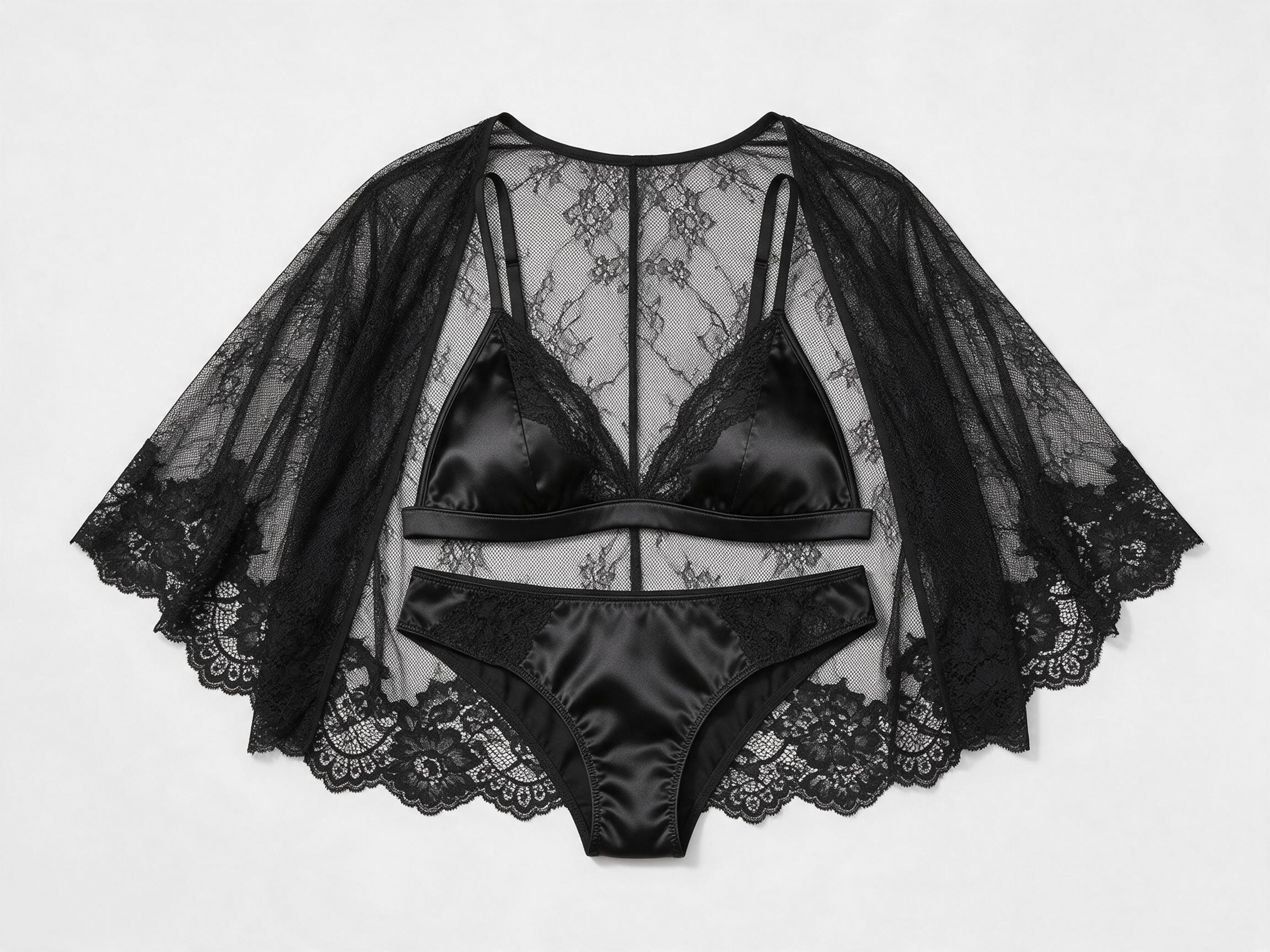
Upload a flat-lay, ghost mannequin, or existing product photo of the lingerie item. The AI reads the garment’s fabric, construction, lace detail, and cut from the image.
Create faster in the app
Upload a lingerie product image and a model photo — the AI virtual lingerie try-on generates on-model intimate apparel photos in seconds. Professional visuals for e-commerce, campaigns, and social content. No studio, no photoshoot required.
Upload a lingerie product image and a model photo
Upload 2 images to generate an on-model lingerie visual.
Use 1 lingerie product image and 1 full-body model photo. JPEG, PNG, or WebP up to 10 MB each.
Three steps from product image to on-model visual.
Upload a flat-lay, ghost mannequin, or existing product photo of the lingerie item. The AI reads the garment’s fabric, construction, lace detail, and cut from the image.
Upload a model photo — or use your own photo to preview how the piece looks on your figure. The AI places the lingerie onto the model with accurate positioning and natural proportions.

The AI produces a finished on-model lingerie image in seconds. Lace detail, fabric texture, and fit are preserved in the output.
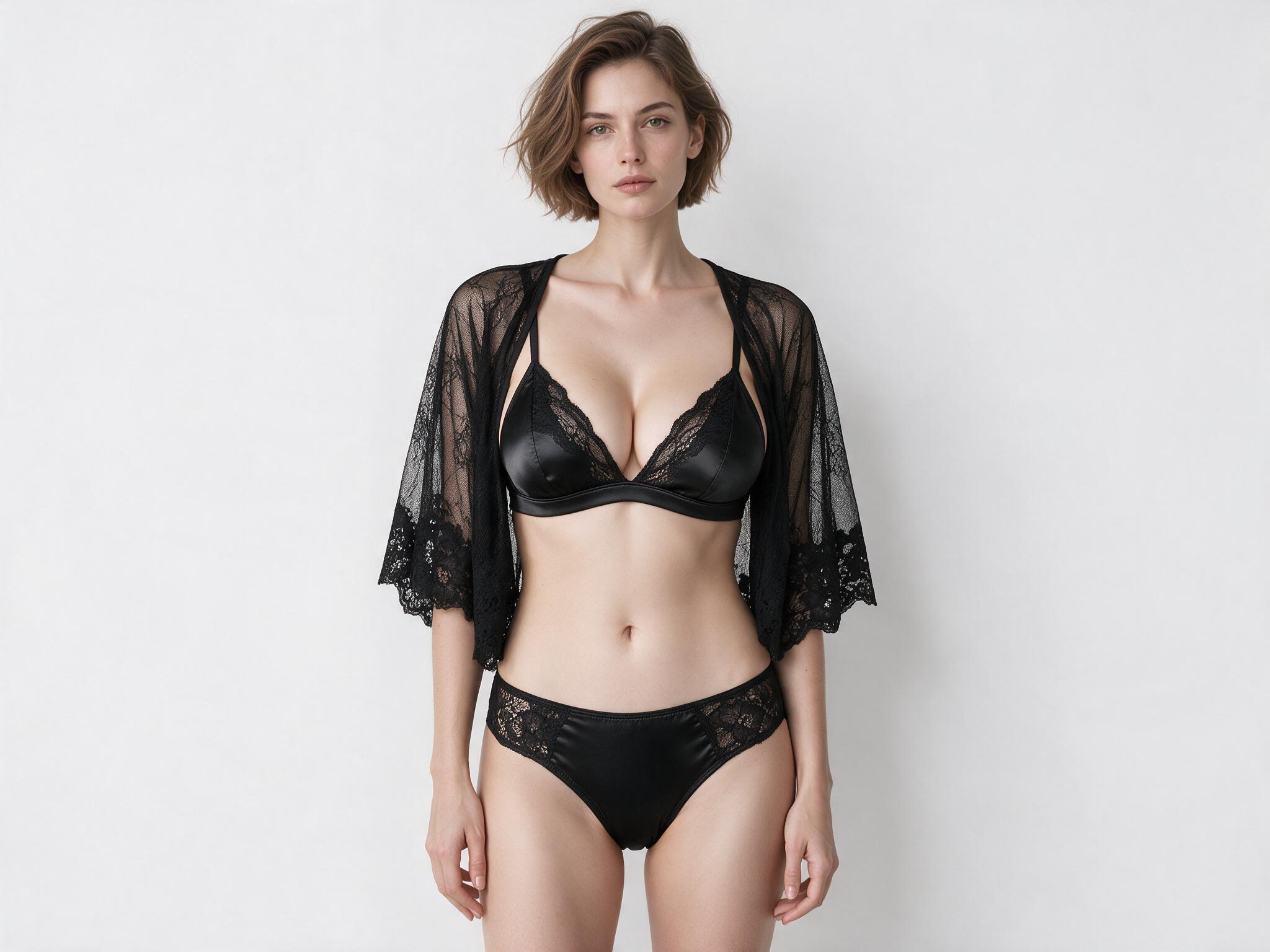

Lingerie is defined by its details. Lace patterns, mesh panels, satin finishes, adjustable straps, and delicate trims all influence how a piece looks when worn. Fashion Diffusion’s AI analyzes the garment before generating the try-on, helping preserve fabric texture, construction, and design details instead of simply overlaying the product onto a model.
Try for free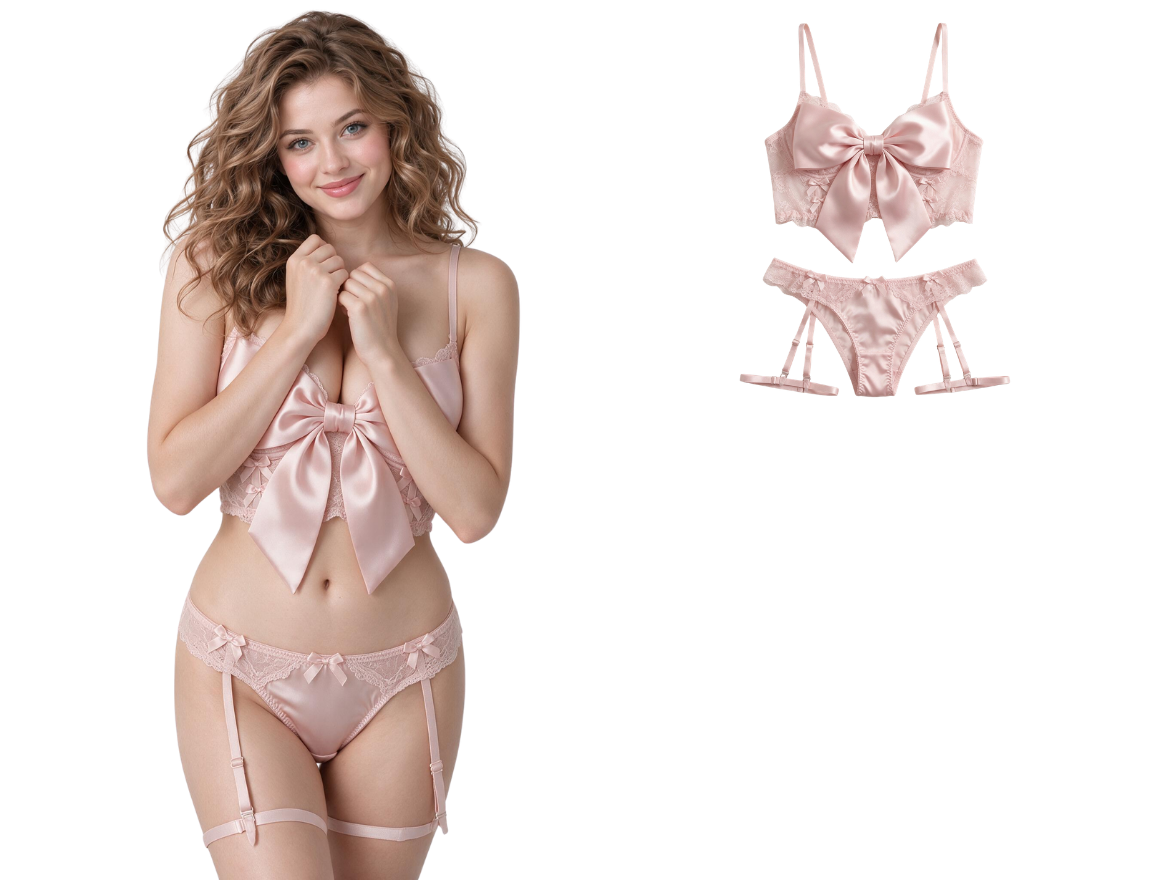
Upload a lingerie product image and a model photo to generate realistic try-on images in seconds. Whether you’re preparing a new collection, testing different styles, or updating product pages, the AI helps you create on-model lingerie visuals much faster than traditional photography. Create white-background e-commerce images or lifestyle marketing visuals without rebuilding your entire production workflow.
Try for free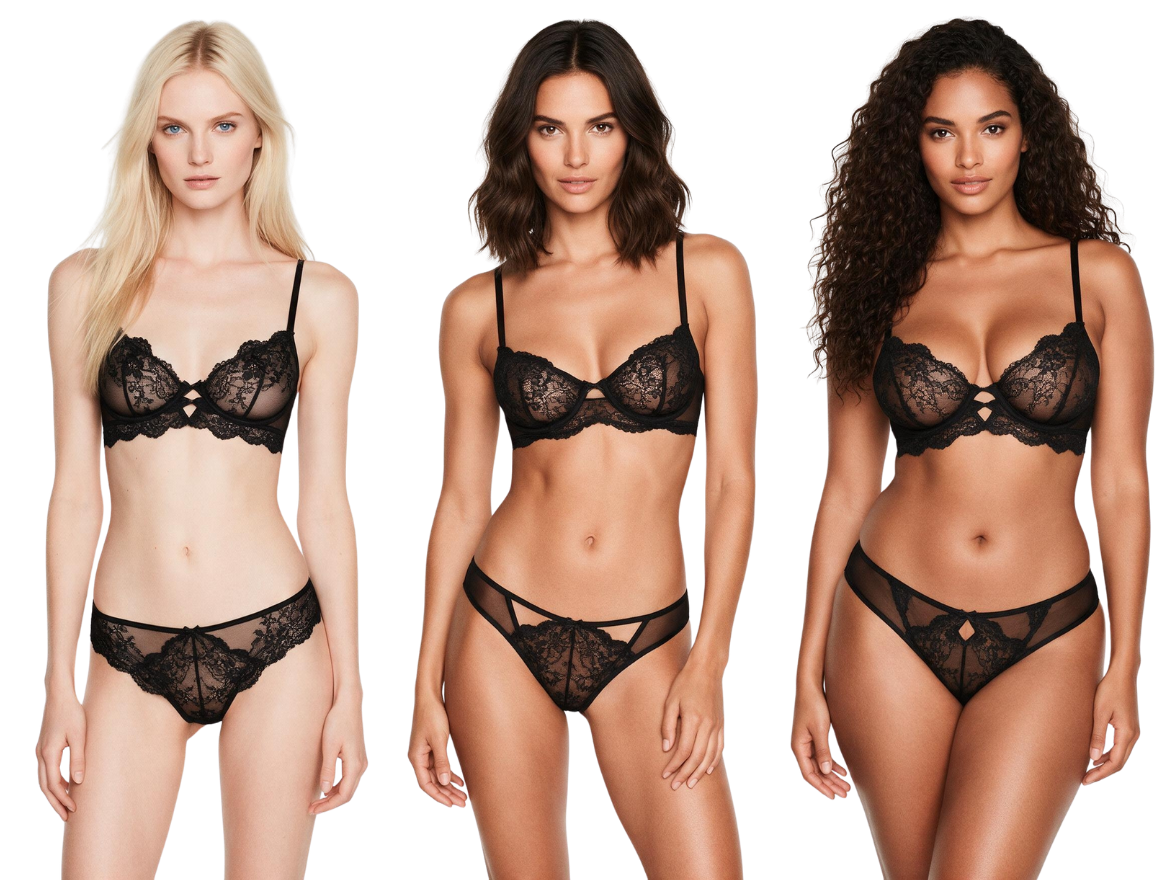
Every customer wants to see how lingerie fits different body types. Place the same lingerie design on AI-generated models with different body shapes, skin tones, poses, and hairstyles — while maintaining consistent garment details across every output. Create inclusive product pages, localized campaigns, and personalized marketing assets, all from a single lingerie image. Pair with AI Fashion Model Generator to generate diverse AI model photos without uploading your own.
Try for free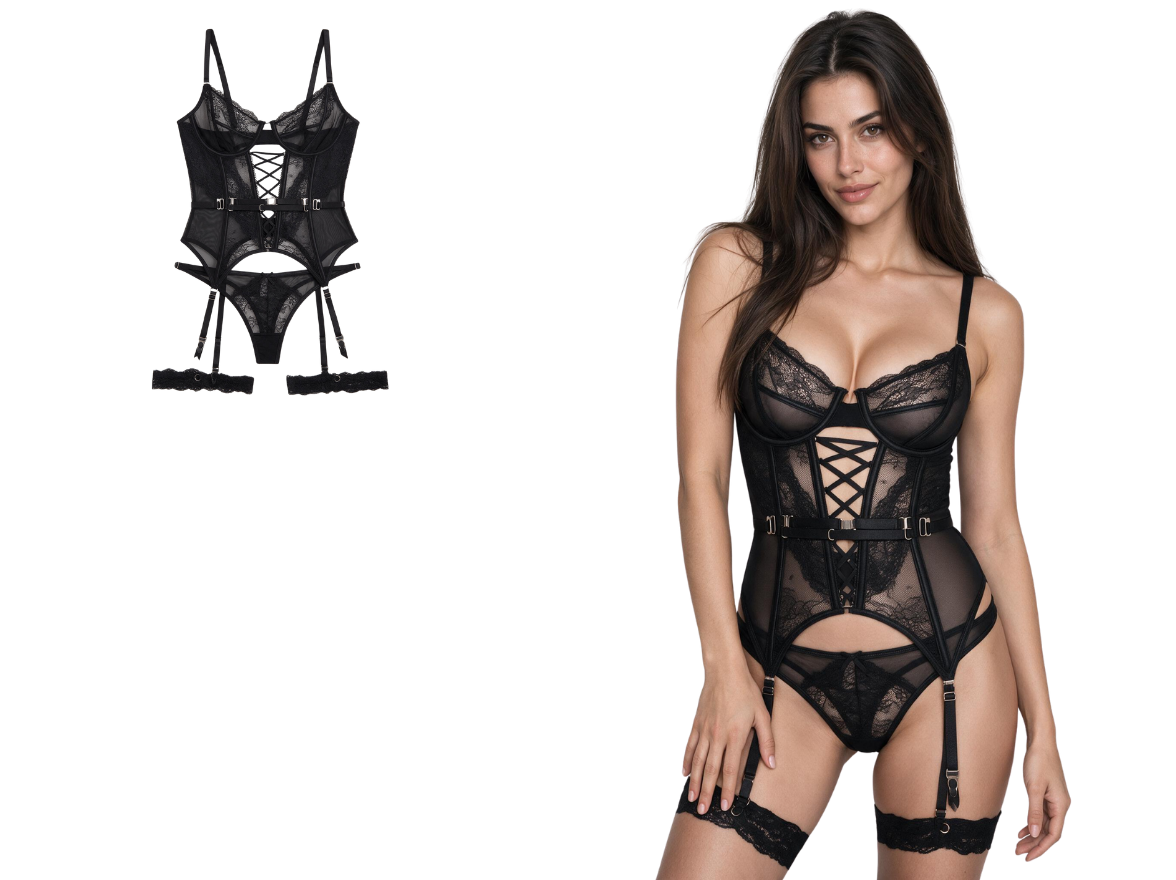
Fashion Diffusion does more than generate virtual try-ons. After creating your on-model lingerie images, continue editing with AI background, AI recolor, and AI upscale to produce complete e-commerce assets from a single workflow. From product listings and social media to seasonal campaigns and digital catalogs, everything can be created without switching between multiple design tools.
Try for freeFrom catalog production to personal preview, here’s how lingerie brands and shoppers use Fashion Diffusion’s AI lingerie try-on tool.
Not every new style justifies a full photoshoot. Upload the product image, pair it with a model photo, and on-model visuals are ready before the launch date — without the cost or lead time of a traditional shoot.
The same product can need a different visual presentation for different markets. Upload the same lingerie image with different model photos — different skin tones, body types, and poses — and generate market-specific visuals without running separate shoots for each region.
Buying lingerie online means committing before you know how it looks on your figure. Upload your own photo and the item you want to try — see how the cut sits and whether the style works for your shape before placing an order.
Upload a product image, switch the model photo or styling direction, and generate new visual variations in minutes — different moods, different models, no additional production time.
Upload a lingerie product image and a model photo. Sign up to get free credits and generate your first on-model lingerie visual at no cost.
AI lingerie try-on is a tool that places a lingerie product image onto a model photo using artificial intelligence, producing a realistic on-model visual that shows how the garment looks when worn. It functions as a virtual underwear try-on for shoppers previewing styles before purchase, and as a professional on-model photo generator for lingerie brands and e-commerce teams who need product photography at scale.
The AI lingerie try-on tool supports bras, briefs, thongs, bodysuits, corsets, sleepwear, and loungewear. Upload a clear product image of the lingerie item, pair it with a model photo, and the AI places the garment accurately on the model with natural positioning and proportions.
Yes. Upload a photo of yourself alongside the lingerie product image, and the AI places the garment on your figure. This lets you preview how a piece looks on your body before placing an order online. Sign up to get free credits and try on lingerie using your own photo at no cost.
Yes. Upload an existing model photo and a new bra or lingerie product image — the AI replaces the garment in the photo with the new piece, preserving the model's pose, lighting, and background. This makes it practical to use as an AI bra changer for updating existing product photos without reshooting, or as a bra photo editor for swapping styles across a catalog.
Yes. Sign up to get free credits and try on lingerie online at no cost. Upload a product image and a model photo, generate a realistic on-model visual, and download the result for free. Paid plans are available for higher-volume generation and commercial catalog use.