Create faster in the app
Create faster in the app

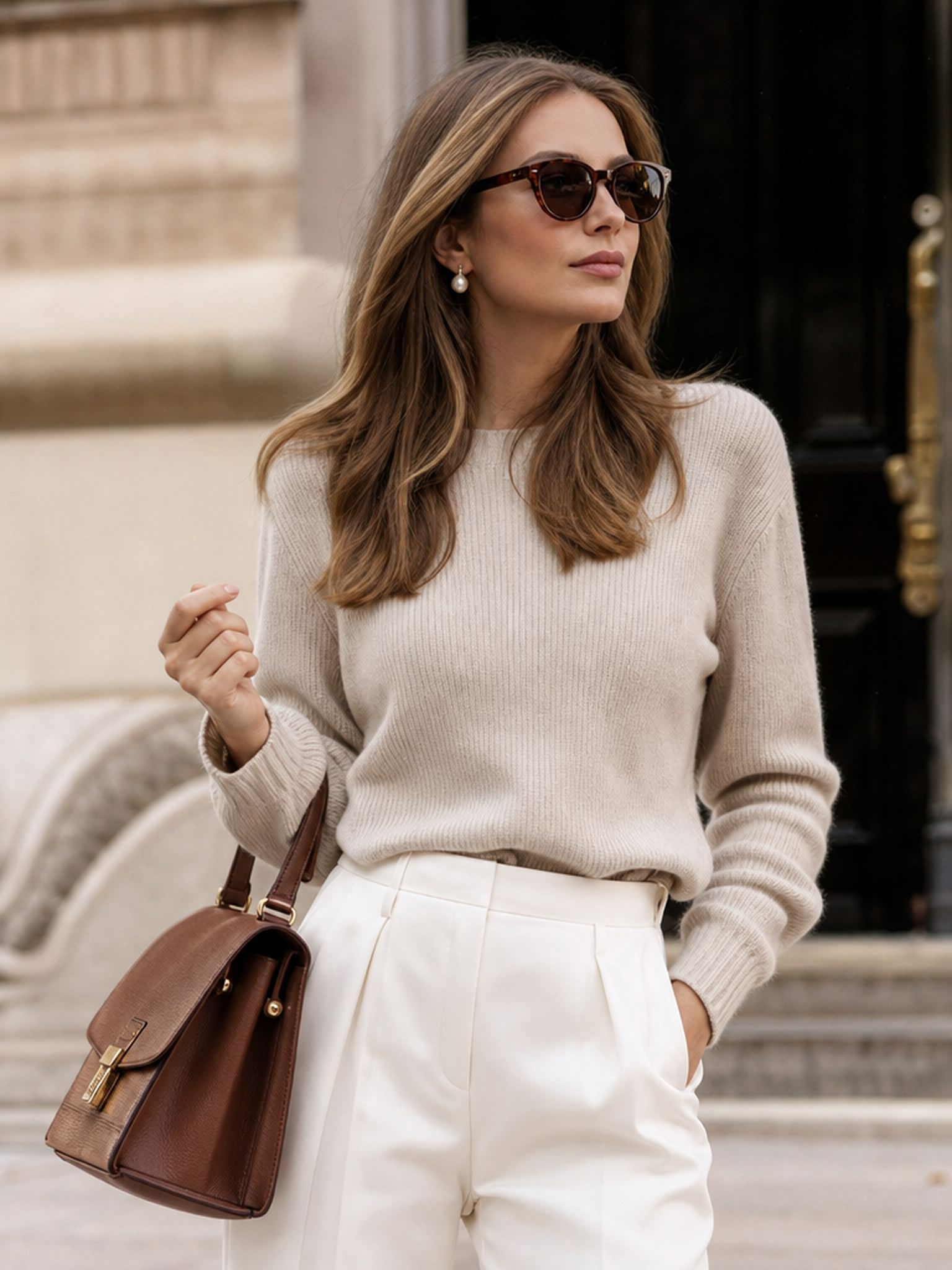
Upload any photo and the AI removes the background instantly — clean edges, accurate subject isolation, transparent PNG or white background output ready to download. No manual selection, no layer masks, no design experience required. Works on product photos, portraits, furniture, electronics, and more.
No editing experience needed — remove any background in under a minute.


What separates Fashion Diffusion's background remover from generic tools comes down to accuracy, automation, versatility, and output flexibility.

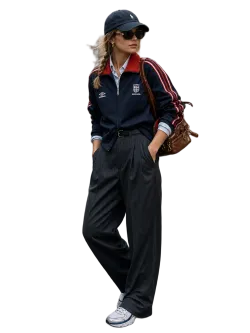
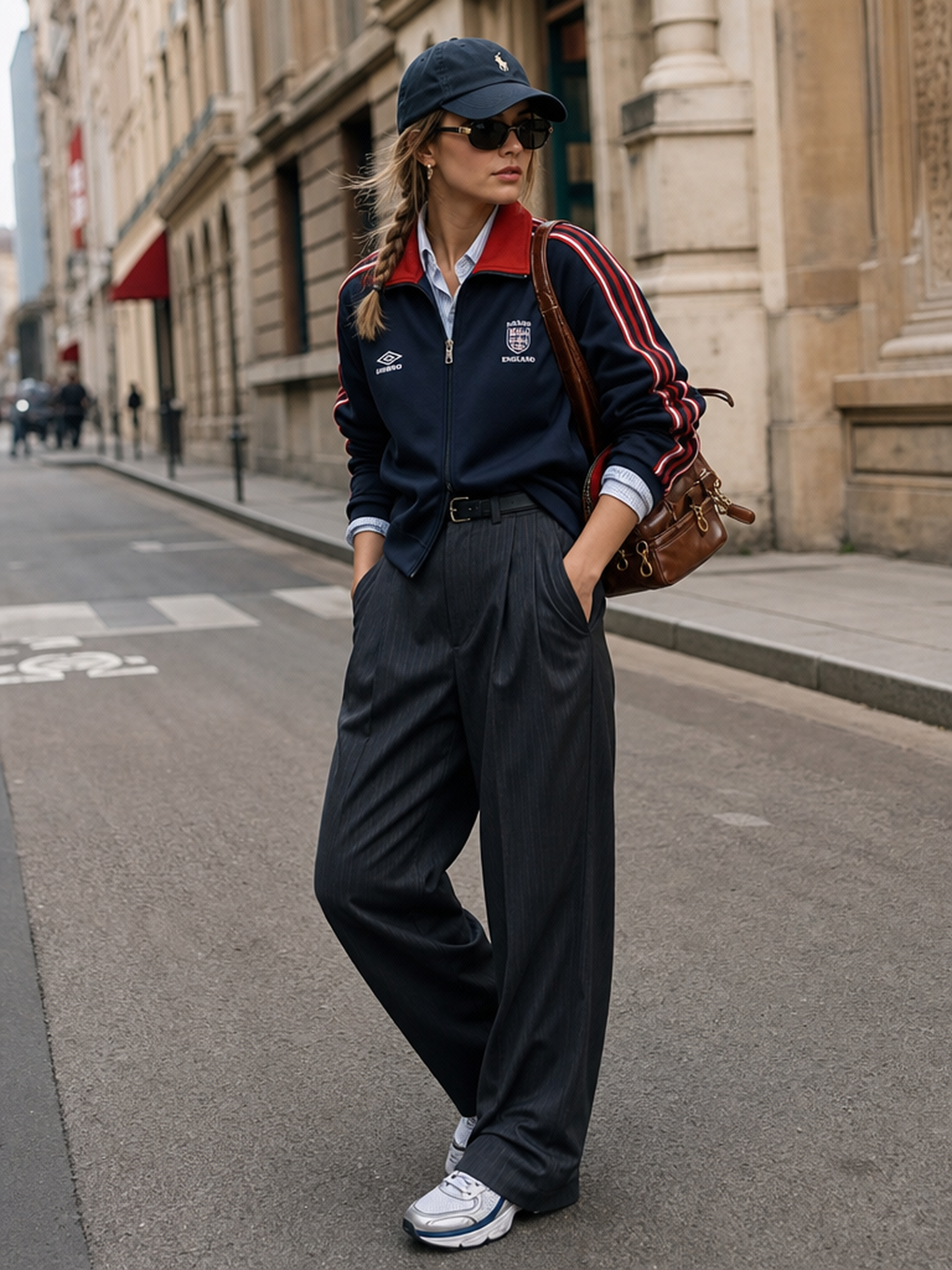
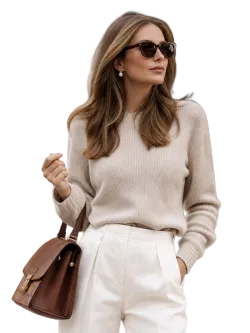
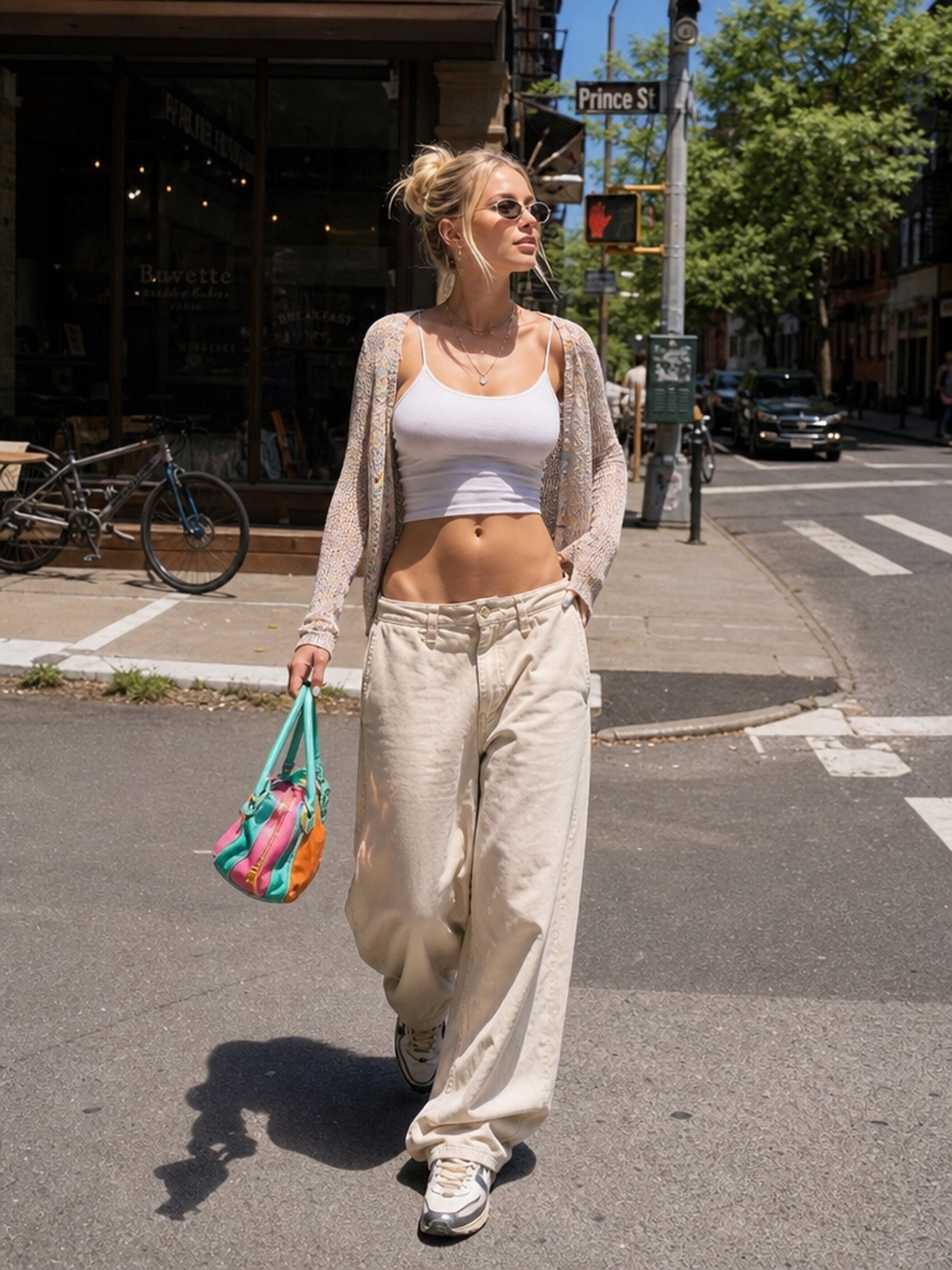
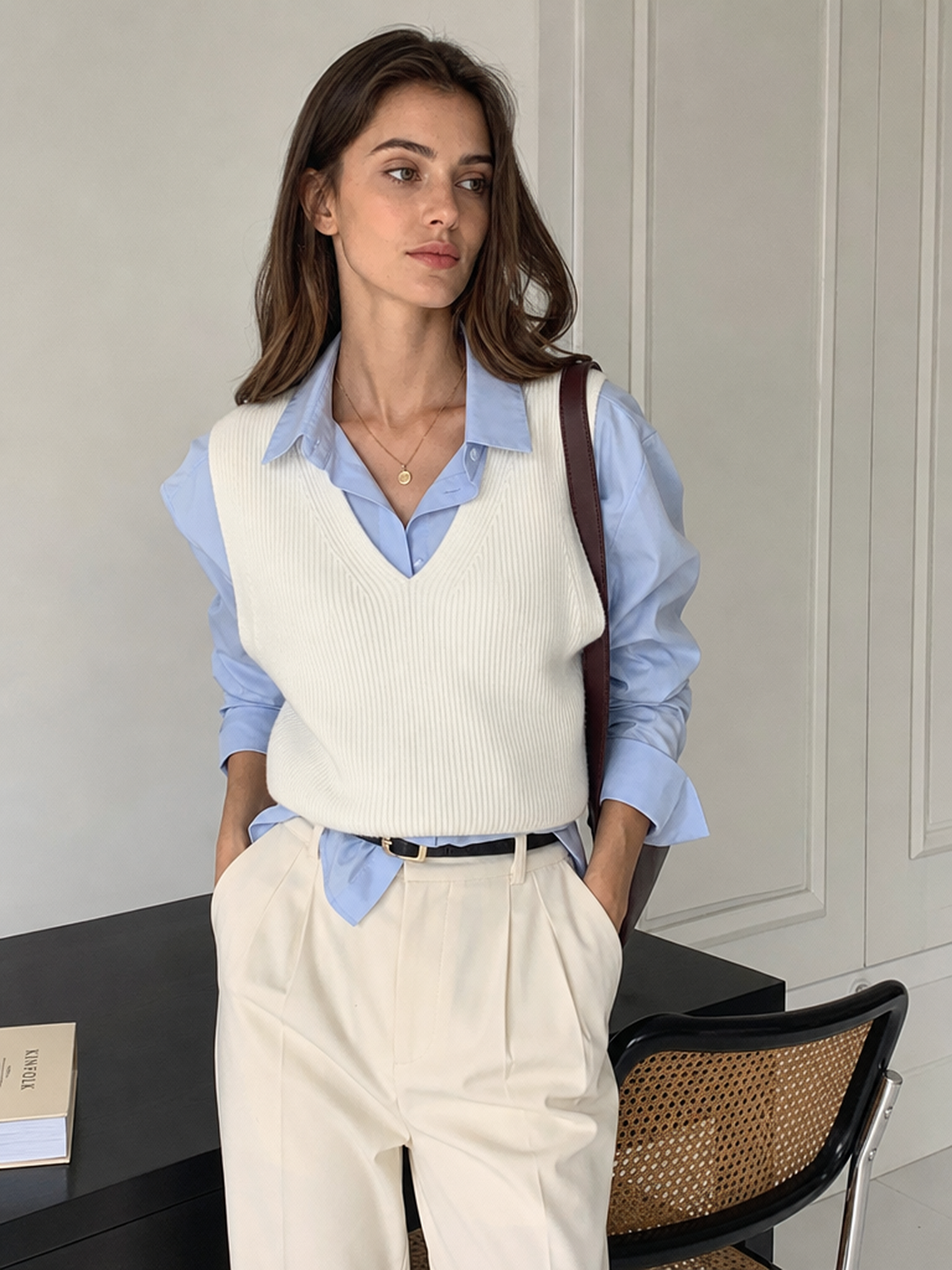
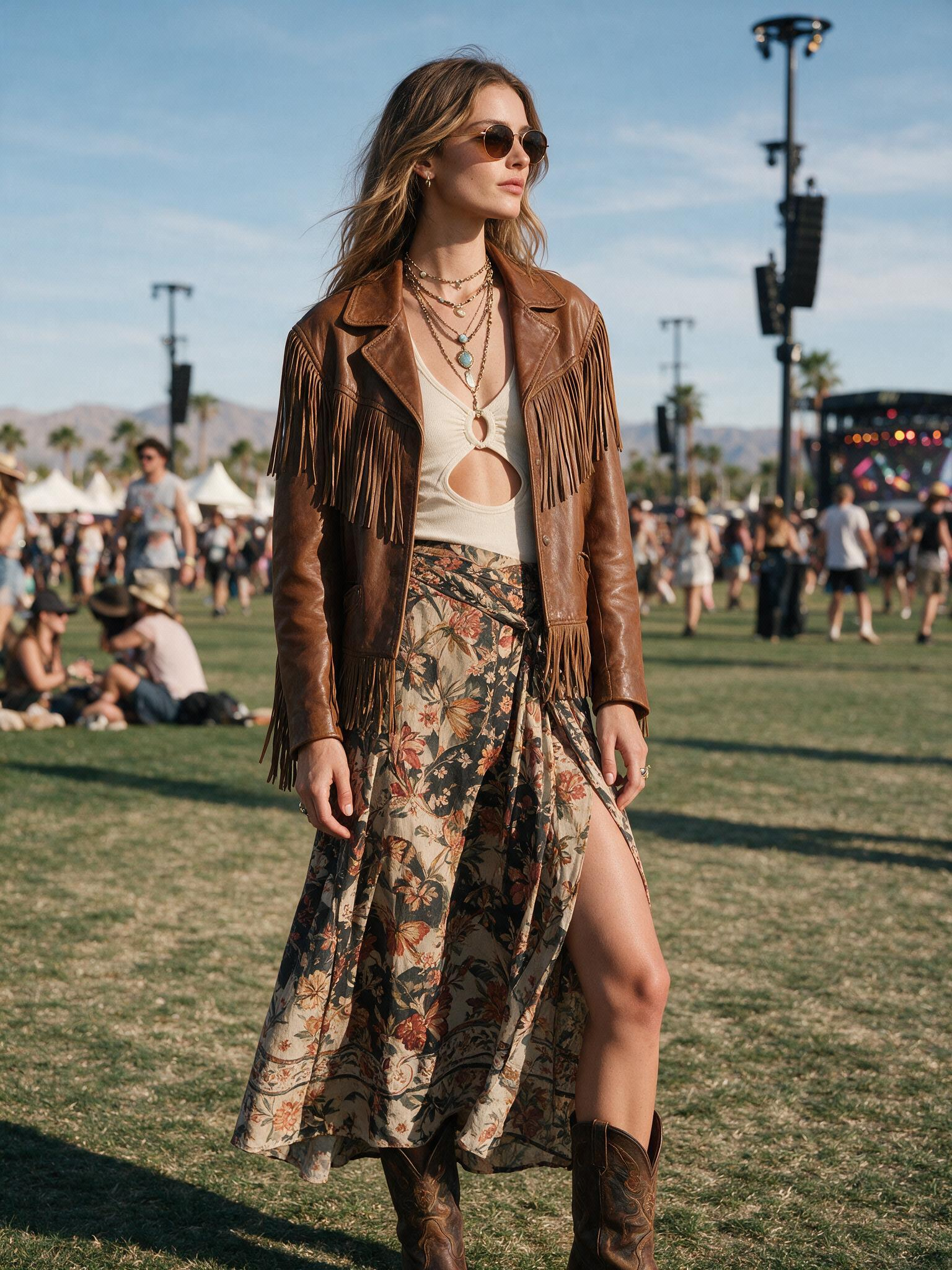
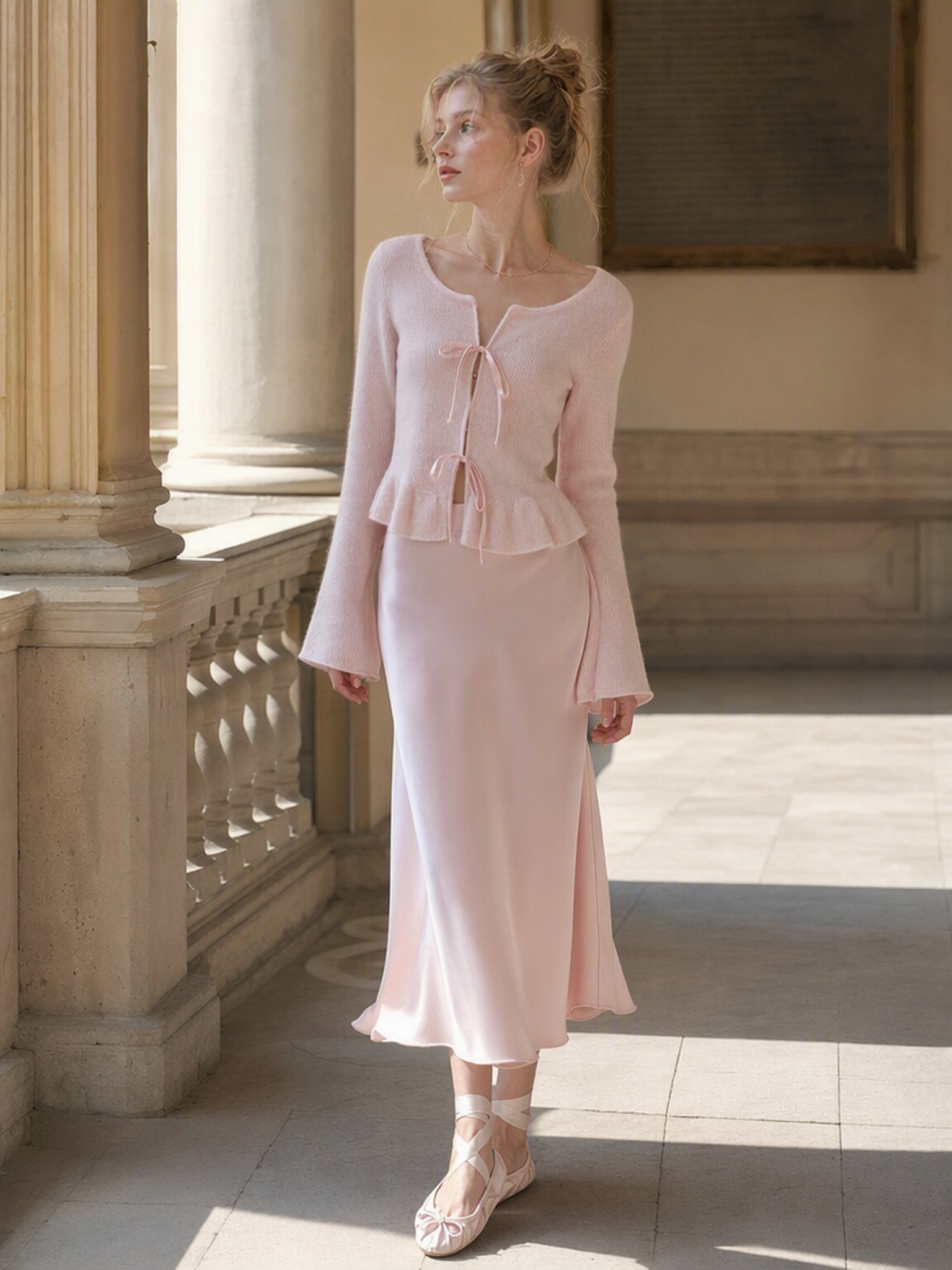
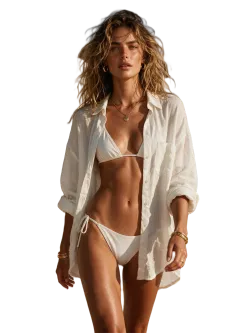
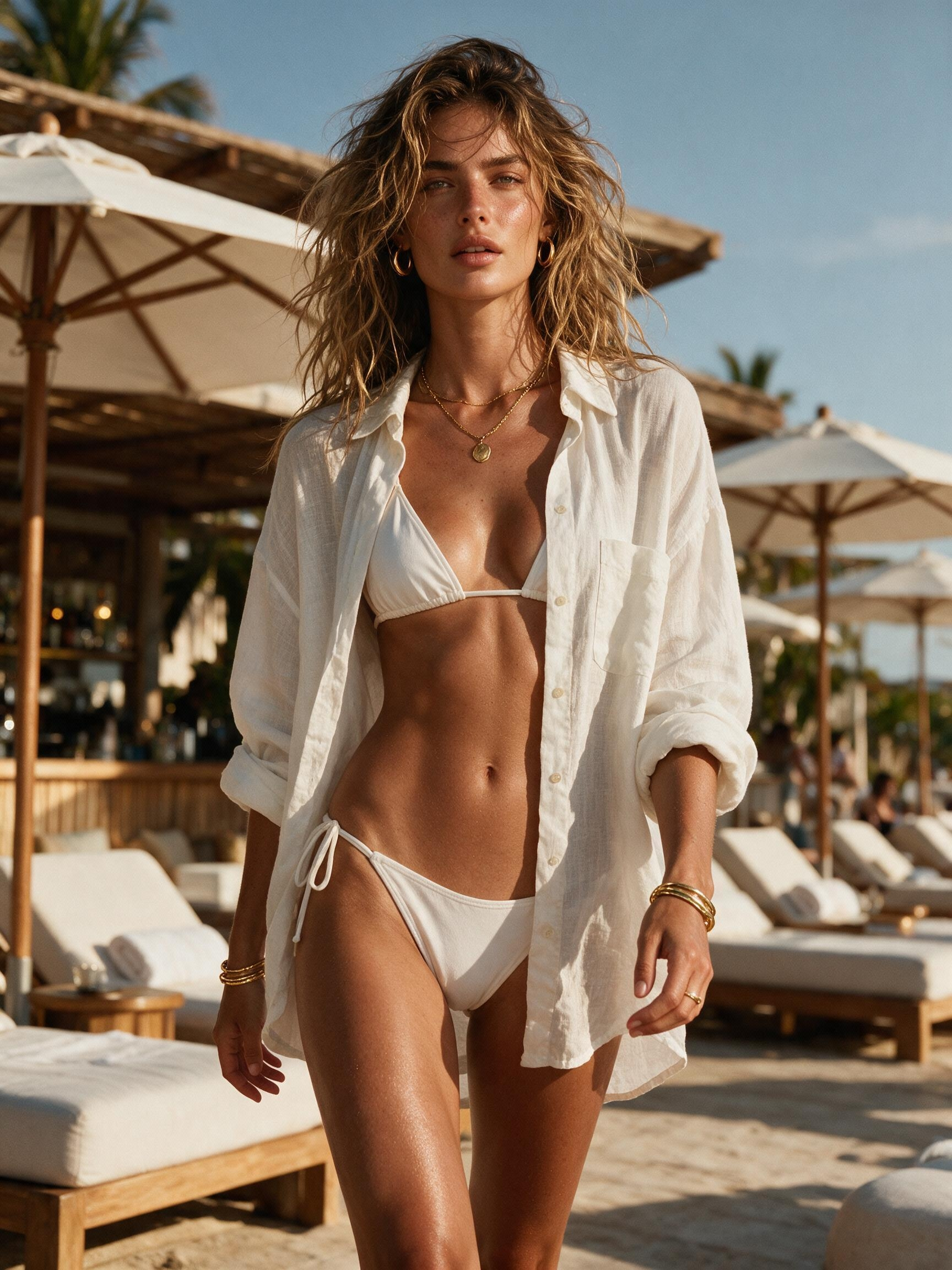
Edge quality is what separates a usable cutout from one that needs hours of cleanup. Fashion Diffusion's AI handles fine hair strands, transparent chiffon, and intricate jewelry edges cleanly at full resolution, without manual correction after download.
Try for free
Upload your image and the AI identifies the subject, traces the edges, and removes the background automatically. No technical skill, no software knowledge, no preparation time. Just upload and download.
Try for free
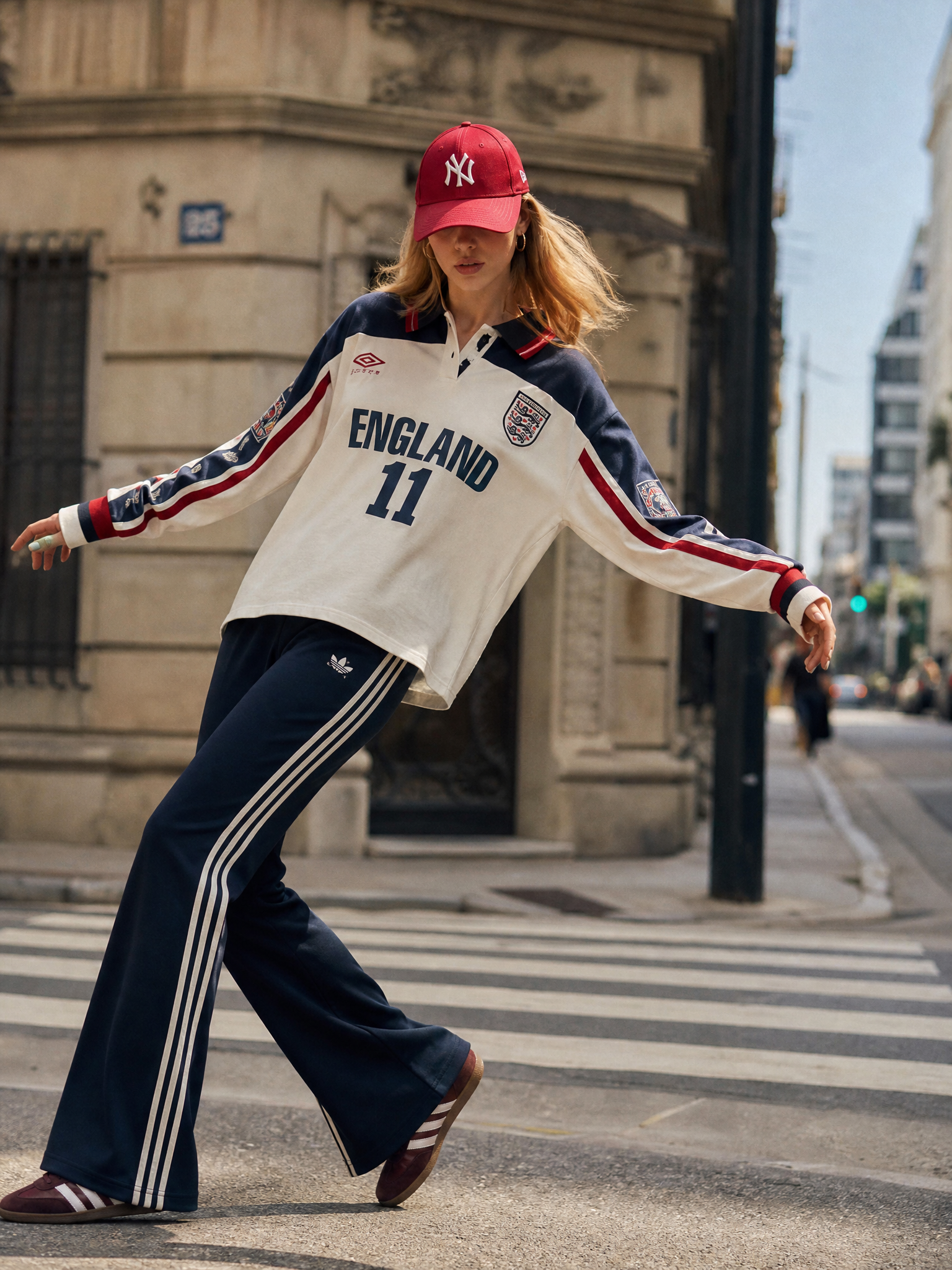
The same tool handles a studio product flat-lay, a model shot with flyaway hair, transparent packaging, and lifestyle fashion photos with equal accuracy. From apparel to food, furniture, electronics, and beyond, if it's in a photo, the AI can remove the background.
Try for free
Download every image as a transparent PNG for design layouts and composites, or as a white background image for Amazon, Shopify, Etsy, and other marketplace uploads. The output is ready for direct use without extra processing.
Try for freeFrom e-commerce catalog preparation to campaign asset creation, the AI background remover fits directly into every visual production workflow.
Remove messy source backgrounds and deliver a production-ready cutout in one click. Maintain consistent visual quality across every SKU without a recurring photography or retouching budget.
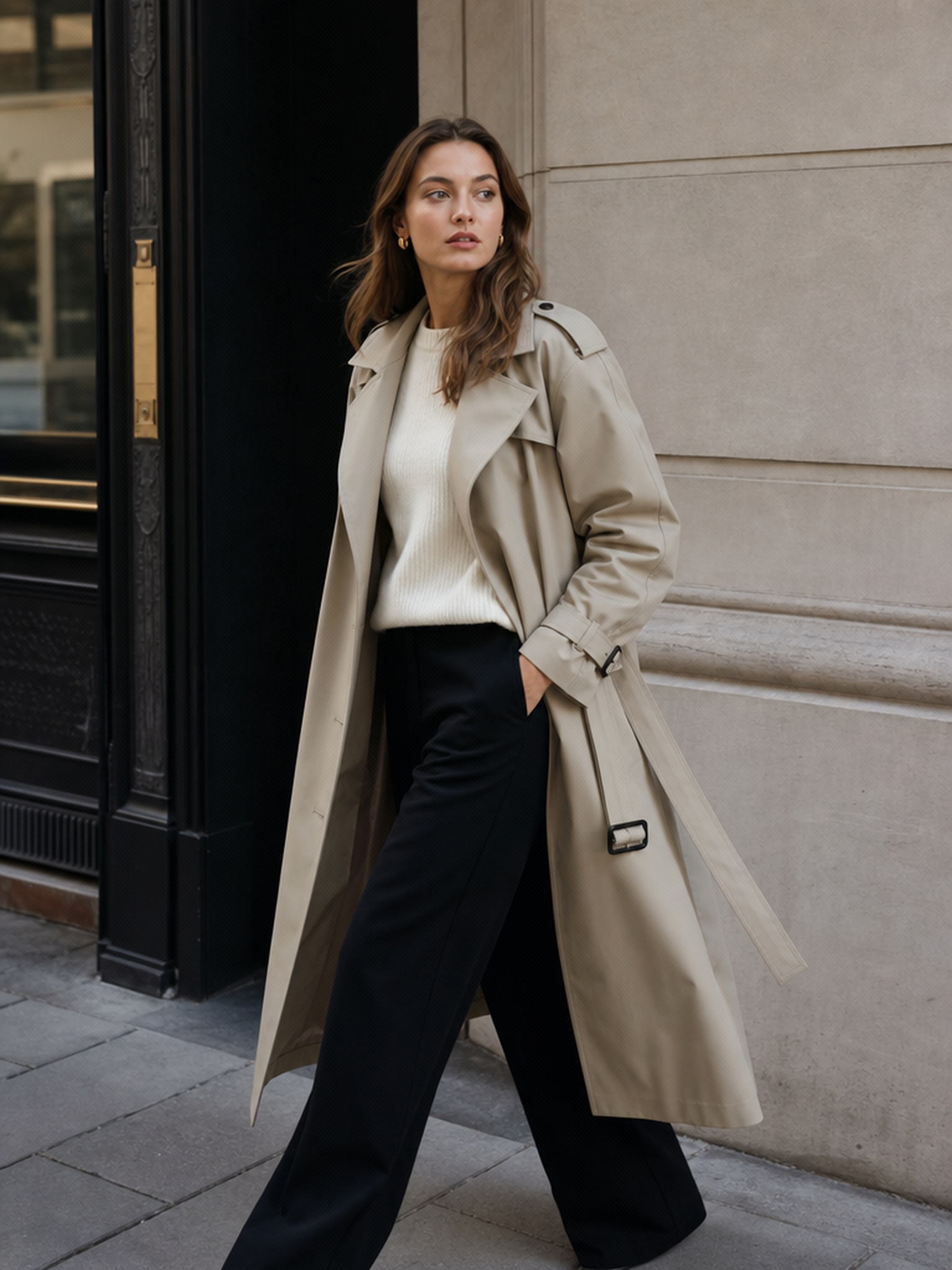
Isolate models cleanly so images can drop straight into campaign layouts or social media templates. What used to require a dedicated retoucher now takes one click.
Produce clean transparent PNG-style assets with accurate edges that hold up at full resolution. Place them into Figma, Canva, Photoshop, layouts, templates, and composites without additional masking.
A clean cutout is what makes a background swap look real. Remove the original background first, then place the subject into a new scene with Change Background or Text to Background.
I process hundreds of product photos every week. The AI background remover handles all of them in seconds — clean edges, consistent results, no manual cleanup. It's become the first step in every product image workflow.

Marcus Chen
E-commerce Seller

Change backgrounds to studio, street, or lifestyle scenes and upgrade your fashion visuals in one click.

Upload an image and edit specific areas to fix details, replace elements, or refine your design seamlessly.

Upload a flat-lay or sketch and see your design on a realistic AI model in seconds.

Turn your best model photo into a full lookbook image set with multiple poses and scenes.

Turn static fashion images into dynamic videos with realistic motion, bringing your designs to life.

Change garment colors instantly and test multiple palettes without creating new samples.
The specific limit depends on your subscription plan. Free users may have a daily processing quota, while premium plans typically offer unlimited or higher-volume processing to support large-scale e-commerce or design projects.
Yes. After removing the background, you can either download the transparent layer for further editing or directly apply a custom solid-color background (e.g., white, black, or brand-specific colors) to meet different display needs.
Upload your fashion photos to an AI-powered platform to remove backgrounds instantly. This allows designers and brands to create professional images without manual editing.
AI-powered tools are the best alternative to Photoshop. They automatically remove backgrounds with one click, requiring no advanced editing skills.
Create Like This. Feed any reference — get back images and videos that match the vibe, instantly.