Fashion Diffusion - AI Virtual Try-On and Fashion Design Tool
Feature
Design
AI Outfit GeneratorAI Text to SketchAI Sketch to RenderRecolorSeamless PatternStyle InnovationAI Image to SketchApply Fabric
AI InpaintingAI Hairstyle ChangerPattern Extractor
Photoshoot
Virtual Try-OnMix & MatchAI LookbookPlus-Size PreviewFlat Lay GeneratorProduct Detail ShotsChange BackgroundText to BackgroundRemove BackgroundUpscale
Models
AI Model GeneratorSwap Face
Video
AI Fashion Video
Resources
APIPricing
Playground
Playground
Sign In

Design

AI Outfit GeneratorAI Text to SketchAI Sketch to RenderRecolorSeamless PatternStyle InnovationAI Image to SketchApply FabricAI InpaintingAI Hairstyle ChangerPattern Extractor

Photoshoot

Virtual Try-OnMix & MatchAI LookbookPlus-Size PreviewFlat Lay GeneratorProduct Detail ShotsChange BackgroundText to BackgroundRemove BackgroundUpscale

Models

AI Model GeneratorSwap Face

Video

AI Fashion Video
AI Clothes ChangerAI Hairstyle ChangerAI Xray ClothesAI Pose ChangerAI Hot Girl GeneratorAI Virtual Try-On ShoesAI Virtual Try-On JewelryAI Virtual Wedding Dress Try-OnAI Fat GeneratorAI Pet Portrait GeneratorAI Pet Clothes ChangerAI Pet Video Generator
BlogAbout UsPrivacy PolicyTerms of Service

Contact Us

support@fashiondiffusion.ai

Follow Us On

TikTokInstagramYouTubeXPinterestLinkedInFacebook

Explore our apps

App StoreGoogle Play
© 2025 Copyright All rights reserved.
AI Recolor hero

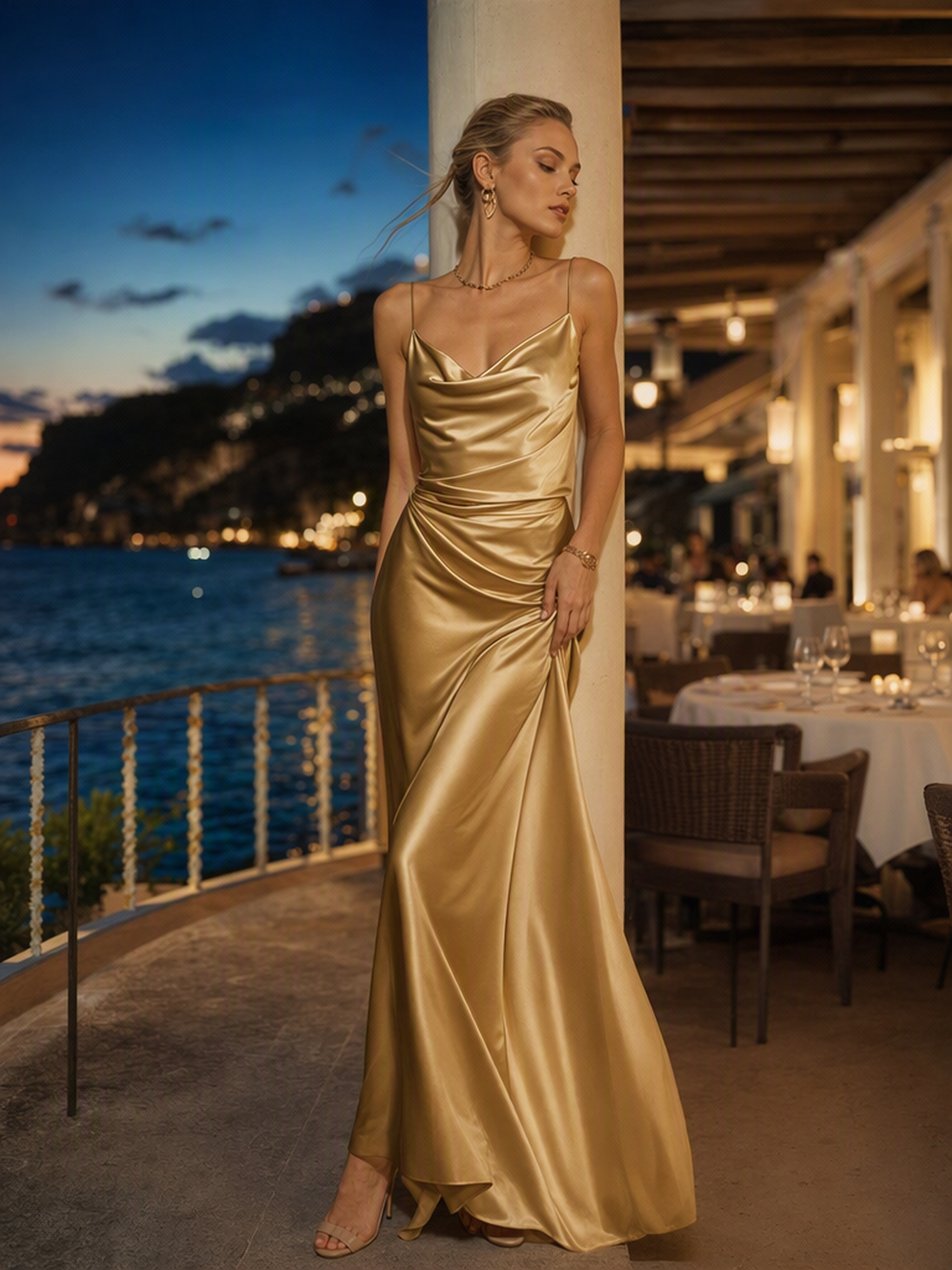
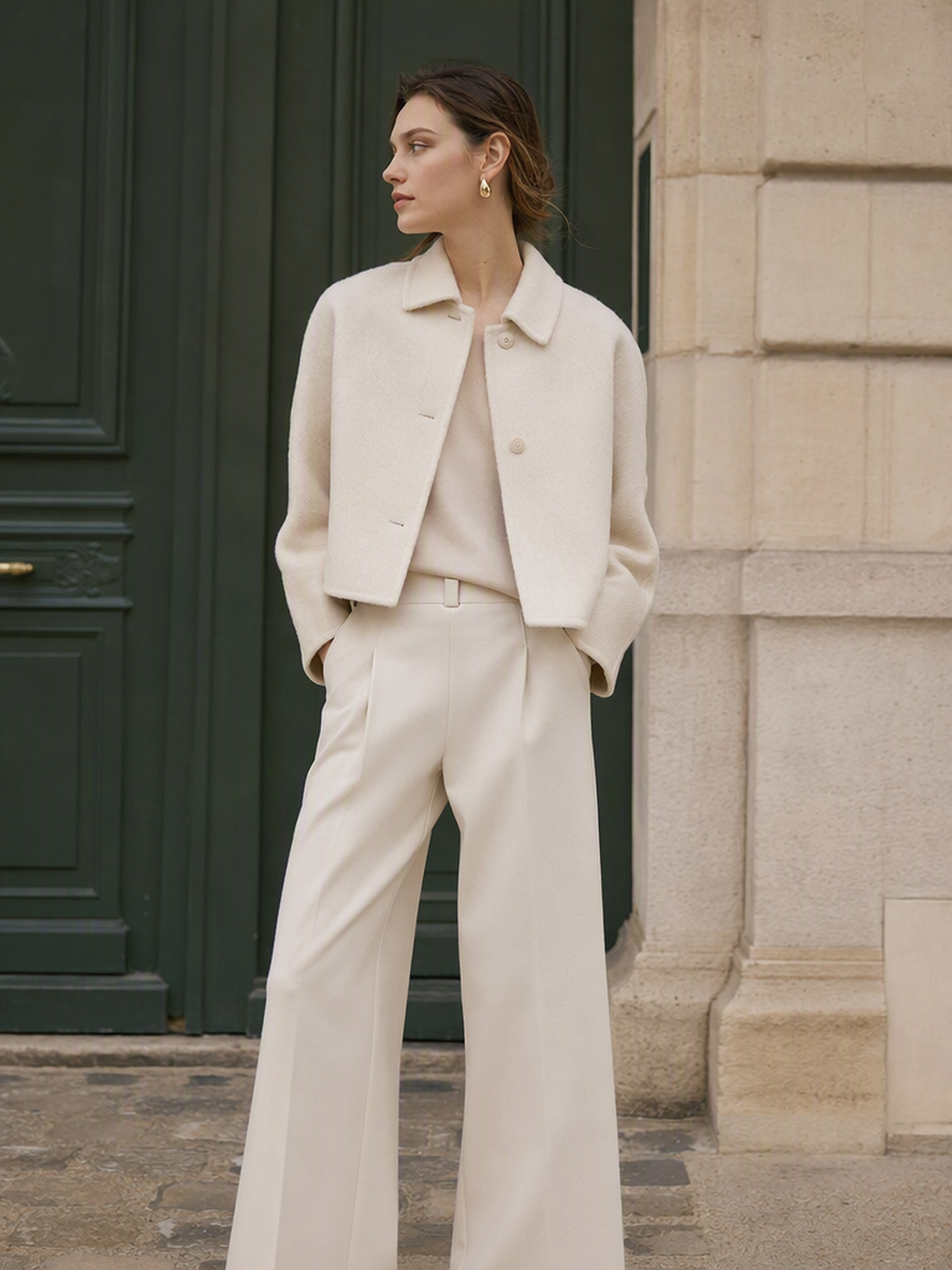
AI Recolor Change Clothes Color in Any Photo

Upload any clothing photo, pick a new color, and the AI recolor tool changes clothes color instantly — preserving fabric texture, material detail, and image quality throughout. No Photoshop, no manual editing, no design experience needed.

Try for free

How to Change Clothes Color in 3 Simple Steps

No design experience needed — upload a clothing photo, pick a color, and the AI recolor online free tool does the rest in under a minute.

Upload any clothing photo — a flat-lay, on-model product shot, or fashion lifestyle image. The AI accepts standard image formats and works with both studio and lifestyle photos.

Upload Your ImageChoose Your Target ColorGenerate Your Recolored Image

AI Recolor Tool — Built for Fashion Brands and Designers

Whether you need to change clothes color for a new season, generate colorways for a product launch, or test design options before production, the AI recolor image tool delivers accurate results every time.

Generate Clothing Color Variations Without Reshooting

Generate Clothing Color Variations Without Reshooting

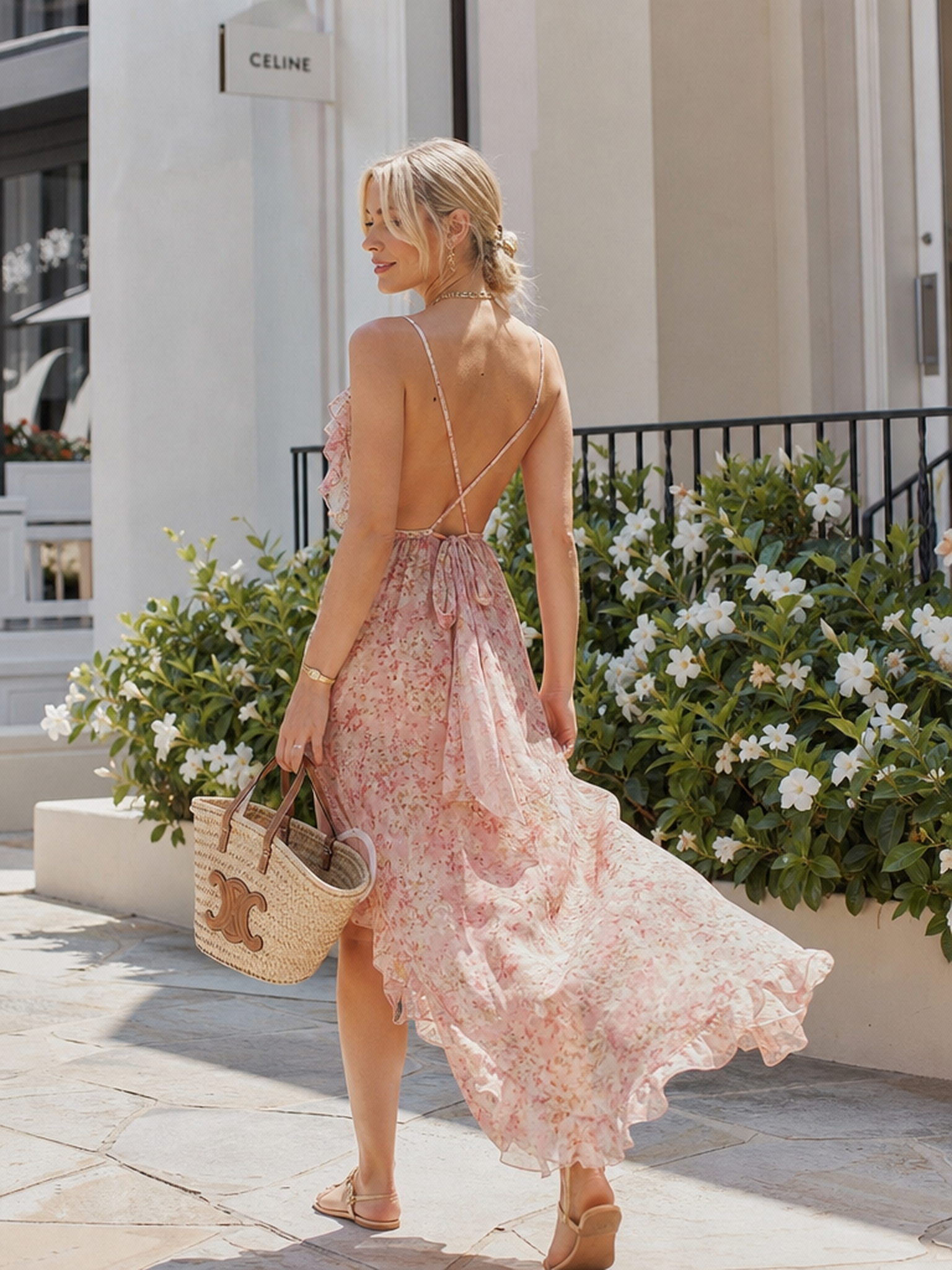
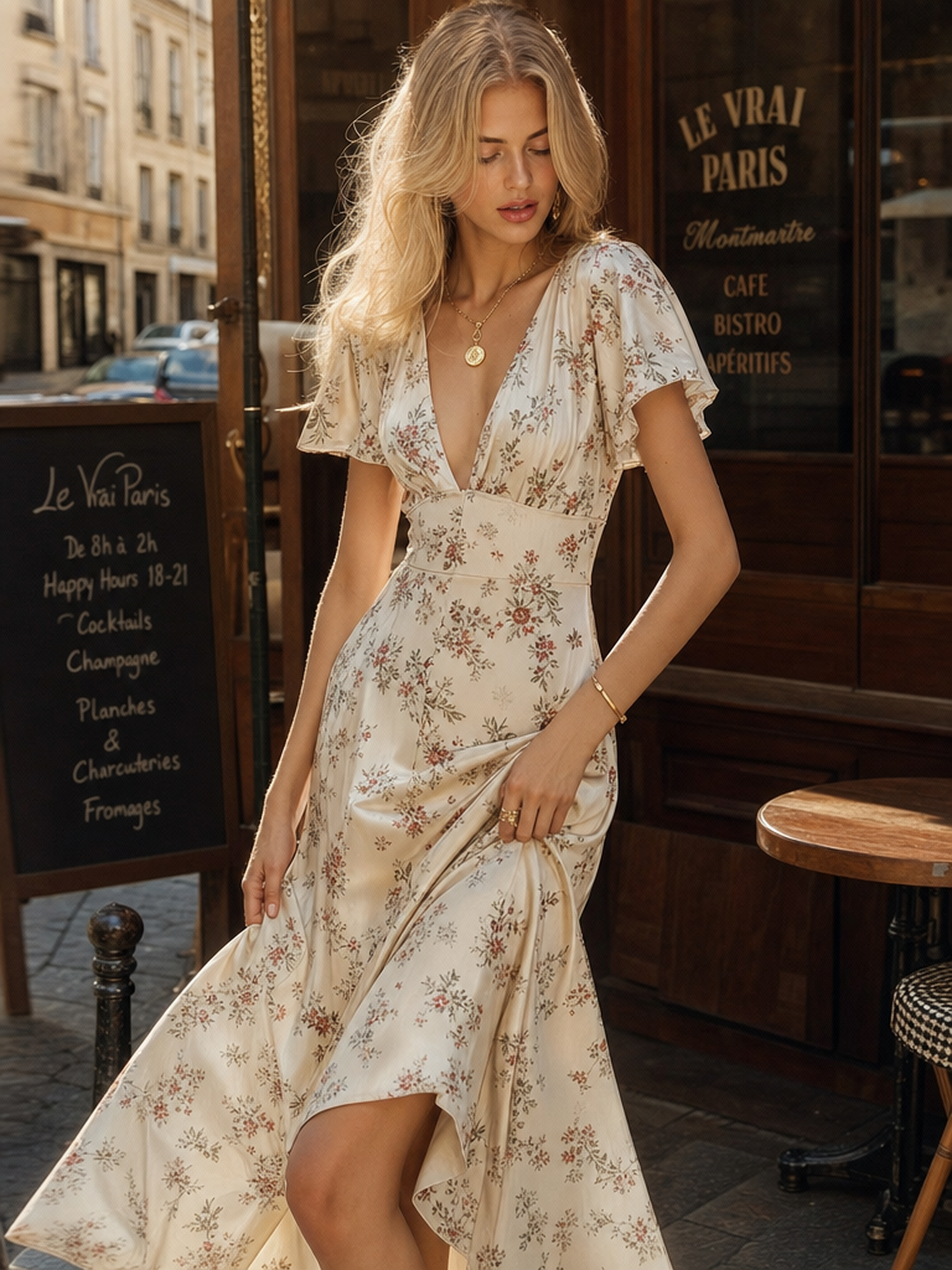
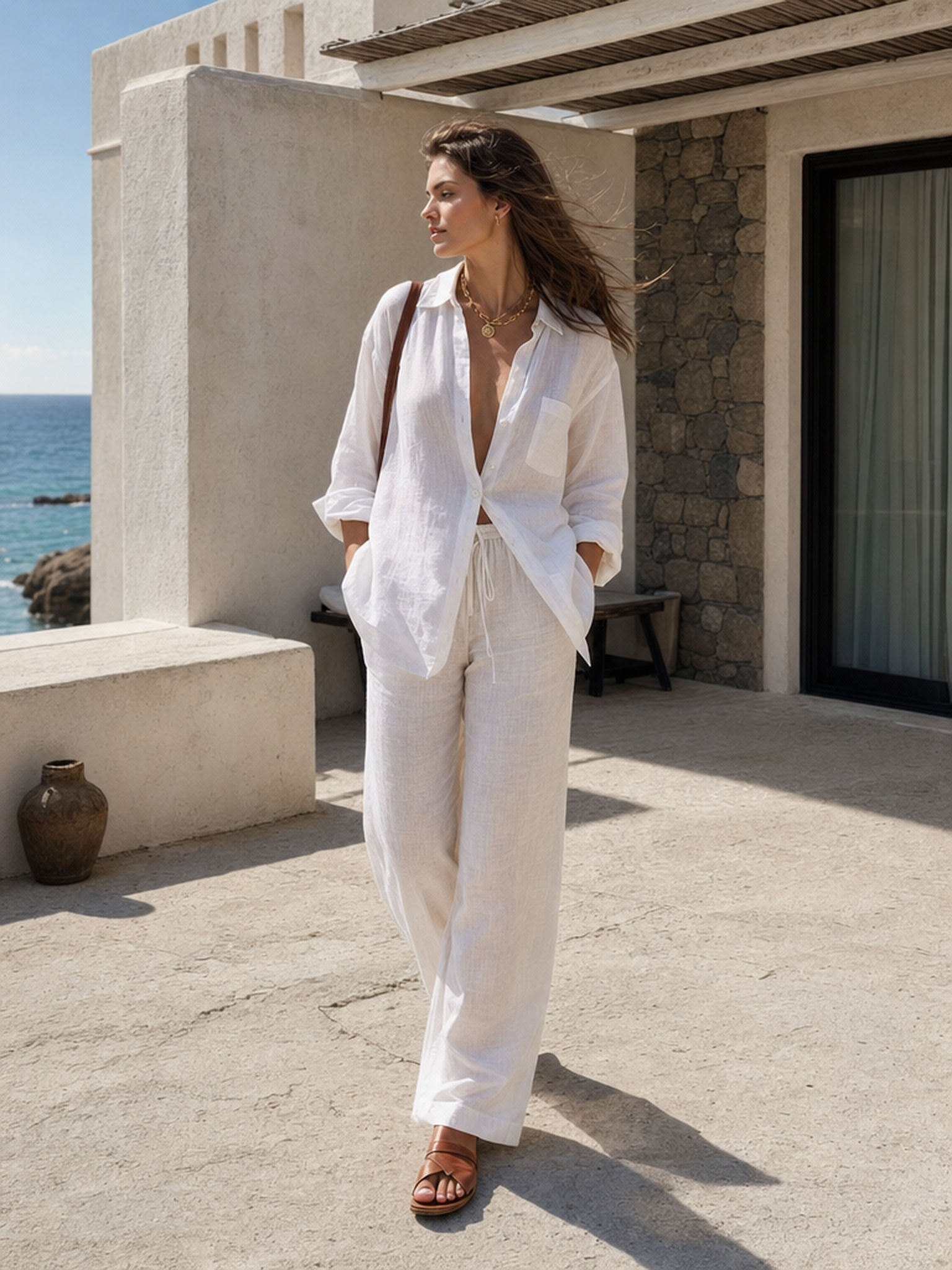
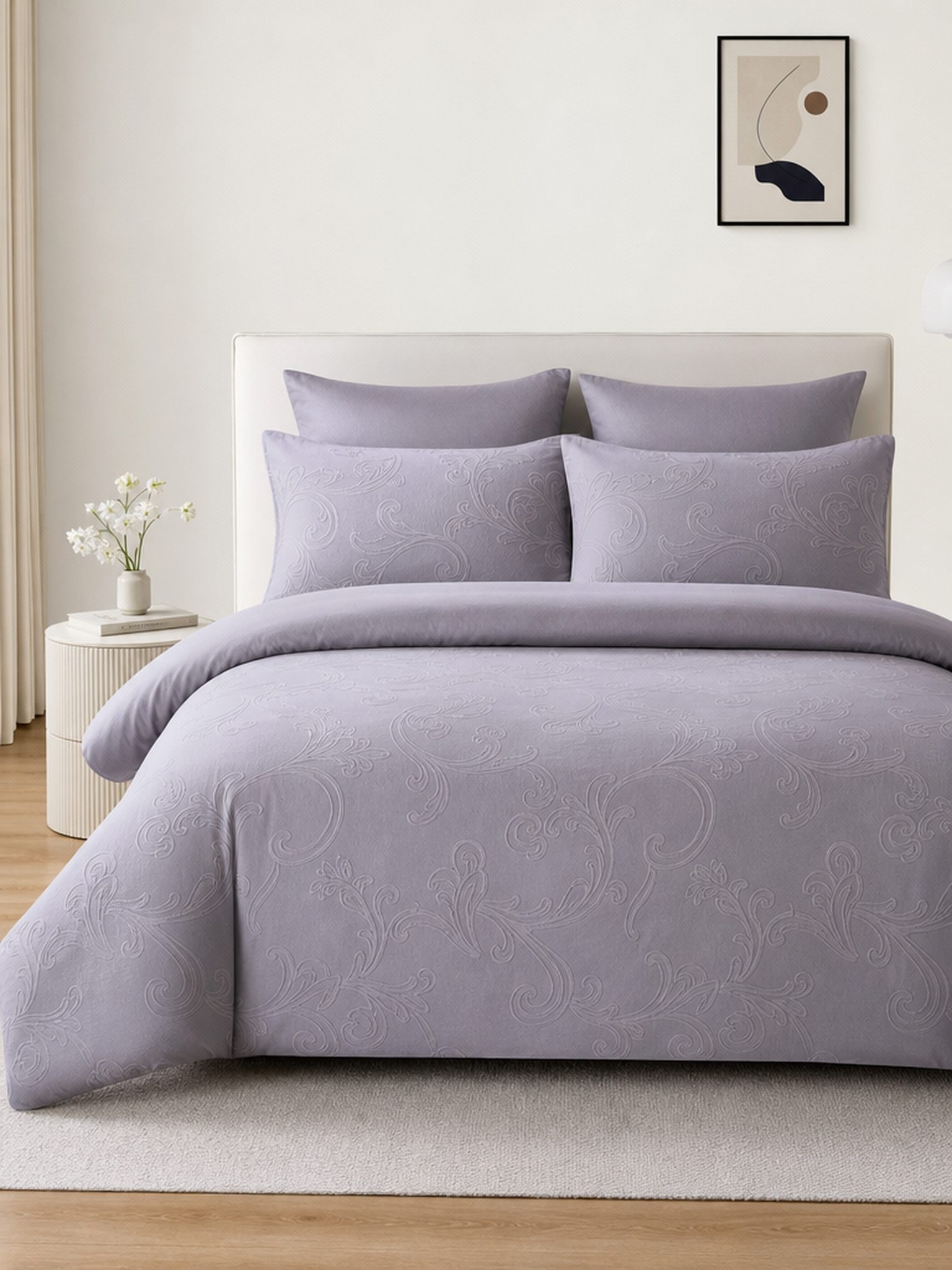
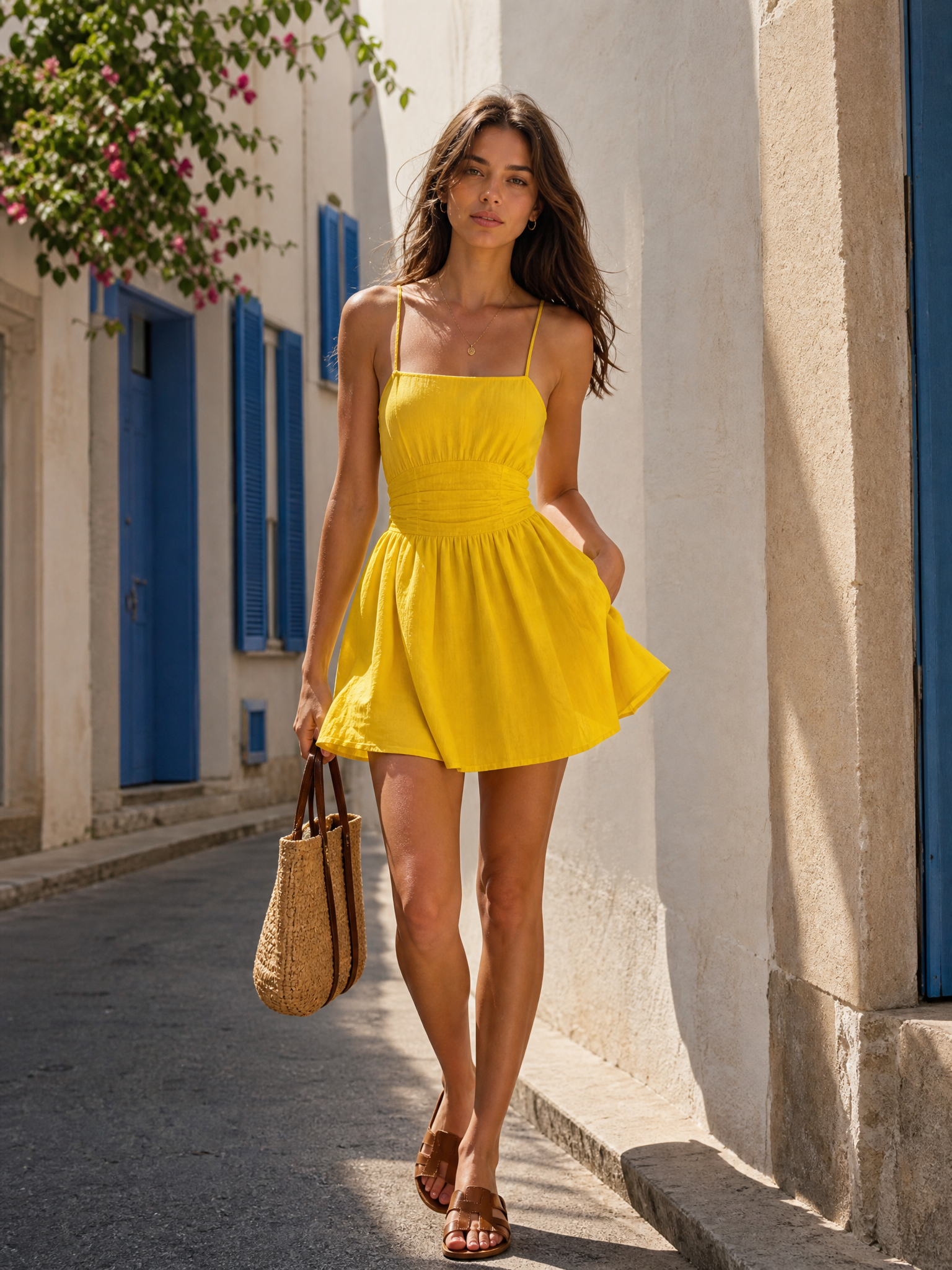
Shooting every colorway of a product is expensive and slow. The AI recolor image online tool generates multiple color variations from a single product photo — same garment, same model, different colors. List every colorway on your product page without booking a single additional shoot.

Try for free
Change Clothing Color for Seasonal Campaigns and Marketing

Change Clothing Color for Seasonal Campaigns and Marketing

A campaign shot in one colorway can be adapted to any other in seconds. The AI recolor changer online updates clothing colors and accent details to match seasonal themes, regional preferences, or promotional requirements — without reshooting or rebuilding the asset from scratch. One campaign, multiple markets.

Try for free
Generate Clothing Colorways Before Sampling or Production

Generate Clothing Colorways Before Sampling or Production

Committing to a colorway before production is a costly decision. The AI recolor image tool lets designers and product teams test any color combination on an existing garment photo — before samples are made, before fabric is ordered, before anything is printed. See exactly how a design looks in every color and make better production decisions faster.

Try for free
Recolor Clothing for Social Media and Content Marketing

Recolor Clothing for Social Media and Content Marketing

Fresh colorways perform better on social media than repeat product shots. The AI recolor image online tool lets you generate new clothing color variations from existing product photos — ready to post on Instagram, TikTok, or Pinterest without an additional shoot. Test what resonates with your audience before committing to production, and keep your content feed active without increasing your photography budget.

Try for free

Why Fashion Brands Trust Our AI Recolor Tool

Real results from e-commerce sellers, designers, and marketing teams worldwide.

A client's dress had faded in the sun before the shoot. I used the AI recolor tool to restore it to the original turquoise during editing — the fabric texture stayed completely intact. Saved the entire shoot.

Miguel Costa, Resort Photographer

Miguel Costa

Resort Photographer

I adapt abaya collections for different seasons in-house now. Ramadan greens, Eid pastels — the AI handles layered hemlines and detailed cuts accurately every time. No more outsourcing color edits.

Yasmin Khalid, Fashion Designer

Yasmin Khalid

Fashion Designer

We generated eight color variations for our hoodies overnight — burgundy, olive, navy, all of them — without producing a single physical sample. It completely changed how we approach new colorway launches.

Emma Richardson, E-commerce Manager

Emma Richardson

E-commerce Manager

A client's dress had faded in the sun before the shoot. I used the AI recolor tool to restore it to the original turquoise during editing — the fabric texture stayed completely intact. Saved the entire shoot.

Miguel Costa, Resort Photographer

Miguel Costa

Resort Photographer

I adapt abaya collections for different seasons in-house now. Ramadan greens, Eid pastels — the AI handles layered hemlines and detailed cuts accurately every time. No more outsourcing color edits.

Yasmin Khalid, Fashion Designer

Yasmin Khalid

Fashion Designer

We generated eight color variations for our hoodies overnight — burgundy, olive, navy, all of them — without producing a single physical sample. It completely changed how we approach new colorway launches.

Emma Richardson, E-commerce Manager

Emma Richardson

E-commerce Manager

I dropped in a photo of last season's dress and got five new colorways in under a minute. Posted them the same day and the response was strong enough to move forward with production. Much faster than my usual process.

Sofia Rossi, Small Brand Owner

Sofia Rossi

Small Brand Owner

Testing colorways on physical samples was costing us weeks and thousands per season. The AI recolor tool cut that process down to hours — we make better decisions faster and produce less waste.

James Liu, Product Designer

James Liu

Product Designer

I use it to test color options on print designs before finalizing. Seeing how a colorway looks on an actual garment photo — not just a flat mockup — makes the decision so much clearer.

Daniel Foster, Graphic Designer

Daniel Foster

Graphic Designer

I dropped in a photo of last season's dress and got five new colorways in under a minute. Posted them the same day and the response was strong enough to move forward with production. Much faster than my usual process.

Sofia Rossi, Small Brand Owner

Sofia Rossi

Small Brand Owner

Testing colorways on physical samples was costing us weeks and thousands per season. The AI recolor tool cut that process down to hours — we make better decisions faster and produce less waste.

James Liu, Product Designer

James Liu

Product Designer

I use it to test color options on print designs before finalizing. Seeing how a colorway looks on an actual garment photo — not just a flat mockup — makes the decision so much clearer.

Daniel Foster, Graphic Designer

Daniel Foster

Graphic Designer

A client's dress had faded in the sun before the shoot. I used the AI recolor tool to restore it to the original turquoise during editing — the fabric texture stayed completely intact. Saved the entire shoot.

Miguel Costa, Resort Photographer

Miguel Costa

Resort Photographer

I adapt abaya collections for different seasons in-house now. Ramadan greens, Eid pastels — the AI handles layered hemlines and detailed cuts accurately every time. No more outsourcing color edits.

Yasmin Khalid, Fashion Designer

Yasmin Khalid

Fashion Designer

We generated eight color variations for our hoodies overnight — burgundy, olive, navy, all of them — without producing a single physical sample. It completely changed how we approach new colorway launches.

Emma Richardson, E-commerce Manager

Emma Richardson

E-commerce Manager

We adapted our winter campaign from icy blues to Valentine's pinks in 15 minutes. No reshoots, no rebuilding assets — just a color change and it was done.

Thomas Vogel, Marketing Director

Thomas Vogel

Marketing Director

I test graphic colorways on hoodies before printing anything. When one design hit strong engagement on social, I pushed it to production immediately — zero dead stock, zero wasted inventory.

Rafael Torres, Streetwear Brand Owner

Rafael Torres

Streetwear Brand Owner

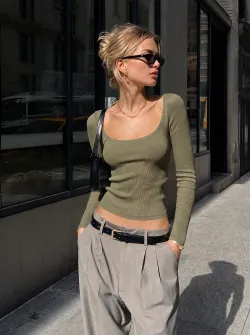
Clients want options instantly. I can swap a jacket from olive to cherry red in a few clicks — it keeps campaign direction moving without slowing down for reshoots.

Chloe Dubois, Fashion Stylist

Chloe Dubois

Fashion Stylist

A client's dress had faded in the sun before the shoot. I used the AI recolor tool to restore it to the original turquoise during editing — the fabric texture stayed completely intact. Saved the entire shoot.

Miguel Costa, Resort Photographer

Miguel Costa

Resort Photographer

I adapt abaya collections for different seasons in-house now. Ramadan greens, Eid pastels — the AI handles layered hemlines and detailed cuts accurately every time. No more outsourcing color edits.

Yasmin Khalid, Fashion Designer

Yasmin Khalid

Fashion Designer

We generated eight color variations for our hoodies overnight — burgundy, olive, navy, all of them — without producing a single physical sample. It completely changed how we approach new colorway launches.

Emma Richardson, E-commerce Manager

Emma Richardson

E-commerce Manager

We adapted our winter campaign from icy blues to Valentine's pinks in 15 minutes. No reshoots, no rebuilding assets — just a color change and it was done.

Thomas Vogel, Marketing Director

Thomas Vogel

Marketing Director

I test graphic colorways on hoodies before printing anything. When one design hit strong engagement on social, I pushed it to production immediately — zero dead stock, zero wasted inventory.

Rafael Torres, Streetwear Brand Owner

Rafael Torres

Streetwear Brand Owner

Clients want options instantly. I can swap a jacket from olive to cherry red in a few clicks — it keeps campaign direction moving without slowing down for reshoots.

Chloe Dubois, Fashion Stylist

Chloe Dubois

Fashion Stylist

I dropped in a photo of last season's dress and got five new colorways in under a minute. Posted them the same day and the response was strong enough to move forward with production. Much faster than my usual process.

Sofia Rossi, Small Brand Owner

Sofia Rossi

Small Brand Owner

Testing colorways on physical samples was costing us weeks and thousands per season. The AI recolor tool cut that process down to hours — we make better decisions faster and produce less waste.

James Liu, Product Designer

James Liu

Product Designer

I use it to test color options on print designs before finalizing. Seeing how a colorway looks on an actual garment photo — not just a flat mockup — makes the decision so much clearer.

Daniel Foster, Graphic Designer

Daniel Foster

Graphic Designer

We manage a large catalog and updating colorways used to mean reshooting every SKU. The AI recolor tool lets us generate new clothing color variations from existing product photos — it's cut our content production time significantly.

Isabella Wong, Fashion Brand Manager

Isabella Wong

Fashion Brand Manager

We listed every colorway of our new collection without a single additional photoshoot. The AI recolor image tool made it possible — and the color accuracy on-screen matched production closely enough to use directly.

Ryan Cooper, Clothing Brand Owner

Ryan Cooper

Clothing Brand Owner

Planning seasonal floor sets is easier when I can preview how a garment looks in different colors before stock arrives. The AI recolor tool gives me that visibility — quickly and accurately.

Grace Thompson, Visual Merchandiser

Grace Thompson

Visual Merchandiser

I dropped in a photo of last season's dress and got five new colorways in under a minute. Posted them the same day and the response was strong enough to move forward with production. Much faster than my usual process.

Sofia Rossi, Small Brand Owner

Sofia Rossi

Small Brand Owner

Testing colorways on physical samples was costing us weeks and thousands per season. The AI recolor tool cut that process down to hours — we make better decisions faster and produce less waste.

James Liu, Product Designer

James Liu

Product Designer

I use it to test color options on print designs before finalizing. Seeing how a colorway looks on an actual garment photo — not just a flat mockup — makes the decision so much clearer.

Daniel Foster, Graphic Designer

Daniel Foster

Graphic Designer

We manage a large catalog and updating colorways used to mean reshooting every SKU. The AI recolor tool lets us generate new clothing color variations from existing product photos — it's cut our content production time significantly.

Isabella Wong, Fashion Brand Manager

Isabella Wong

Fashion Brand Manager

We listed every colorway of our new collection without a single additional photoshoot. The AI recolor image tool made it possible — and the color accuracy on-screen matched production closely enough to use directly.

Ryan Cooper, Clothing Brand Owner

Ryan Cooper

Clothing Brand Owner

Planning seasonal floor sets is easier when I can preview how a garment looks in different colors before stock arrives. The AI recolor tool gives me that visibility — quickly and accurately.

Grace Thompson, Visual Merchandiser

Grace Thompson

Visual Merchandiser

Explore More AI Fashion Design Tools

AI Virtual Try-On

AI Virtual Try-On

Upload a flat-lay or sketch and see your design on a realistic AI model in seconds, testing fit, proportions, and styling easily.

AI Image Upscaler

AI Image Upscaler

Enhance image resolution while preserving garment details for sharper, production-ready visuals.

AI Fashion Video Generator

AI Fashion Video Generator

Turn static fashion images into dynamic videos with realistic motion, bringing your designs to life.

Swap Face

Swap Face

Swap any model face in seconds to create personalized, on-brand visuals without reshooting.

Flat-Lay Generator

Flat-Lay Generator

Turn simple product shots into clean, professional flat-lay images ready for e-commerce.

See all tools

Frequently Asked Questions

An AI recolor tool lets you change clothes color in any photo while preserving the original fabric texture, material detail, and image quality. Instead of reshooting for every colorway or manually editing in Photoshop, you upload a clothing photo, pick a new color, and the AI applies it instantly. Fashion Diffusion's tool is built for fashion — it accurately identifies garment areas and applies color changes that look natural and production-ready.
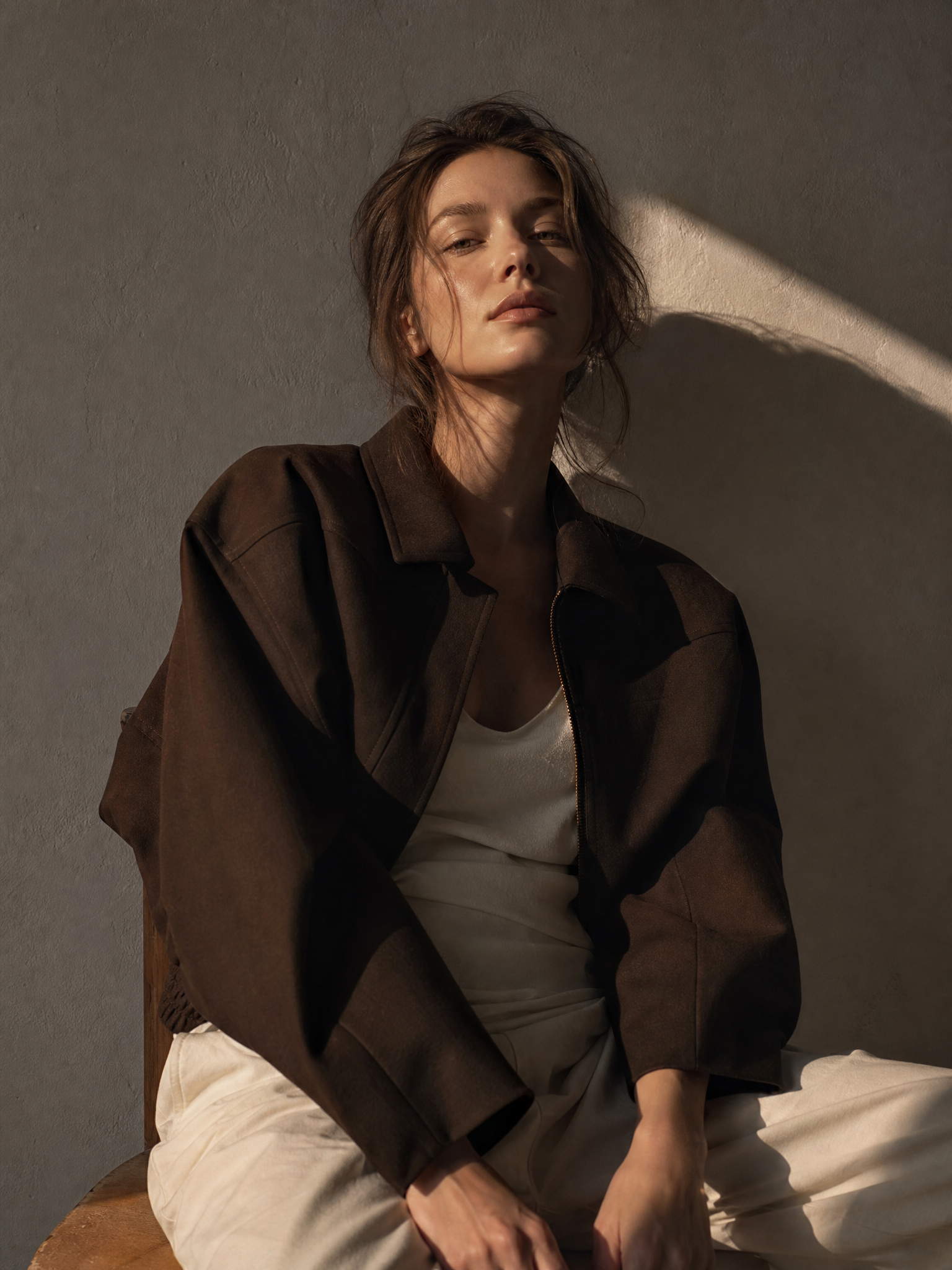
Fashion Diffusion's AI recolor tool is one of the best free options for changing clothes color in photos. It's built specifically for fashion — which means it understands garment structure, fabric texture, and material detail in a way that general-purpose tools don't. Upload a clothing photo, pick a color, and the AI generates an accurate, production-ready result in seconds. No Photoshop, no manual editing, no design skills required. The free plan gives you full access with no upfront payment.

Yes. Fashion Diffusion offers a free plan that includes access to the AI recolor image online tool — no upfront payment required. You can upload images, generate color variations, and explore the platform for free. Premium plans are available for higher volume usage and advanced output options.

Yes. The AI applies color changes while preserving the underlying texture, material sheen, and surface detail of the original image. A linen garment recolored in navy still looks like linen. A satin piece recolored in blush still has its characteristic sheen. The color changes — the material character stays.

Yes. You can apply different colors to the same image and generate multiple variations without re-uploading. This makes it efficient to build out a full colorway set for a product listing, campaign, or design review in one session.

Yes. All recolored images can be downloaded in high resolution and used for e-commerce product listings, campaign visuals, social media content, and marketing materials. Fashion Diffusion is trusted by over 3,000 brands and agencies worldwide.

Start Recoloring Clothing with AI Today

Try for free