Create faster in the app
Create faster in the app
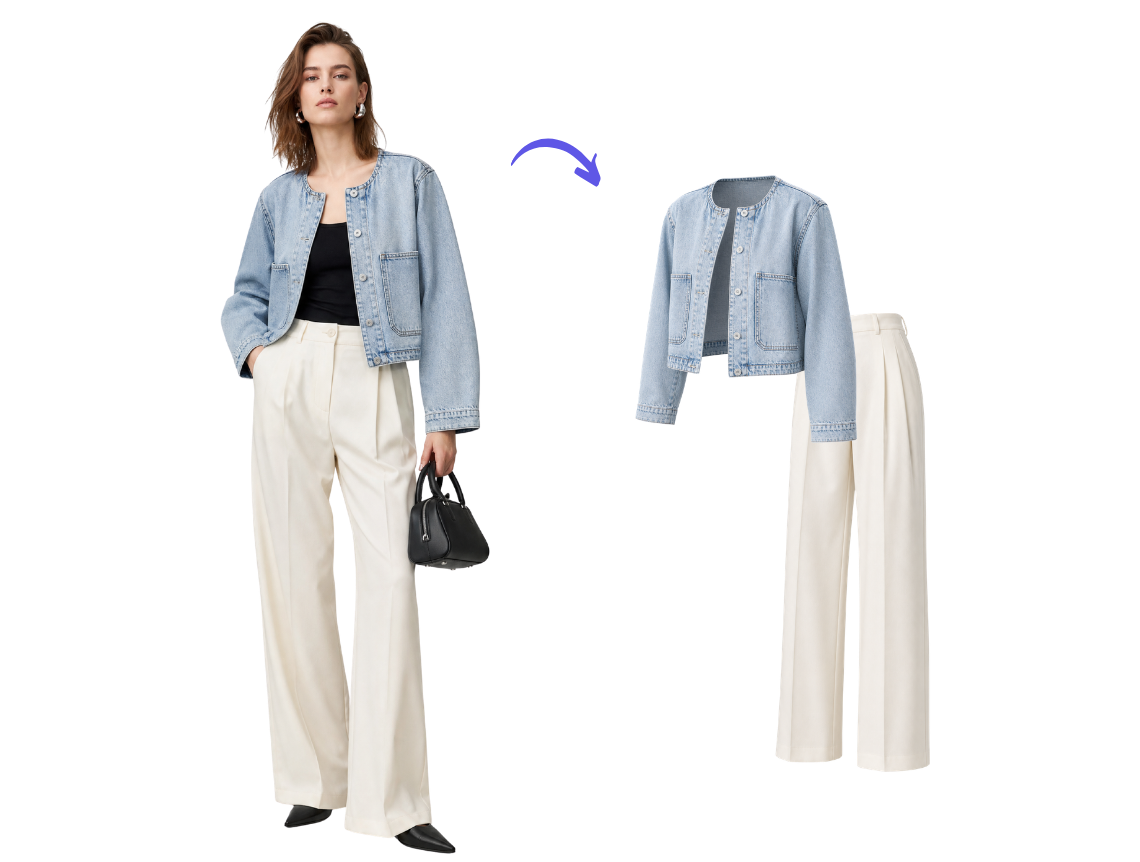
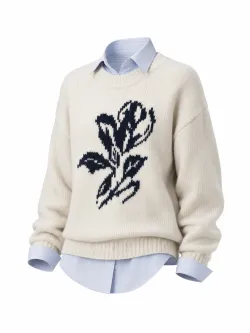
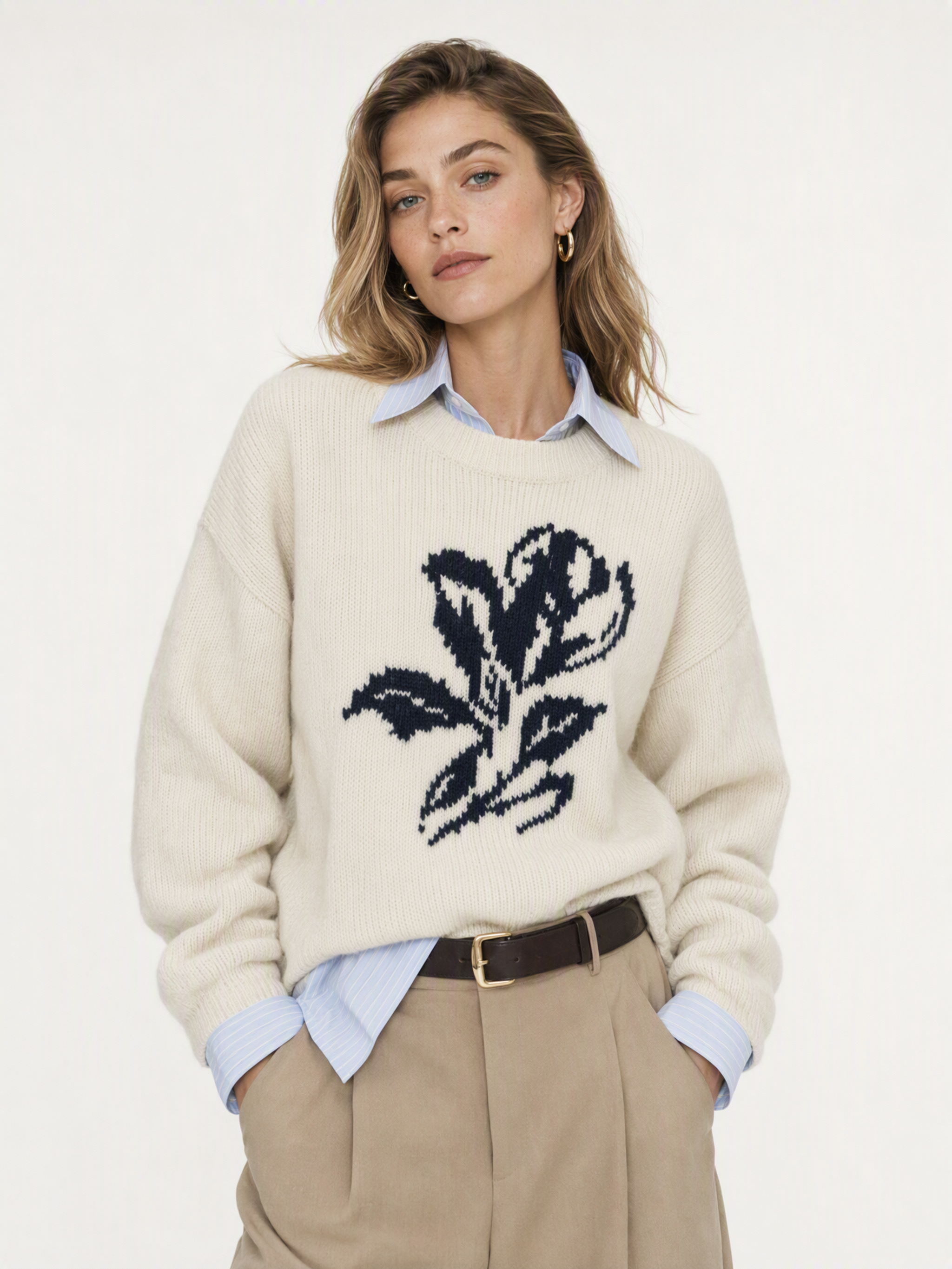
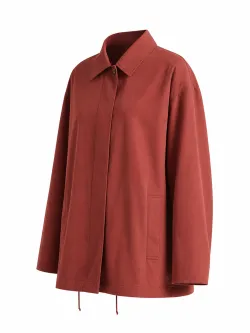
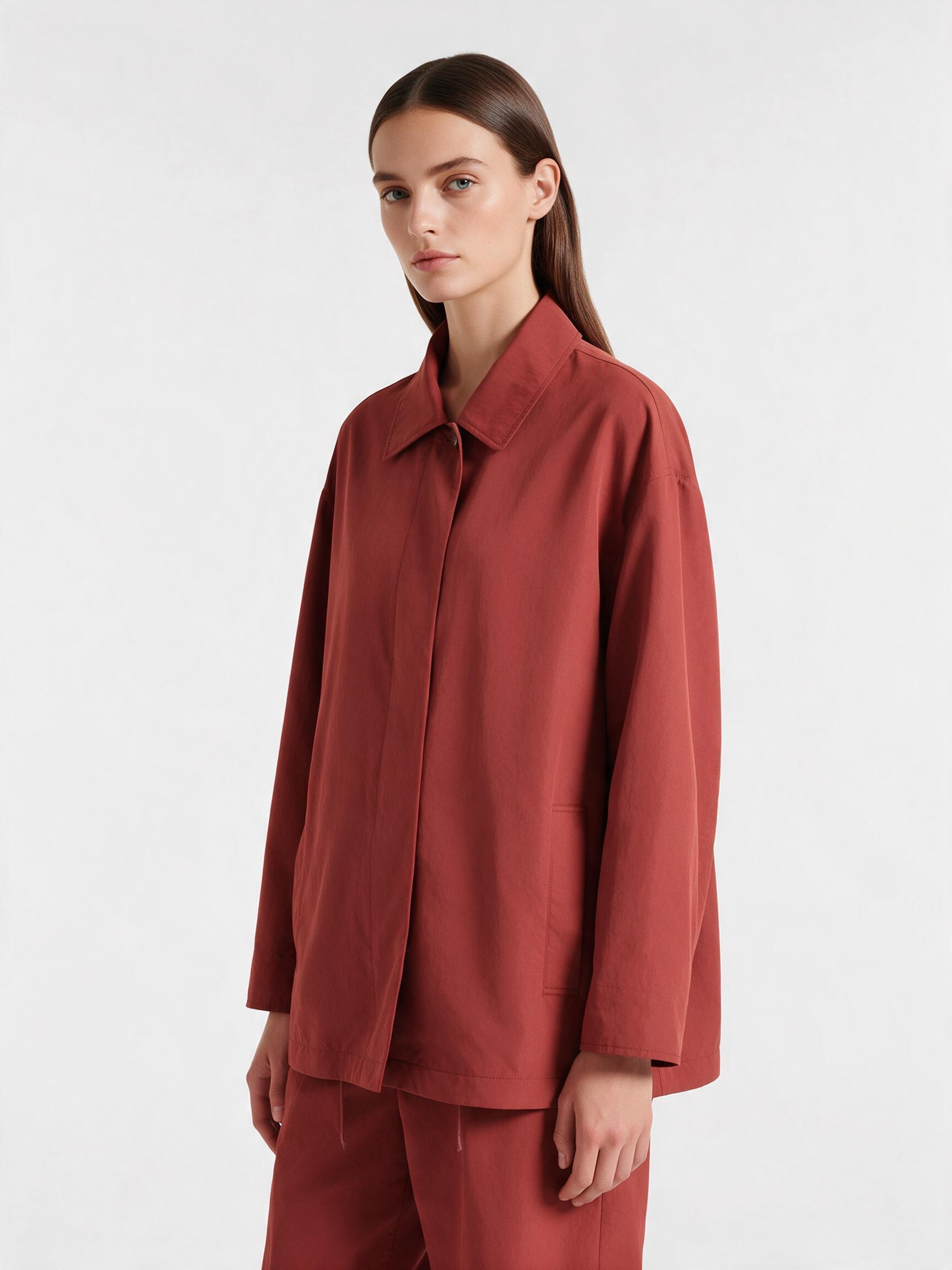
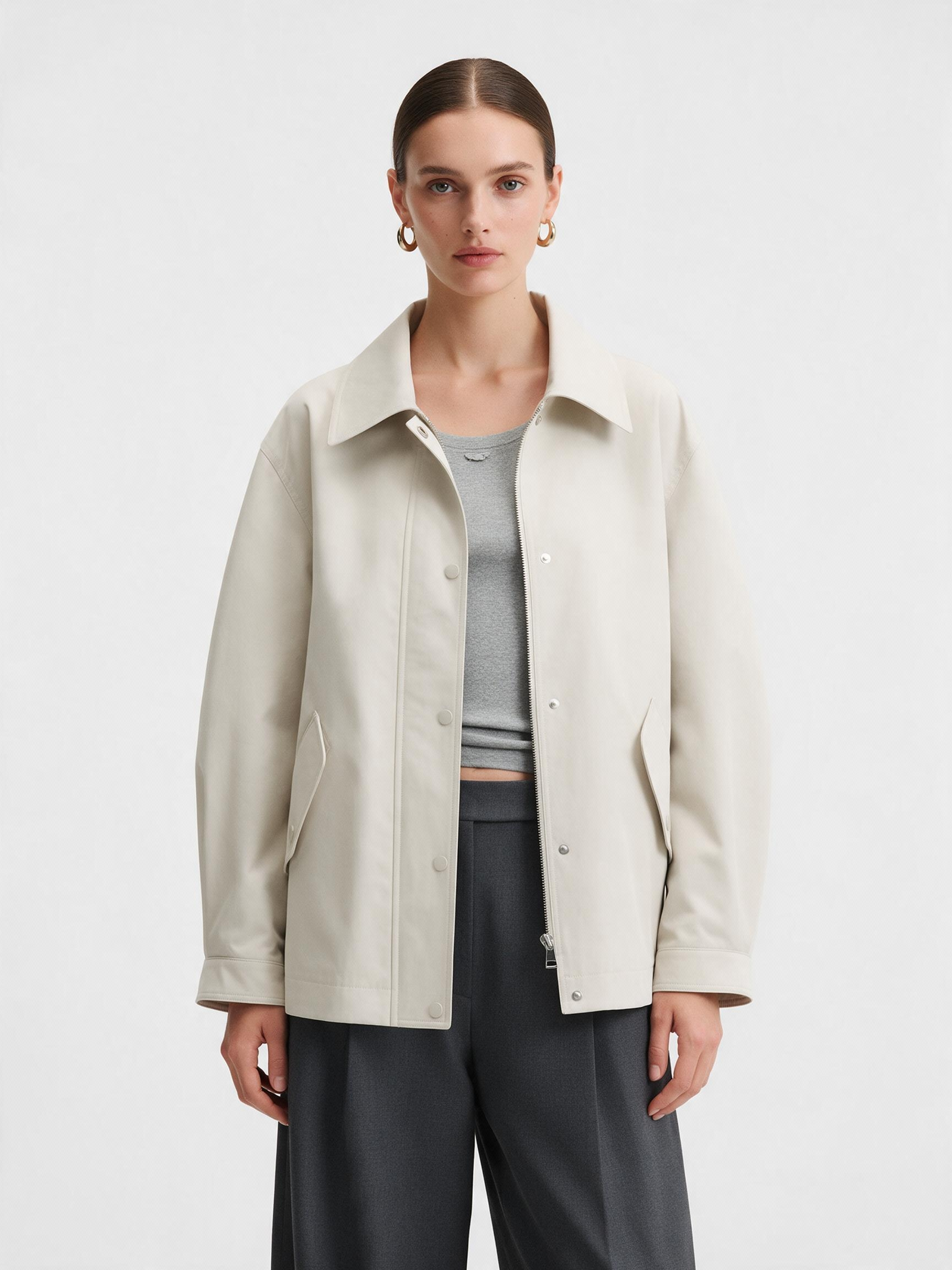
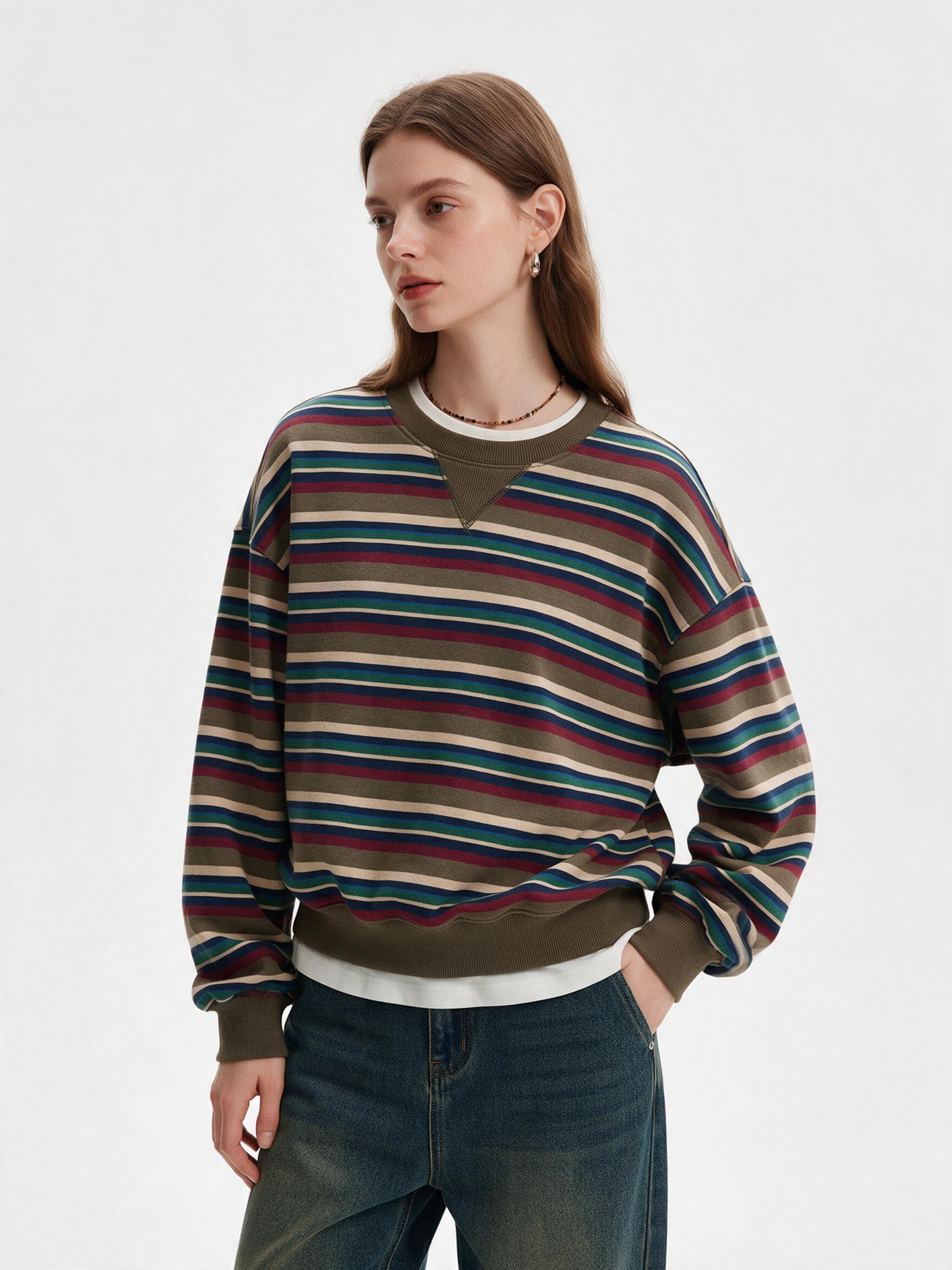
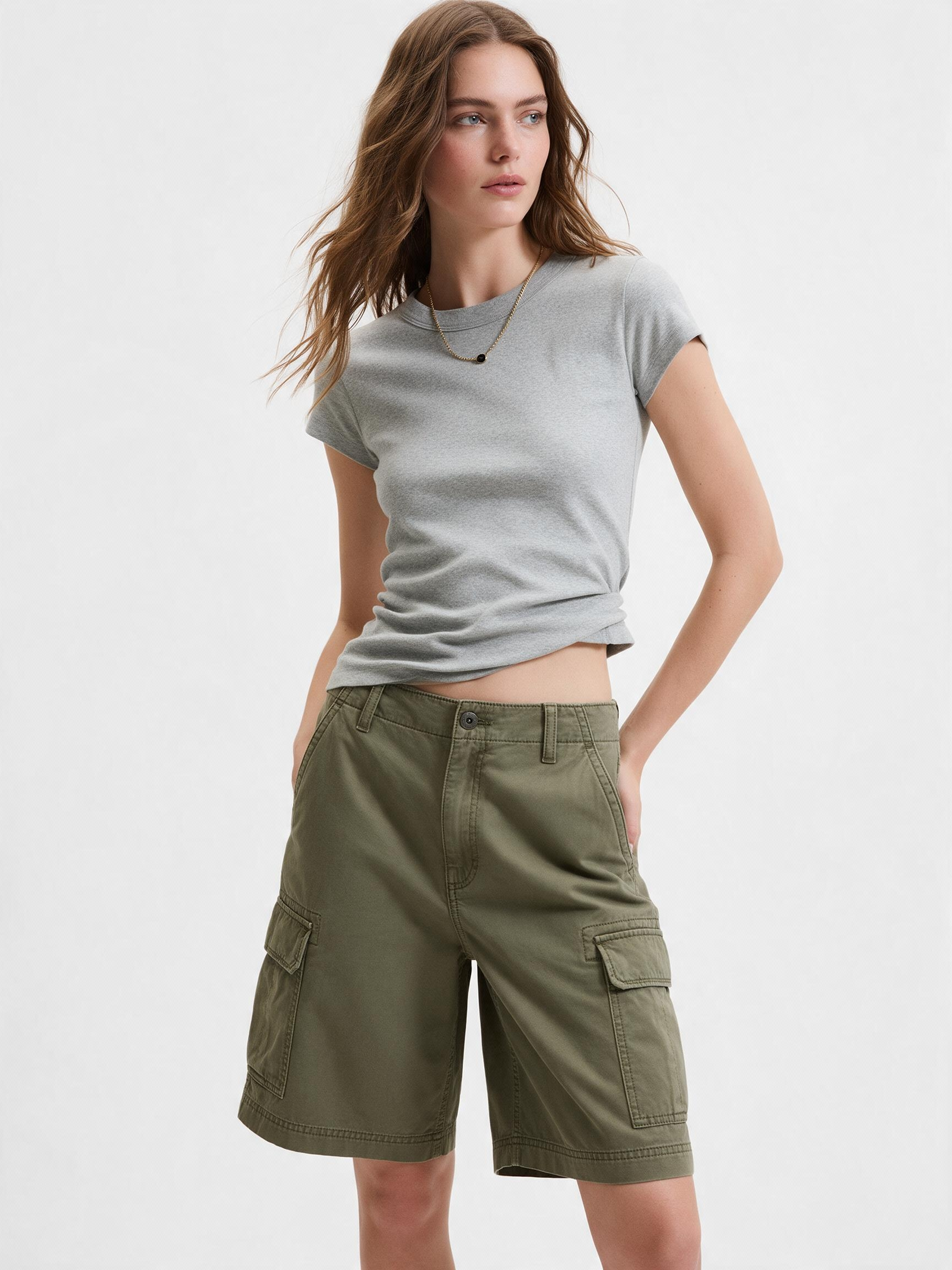
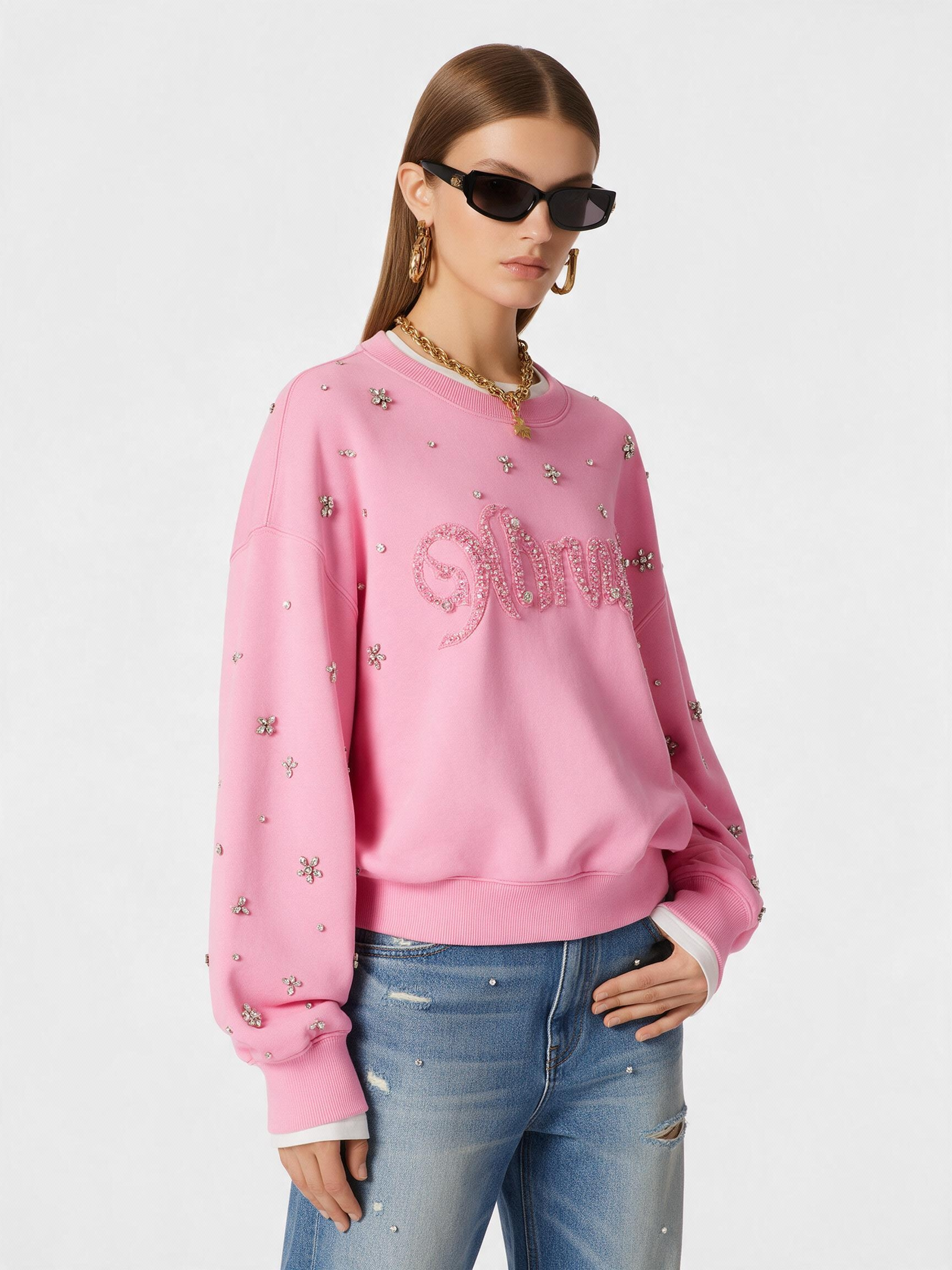
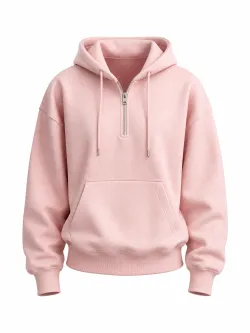
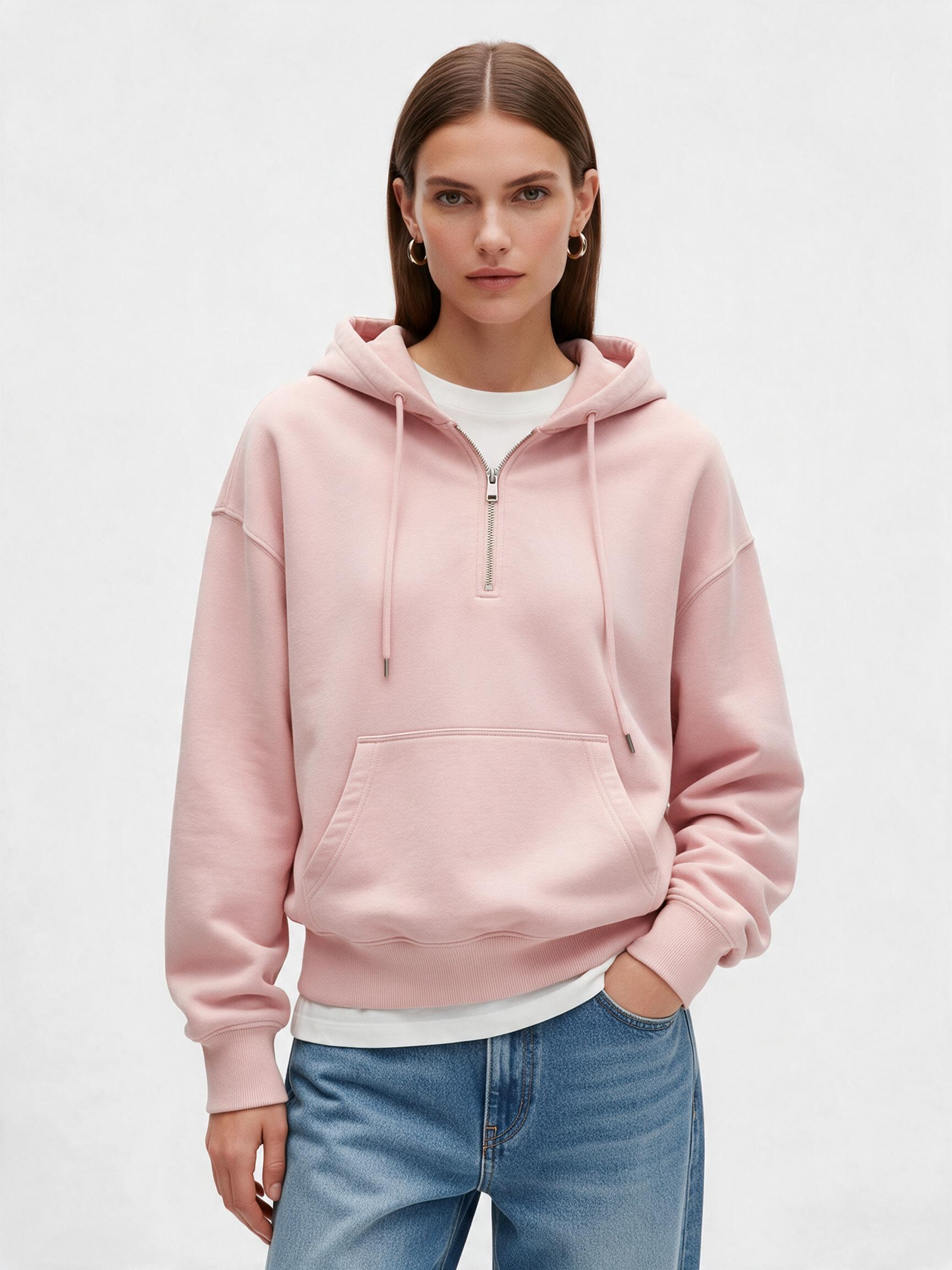
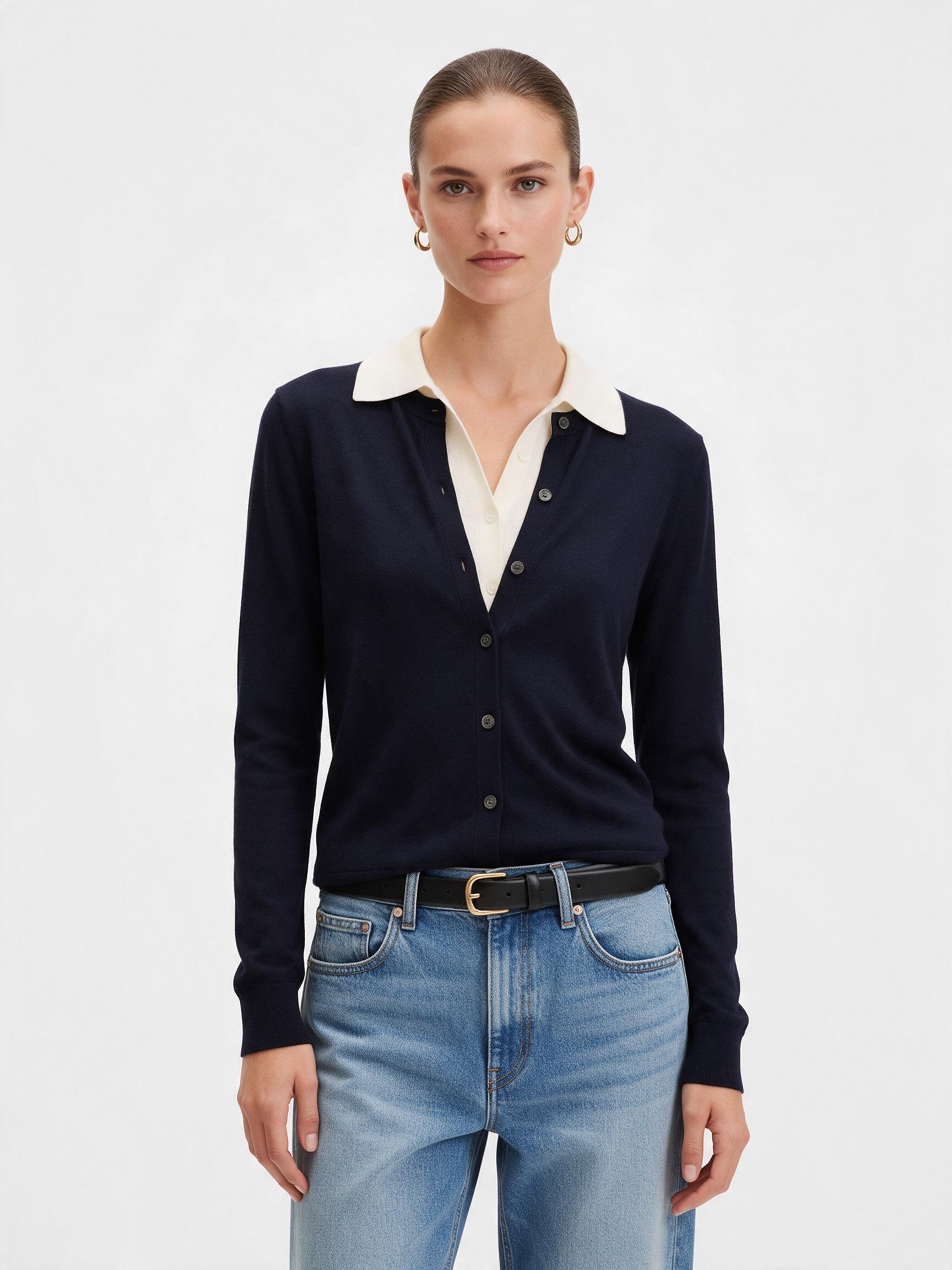
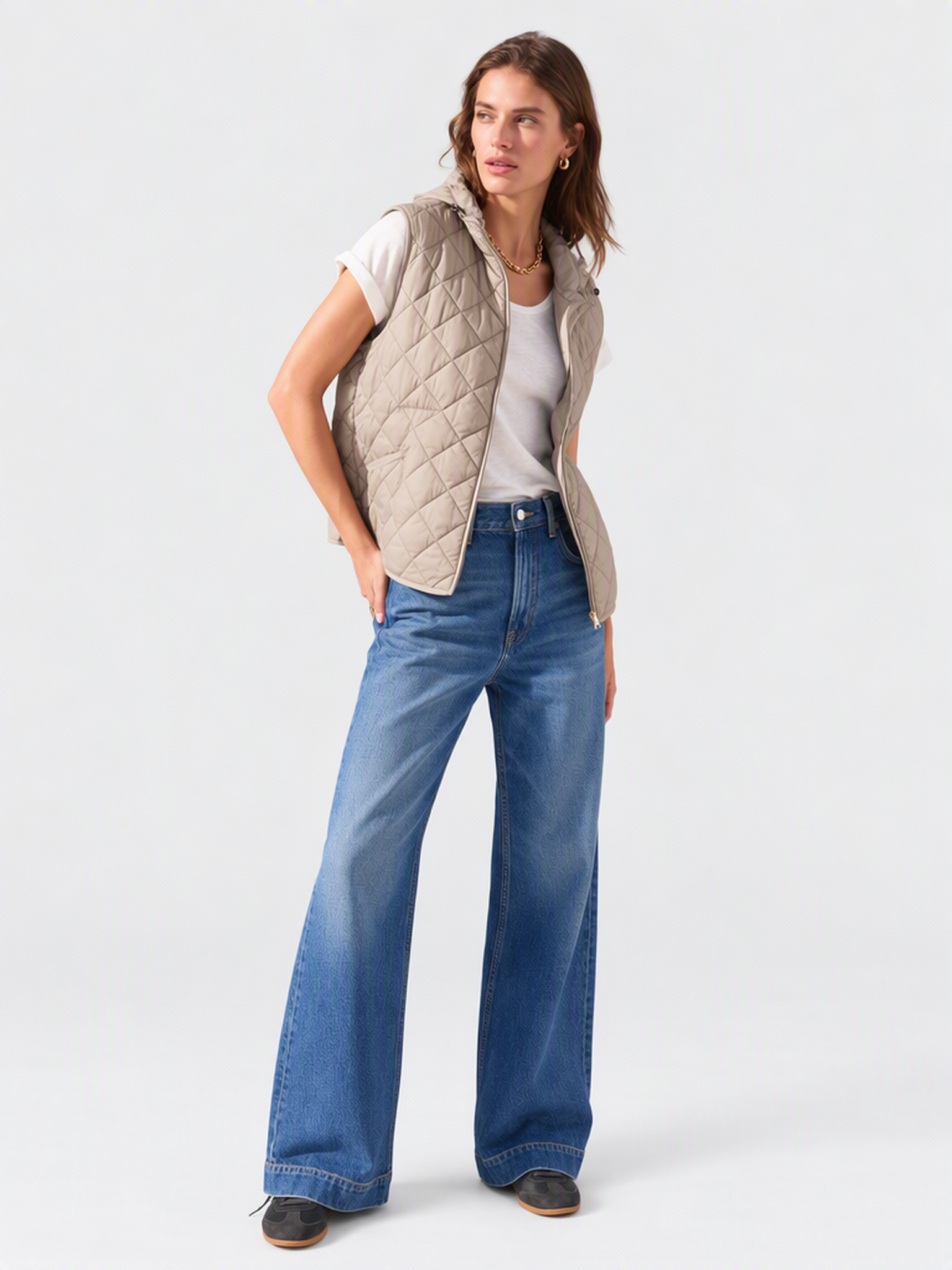
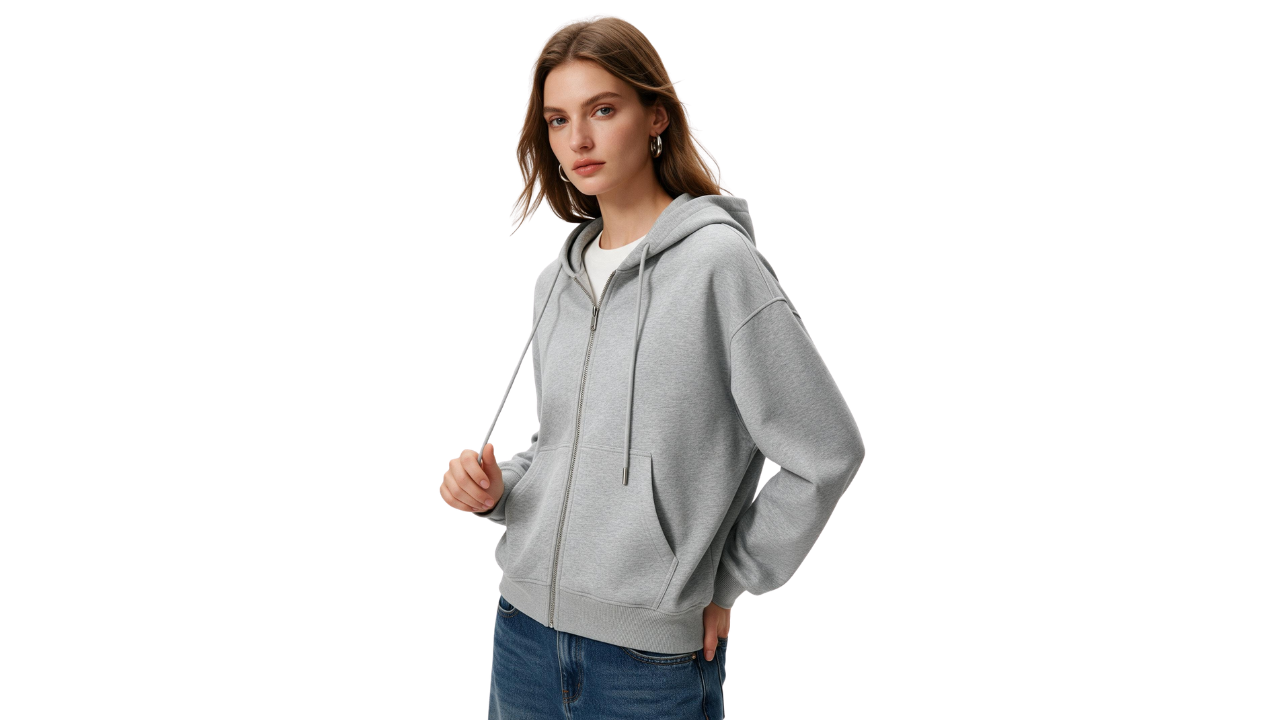
Turn flat-lay, on-model, or mannequin photos into clean product images. The AI removes the visible model or mannequin, reconstructs hidden garment areas like collar structure and sleeve openings, and preserves the garment's 3D shape and volume — no photoshoot, no Photoshop, no manual compositing required.
No editing skills needed — go from clothing photo to ghost mannequin result in minutes.

Built for apparel photography — the AI understands garment construction and reconstructs hidden areas accurately.

Upload flat-lay, on-model, dressed mannequin, or hanger photos — the AI adapts to the input and converts the garment into a clean ghost mannequin presentation. Most ghost mannequin tools are optimized for a single input type. This one handles the range of photography formats already in your production workflow, without requiring a dedicated shoot setup.
Try for free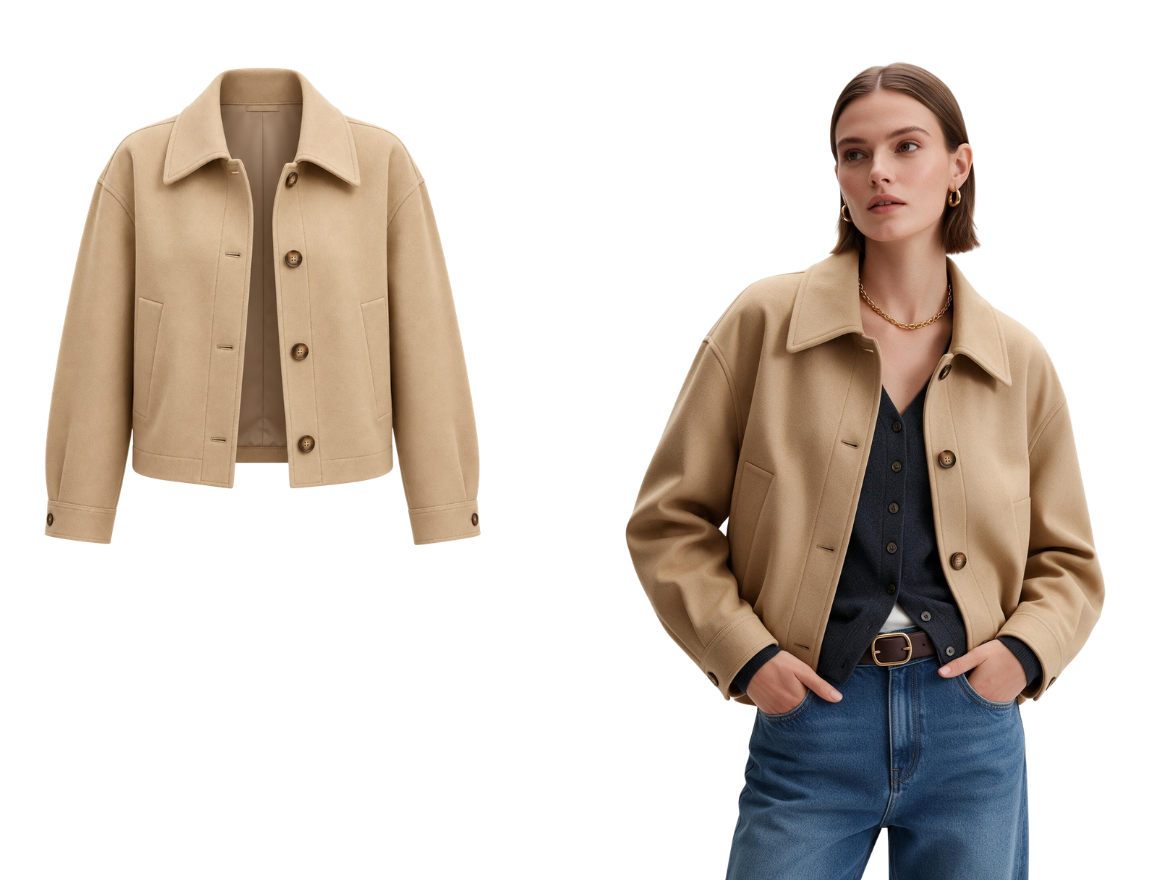
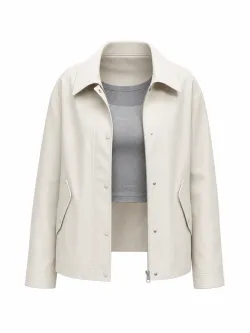
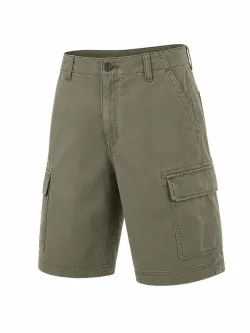
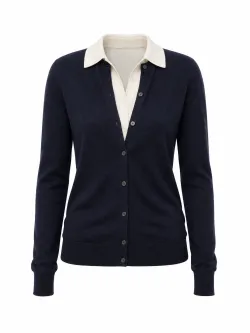
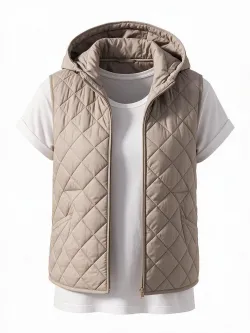
A realistic ghost mannequin image requires more than removing the visible mannequin or model. The AI analyzes the visible garment structure in your clothing photo and reconstructs hidden areas such as the inner collar, neckline, sleeve openings, and obscured fabric. This creates a complete garment shape instead of leaving gaps where the original model or mannequin was removed.
Try for free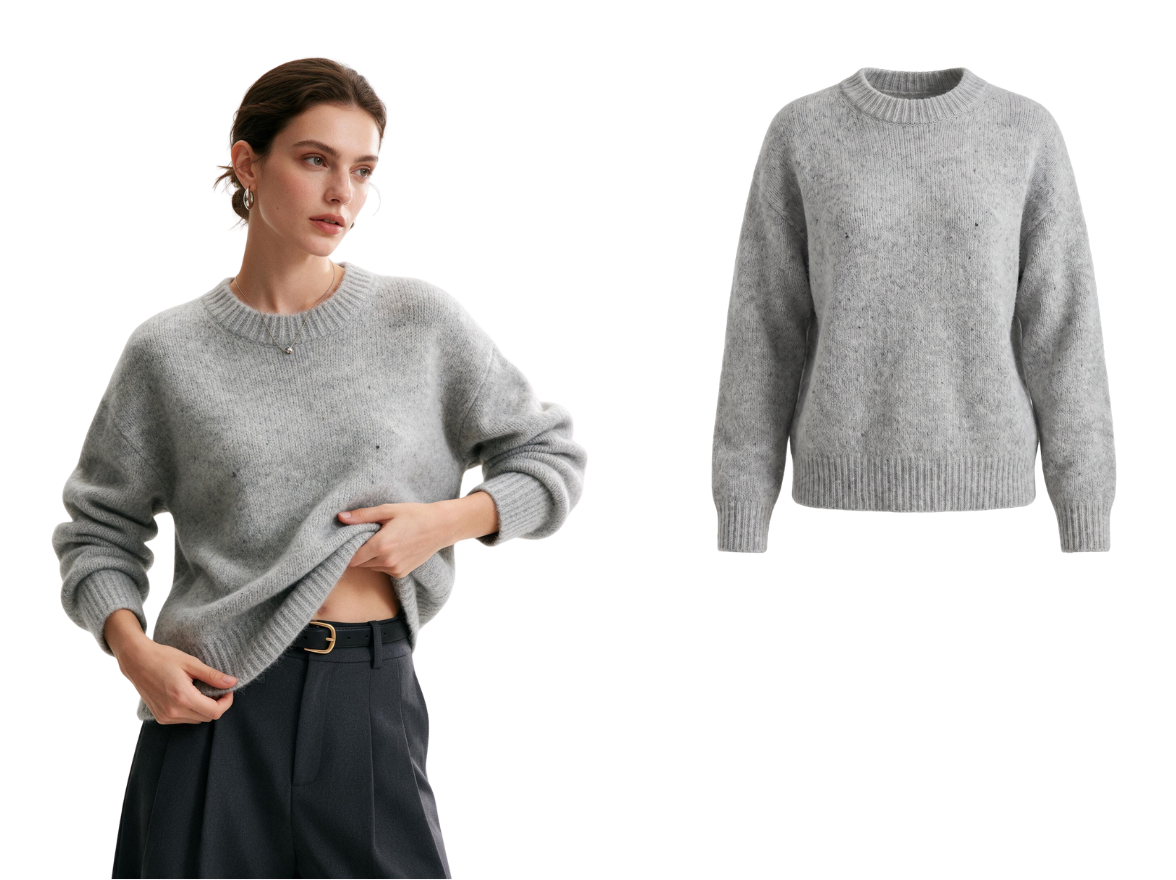
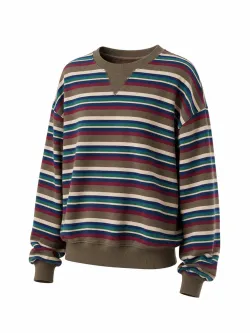
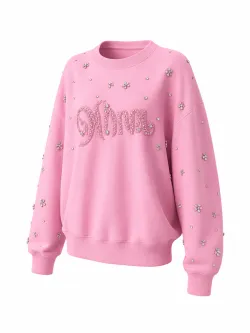
The AI preserves the shoulder structure, chest volume, sleeve drape, and overall proportions of the garment. Instead of producing a flat cutout, it creates a three-dimensional ghost mannequin image that keeps the garment's shape, silhouette, and construction details visible. This makes the final image suitable for apparel product pages, e-commerce listings, and wholesale catalogs.
Try for freeFrom e-commerce listings to wholesale catalogs — the AI ghost mannequin effect fits every stage of apparel visual production.
Ghost mannequin images are widely used for apparel e-commerce because they show garment shape and construction clearly. Generate consistent ghost mannequin images for every SKU from your existing product photography.
Ghost mannequin images show garment fit, silhouette, and construction without the distraction of a model or mannequin. Generate clean images ready for your next buyer presentation.
Convert your existing image library into professional invisible mannequin images and standardize visual presentation across your catalog — without additional photography.
Ghost mannequin photography traditionally requires a photographer, styled mannequin, and Photoshop editing. Upload a basic clothing photo and download a professional ghost mannequin image ready for your product page or portfolio.
We converted our entire catalog to ghost mannequin images using Fashion Diffusion. The collar and neckline reconstruction is accurate enough to use directly — no manual cleanup needed. It's cut our post-production time significantly.

Sarah M.
E-commerce Manager

Create clean flat lay visuals ready for any storefront.

See any product on a model — no photoshoot needed.

Remove any background in one click.

Swap any background to make your photos campaign-ready.

Swap to any model while keeping the garment exactly as-is.

Upscale images for high-quality print and online listings.
Preview how your garment looks on plus-size models without reshooting.
An AI ghost mannequin generator is an AI-powered tool that removes mannequins or models from clothing photos automatically. It preserves the garment’s natural shape and fills in hidden areas, like collars and inner linings. This creates clean, professional ghost mannequin photography ready for e-commerce or catalogs.
Ghost mannequin photography is a technique that removes the model or mannequin from a clothing image. It highlights the garment’s shape, fit, and design details while keeping the background clean. This invisible mannequin style gives a 3D effect that looks professional and polished. It’s widely used for online stores, catalogs, and marketing campaigns.
Yes, the AI keeps collars, sleeves, and inner linings intact to maintain a natural 3D garment structure. It creates depth and realism, making your clothing images appear professionally photographed. This ensures your product images stand out on online stores.
Yes, all images created with the AI ghost mannequin generator can be downloaded in high resolution. They are ready for e-commerce, catalogs, or marketing campaigns. You can use them immediately without additional editing.
Yes, the AI can detect and remove mannequins from multiple clothing items in a single photo. It reconstructs hidden areas for each garment. This is useful for bundle product photos, multi-item lookbooks, or fashion catalogs.
Yes, you can generate multiple variations of the garment while keeping proportions accurate. The tool is ideal for showing different angles in ecommerce ghost mannequin photography. This reduces the need for repeated photoshoots.
Create Like This. Feed any reference — get back images and videos that match the vibe, instantly.