Fashion Diffusion - AI Virtual Try-On and Fashion Design Tool
Feature
Design
AI Outfit GeneratorAI Text to SketchAI Sketch to RenderRecolorSeamless PatternStyle InnovationAI Image to SketchApply Fabric
AI InpaintingAI Hairstyle ChangerPattern Extractor
Photoshoot
Virtual Try-OnMix & MatchAI LookbookPlus-Size PreviewFlat Lay GeneratorProduct Detail ShotsChange BackgroundText to BackgroundRemove BackgroundUpscale
Models
AI Model GeneratorSwap Face
Video
AI Fashion Video
Resources
APIPricing
Playground
Playground
Sign In

Design

AI Outfit GeneratorAI Text to SketchAI Sketch to RenderRecolorSeamless PatternStyle InnovationAI Image to SketchApply FabricAI InpaintingAI Hairstyle ChangerPattern Extractor

Photoshoot

Virtual Try-OnMix & MatchAI LookbookPlus-Size PreviewFlat Lay GeneratorProduct Detail ShotsChange BackgroundText to BackgroundRemove BackgroundUpscale

Models

AI Model GeneratorSwap Face

Video

AI Fashion Video
AI Clothes ChangerAI Hairstyle ChangerAI Xray ClothesAI Pose ChangerAI Hot Girl GeneratorAI Virtual Try-On ShoesAI Virtual Try-On JewelryAI Virtual Wedding Dress Try-OnAI Fat GeneratorAI Pet Portrait GeneratorAI Pet Clothes ChangerAI Pet Video Generator
BlogAbout UsPrivacy PolicyTerms of Service

Contact Us

support@fashiondiffusion.ai

Follow Us On

TikTokInstagramYouTubeXPinterestLinkedInFacebook

Explore our apps

App StoreGoogle Play
© 2025 Copyright All rights reserved.
Fashion Diffusion AI Inpainting tool for editing and restyling fashion images

AI Inpainting - Edit, Replace, and Restyle Any Fashion Image

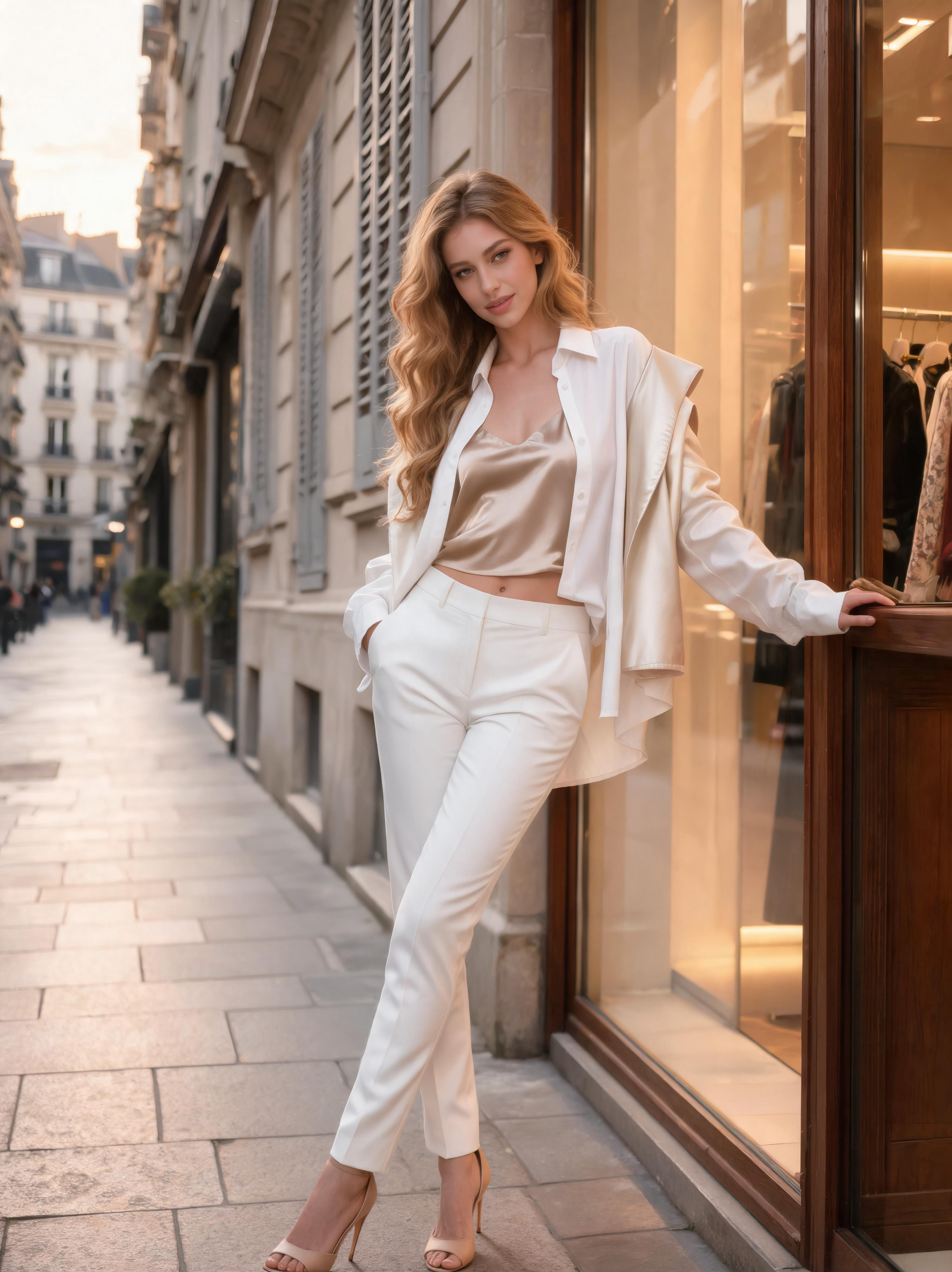
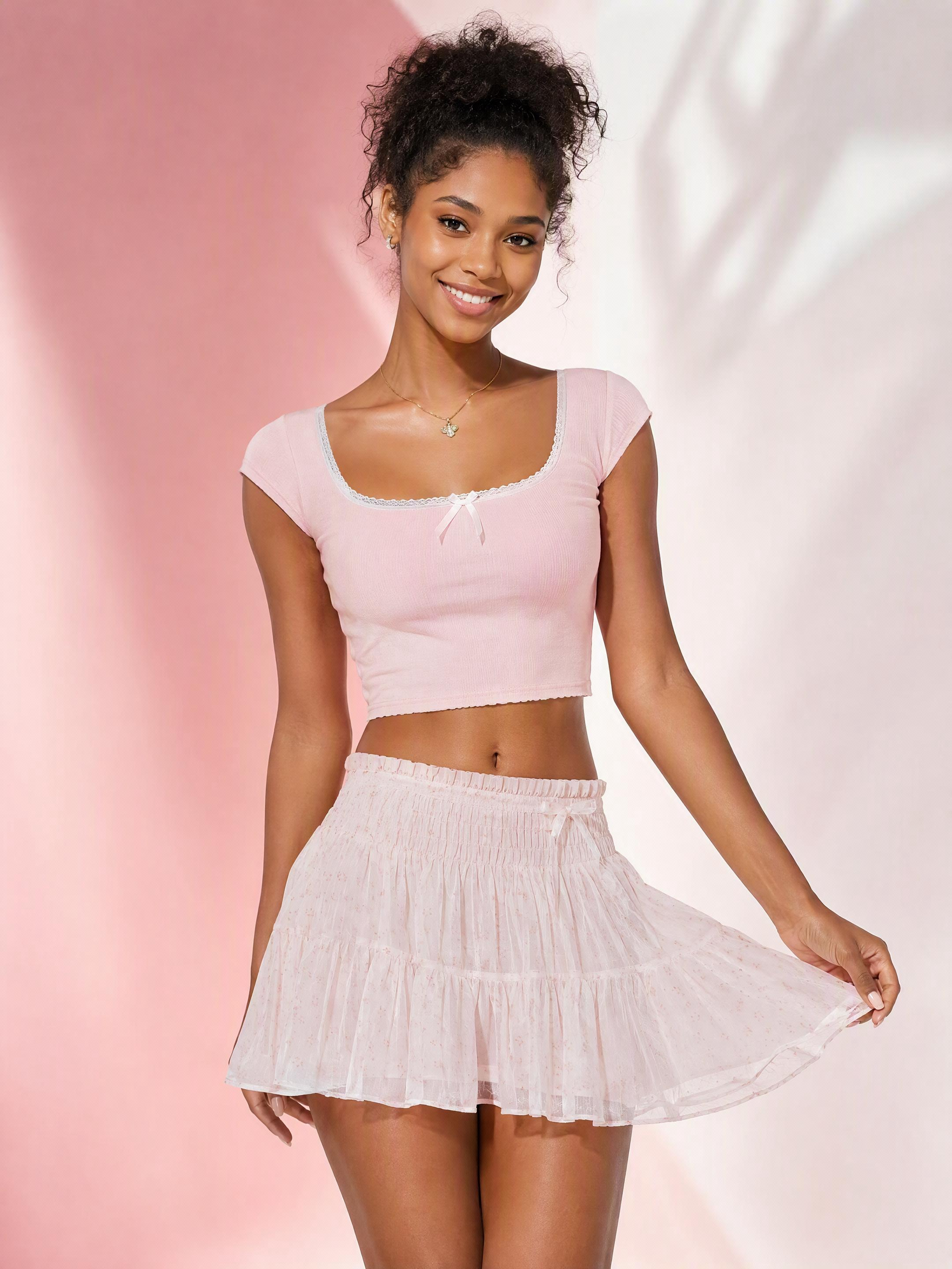
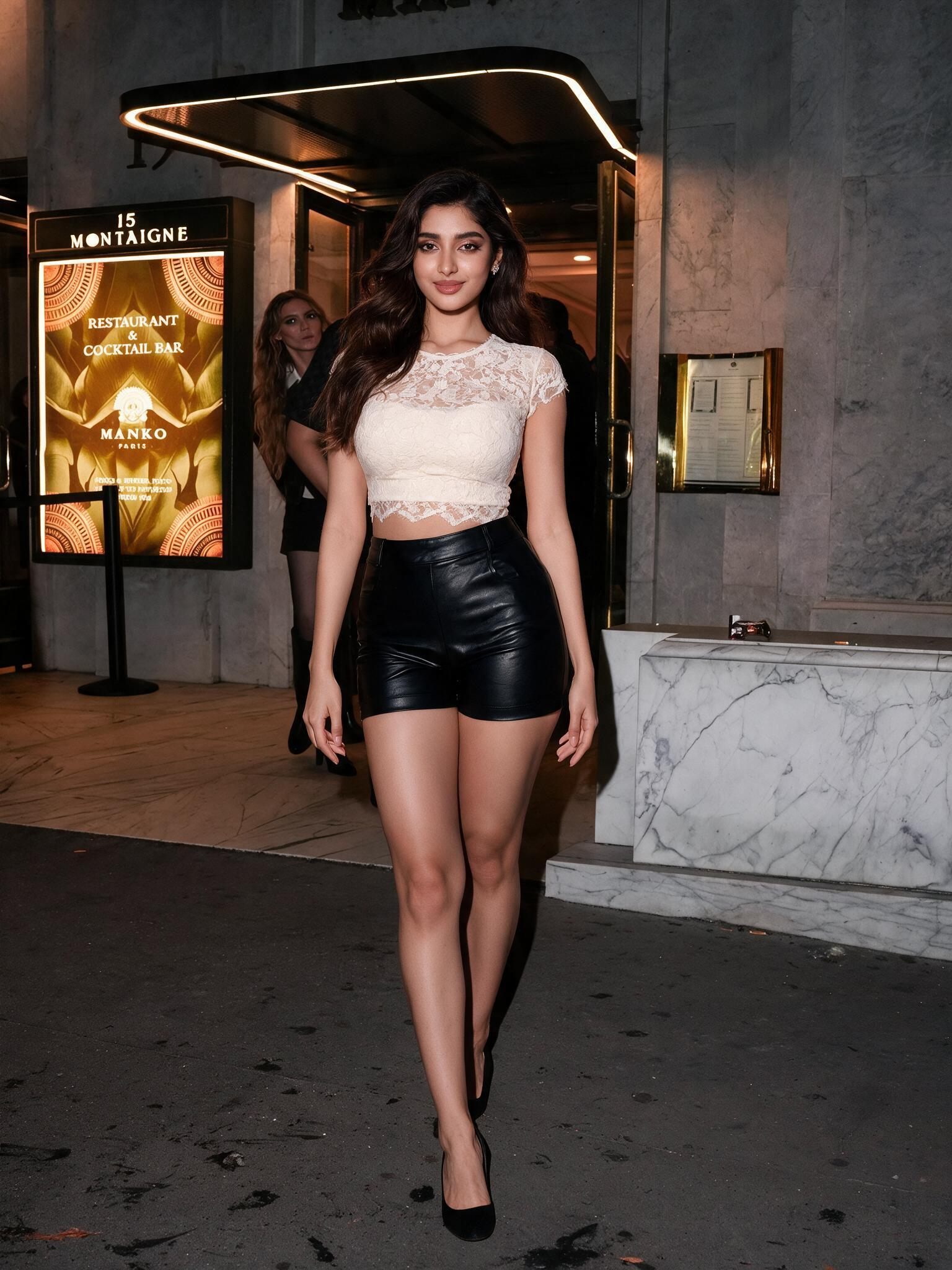
Upload any fashion image, describe what you want to change, and the AI inpainting tool replaces it seamlessly - preserving the surrounding detail, fabric quality, and image integrity throughout. Change a garment color, swap a fabric, replace a sleeve style, remove an unwanted element - all without Photoshop, without reshoots, and without starting from scratch.

Fashion Diffusion AI Inpainting tool for editing and restyling fashion images

AI Inpainting - Edit, Replace, and Restyle Any Fashion Image

Upload any fashion image, describe what you want to change, and the AI inpainting tool replaces it seamlessly - preserving the surrounding detail, fabric quality, and image integrity throughout. Change a garment color, swap a fabric, replace a sleeve style, remove an unwanted element - all without Photoshop, without reshoots, and without starting from scratch.

How to Use the AI Inpainting Tool in 3 Simple Steps

No editing experience needed - edit any part of any fashion image in under a minute.

Upload any fashion photo - a model shot, product flat-lay, AI-generated visual, or design render. The AI accepts PNG, JPG, and WebP formats and works with both studio and lifestyle source images.

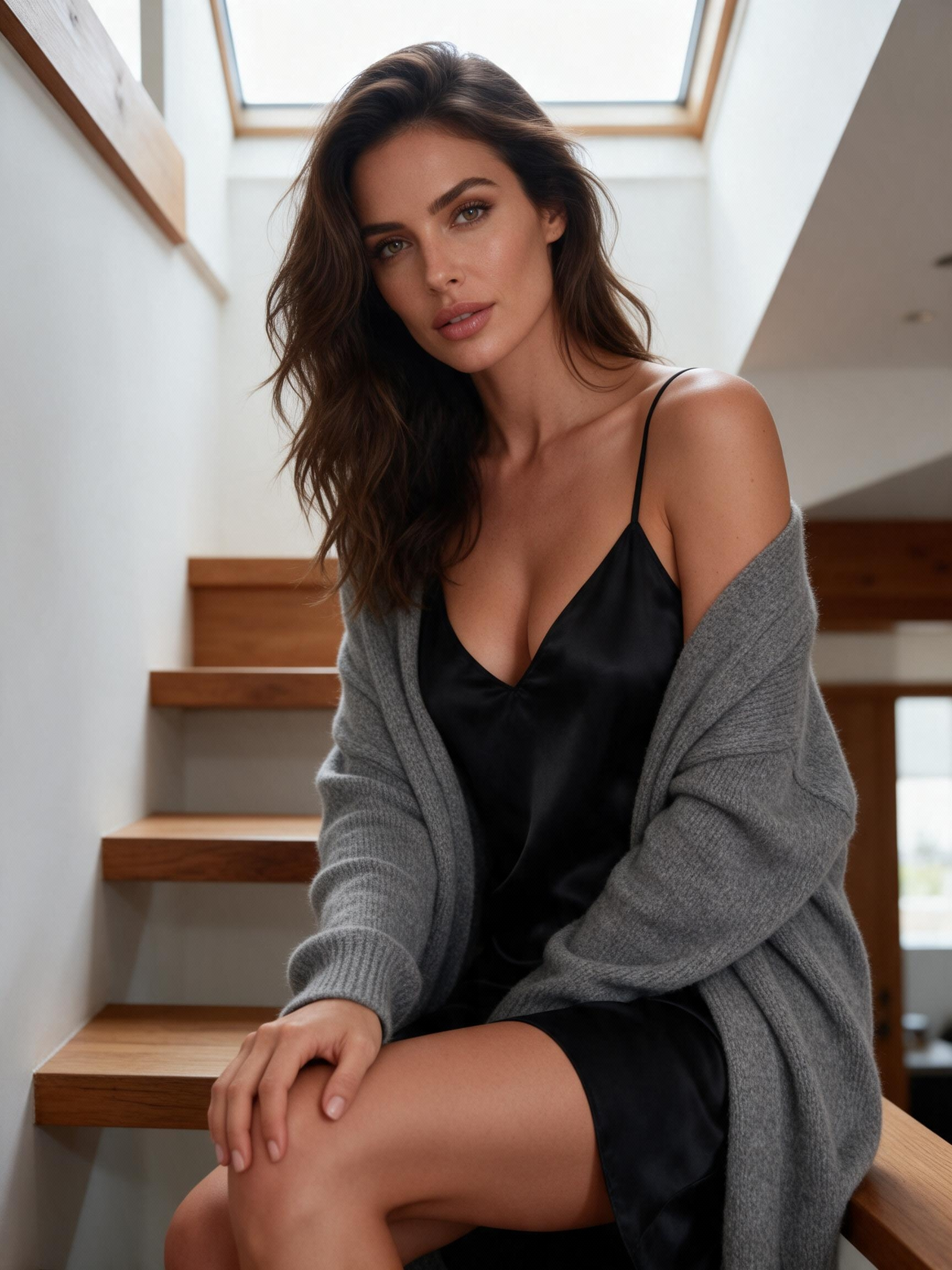
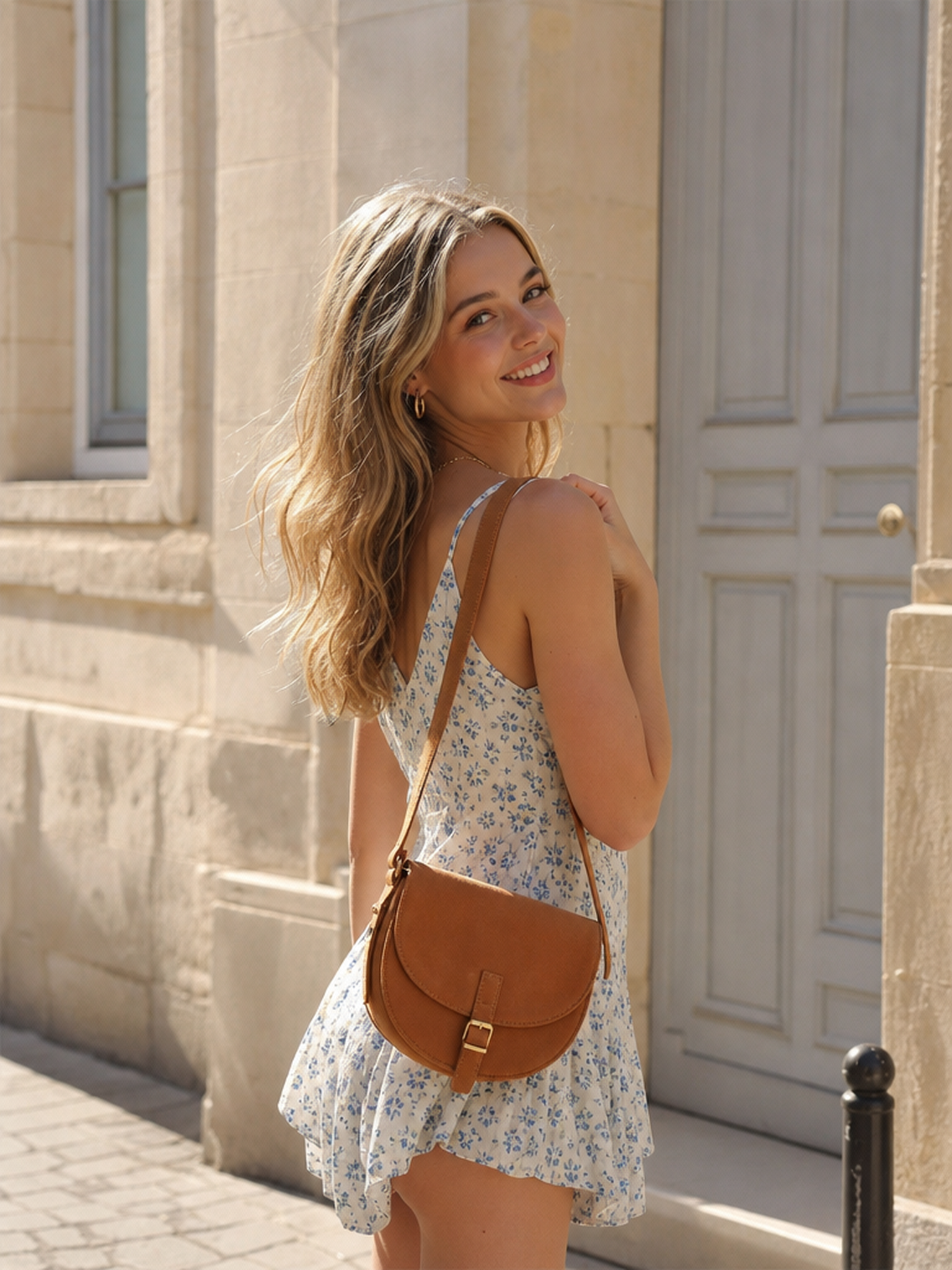
Original fashion image uploaded to the AI inpainting toolText prompt describing an AI inpainting garment editAI inpainting result with edited sleeves and floral garment details

AI Inpainting Tool - Built for Every Fashion Editing Workflow

Whether you're refining a design concept, updating a product photo, or experimenting with new styling directions, the AI image inpainting tool delivers accurate, production-ready results every time.

Before and after AI inpainting edit adding lace detail to a fashion outfit

Edit Any Garment Detail with AI - No Reshoot Required

Adjusting a neckline, narrowing a sleeve, or refining a hem no longer requires a reshoot. The inpaint AI tool lets you isolate and edit any specific design detail without rebuilding the image from scratch. Describe the change and the AI regenerates it seamlessly - keeping everything else in the image intact. Precise, fast, and accurate enough to use in design reviews and client presentations.

Try for free
AI inpainting removing an unwanted accessory from a fashion photo

Remove Objects and Fix Imperfections in Fashion Photos

Distracting background objects, visible tags, styling mistakes, and unwanted accessories - the AI inpainting online free tool removes them cleanly and fills in the space naturally. No manual cloning, no Photoshop skills required. The AI analyzes the surrounding image context and reconstructs the area seamlessly, producing a clean, professional result ready to publish.

Try for free
AI photo inpainting testing a new blue colorway on a fashion dress

Test Colorways and Style Variations Before Production

Before committing to a new colorway or design direction, test it on a real product image. The AI photo inpainting tool lets you describe a new color, texture, or style direction for any element - a garment panel, an accessory, or a background detail - and generates it instantly. Compare different directions side by side and make production decisions with confidence.
Try for free

Why Fashion Brands and Designers Trust Our AI Inpainting Tool

Real results from e-commerce sellers, designers, and marketing teams worldwide.

I use the AI inpainting tool to test fabric changes on existing product photos before ordering samples. Describing a new material and generating the result gives me an accurate enough preview to make confident production decisions - it's saved us significant sampling costs.

Jessica Park - Fashion Designer

Jessica Park

Fashion Designer

Being able to isolate and edit specific design elements without reshooting has changed how we iterate on campaign visuals. What used to require a new shoot day now takes a few minutes with the AI inpainting tool.

Kevin Zhao - Creative Director

Kevin Zhao

Creative Director

We use it to clean up product photos - removing tags, fixing styling mistakes, tidying up small details. The AI fills in the area naturally and the result is indistinguishable from the original shot.

Amy Chen - E-commerce Manager

Amy Chen

E-commerce Manager

Testing new colorways on existing product images before committing to production has been genuinely valuable. The inpaint AI tool gives us accurate enough results to make color decisions with confidence.

Ben Harris - Brand Founder

Ben Harris

Brand Founder

We refresh product visuals for seasonal campaigns using the AI inpainting tool - updating garment details, changing colors, adapting styling. It keeps our catalog visually current without scheduling new shoots.

Mia Laurent - Brand Manager

Mia Laurent

Brand Manager

The AI inpainting tool handles post-production cleanup tasks that used to take significant manual effort. Removing distracting elements and fixing small imperfections integrates naturally every time.

Tom Garrett - Photographer

Tom Garrett

Photographer

I use the AI inpainting tool to test fabric changes on existing product photos before ordering samples. Describing a new material and generating the result gives me an accurate enough preview to make confident production decisions - it's saved us significant sampling costs.

Jessica Park - Fashion Designer

Jessica Park

Fashion Designer

Being able to isolate and edit specific design elements without reshooting has changed how we iterate on campaign visuals. What used to require a new shoot day now takes a few minutes with the AI inpainting tool.

Kevin Zhao - Creative Director

Kevin Zhao

Creative Director

We use it to clean up product photos - removing tags, fixing styling mistakes, tidying up small details. The AI fills in the area naturally and the result is indistinguishable from the original shot.

Amy Chen - E-commerce Manager

Amy Chen

E-commerce Manager

Testing new colorways on existing product images before committing to production has been genuinely valuable. The inpaint AI tool gives us accurate enough results to make color decisions with confidence.

Ben Harris - Brand Founder

Ben Harris

Brand Founder

We refresh product visuals for seasonal campaigns using the AI inpainting tool - updating garment details, changing colors, adapting styling. It keeps our catalog visually current without scheduling new shoots.

Mia Laurent - Brand Manager

Mia Laurent

Brand Manager

The AI inpainting tool handles post-production cleanup tasks that used to take significant manual effort. Removing distracting elements and fixing small imperfections integrates naturally every time.

Tom Garrett - Photographer

Tom Garrett

Photographer

I test how new fabric designs look when applied to specific garment panels using the inpainting tool. Describing the textile and generating the result gives me a realistic preview much faster than physical sampling.

Nina Patel - Textile Designer

Nina Patel

Textile Designer

Editing garment details on existing product photos - adjusting a collar, changing a pocket style, refining a hem - is something we do regularly with the AI inpainting tool.

Jack Morrison - Brand Founder

Jack Morrison

Brand Founder

Updating product images for seasonal displays used to mean coordinating new shoots. The AI inpainting tool lets us refresh garment details and colorways quickly enough to keep up with seasonal planning.

Clara Hoffman - Visual Merchandiser

Clara Hoffman

Visual Merchandiser

We use the AI image inpainting tool to test design variations on product photos before finalizing anything for production. It's reduced the number of physical samples we need to produce.

Victor Leung - Clothing Brand Owner

Victor Leung

Clothing Brand Owner

The AI inpainting tool has become a standard part of our pre-production visual review process. We test design edits and styling changes on real product images before committing to a shoot direction.

Diana Walsh - Creative Director

Diana Walsh

Creative Director

Adapting product images for different markets - updating colors, removing region-specific elements, adjusting styling details - is something the AI inpainting tool handles efficiently.

Sam Douglas - Marketing Manager

Sam Douglas

Marketing Manager

I test how new fabric designs look when applied to specific garment panels using the inpainting tool. Describing the textile and generating the result gives me a realistic preview much faster than physical sampling.

Nina Patel - Textile Designer

Nina Patel

Textile Designer

Editing garment details on existing product photos - adjusting a collar, changing a pocket style, refining a hem - is something we do regularly with the AI inpainting tool.

Jack Morrison - Brand Founder

Jack Morrison

Brand Founder

Updating product images for seasonal displays used to mean coordinating new shoots. The AI inpainting tool lets us refresh garment details and colorways quickly enough to keep up with seasonal planning.

Clara Hoffman - Visual Merchandiser

Clara Hoffman

Visual Merchandiser

We use the AI image inpainting tool to test design variations on product photos before finalizing anything for production. It's reduced the number of physical samples we need to produce.

Victor Leung - Clothing Brand Owner

Victor Leung

Clothing Brand Owner

The AI inpainting tool has become a standard part of our pre-production visual review process. We test design edits and styling changes on real product images before committing to a shoot direction.

Diana Walsh - Creative Director

Diana Walsh

Creative Director

Adapting product images for different markets - updating colors, removing region-specific elements, adjusting styling details - is something the AI inpainting tool handles efficiently.

Sam Douglas - Marketing Manager

Sam Douglas

Marketing Manager

I use the AI inpainting tool to test fabric changes on existing product photos before ordering samples. Describing a new material and generating the result gives me an accurate enough preview to make confident production decisions - it's saved us significant sampling costs.

Jessica Park - Fashion Designer

Jessica Park

Fashion Designer

Being able to isolate and edit specific design elements without reshooting has changed how we iterate on campaign visuals. What used to require a new shoot day now takes a few minutes with the AI inpainting tool.

Kevin Zhao - Creative Director

Kevin Zhao

Creative Director

We use it to clean up product photos - removing tags, fixing styling mistakes, tidying up small details. The AI fills in the area naturally and the result is indistinguishable from the original shot.

Amy Chen - E-commerce Manager

Amy Chen

E-commerce Manager

Testing new colorways on existing product images before committing to production has been genuinely valuable. The inpaint AI tool gives us accurate enough results to make color decisions with confidence.

Ben Harris - Brand Founder

Ben Harris

Brand Founder

We refresh product visuals for seasonal campaigns using the AI inpainting tool - updating garment details, changing colors, adapting styling. It keeps our catalog visually current without scheduling new shoots.

Mia Laurent - Brand Manager

Mia Laurent

Brand Manager

The AI inpainting tool handles post-production cleanup tasks that used to take significant manual effort. Removing distracting elements and fixing small imperfections integrates naturally every time.

Tom Garrett - Photographer

Tom Garrett

Photographer

I test how new fabric designs look when applied to specific garment panels using the inpainting tool. Describing the textile and generating the result gives me a realistic preview much faster than physical sampling.

Nina Patel - Textile Designer

Nina Patel

Textile Designer

Editing garment details on existing product photos - adjusting a collar, changing a pocket style, refining a hem - is something we do regularly with the AI inpainting tool.

Jack Morrison - Brand Founder

Jack Morrison

Brand Founder

Updating product images for seasonal displays used to mean coordinating new shoots. The AI inpainting tool lets us refresh garment details and colorways quickly enough to keep up with seasonal planning.

Clara Hoffman - Visual Merchandiser

Clara Hoffman

Visual Merchandiser

We use the AI image inpainting tool to test design variations on product photos before finalizing anything for production. It's reduced the number of physical samples we need to produce.

Victor Leung - Clothing Brand Owner

Victor Leung

Clothing Brand Owner

The AI inpainting tool has become a standard part of our pre-production visual review process. We test design edits and styling changes on real product images before committing to a shoot direction.

Diana Walsh - Creative Director

Diana Walsh

Creative Director

Adapting product images for different markets - updating colors, removing region-specific elements, adjusting styling details - is something the AI inpainting tool handles efficiently.

Sam Douglas - Marketing Manager

Sam Douglas

Marketing Manager

Explore More AI Fashion Design Tools

AI Virtual Try-On

AI Virtual Try-On

Upload a flat-lay or sketch and see your design on a realistic AI model in seconds.

AI Fashion Lookbook Generator

AI Fashion Lookbook Generator

Turn your best model photo into a full lookbook image set with multiple poses and scenes.

AI Fashion Video Generator

AI Fashion Video Generator

Turn static fashion images into dynamic videos with realistic motion, bringing your designs to life.

Apply Fabric

Apply Fabric

Apply any fabric pattern to your design and preview how materials like silk, denim, or lace look before production.

AI Recolor

AI Recolor

Change garment colors instantly and test multiple palettes without creating new samples.

See all tools

Frequently Asked Questions

AI inpainting is a technique that lets you edit specific areas of an image while keeping the rest intact. Upload your image, describe what you want to change, and the AI generates a new version of that area that integrates seamlessly with the surrounding image. Unlike general photo editing, AI inpainting uses machine learning to understand the context of the image — so edits look natural, not digitally composited. Fashion Diffusion's AI inpainting tool is trained specifically on fashion imagery, so it accurately handles garment structures, fabric textures, and design details.

Fashion Diffusion's AI inpainting tool is one of the strongest free options for editing fashion images online. Unlike general-purpose inpainting tools, it's built specifically for fashion — which means it understands garment structure, fabric behavior, and design detail in a way that produces more accurate and realistic results for clothing and product photography. Sign up to get free credits and start right away — no upfront payment required.

Traditional photo editing tools like Photoshop require manual masking, layer work, and technical skill to make realistic edits. AI inpainting automates that process — upload your image, type a description of what you want to change, and the AI does the rest. The result integrates naturally with the surrounding image, without visible seams or inconsistencies. For fashion specifically, Fashion Diffusion's inpaint AI tool understands how fabrics drape, how seam lines work, and how garment details interact — producing more accurate results than general-purpose tools.

The tool supports a wide range of edits — replacing fabrics and materials, changing garment colors, editing design details like collars and sleeves, removing unwanted elements from product photos, testing new styling directions, and updating existing images for seasonal campaigns.

Fashion Diffusion offers free credits when you sign up — no upfront payment required. You can use your credits to upload images, make inpainting edits, and download results right away. Additional credits are available through paid plans for higher volume usage.

Yes. All edited images can be downloaded in high resolution and used for e-commerce product pages, campaign visuals, social media content, and marketing materials. Fashion Diffusion is trusted by over 3,000 fashion brands and agencies worldwide.

Edit Fashion Images with AI Inpainting

Try for free