

On-model photography is the highest-converting product visual format in fashion e-commerce, and also the most expensive to produce at scale. A single studio shoot with a model, photographer, and retoucher can cost thousands of dollars and take weeks from booking to delivery. For brands managing hundreds of SKUs across seasons, that equation doesn’t add up.
AI on-model photography tools have changed the math. This guide compares the 10 best AI tools for on-model photography in 2026, with pricing, key strengths, and which type of brand each one fits best.
Why On-Model Photography Matters More Than Ever in 2026
According to research by Pixelphant, 95.6% of leading fashion e-commerce brands use on-model photography, making it the most widely used product presentation format in the industry, ahead of flat-lay, ghost mannequin, and lifestyle imagery. The reason is straightforward: shoppers buy clothing they can picture themselves wearing, and a model shot communicates fit, drape, and styling in a way no other format does.
The challenge in 2026 is volume. Most brands now sell across multiple channels — their own store, Amazon, Shopify, Instagram Shopping, TikTok Shop — each with different image requirements and refresh cycles. A single product might need a clean white-background shot for Amazon, a lifestyle image for Instagram, and a campaign visual for paid ads. Producing all of that through traditional photography for every SKU in a catalog is operationally impossible for most brands.
AI on-model tools make that volume achievable. The same garment can appear on multiple models, in multiple settings, for multiple channels. Generated in seconds from one source image, without rebooking a studio.
At a Glance: 10 AI On-Model Photography Tools Compared
Here’s a snapshot of all 10 tools across the dimensions that matter most for on-model photography decisions. Use this as a starting point before diving into the detailed breakdowns below.
| Tool | Input Type | Platform | API | Free Option |
| Fashion Diffusion | Garment + model photo | Multi-category virtual try-on | Yes | Yes |
| Claid | Flatlay / packshot | Full e-commerce photo editing suite | Yes | Yes |
| WearView | Flatlay / on-model | Complete fashion platform with video | Yes | No |
| FASHN | Garment + model photo | Developer API integration | Yes | No |
| Modelia | Flatlay / mannequin | Shopify sellers | No | Yes |
| Botika | Flatlay / mannequin | Shopify brands needing video output | No | Yes |
| Uwear | Flatlay | Low-volume and seasonal sellers | Yes | Yes |
| SellerPic | On-model swap | Social commerce and video content | No | Yes |
| Rawshot | Flatlay / mannequin | Agency-scale with compliance needs | No | No |
| VModel.AI | Flatlay / mannequin | Small sellers and developers | Yes | No |
The 10 Best AI On-Model Photography Tools: Full Breakdown
The on-model AI tools below cover a range of workflows, price points, and use cases. Each listing includes the core capability, who it suits best, and what to watch out for.
Fashion Diffusion
Fashion Diffusion is an AI fashion design and photoshoot platform covering virtual try-on across multiple product categories: clothing, shoes, jewelry, wedding dresses, and lingerie. The virtual try-on tool generates on-model images from a garment photo and a model photo. Results preserve fabric detail, fit, and color accuracy.
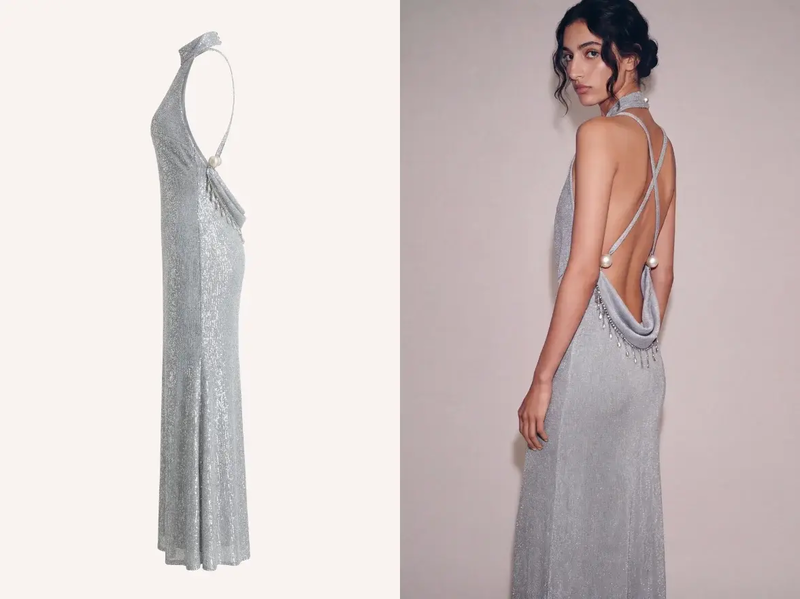
What sets Fashion Diffusion apart is its category range. Beyond apparel, it supports shoes, jewelry, wedding dresses, and lingerie. The platform also includes a full suite of supporting tools: flat-lay generation, background changing, upscaling, AI model generation, and AI fashion video.
Best for: Fashion brands and e-commerce teams that need virtual try-on across both apparel and accessories, plus a broader design and photoshoot workflow in one platform.
Pricing: Free credits included on signup; paid plans available for higher volume.
Key strength: Multi-category try-on (clothing, shoes, jewelry, wedding dresses, lingerie) in a single platform with a full supporting photoshoot toolkit.
Claid
Claid is a full AI product photography suite built around e-commerce workflows. Its on-model generation feature turns flatlay or packshot images into on-model photos using a library of virtual models, with output up to 4K resolution.
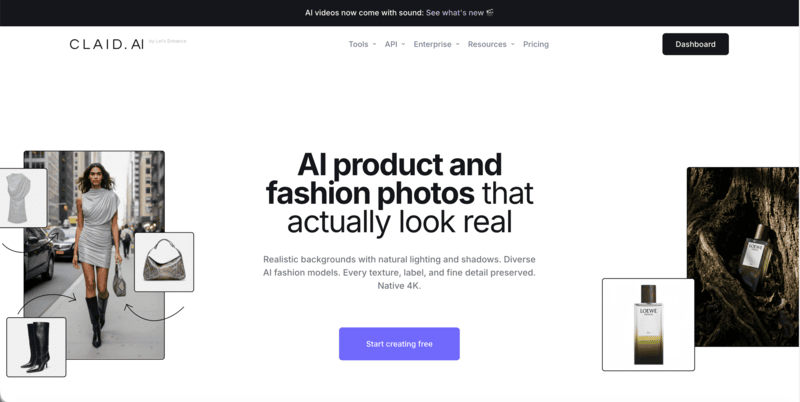
Where Claid differentiates is in what comes after the generation. Background removal, image upscaling, object removal, and generative fill are all available in the same workspace. There’s no need to move between tools during the editing process.
Best for: E-commerce brands that need on-model generation alongside a full range of product image editing in one platform.
Pricing: ~$9/month (Essentials); 50 free credits on signup.
Key strength: On-model generation plus comprehensive product photo editing in one place.
WearView
WearView is a dedicated AI fashion photography platform with one of the most complete feature sets on this list. The product-to-model tool turns flatlay, ghost mannequin, or existing on-model images into new on-model photos in under 15 seconds.
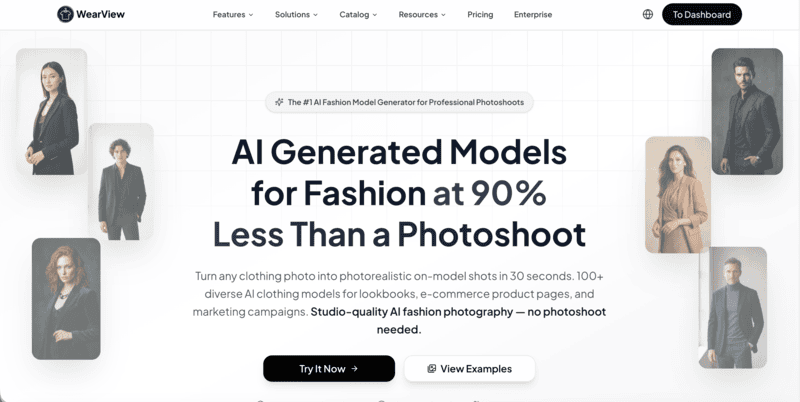
Pose control via reference images, a diverse model library covering different body types and ethnicities, ghost mannequin generation, and AI fashion video are all included.
Best for: Fashion brands managing full catalogs across PDP, hero, lifestyle, and video formats who want everything in one platform.
Pricing: $29/month (Lite, 50 credits); $49/month (Pro, 200 credits); $99/month (Advanced, 500 credits).
Key strength: Most complete on-model feature set — product-to-model, pose control, ghost mannequin, and AI video in one workspace.
FASHN
FASHN is built specifically for virtual try-on pipelines with a developer-first architecture. The core output — placing a garment on a model with realistic drape and fabric preservation — is among the most accurate in this category.
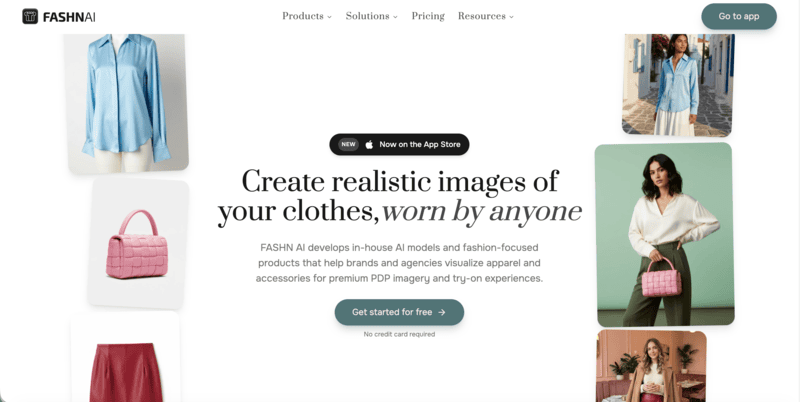
API access is available with transparent per-generation pricing, making it straightforward to embed try-on into existing workflows or build custom pipelines around it.
Best for: Developer teams building virtual try-on features into their own product, and brands with technical resources who need API-first integration.
Pricing: ~$19/month (Basic).
Key strength: High garment fidelity on try-on, developer-friendly API with transparent per-call pricing.
Modelia
Modelia is built around the Shopify workflow. Upload a flatlay or mannequin shot, select a model, and the tool generates on-model images and short video variations directly inside Shopify.
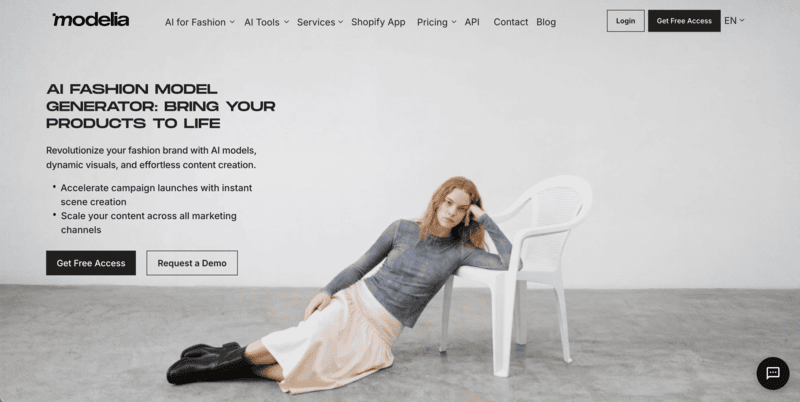
No export-heavy steps or separate tools required. The platform also includes a video generator for animating AI model images into short clips for social and ads.
Best for: Shopify sellers who want fast flatlay-to-model results and video output without leaving their store admin.
Pricing: ~$12/50 credits; free tier available with watermark.
Key strength: Native Shopify integration with both image and video generation in one app.
Botika
Botika follows a similar Shopify-first pattern to Modelia, with one addition: a human review layer on higher tiers. A team reviews output before delivery, adding a quality control step that self-serve tools don’t offer.
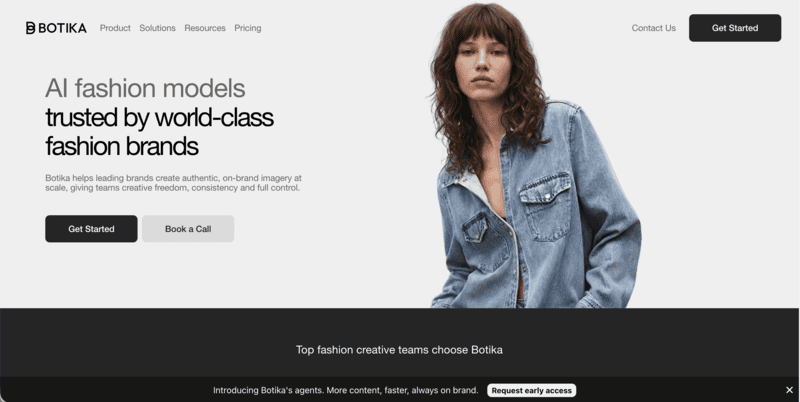
Video generation is also included, making Botika a practical option for Shopify brands that need both on-model images and short video content without leaving their store admin.
Best for: Shopify brands that want a structured review workflow alongside on-model and video generation, and don’t need high-volume output.
Pricing: ~$22-33/month (Lite); 8 free credits on signup.
Key strength: Human quality review on Advanced tier; Shopify-native with video output.
Uwear
Uwear operates on a pay-as-you-go credit model with no subscription requirement. Upload a flatlay, generate on-model photos, and pay per credit used.
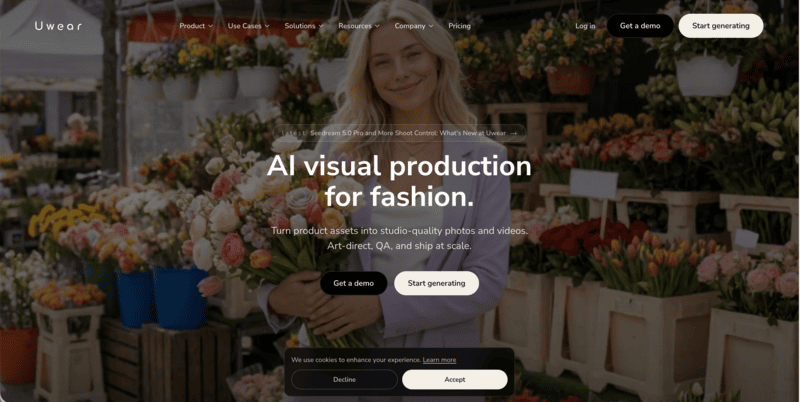
Credits don’t expire, which makes Uwear practical for seasonal brands or low-frequency users who don’t generate enough volume to justify a monthly subscription. An API is available for larger-scale integrations.
Best for: Small sellers, seasonal brands, and teams with variable generation volume who want to avoid subscription overhead.
Pricing: $0.10/credit, pay-as-you-go; no monthly subscription required.
Key strength: No subscription lock-in; credits don’t expire; API available for custom integrations.
SellerPic
SellerPic combines fashion model swaps with AI video generation. It’s a practical tool for social sellers who need both product images and short video content from the same workflow.

Upload a flatlay or ghost mannequin photo, select from a diverse model library, and generate on-model images. The video generation layer turns those images into short clips for TikTok, Instagram Reels, and social ads.
Best for: Social commerce sellers and content teams that need both on-model images and short video content in one tool.
Pricing: ~$29/month (Starter).
Key strength: On-model generation combined with AI video output for social commerce workflows.
Rawshot
Rawshot is built for agency-scale and brand production workflows where compliance and garment accuracy are both priorities. The platform uses attribute-based synthetic models with C2PA content authentication — embedding provenance metadata in AI-generated images. This is relevant for brands selling in markets where AI disclosure requirements apply.
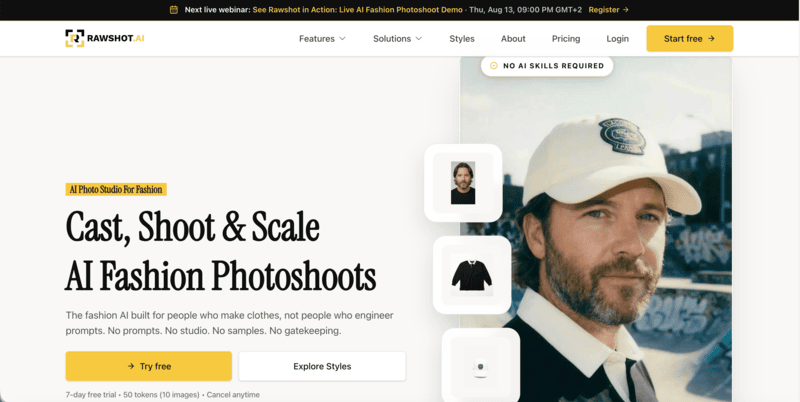
The model library covers 600+ synthetic models and 150+ camera styles. Per-image tokens don’t expire.
Best for: Agencies and brands producing fashion content at scale with collaborative approval workflows, and brands where AI content compliance matters.
Pricing: ~$9/month; tokens don’t expire.
Key strength: C2PA content authentication for AI compliance; 600+ model library; collaborative approval workflows.
VModel.AI
VModel.AI is a straightforward flatlay-to-model tool built for ecommerce sellers who want a low-commitment entry point. Upload a mannequin or flatlay image, choose from 30+ model styles, and generate on-model photos in minutes. A Chrome extension lets users generate directly while browsing other sites, and API access is available for teams building custom pipelines.
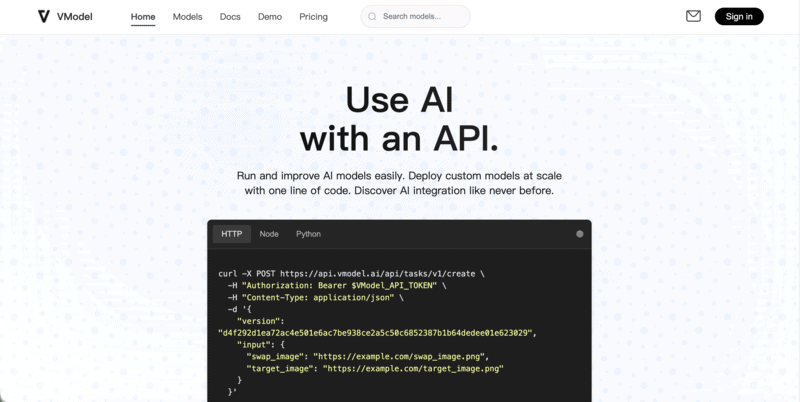
Pricing is pay-as-you-go with no monthly subscription required, which suits seasonal sellers or anyone testing AI on-model photography before committing to a full platform.
Best for: Small sellers and developers who want mannequin-to-model generation without a subscription, or teams building custom API-based workflows.
Pricing: pay-as-you-go credits available.
Key strength: No-commitment pricing with API access; Chrome extension for quick generation without leaving your browser.
How to Choose the Right AI On-Model Photography Tool
The right tool depends on your input format, generation volume, and the platform you sell on. Here’s how to think through each dimension.
By Input Type
The two main input workflows in AI on-model photography are meaningfully different.
Flatlay or packshot to model: You photograph the garment flat and the AI generates a model wearing it. This is the more common workflow, supported by Claid, WearView, Modelia, Botika, Uwear, SellerPic, Rawshot, and VModel.AI. It works well when you have a clean product shot but no model photography at all.
Garment photo plus model photo: You provide both the garment image and a model photo, and the AI places the garment on that specific model. This tends to produce more precise results when the output needs to match a specific person. It’s also useful when you have existing model photography you want to reuse across different products. Fashion Diffusion and FASHN both use this approach.
By Volume and Budget
For low-volume or seasonal use, pay-as-you-go pricing avoids subscription overhead when you don’t generate consistently enough to justify a monthly plan. Fashion Diffusion’s free credits are also a practical starting point. They let you test output quality across multiple categories before committing to a paid plan.
For mid-volume use (roughly 50-200 images per month), subscription tools offer better unit economics than pay-per-image at those quantities. WearView Lite or Claid Essentials are practical options at this range.
For catalog-scale production at 500+ images per month, the most cost-efficient options depend on whether you need a managed platform or a custom pipeline. WearView Advanced suits managed workflows. Rawshot’s per-token model and FASHN’s API suit teams building their own pipelines.
By Platform
For Shopify stores, Modelia and Botika offer the tightest integration — both run as Shopify apps with output deployable directly to product pages. For stores on other platforms or with custom storefronts, any of the tools on this list work through manual or batch upload.
For developer-built pipelines, FASHN’s API and Rawshot’s token model offer the most flexible integration options. Fashion Diffusion, WearView, Claid, and Uwear also offer API access at various tiers.
How to Generate On-Model Photos with Fashion Diffusion
Fashion Diffusion’s virtual try-on generates on-model photography from two inputs: a garment photo and a model photo. The process runs in the browser in under a minute.
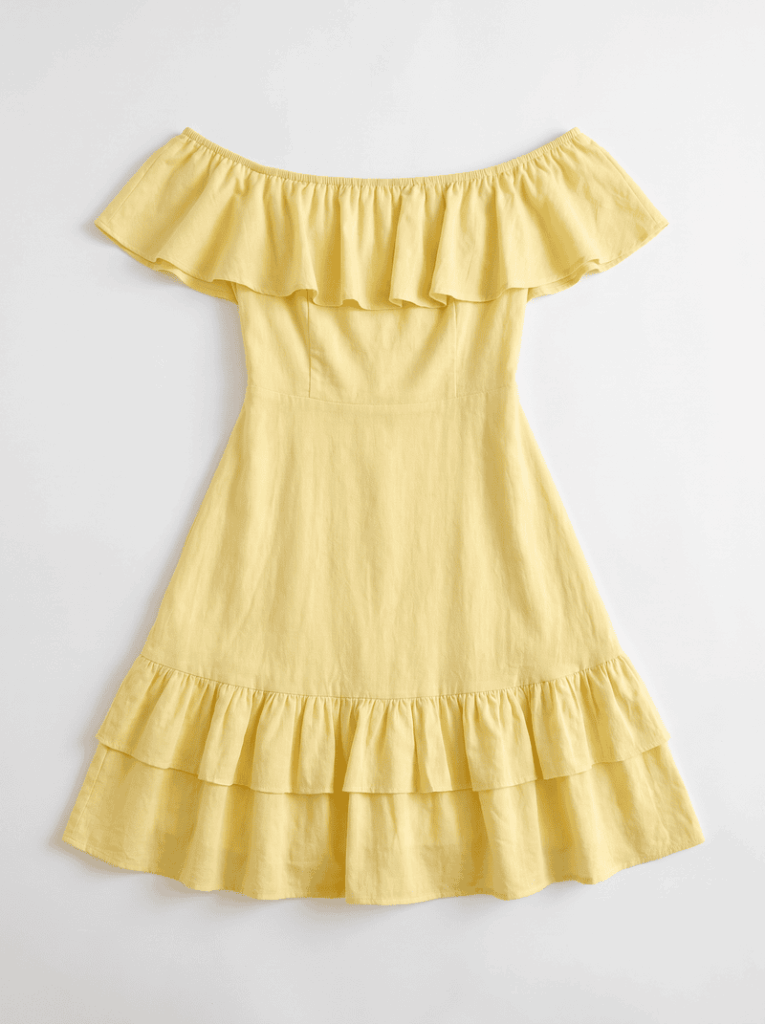
Step 1: Upload the Garment Photo
Use a flat-lay or clean product photo on a plain background. The garment should be fully visible with clear fabric detail — the AI uses this to understand construction, texture, and color.
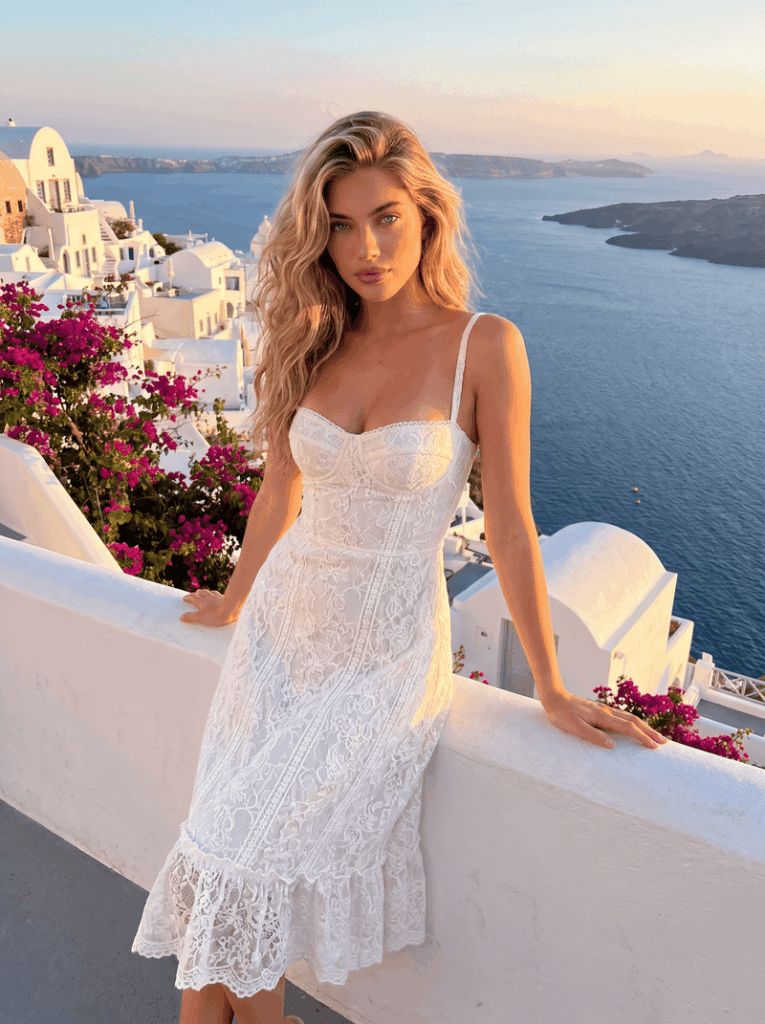
Step 2: Upload the Model Photo
Upload a photo of the model you want to use. A front-facing, full-body image with even lighting works best. Fashion Diffusion’s AI model generator can also produce a model from scratch if you don’t have a photo.
Step 3: Generate and Review
The AI places the garment on the model and produces a finished image in seconds. Review for garment accuracy at the waist, shoulders, and hem. Regenerate with adjusted inputs if needed.
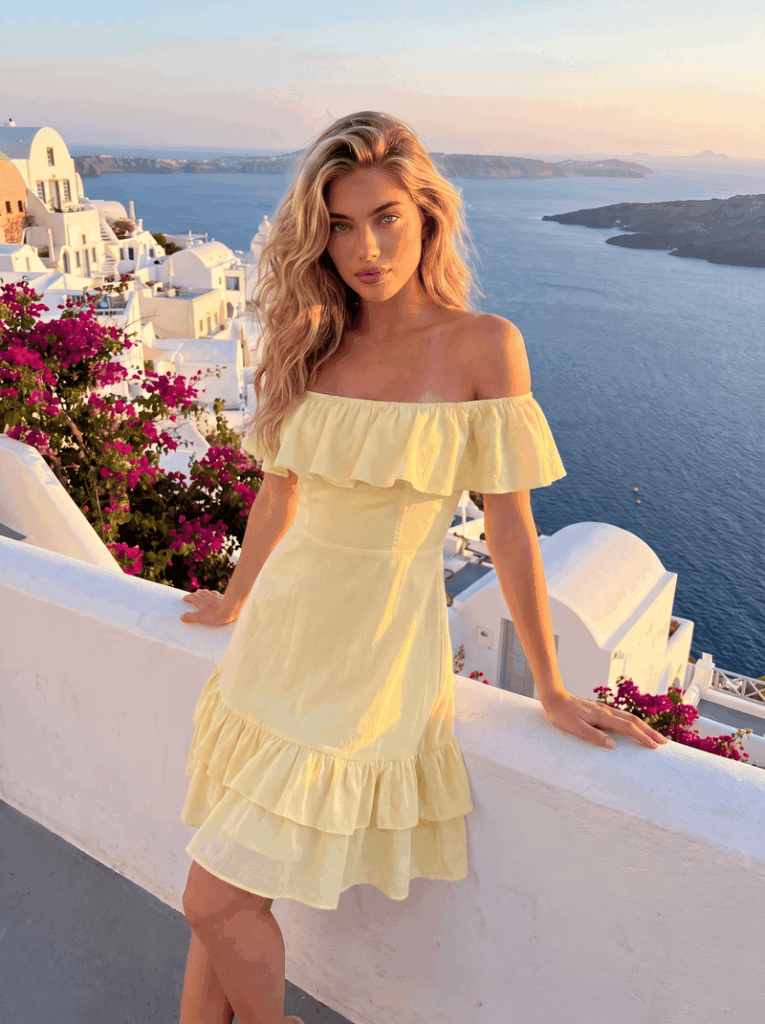
Fashion Diffusion supports virtual try-on across apparel, shoes, jewelry, wedding dresses, and lingerie. It’s one of the few platforms where brands selling across categories can manage all on-model photography in one place.
Replace Your Studio Shoot with AI On-Model Photography
On-model photography at catalog scale doesn’t require a studio anymore. Fashion Diffusion generates on-model images across apparel, accessories, and specialty categories from a garment photo and a model photo. In seconds, without a shoot.
New accounts start with free credits. Try the virtual try-on with your own garment photo and see the result.
FAQ
AI on-model photography uses generative AI to produce images of clothing or accessories worn by a virtual or AI-generated model. It replaces the studio shoot and human model traditionally needed for catalog imagery. You upload a garment image, provide or choose a model, and the platform generates a finished on-model photo in seconds.
Modelia and Botika both run as native Shopify apps, making them the most integrated options for Shopify stores. Other tools on this list work with Shopify through manual upload or batch processing.
Most tools offer limited free credits rather than a permanent free tier. Fashion Diffusion, Claid, and Botika include free credits on signup. Modelia has a free tier with watermarked output. Uwear and FASHN offer pay-as-you-go pricing with no subscription required.
Yes, on paid plans for most tools on this list. Some tools gate commercial licensing behind higher tiers — check the specific plan terms before publishing AI-generated images in paid ads or marketplace listings.
For catalog and ecommerce work, AI-generated on-model imagery now meets the requirements of major platforms including Amazon, Shopify, and Instagram. Real photoshoots still offer advantages for hero campaign imagery and editorial work where human direction and physical styling matter. For day-to-day catalog production, AI is faster, cheaper, and scalable in ways traditional shoots aren’t.


