Create faster in the app
Create faster in the app
Upload a fashion video clip and describe the scene you want — or upload a background image directly. The AI replaces the existing background frame by frame, adapting to the garment and subject in the footage. No studio setup, no green screen, no post-production required.
No editing skills needed — go from raw video to a finished background in minutes.
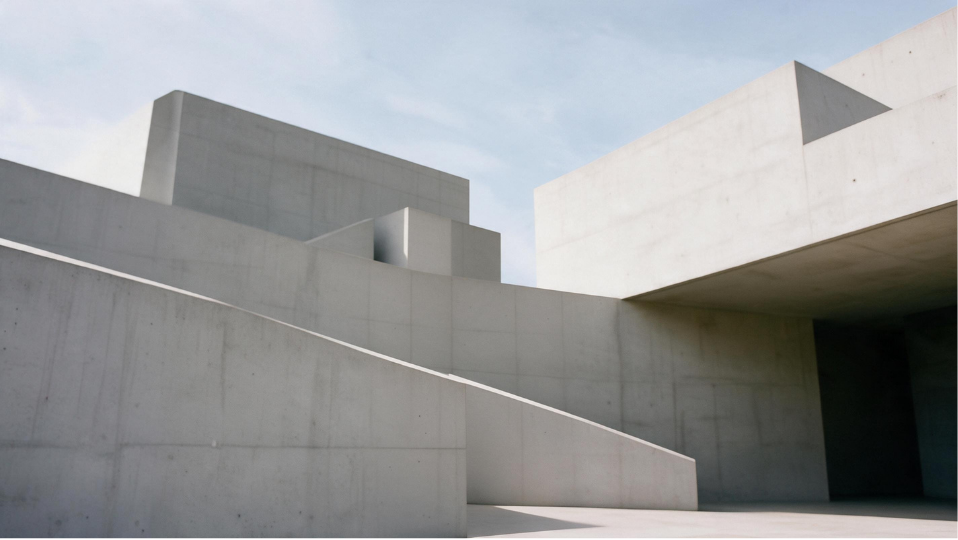
Built for fashion video production — change backgrounds across product clips, campaign footage, and social content without a studio or editing software.
Replace the setting behind your fashion footage without arranging a green-screen shoot. Upload clips filmed in a studio, sample room, showroom, or outdoor location — the AI replaces the background frame by frame without manual compositing or post-production. This means existing footage can be repurposed with a new visual setting without returning to the original shoot.
Try for freeDescribe the setting you want in text — a clean studio, a marble interior, a street setting, a seasonal campaign backdrop — and the AI generates it. You can also upload a background image directly to match an existing visual style or brand environment. This gives you direct control over the final look without relying on a fixed template or preset library.
Try for freeThe background replacement is designed to retain the visible garment, product, and subject during processing — preserving silhouette, fabric movement, and subject edges. The AI adapts to the foreground detail in each clip, so garment structure and product definition stay intact as the background changes.
Try for freeFrom product catalog shoots to buyer presentations — change video backgrounds at any stage of the fashion content workflow.
Replace cluttered or inconsistent backgrounds from existing product footage and standardize presentation across your catalog — without reshooting each style.
Footage from previous seasons can be reused with a background that matches a new campaign direction — a different setting, a seasonal backdrop, a market-specific scene — without returning to the original shoot.
Generate background variations from one source clip for TikTok, Instagram Reels, and your brand site — each channel gets a different treatment without separate production.
Apply a showroom or retail setting to existing garment footage before a buyer presentation — giving buyers a clearer read of how the product will sit in a real environment.
We had product videos from last season shot in our old studio. The AI let us replace the backgrounds with our new visual direction — same clips, completely different look. No reshoot needed.

Mia K.
Content Manager

Turn static fashion images into dynamic videos with realistic motion, bringing your designs to life.

Generate short-form fashion ad videos from product images — ready for TikTok, Reels, and paid social.

Convert any garment photo into a clean flat-lay image that meets e-commerce photography standards — no physical styling or overhead shoot required

Upload a flat-lay or sketch and see your design on a realistic AI model in seconds, testing fit, proportions, and styling easily.

Remove image backgrounds instantly to create clean product visuals for eCommerce and lookbooks.

Change backgrounds to studio, street, or lifestyle scenes and upgrade your fashion visuals in one click.

Replace or generate fashion models with AI and generate diverse, realistic models to showcase clothing without reshoots.

Enhance image resolution while preserving garment details for sharper, production-ready visuals.

Generate XXXL and XXXXL size fashion model images from any product photo.
An AI video background changer replaces the background of a video clip with a new scene — generated from a text description — without requiring a green screen or manual compositing. Fashion Diffusion's tool is built specifically for fashion video, preserving garment detail and model movement during the replacement.
The tool works with on-model product clips, flat-lay animations, UGC footage, and campaign recordings. Clear footage where the subject and garment are fully visible produces the most consistent results. Avoid heavy motion blur, fast camera shake, or heavily cluttered foregrounds.
Yes. The AI preserves the garment silhouette, fabric drape, and model pose during replacement. Garment edges and fine detail — collar structure, sleeve openings, fabric texture — are retained so the result is suitable for product pages and commercial use, not just social content.
Most generations complete in a few minutes depending on clip length and resolution. There is no manual compositing or frame-by-frame editing involved — upload your clip, describe the background, and the AI processes the full replacement automatically.
Yes. All videos generated by Fashion Diffusion can be downloaded and used for e-commerce product pages, social media, campaign materials, buyer presentations, and other commercial content.