

Want to create eye-catching AI hot girl photos in styles ranging from glamorous portraits to trendy Instagram looks? With an AI hot girl generator, you can turn a simple text prompt into a stylish portrait featuring your preferred outfit, hairstyle, makeup, and setting. If you need inspiration, explore different styles and ideas with our collection of AI hot girl prompts.
But creating a new image is only one part of the process. You can also use AI to edit an existing photo, change outfits, try new backgrounds, or experiment with different looks. In this guide, you’ll learn how to create and edit AI hot girl photos for free, with practical prompts and tips for getting more realistic results.
What Are AI Hot Girl Photos
AI hot girl photos are AI-generated or AI-edited images featuring attractive adult women in different fashion styles, poses, and settings. They can range from casual Instagram portraits to glamorous editorial photography.
Unlike traditional photoshoots, AI image tools let you experiment with different looks without changing outfits, booking a studio, or arranging a photoshoot.
Here are some popular styles to explore:
- Glamour Photography: Elegant outfits, polished makeup, and sophisticated settings.
- Instagram Baddie: Trendy fashion, confident poses, and stylish everyday environments.
- Fashion Editorial: Statement outfits, creative compositions, and professional lighting.
- Lifestyle Photography: Natural poses, casual outfits, and relaxed surroundings.
You can generate these images from scratch or use AI photo editing to transform pictures you already have.
How to Create AI Hot Girl Photos for Free
Creating AI hot girl photos starts with a clear idea of the look you want. An AI hot girl generator can turn a text description into a complete portrait, giving you control over the model’s appearance, outfit, pose, and surroundings.
Follow these three steps to get started.
Step 1. Choose an AI Hot Girl Generator
Start with an AI image generator that supports realistic fashion and portrait creation. A fashion-focused tool gives you more control over clothing details, styling, and model presentation.
Fashion Diffusion’s AI hot girl generator tool lets you create AI girl photos using text prompts and reference images.
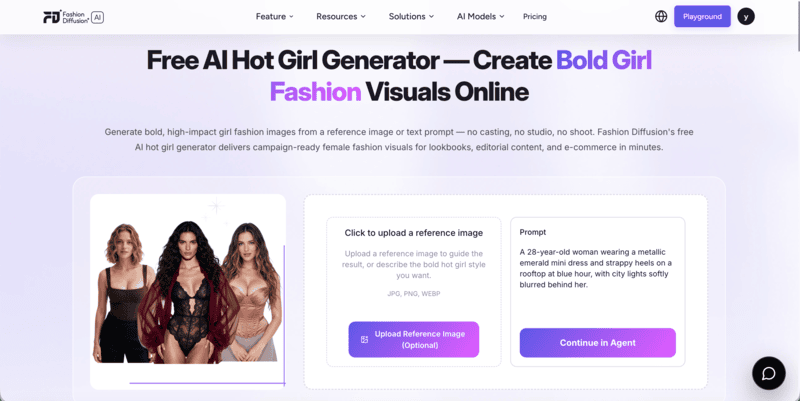
You can describe the model and scene you have in mind or use a reference image to guide the result. This is useful when you want a particular fashion aesthetic or a more consistent visual direction.
Step 2. Write a Detailed AI Hot Girl Prompt
A good prompt makes a big difference in the final image. Instead of simply typing “beautiful hot girl,” describe the visual elements you want to see.
Consider including these details:
- Appearance: Age (adult), facial features, hairstyle, and overall look.
- Outfit: Clothing style, color, fabric, and fit.
- Pose: Standing, sitting, walking, or looking directly at the camera.
- Background: A luxury hotel, city street, beach, or studio.
- Lighting: Soft daylight, direct flash, golden hour, or cinematic lighting.
- Photography Style: Editorial fashion photography, lifestyle portraits, or Instagram aesthetics.
For example, try this prompt:
A gorgeous adult European-American woman with long, voluminous brunette waves, defined features, full lips, and a confident, alluring gaze. Wearing a fitted black satin mini dress with a deep neckline, gold jewelry, and elegant heels. Posing with one hand on her hip, body slightly angled toward the camera. Luxurious hotel suite at night, warm golden lighting, soft smoky eye makeup, glossy nude lips. Instagram baddie aesthetic, seductive yet elegant, flattering curves, photorealistic, sharp facial details, high-end glamour photography.
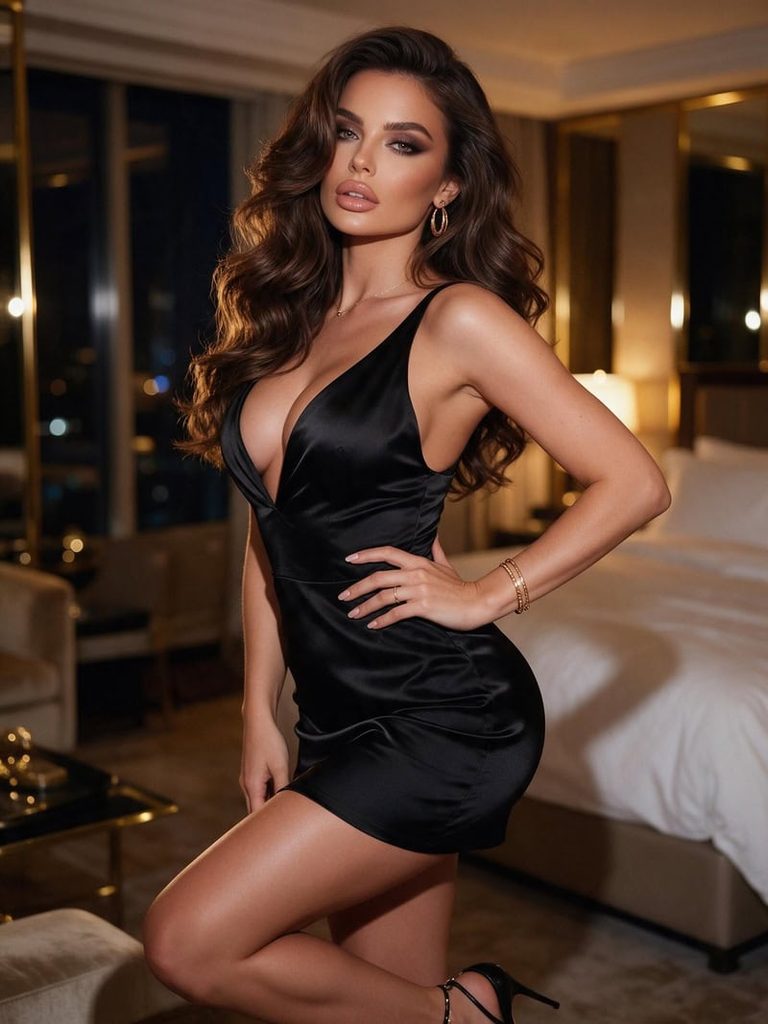
The more specific your descriptions are, the easier it is to guide the AI toward your desired result.
Step 3. Generate and Refine Your Image
Enter your prompt and generate the image. Review the result to see whether the outfit, pose, lighting, and background match your idea.
If something looks off, adjust the relevant part of the prompt. For example:
- Change the outfit from satin to leather.
- Replace a studio background with a city rooftop.
- Add softer lighting for a more natural portrait.
- Adjust the pose for a more relaxed or confident look.
You don’t need to rewrite the entire prompt every time. Small adjustments can help you explore different styles while keeping the overall concept consistent.
How to Edit AI Hot Girl Photos With AI
You don’t always need to generate a new image. If you already have a portrait you like, an AI girl photo editor can help you change its appearance without starting over.
This approach is especially useful when you want to experiment with different fashion styles, upgrade an ordinary selfie, or create a more polished portrait from an existing photo.
Step 1. Upload Your Original Photo
Choose a photo you want to edit. It can be a casual selfie, a full-body portrait, or a simple everyday fashion photo.
For better results, start with an image where the person and the areas you want to edit are clearly visible. Good lighting and a relatively sharp image can also help.
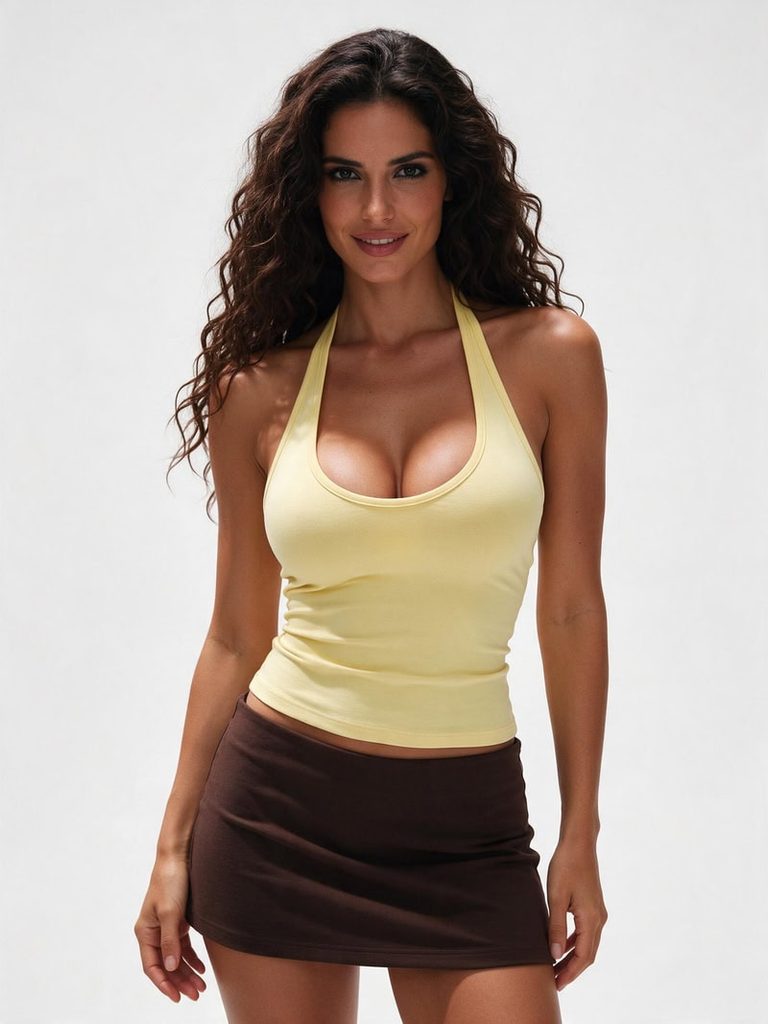
Open Fashion Diffusion’s AI Inpainting tool and upload your image to get started.
Step 2. Describe the Changes You Want
With AI Inpainting, you can describe the changes you want in natural language. Depending on the edit, you can select a specific area with a mask or provide a prompt to guide the image transformation.
Here are three ways to customize your photo:
Change Your Outfit
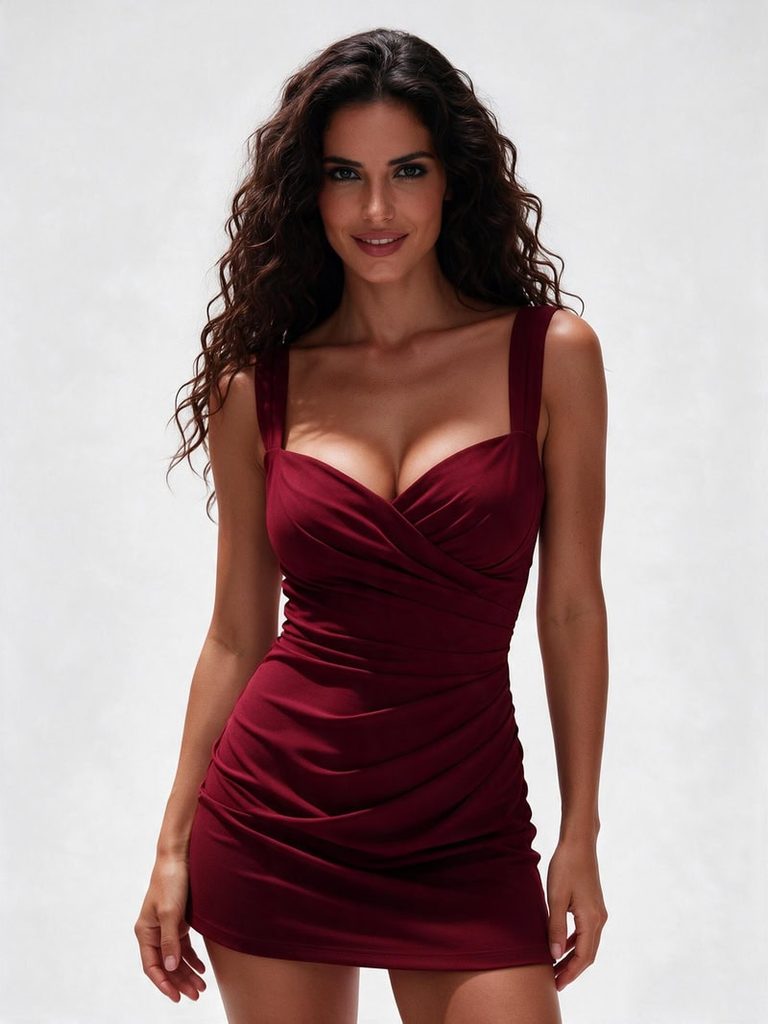
Want to replace an ordinary top with a more fashionable look? Describe the new clothing style, fabric, color, and fit.
Example prompt: “Replace the casual top with an elegant fitted burgundy dress featuring a subtle sweetheart neckline and delicate draped details. Keep the original body proportions and pose.”
Change the Background
A simple portrait can take on a completely different mood with a new setting.
Example prompt: “Replace the plain indoor background with a luxurious hotel interior featuring warm ambient lighting, marble details, and soft golden tones. Keep the subject unchanged.”
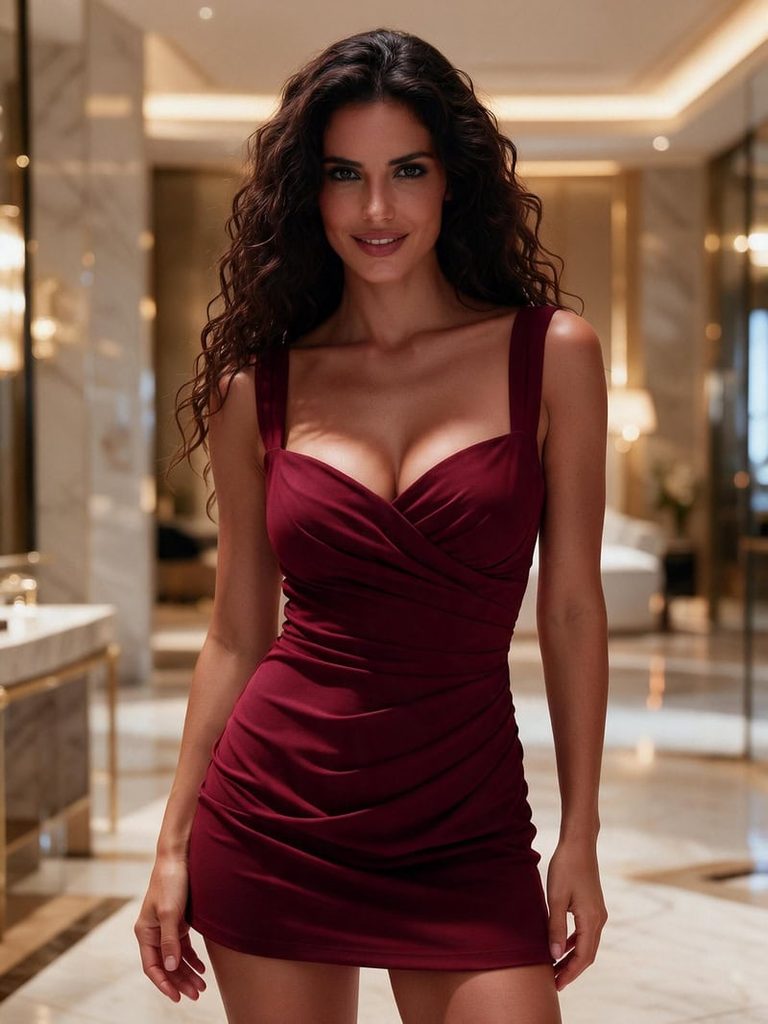
Change Your Makeup and Hairstyle
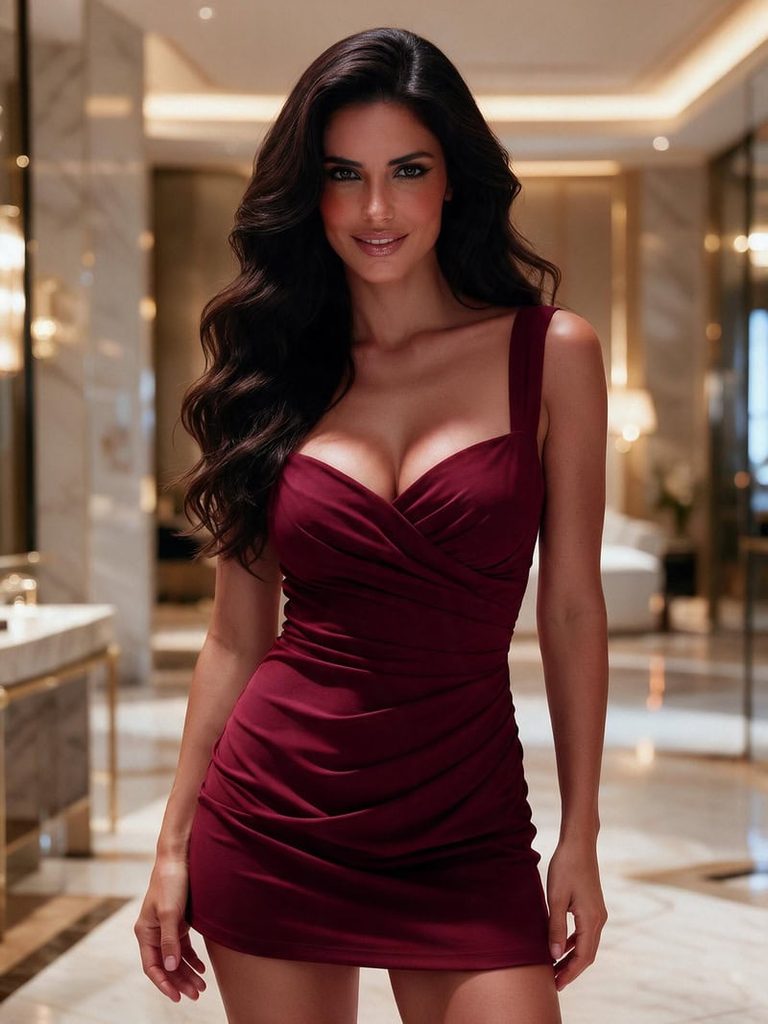
Experiment with different beauty looks without changing the entire photo.
Example prompt: “Add soft glam makeup with defined eyeliner, warm blush, and glossy nude lips. Change the hairstyle to voluminous loose waves while maintaining natural facial features.”
Step 3. Generate and Compare the Results
Once your prompt is ready, generate the edited image and compare it with the original.
Check whether the new outfit fits naturally, the background blends with the subject, and the lighting remains consistent. If one detail doesn’t look right, refine that area with another prompt.
The advantage of AI photo editing is that you can experiment with multiple looks using the same original photo. There’s no need to recreate the entire image for every change.
AI Hot Girl Photo Prompts to Try
Looking for inspiration? Try these AI hot girl prompts featuring different outfits, settings, and Instagram-inspired aesthetics. Copy and customize them to create your own looks.
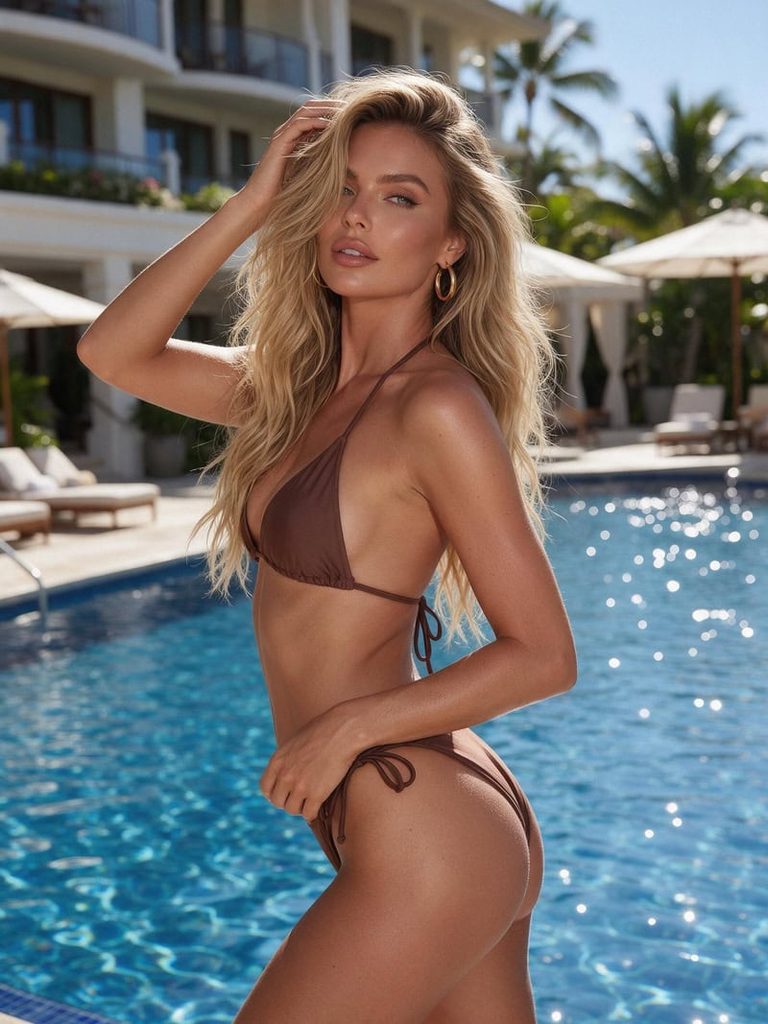
1. Poolside Bikini Look
An attractive adult European woman with sun-kissed skin and long blonde beach waves, wearing a stylish chocolate brown bikini and gold hoop earrings. Posing confidently beside a luxury hotel pool, one hand brushing through her hair. Bright summer sunlight, sparkling blue water, tropical resort atmosphere, effortless Instagram model aesthetic, photorealistic fashion photography.
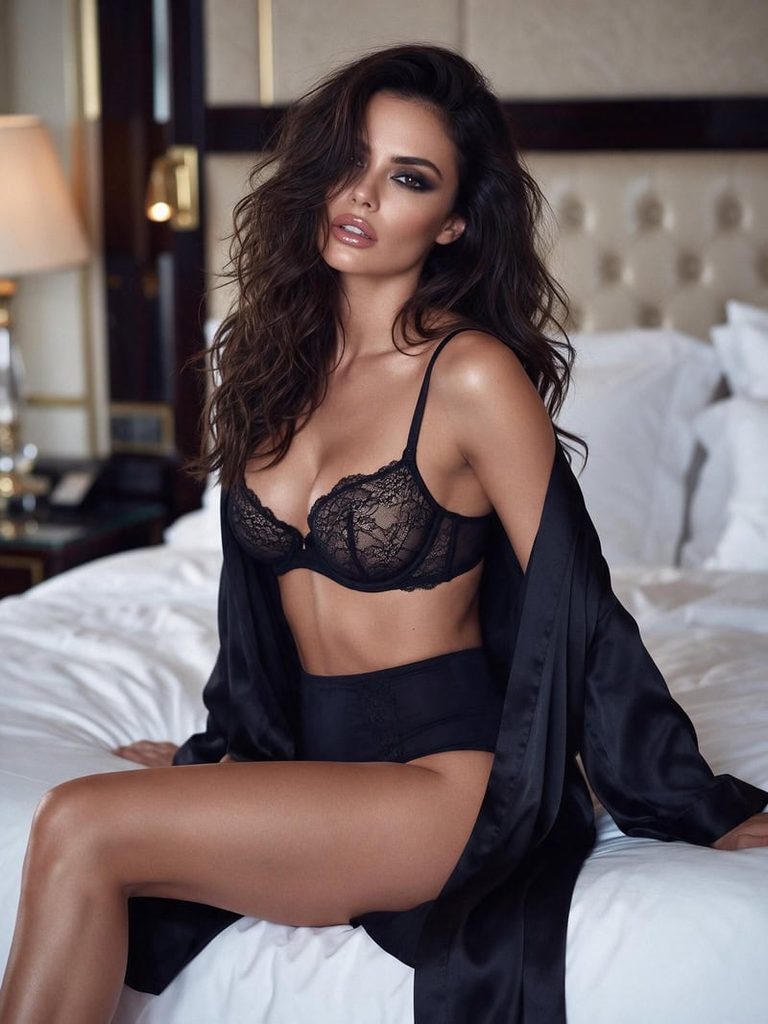
2. Luxury Lingerie Look
A stunning adult brunette woman with long, tousled waves, wearing a delicate black lace balconette bra, matching high-waisted lingerie bottoms, and an open silk robe. Sitting elegantly on a luxury hotel bed, with one leg slightly extended and a sultry gaze toward the camera. Soft warm lighting, glossy lips, smoky eye makeup, intimate luxury atmosphere, sensual editorial photography.
3. Sexy Instagram Baddie
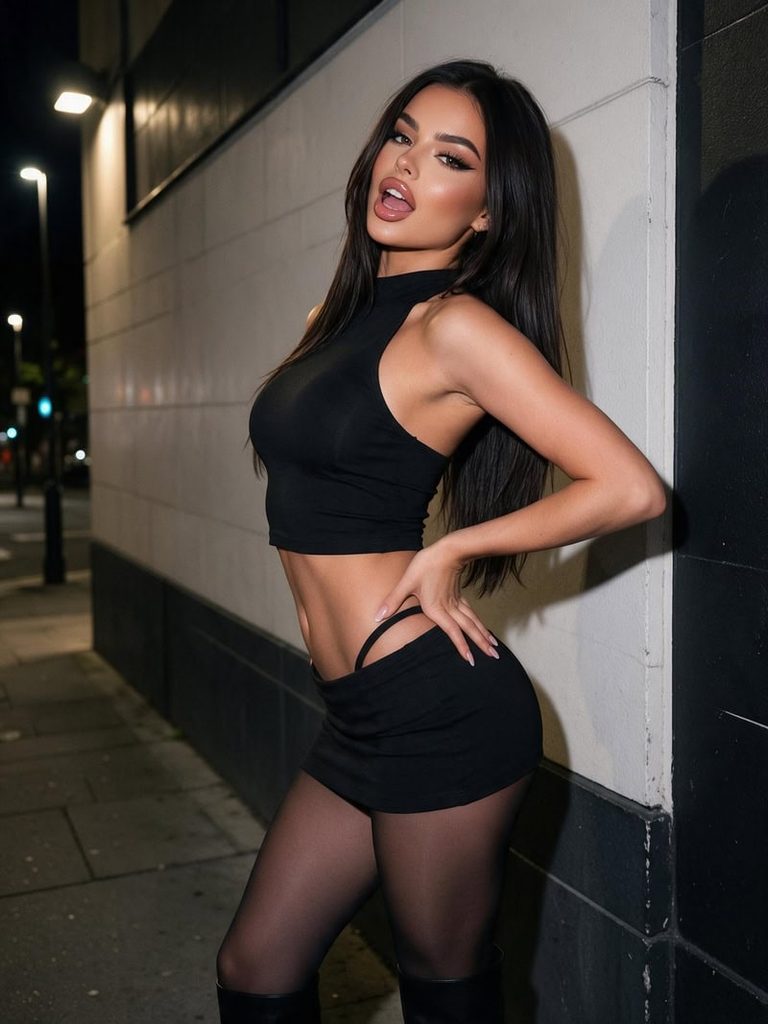
A gorgeous adult European-American woman with long sleek dark hair, wearing a fitted black cropped halter top, ultra-low-rise mini skirt, sheer tights, and knee-high boots. Posing confidently against a stylish city wall, one hand on her hip, with a bold, flirtatious expression. Defined curves, glossy lips, dramatic eyeliner, nighttime street lights, edgy Instagram baddie aesthetic, photorealistic fashion photography.
4. Sunset Rooftop Glamour
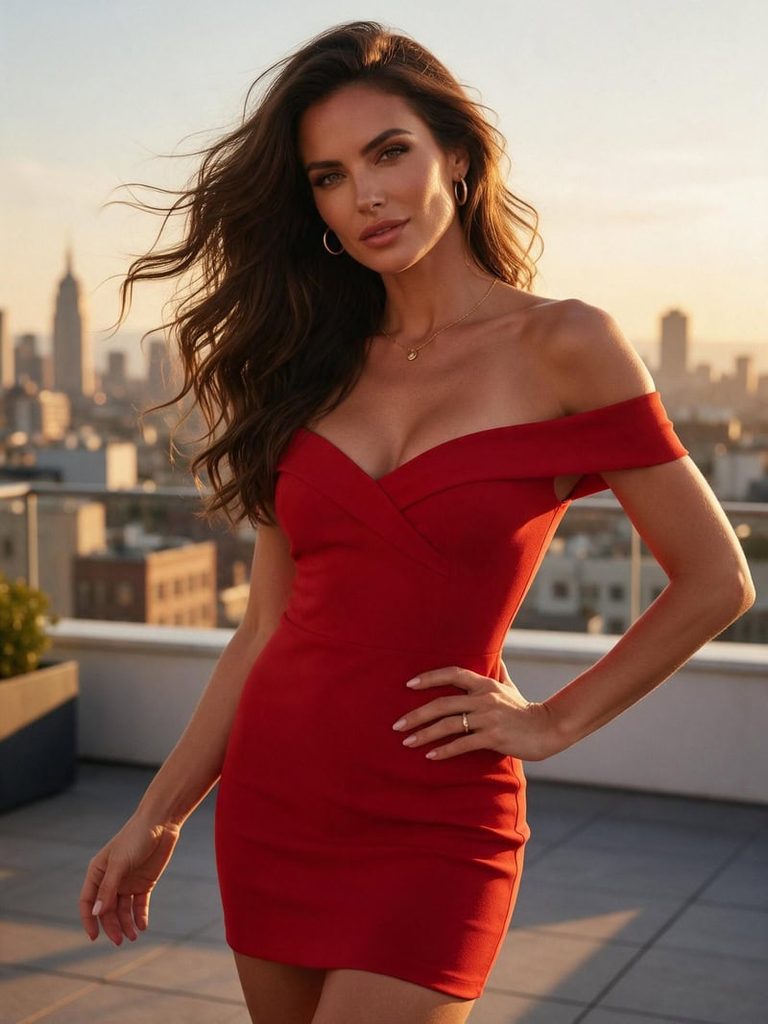
A stunning adult woman with long brunette waves, wearing a figure-hugging red off-shoulder mini dress and delicate gold jewelry. Posing on a rooftop terrace at sunset, with a city skyline in the background. Wind-swept hair, warm golden-hour glow, confident expression, cinematic composition, luxurious Instagram glamour aesthetic.
Tips for Creating Realistic AI Hot Girl Photos
A good prompt does more than describe appearance. Small details about styling, lighting, and composition can make your AI hot girl photos look more natural and visually appealing.
- Use Specific Prompts: Describe the outfit, hairstyle, makeup, pose, and setting instead of relying on generic words like “beautiful” or “sexy.”
- Choose Natural Lighting: Use details like soft daylight, golden-hour sunlight, or warm indoor lighting to create more realistic results.
- Keep Facial Details Realistic: Include natural skin texture, balanced facial features, and subtle makeup to avoid an overly artificial look.
- Refine One Detail at a Time: Adjust the outfit, background, pose, or lighting separately to get better results without changing the entire image.
Create Your Own AI Hot Girl Photos With Fashion Diffusion
Creating eye-catching AI hot girl photos doesn’t have to be complicated. Whether you want to generate a new look from scratch or transform an existing portrait, the right prompts and editing tools give you plenty of creative possibilities.
Experiment with different outfits, hairstyles, makeup, and photography styles to find the look you love. You can also explore different visual directions without arranging a new photoshoot for every idea.
Ready to get creative? Visit Fashion Diffusion and discover new ways to create and edit AI fashion photos.
FAQ
Upload your original image to an AI photo editor, describe the changes you want, and generate the edited result. With AI Inpainting, you can target specific areas to change outfits, backgrounds, hairstyles, or other visual details.
Use detailed prompts that describe natural skin texture, realistic facial proportions, appropriate lighting, and believable poses. Avoid excessive beauty filters or overly complicated descriptions that may produce unnatural results.
Yes. AI photo editing tools can replace clothing and backgrounds based on your text instructions. You can describe a new outfit, location, lighting setup, or overall photography style to transform an existing portrait.
No. You can generate images entirely from text prompts. However, using a reference photo can help guide the model’s appearance, pose, or overall visual direction when you want a more specific result.
Yes. Some AI image generators offer free credits or limited free generations. Fashion Diffusion provides free credits for new users, so you can try creating AI hot girl photos before choosing a paid plan.


