

You’ve found a bag you love online. The photos look great. But the model carrying it is six feet tall with a completely different frame than yours. Is it actually the right size? Will it sit at the right height on your shoulder? Does the strap length work for how you carry bags?
These are questions a product photo can’t answer. Now you can try on handbag online with AI — and see exactly how that bag looks on your own photo, before you buy. Fashion Diffusion’s virtual bag try-on makes that possible.
Why Bags Are Harder to Buy Online Than Clothes
Clothing has a built-in reference system. Sizes, measurements, model dimensions — most fashion brands give you enough to make an educated guess about fit. Bags don’t. And that’s exactly why virtual try-on bag tools have become a genuinely useful decision-making tool, not just a novelty.
Product photography makes the problem worse. A bag shot on a marble surface looks different from the same bag on a model. A bag photographed at a slight angle reads smaller or larger than it is. A bag shown on a tall, thin model tells you almost nothing about how it will sit in proportion on a different body.
The questions that matter most can’t be answered by a product image at all. How high does it sit when worn crossbody? Does the drop length work for shoulder carry? Does the structured silhouette feel balanced with your proportions, or does it read as too small? Bags have a 19% online return rate, driven largely by fit uncertainty and the inability to visualize scale before purchasing.
AI virtual bag try-on closes that gap. Upload your photo and the bag’s product image, and you see it on your own body — not on a model, not on a surface, but on you.
What Is a Virtual Bag Try-On
AI bag try-on takes two inputs — a photo of a bag and a photo of a person — and generates a realistic image of that person carrying that bag. This is what makes AI bag try on different from simply browsing product images: the output is specific to your body, not to a brand’s sample model. The AI reads the bag’s shape, strap structure, and hardware detail from the product image, then places it naturally against the body proportions and outfit in the person photo.
The result isn’t a sticker placed on top of a photo. The bag is rendered at accurate proportion relative to the body, in a natural position for the carrying style, with consistent lighting that matches the original photo. Leather grain, chain links, zipper pulls, and hardware finish all carry over from the source image. Try on handbag online with AI and you see the actual product — not a generic bag shape applied to a figure.
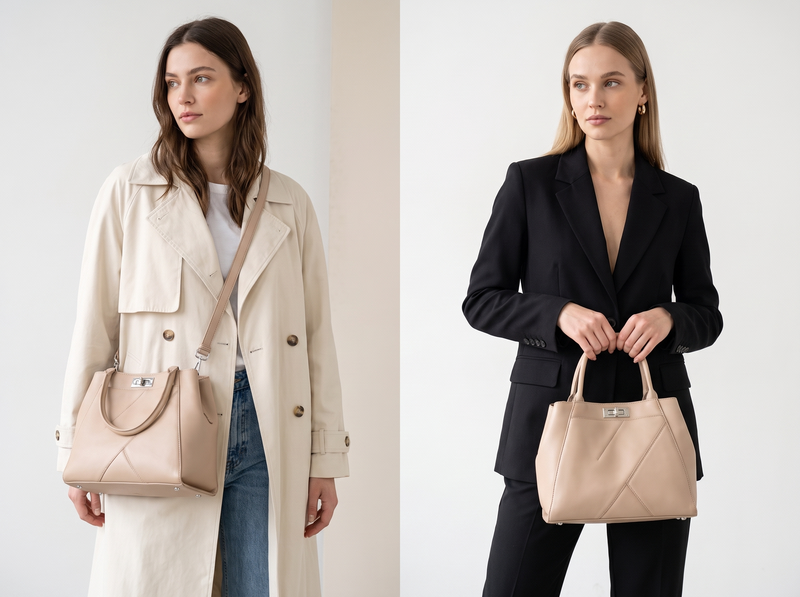
How to Try On a Bag Virtually with Fashion Diffusion
Fashion Diffusion’s AI virtual try-on bags is one of the most straightforward virtual bag try-on tools available — it runs in the browser with no software needed. Upload two images and the result is ready in seconds.
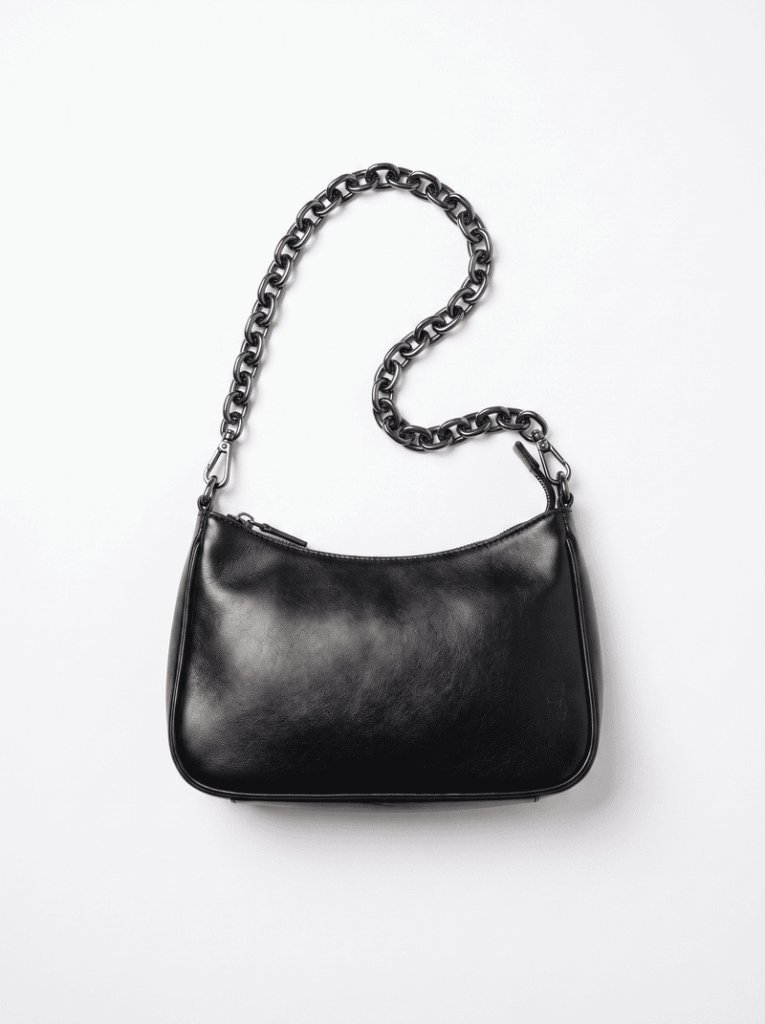
Step 1: Upload a Bag Image
Use any bag product photo — a packshot, a flat lay, or a picture saved from the brand’s website. The AI identifies the bag’s shape, strap structure, and hardware automatically. You don’t need to prepare the image in any specific way.
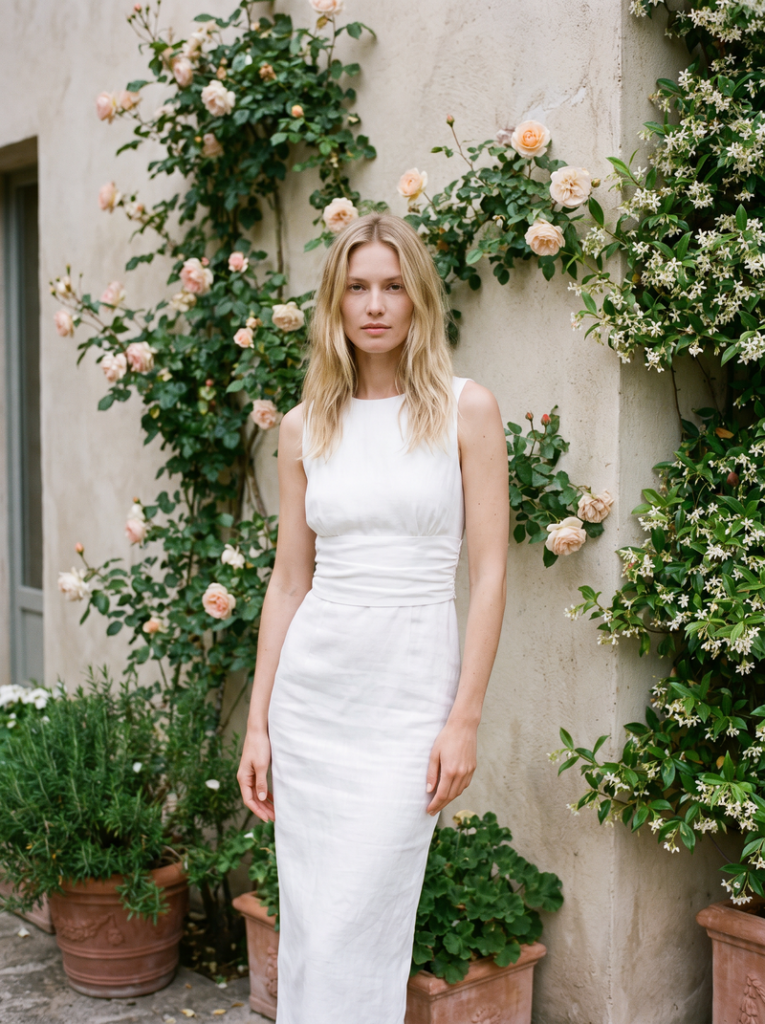
Step 2: Upload a Model Photo
Upload a front-facing photo of yourself or a model. Even lighting and a simple background give the most accurate result. Full-body photos show how the bag sits against the full silhouette. Half-body photos work well for shoulder and crossbody carry preview.
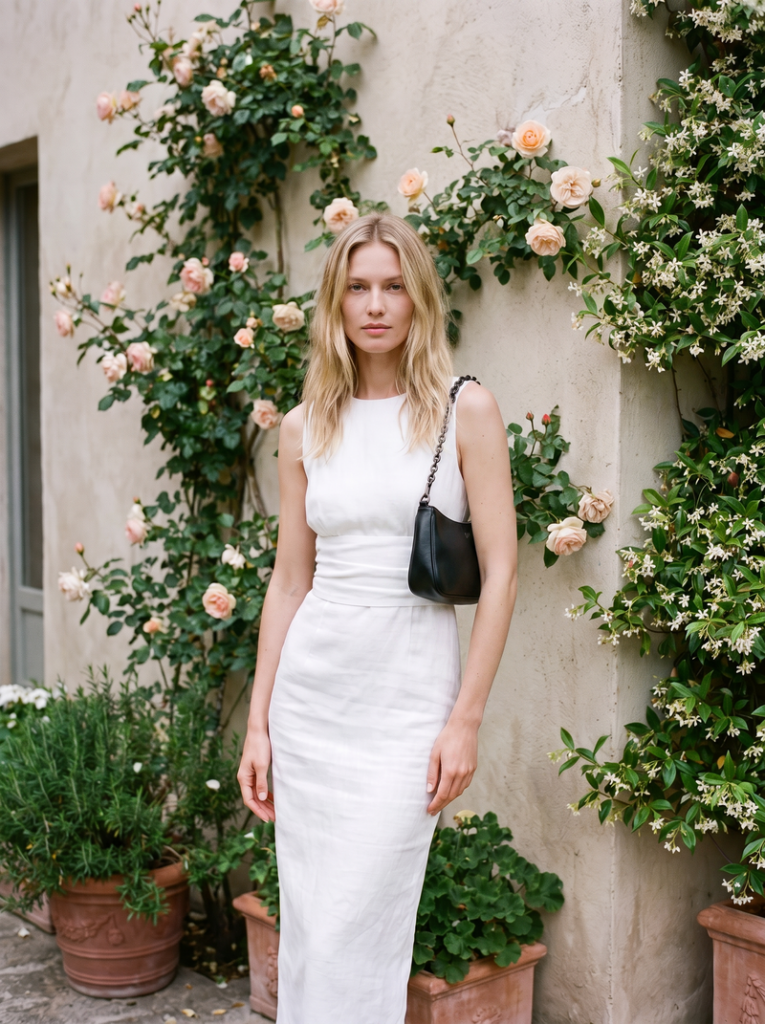
Step 3: See the Result and Compare
The AI generates a realistic on-model preview in seconds. The bag appears at accurate scale, in natural position, consistent with the outfit and lighting in your photo. Try the same bag in different carrying positions by uploading different model photos — one for shoulder height, one crossbody, one hand-carried — to see how each carrying style reads before you decide.
What the Try-On Actually Shows You
This is where AI bag try-on delivers its real value — not just “does the bag look nice,” but the specific questions a product page can’t answer.
Size and Proportion
Scale is the hardest thing to read from a product photo. A bag that looks mid-sized on a tall model may read as clutch-sized on a different frame, or as an oversized tote on another.
The AI places the bag at accurate scale relative to your body. You see immediately whether it reads as the size you thought it was. A structured tote that seemed just right in the product photos may be clearly too large or too small against your actual proportions. That’s useful information to have before purchasing.
Carrying Position and Drop Length
The same bag looks completely different depending on how it’s carried. Drop length is almost impossible to judge from a product listing.
A shoulder bag with a long drop sits at the hip and reads as a casual daytime bag. The same bag with a shorter strap sits at the armpit and reads as more structured and polished. Upload a photo in the carrying position you want to preview, and the AI places the bag accurately for that hold.
Style and Outfit Match
A bag doesn’t exist in isolation — it’s part of a look. Upload a model photo wearing an outfit you’d actually pair with the bag, and the AI shows you how the two work together.
Whether the colors coordinate, whether the bag’s shape suits the silhouette, and whether the overall combination reads the way you want it to. Testing a structured leather bag against tailored clothing versus the same bag against a casual outfit produces a completely different visual result. Seeing both before you buy is more useful than seeing the bag on its own.
Beyond Try-On — Design Your Own Bag with AI
If you’ve tried multiple bags virtually and none of them quite match what you are looking for, Fashion Diffusion’s AI bag design generator takes things a step further. Describe the bag you have in mind — the shape, the hardware, the material, the color — and the AI generates a visual concept.
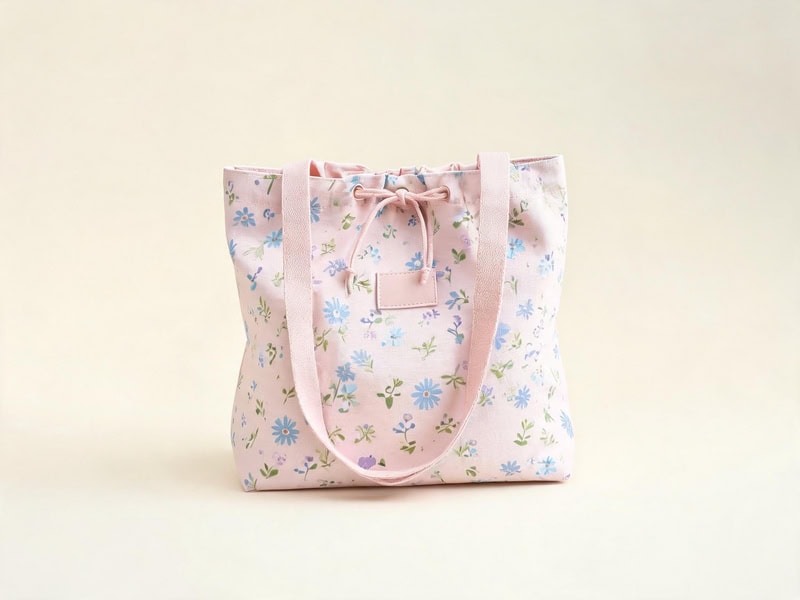
It’s a way to explore what you actually want before searching for it, or to visualize a bag that doesn’t exist yet. Useful for shoppers with a specific aesthetic in mind, and for designers and brands looking to concept new styles before sampling.
Try On Any Bag Before You Buy with Fashion Diffusion
The question you are actually asking when you look at a bag online isn’t “does this bag look good?” It’s “does this bag look good on me?” Those are different questions, and only one of them can be answered by a product photo.
Fashion Diffusion’s virtual bag try-on puts any bag on your photo in seconds, free to try. Upload any bag image from any online store, add a photo of yourself, and try on handbag online with AI before you decide. New accounts start with free credits.
FAQ
A tool that places a bag product image onto a model photo using AI, producing a realistic preview of how the bag looks when carried. It shows accurate scale, natural positioning, and outfit context — for handbags, totes, shoulder bags, crossbody bags, clutches, and backpacks.
A front-facing photo with even lighting and a simple background gives the most accurate result. Full-body photos work best for seeing overall proportion. Half-body photos are useful for shoulder and crossbody carry preview. The bag image can be any product photo — a packshot, a flat lay, or a screenshot from the brand’s website.
Yes. Fashion Diffusion’s AI virtual try-on bags is built for fashion accessories. Logos, metal hardware, chain straps, zipper pulls, and material texture are all preserved in the output. The result reflects the actual product, not a generic bag shape.
Yes. New Fashion Diffusion accounts start with free credits, which can be used on the AI bag try-on tool. Paid plans are available for higher-volume use.
Yes. The virtual handbag try-on supports different carrying styles. Use different model photos in different positions — shoulder-carry, crossbody, hand-carry — and the AI places the bag accurately for each hold. This is the most direct way to see how drop length and strap placement actually read on your body.


