
Upload a Bag Image
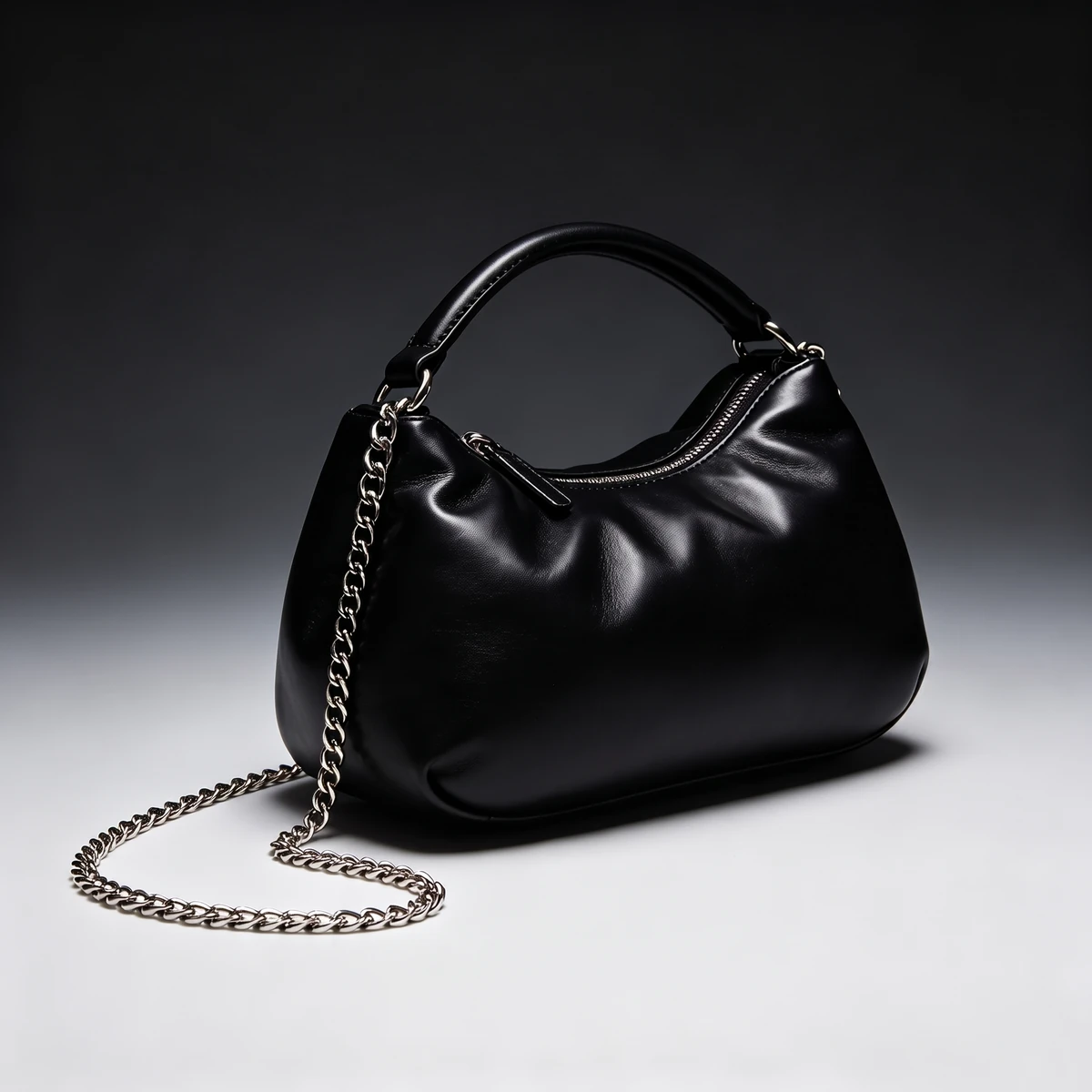
Upload any handbag, purse, tote, or backpack image — flat-lay, packshot, or PNG all work. The AI identifies the bag’s shape, strap structure, and hardware detail automatically.
Create faster in the app
Upload a bag image and a model photo — the AI places the bag on the model with accurate size, natural positioning, and consistent outfit context in seconds. On-model bag visuals for handbags, purses, totes, crossbody bags, and more. No studio, no photoshoot required.
Upload a bag image and a model photo
Upload 2 images to continue into mix-and-match.
Use clear product shots and a well-lit face or upper-body photo. PNG, JPG, JPEG or WebP, up to 10 MB each.
Three steps from product image to on-model result.
Upload any handbag, purse, tote, or backpack image — flat-lay, packshot, or PNG all work. The AI identifies the bag’s shape, strap structure, and hardware detail automatically.
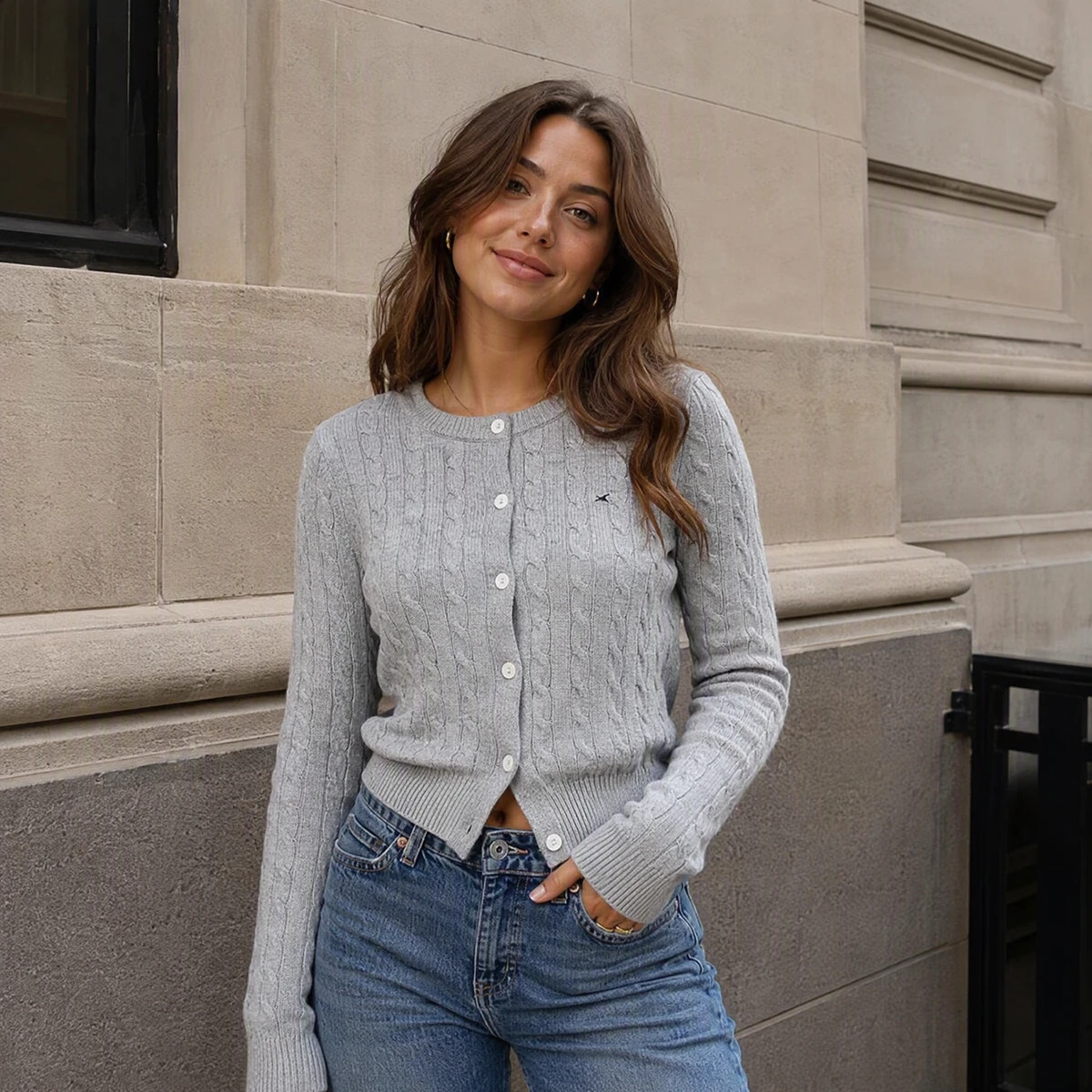
Use a front-facing photo of yourself or a model. The AI estimates body proportions and outfit context, placing the bag naturally relative to the frame.
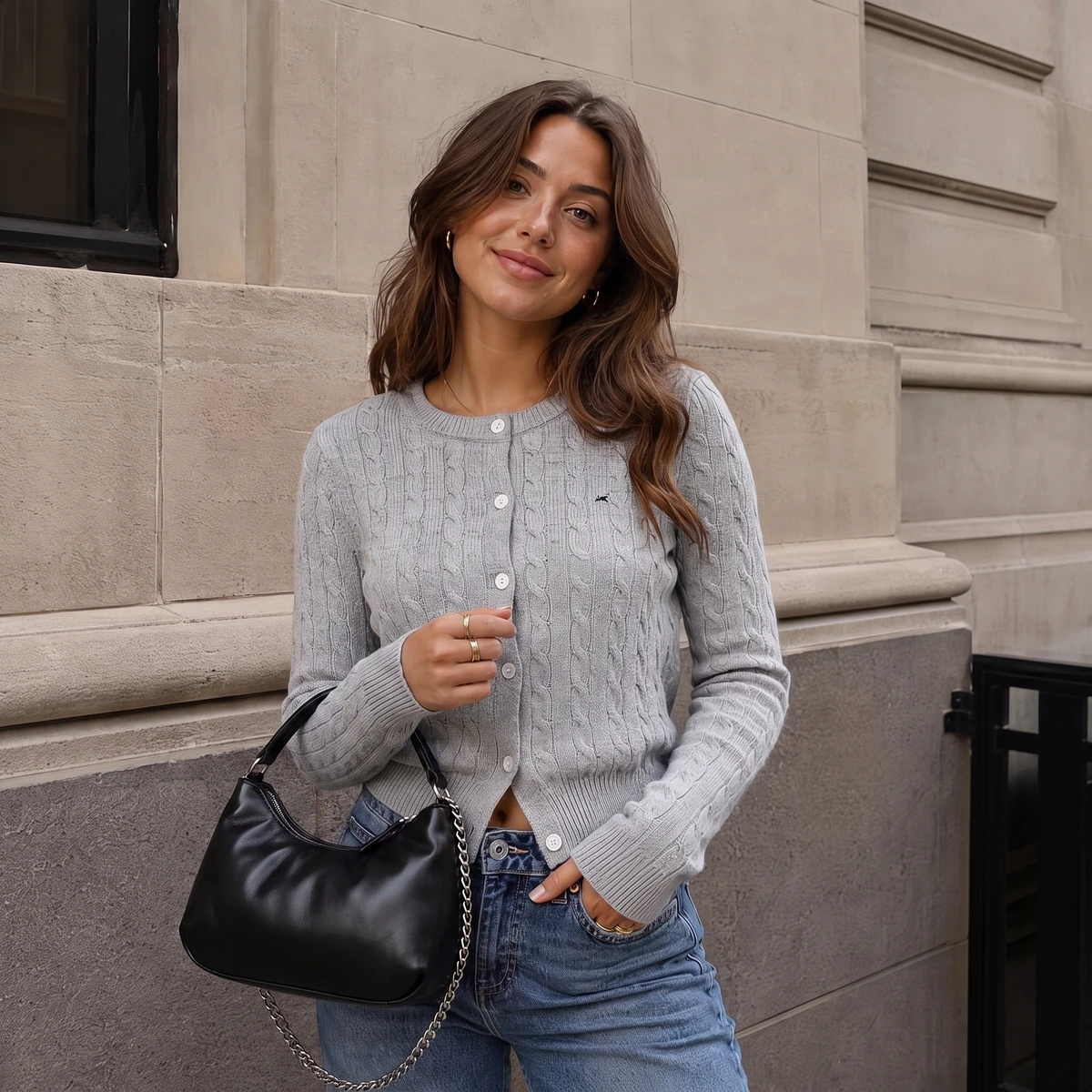
The AI blends the bag naturally with the model’s lighting and outfit. Download in high resolution and use directly on product pages, social content, or campaign assets.
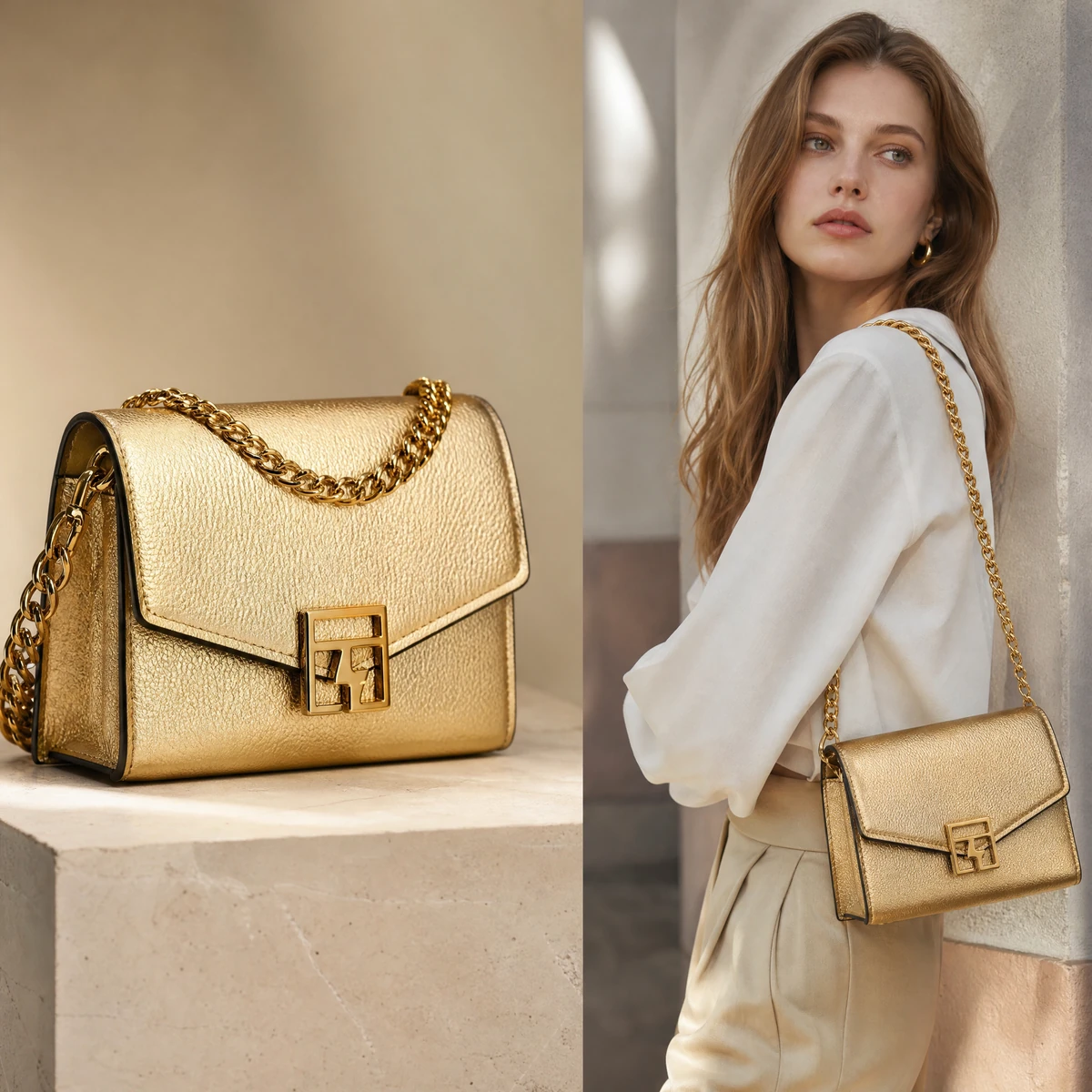
Fashion Diffusion’s virtual try-on technology is built specifically for fashion accessories. When a bag is placed on a model, the AI preserves the original proportions, hardware detail, strap placement, and material texture — leather grain, chain links, and metal clasps all render as they appear in the source image. The bag blends naturally with the model’s pose and outfit rather than sitting on top of it.
Try for free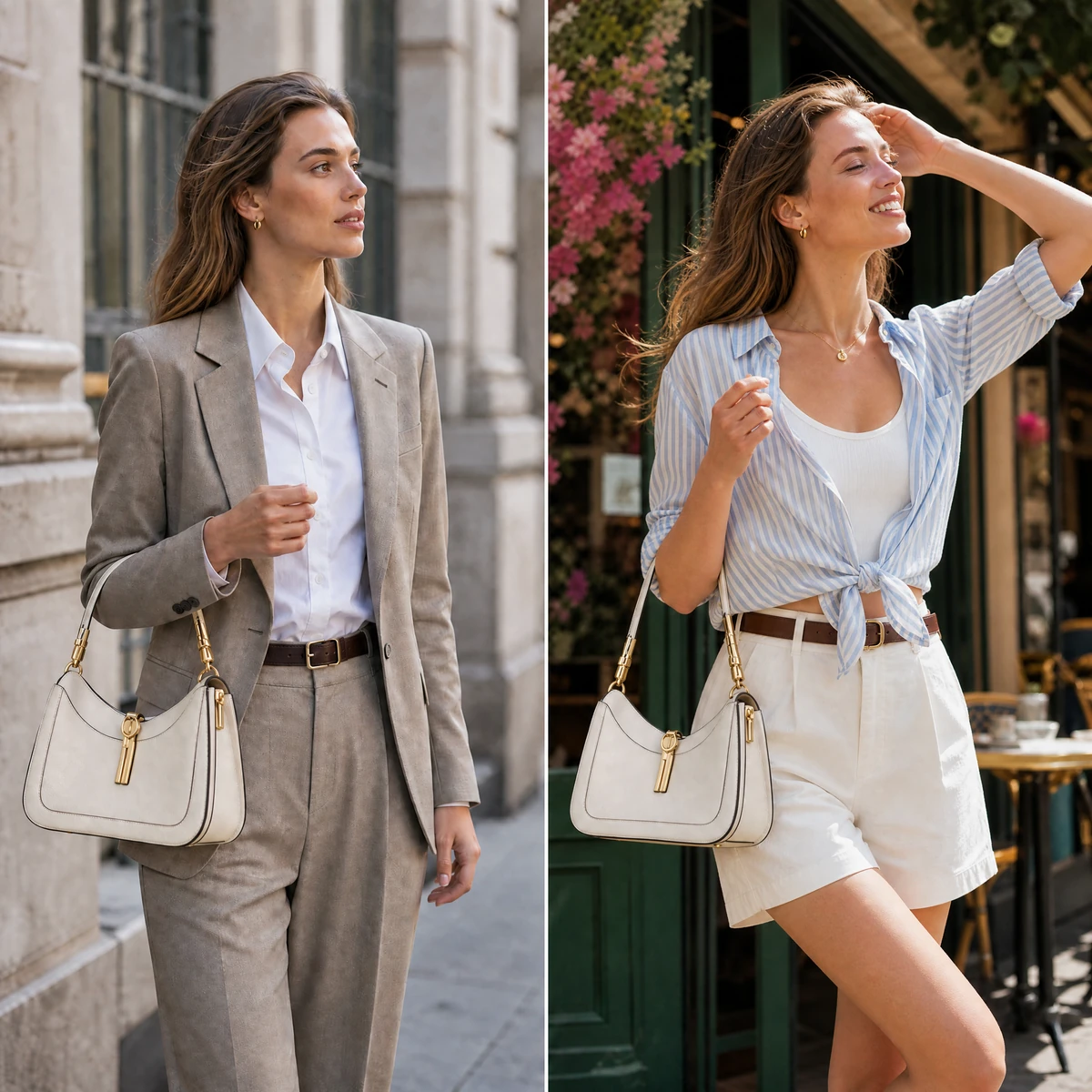
A bag doesn’t exist in isolation — it’s part of a look. The color, shape, and scale of a bag all affect how the overall outfit reads. Upload a bag image and a model photo wearing a specific outfit, and the AI generates a realistic preview of how the two work together in terms of styling, color coordination, and proportion. Test whether a structured leather handbag suits a tailored look, or how a casual canvas tote reads against a more dressed-up outfit — before committing to either.
Try for free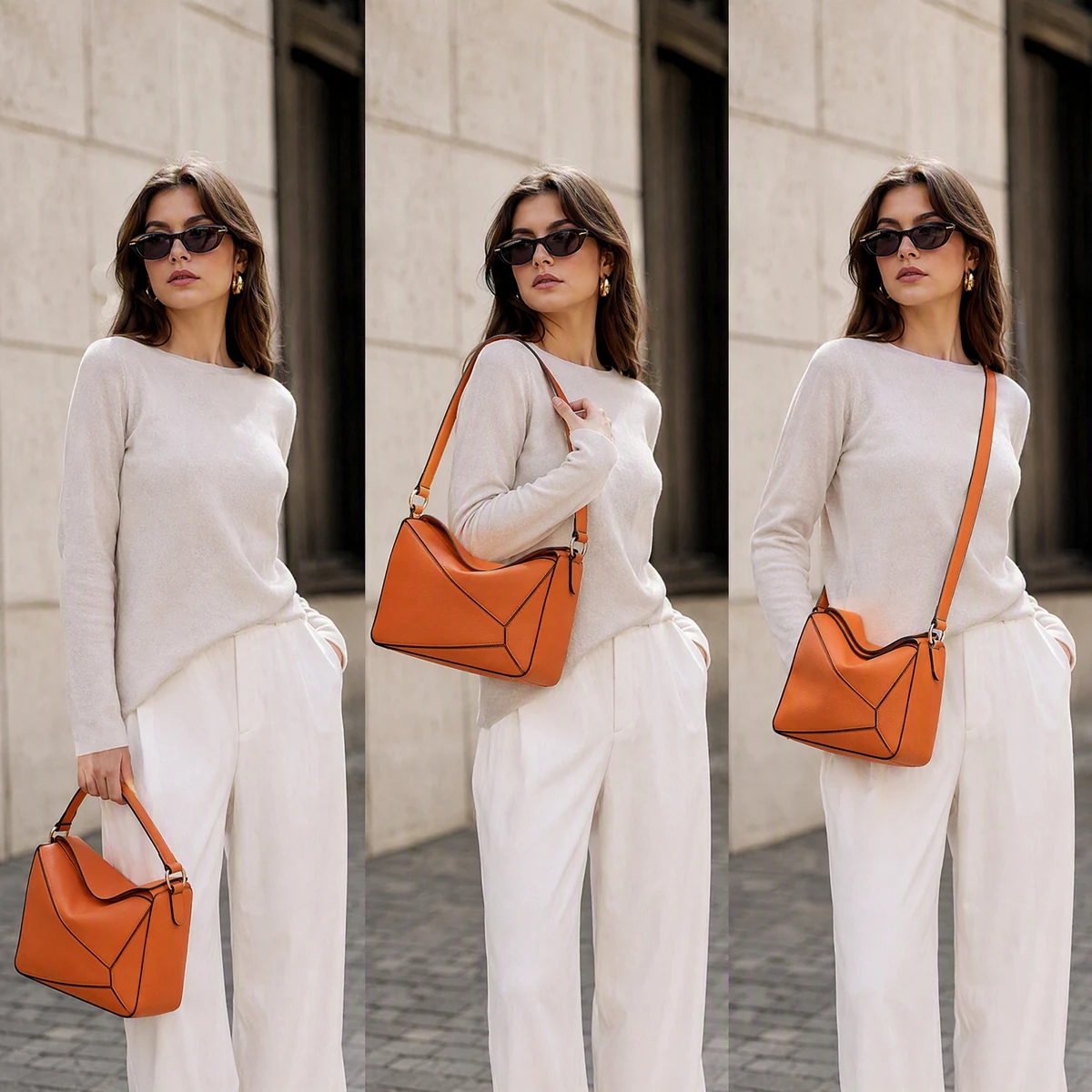
The same bag looks different depending on how it’s carried. A handbag worn crossbody sits differently than the same bag held by the top handle or slung over the shoulder. Upload a model photo in the carrying position you want to preview — the AI places the bag accurately for that hold, showing how the strap length and overall silhouette read in each style.
Try for free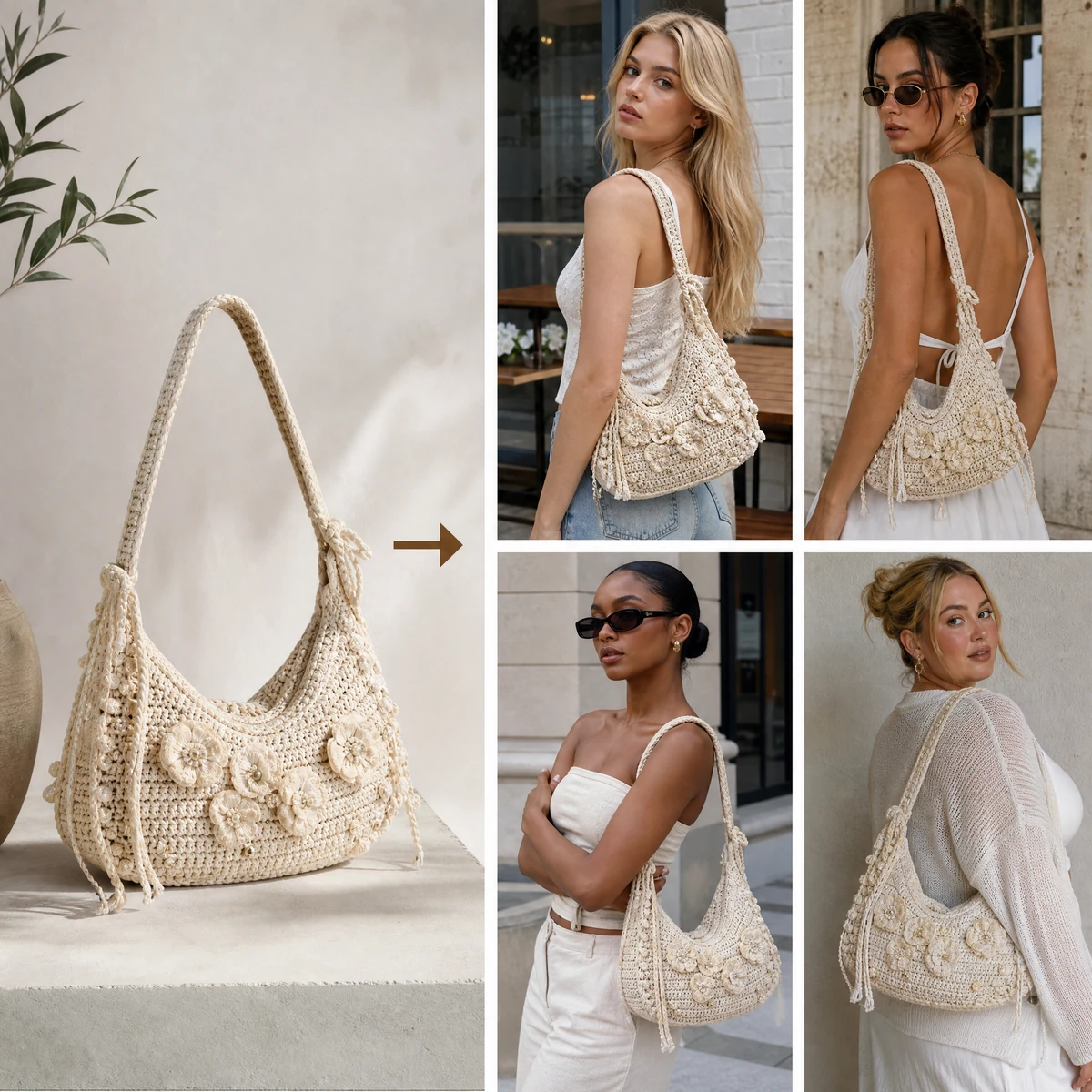
The same bag image can produce a full set of on-model visuals without a shoot. Pair it with different model photos to generate variations across body types, outfit directions, and styling moods in one session. Material texture, hardware detail, and proportions stay consistent across every output. Pair with Change Background to place bag visuals in a lifestyle setting, or AI Fashion Model Generator to create diverse model photos for your catalog.
Try for freeFrom personal shopping to professional content production, here’s how bag brands and shoppers use Fashion Diffusion’s virtual try-on bags tool.
Seeing multiple options against your own outfit and body makes the decision easier. Try different styles — tote, crossbody, shoulder, clutch — and compare how each looks before committing.
Pair a bag image with a model photo in a specific outfit direction — street style, minimalist, or seasonal. One product image produces multiple styled outputs without scheduling a shoot for each post.
Holiday and seasonal campaigns need fresh visuals on a fixed deadline. Upload bag images and pair them with model photos — a full set of campaign-ready on-model handbag visuals is ready before the season starts, not after.
Start with product renders or early reference photos, pair them with model images, and on-model visuals are ready before any sample ships. New styles reach the product page on time with professional imagery from day one.
Upload a bag image and a model photo. Sign up to get free credits and generate your first on-model bag visual at no cost — download and use directly in your product listings or social content.
AI virtual try-on bags is an online tool that places a bag product image onto a model photo using artificial intelligence, producing a realistic on-model visual that shows how the bag looks when carried. It works with handbags, purses, totes, shoulder bags, crossbody bags, clutches, backpacks, and most standard bag silhouettes — designed for both shoppers who want to preview styles before buying and brands who need on-model product imagery at scale.
Yes. Sign up to get free credits and try on bags online at no cost. Upload a bag image and a model photo, generate a realistic on-model handbag visual, and download the result for free. Paid plans are available for higher-volume generation and commercial catalog use.
Yes. Fashion Diffusion's virtual try-on technology is designed specifically for fashion accessories. Bag logos, metal hardware, chain straps, zipper pulls, and material texture are preserved in the output — the result reflects the actual product rather than a generic bag silhouette.
Yes. On-model bag visuals generated through Fashion Diffusion are suitable for e-commerce product pages, campaign assets, and social media content.