

You have a photo you like — the lighting is good, the outfit works — but the pose is off. Too stiff. Wrong angle. Before you try to fix it with AI, you want to know: will it still look like me? Will it look real? Or will changing the pose mean losing everything else that made the photo worth keeping?
Or maybe you have a model photo and a deadline. You need five angles, not one, and you can’t rebook the studio. You want to know if the clothing details carry over, whether the output is commercial-ready, and whether this actually saves time or just creates more editing work.
Different situations, same underlying question: when you change the pose, what stays?
Learning how to change body pose with AI is the answer to both — take the image you already have and generate the pose you actually need, in under a minute.
What Is an AI Body Pose Changer
An AI body pose changer takes an existing photo and generates a new version with the subject in a different position. You describe the pose you want in plain language and the AI produces a new frame — same model, same outfit, same background, new body position.
The output isn’t a crop or a filter. The AI generates a new rendering of the body in the specified position, which is why the result reads as a real photograph. The face doesn’t change. The clothing doesn’t change. The lighting doesn’t change. When you change body pose with AI, the pose is the only variable.
This is fundamentally different from manually adjusting a pose in Photoshop. Warping a body in post-production distorts the clothing — the fabric stretches unnaturally, the garment proportions shift, and the result looks edited rather than real. AI generates the new pose from scratch based on the original image. The garment drapes correctly for the new position rather than being stretched to fit it.
How to Change Body Pose with AI — Step by Step
Fashion Diffusion’s AI pose changer online runs in the browser. No software to install, no design experience needed.
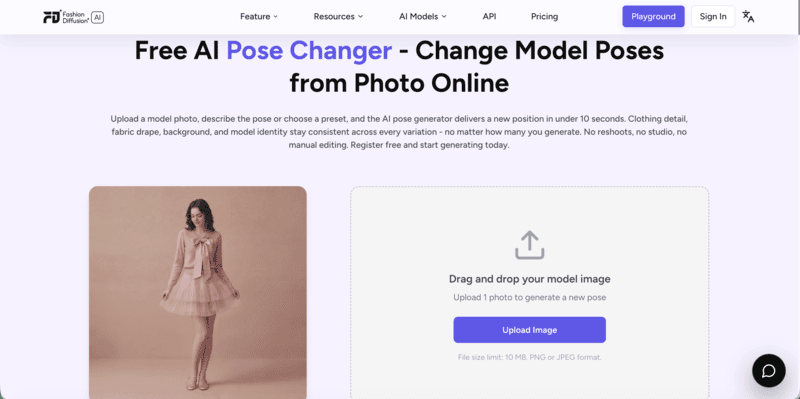
Step 1: Upload your photo
Use a clear image where the subject and the full outfit are visible. Sharp focus and even lighting produce the most accurate results. Heavily cropped or blurry photos give the AI less to work with and produce softer outputs.
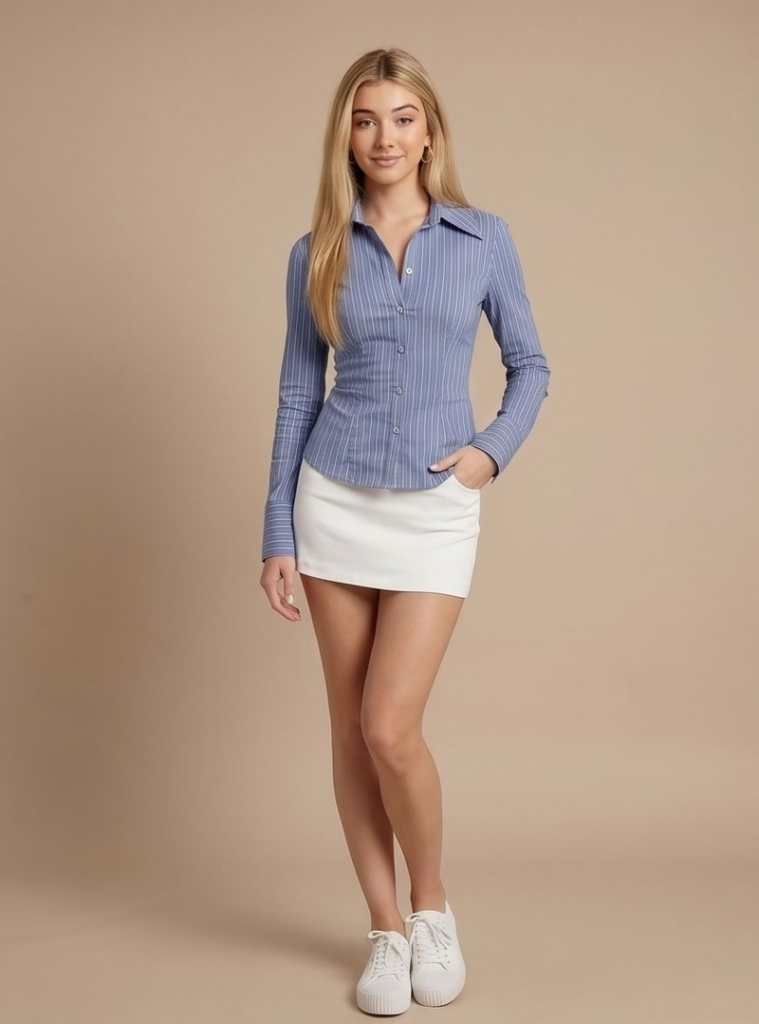
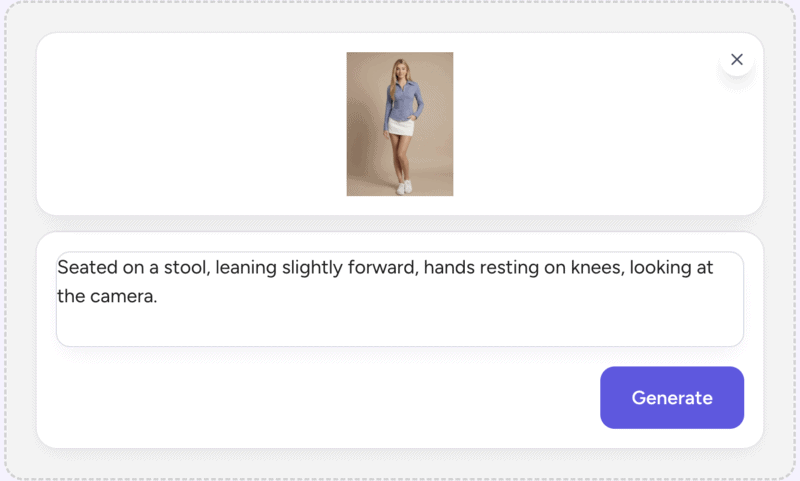
Step 2: Describe the pose you want
Type the position in plain language. The more specific the description, the more precise the result. A vague instruction like “seated” tells the AI very little — seated how, where, doing what with the hands, facing which direction? A description like “seated on a stool, leaning slightly forward, hands resting on knees, looking directly at the camera” gives the AI clear direction and produces a usable result in fewer attempts.
Small differences in wording produce noticeably different outputs. For example, “Slightly turned” and “full profile” are different frames. “Relaxed arms at sides” and “hands on hips” read differently in the image. When you are generating for catalog or campaign use, specificity here saves regeneration time later.
Step 3: Generate and refine
Results come back in seconds. If the first output isn’t right, adjust the description and try again. Run two or three variations before committing — one phrasing often produces a more natural result than another, and comparing them takes seconds.
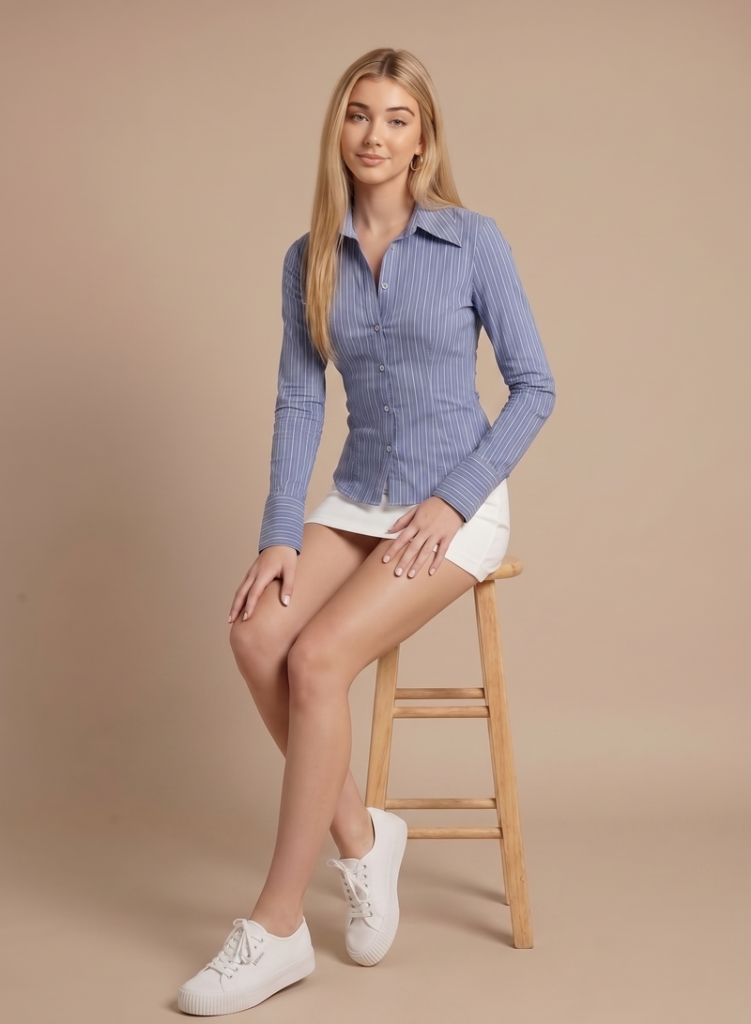
Common Body Poses You Can Generate with AI
The AI pose changer handles any pose you can describe in plain language. Here are a few prompt examples across common pose categories to get you started:
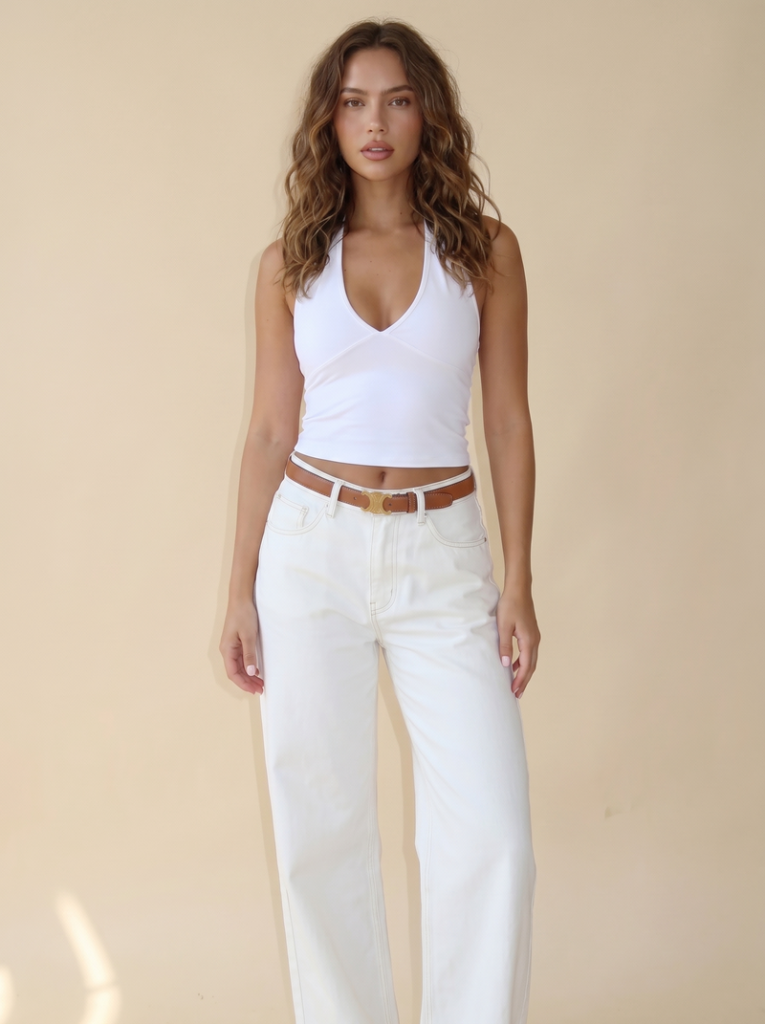
Standing poses: Model standing, facing directly forward, arms relaxed at sides, neutral expression. / Three-quarter angle, weight shifted to one leg, slight turn toward camera. / Full profile, standing straight, looking ahead.
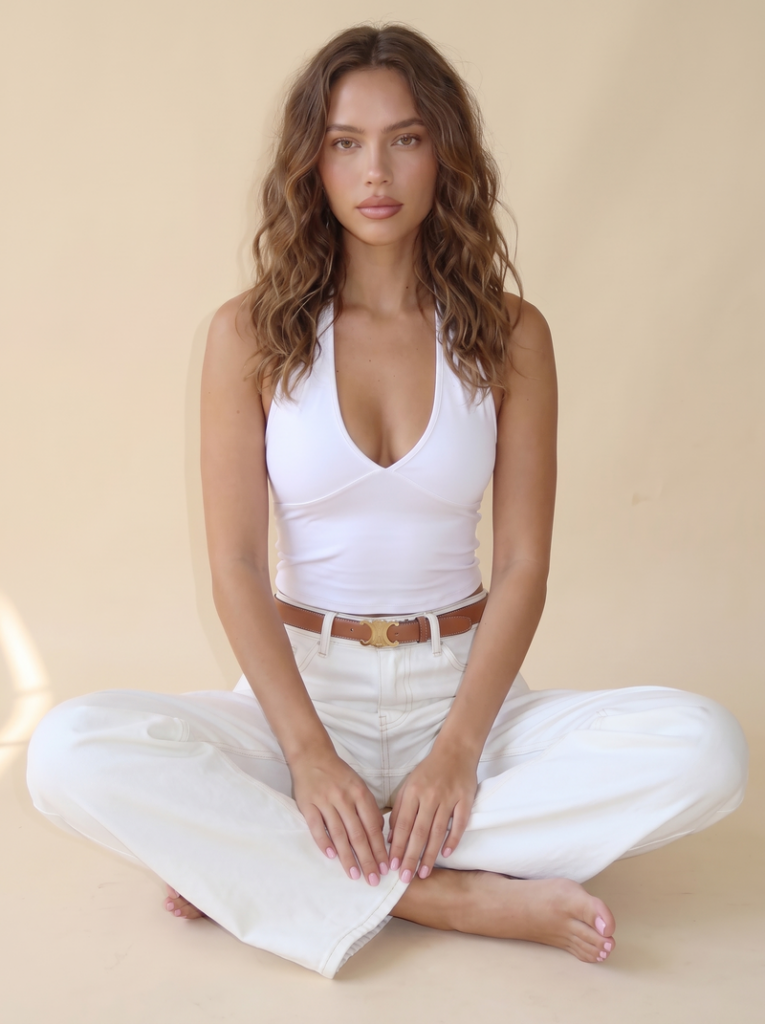
Seated poses: Seated on a stool, leaning slightly forward, hands resting on knees, looking at the camera. / Seated cross-legged on the floor, relaxed posture, hands in lap.
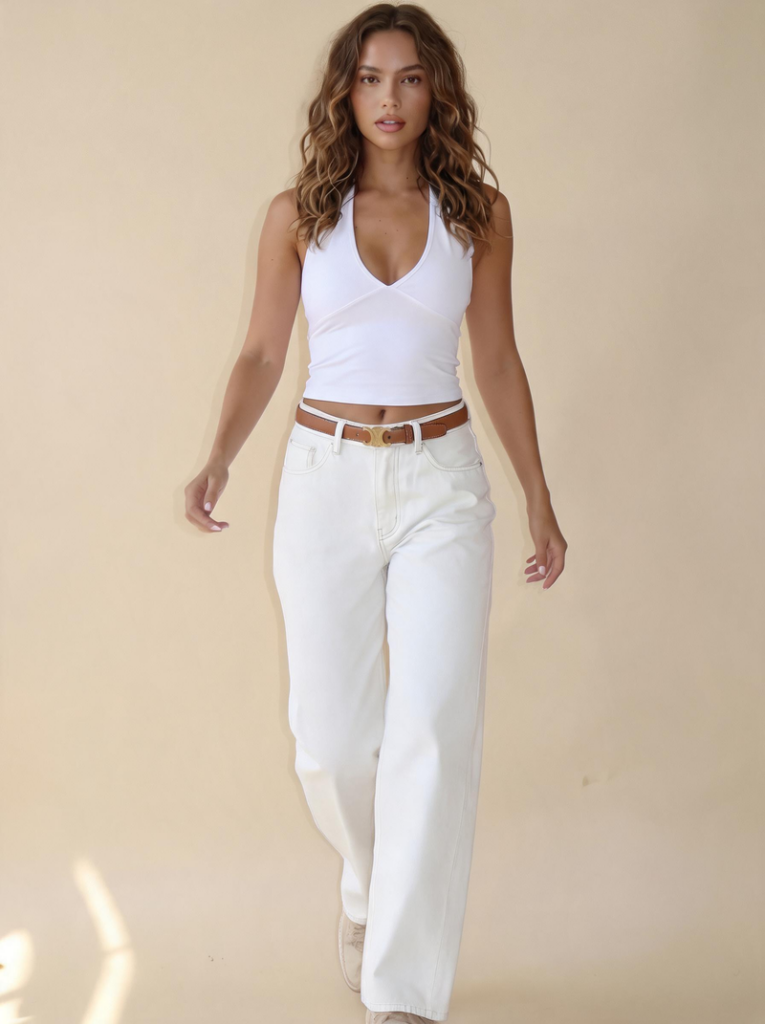
Walking and in-motion poses: Mid-stride, walking toward the camera, natural arm swing, confident posture. / Stepping forward, slight lean, looking slightly off-camera.
Turned and over-the-shoulder poses: Turned away from the camera, looking back over the left shoulder, relaxed arms. / Three-quarter turn, chin slightly down, eyes toward the camera.
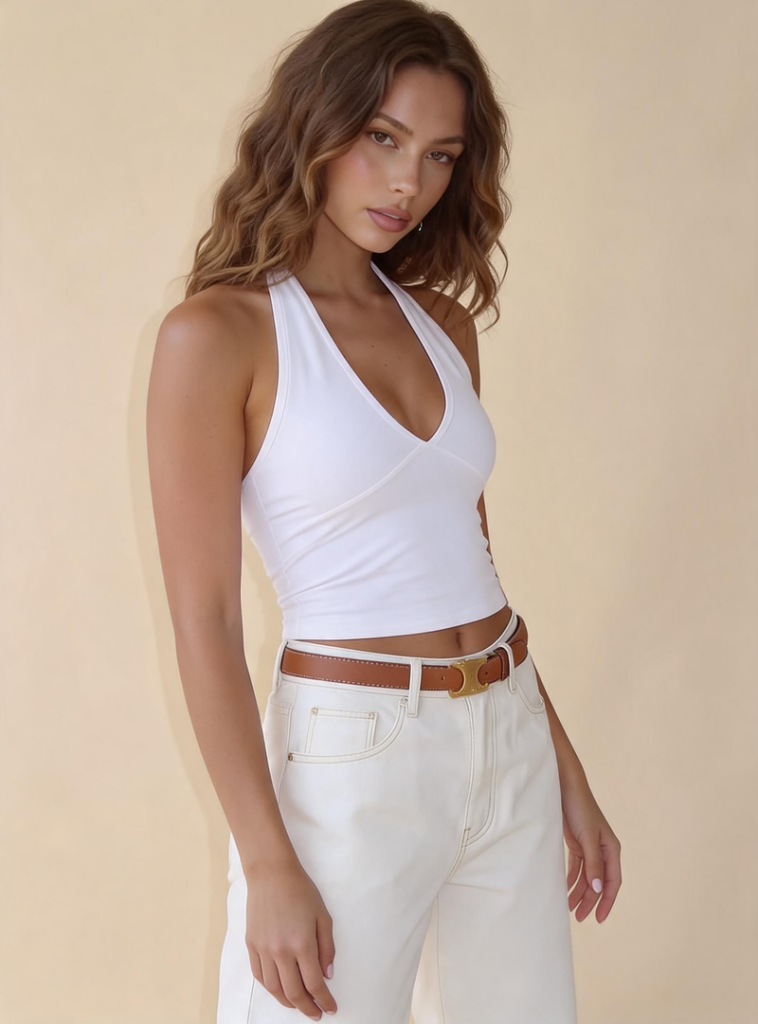
The same source image can generate all of these. Adjust the wording to get closer to the specific frame you have in mind.
From One Photo to a Full Image Set
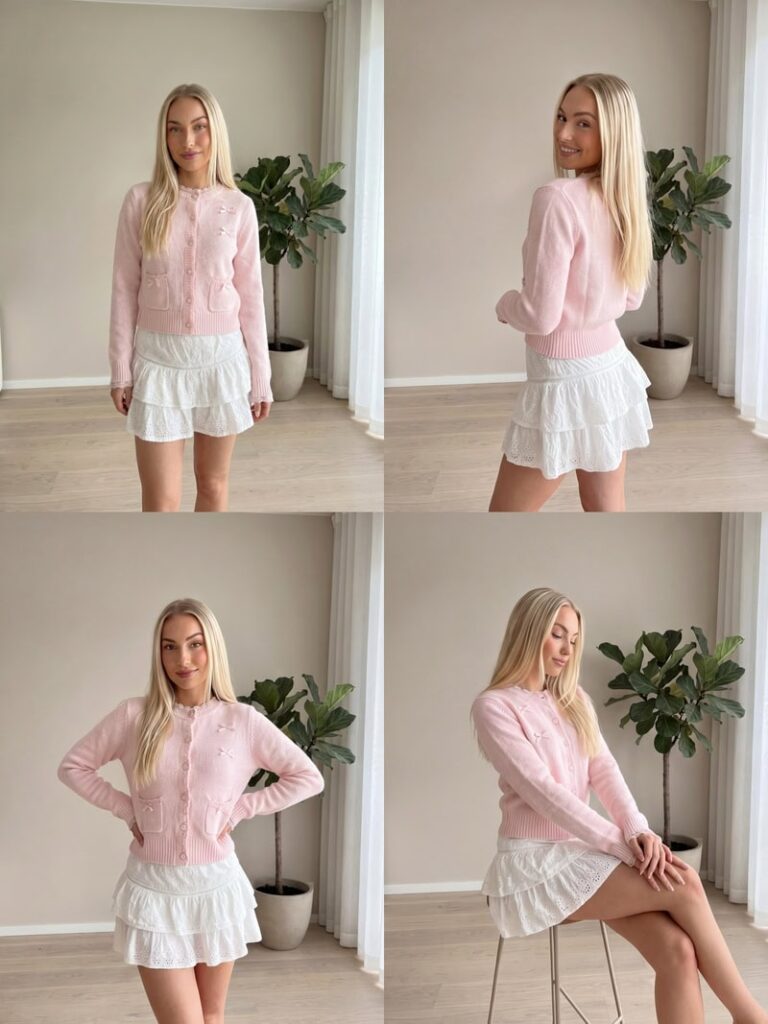
For cases where you need more than one pose, Fashion Diffusion’s AI Lookbook tool handles the full set in one go. Upload your model photo, select the Pose Variations template, and the tool generates a complete set of different poses from that single image — walking, standing, seated, three-quarter — all consistent in model, outfit, and background.
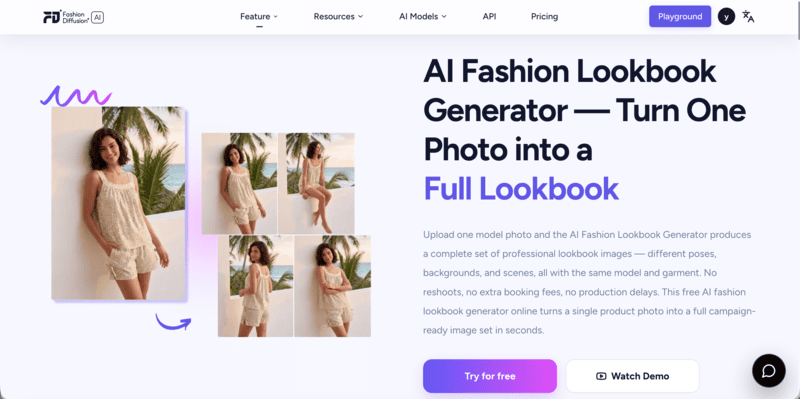
For brands, this changes the economics of catalog production. A single shoot that produces one hero image can now yield the full multi-angle set that product pages and marketplace listings require. The visual consistency across poses — same model, same lighting, same background — makes the output look coordinated rather than assembled from separate attempts.
A few places this gets used:
- Product catalogs — multiple angles per SKU without rebooking the model.
- Seasonal lookbooks — full pose variety from a single shoot day.
- Social media content — a week of distinct frames from one source image.
- Design review — seeing how a garment sits across different positions before sampling.
Change Your First Pose with Fashion Diffusion
Most people are surprised by how little the original image changes when the pose does. The face is the same. The outfit is the same. The background is the same. What’s different is the body position — and with it, the energy of the image, the angle of the shot, the story the frame tells.
That’s what makes it useful to change body pose with AI rather than just technically interesting. You are not replacing the photo. You are extending what it can show.
Upload your image to Fashion Diffusion and try it with one frame first. New accounts start with free credits — no commitment needed to see what one photo can become.
FAQ
A tool that shows you how to change body pose with AI — generating a new version of an existing photo with the subject in a different position, while keeping the face, clothing, and background unchanged.
The garment stays the same, but responds naturally to the new position. A dress drapes differently seated than standing; the AI renders that behavior realistically. The outfit itself — color, style, fabric — doesn’t change.
Yes. New Fashion Diffusion accounts include free credits for the AI pose changer online. Paid plans are available for higher-volume generation.
Specific enough to distinguish the pose from similar ones. “Seated” is vague. “Seated, leaning slightly forward, hands on knees, looking at the camera” gives the AI clear direction and produces a more precise result. The more detail, the closer the output to what you have in mind.
Yes. Run the same source image through the pose changer with different descriptions to build a set. Fashion Diffusion’s AI Lookbook tool is built for this specifically — producing a full, consistently formatted set of pose variations from one model image, ready for lookbooks or product pages.


