

Most “best AI try-on” lists treat swimwear like any other garment. It isn’t. Bikinis show more skin, more fabric detail, and more fit nuance than a t-shirt — and several popular try-on tools either handle this badly or don’t support it at all.
AI bikini try-on uses artificial intelligence to generate realistic on-model swimwear photos from a single product image — no photoshoot or model booking required.
We tested six tools that offer free or low-cost access to AI bikini try-on in 2026. This guide covers what each free tier actually gives you, where the output holds up, and where it falls short.
Quick Comparison: Free AI Bikini Try-On Tools
Fashion Diffusion is the strongest free option for usable results — its free credits cover body type variation, which every other tool gates behind a paid plan. Kolors Virtual is genuinely free with no signup, useful for a quick test, but output quality is inconsistent and lacks model variation.
| Tool | Free Access | Body Type Variation | Swimwear Support |
| Fashion Diffusion | Free credits | ✅ Included free | ✅ |
| Kolors Virtual (Hugging Face) | Unlimited, no signup | ❌ | ✅ |
| SellerPic | 20 credits, no card | Paid only | ✅ |
| CamClo3D | Free trial, no card | Paid only | ✅ |
| Botika | 8 photo credits | Paid only | Filter issues reported |
| WearView | None (from $29/mo) | ✅ Paid | ✅ |
What to Look for in a Free AI Bikini Try-On Tool
Before comparing tools, it helps to know what actually matters for swimwear specifically — most general try-on reviews don’t cover this. Testing a free tier costs nothing, but picking the wrong tool costs time: swimwear has tighter fabric, print, and fit tolerances than most categories, so a tool that works fine for t-shirts may fall short here.
- Does the tool support swimwear at all? Some platforms exclude swimwear and lingerie from their training data entirely. Check before you upload.
- Does the free tier produce usable output, or just a preview? Some “free” tiers apply heavy watermarks or cap resolution below what’s usable for a product page.
- How many free generations do you actually get? Credit counts range from “unlimited” to “enough for one test.”
- Does it preserve fabric and print accuracy? This matters more for swimwear than most categories — a print that shifts or a strap that renders wrong is immediately obvious.
- Can you generate different body types? For swimwear, this is one of the most requested features — and most free tiers don’t include it.
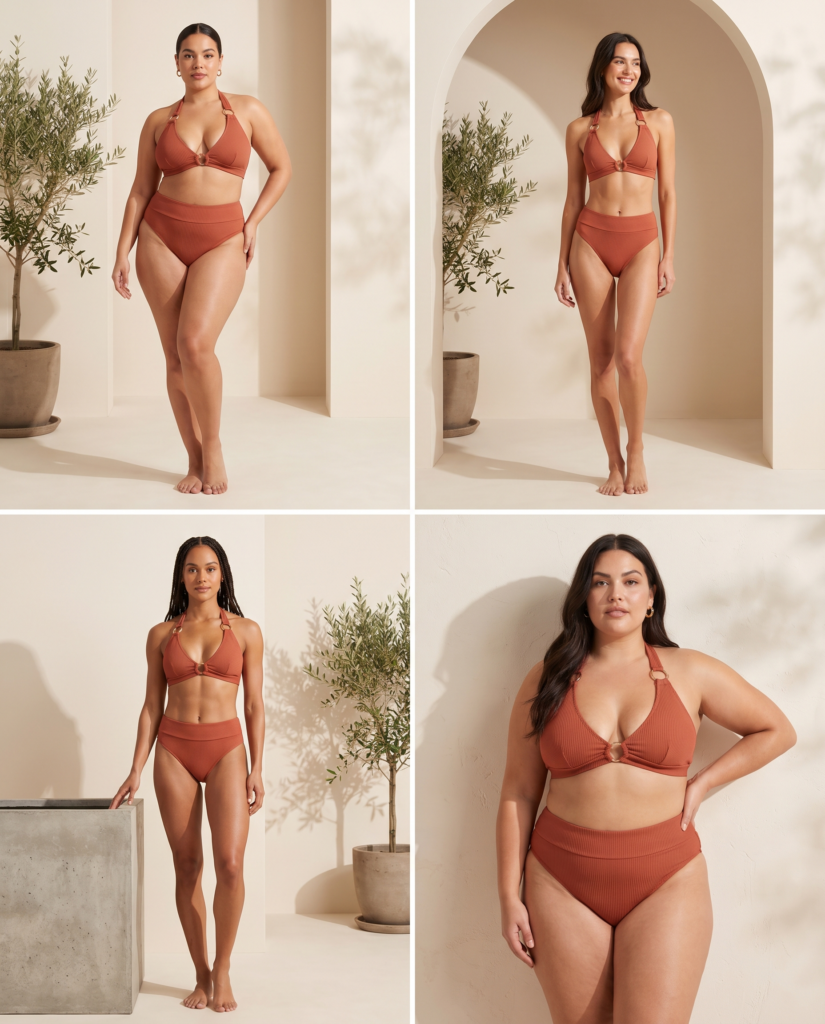
1. Fashion Diffusion — Best Free AI Bikini Try-On with Full Workflow
Best for: Swimwear brands and sellers who want try-on plus design, recoloring, and video using free credits.
Fashion Diffusion’s Virtual Try-On generates on-model bikini images from a flat-lay or product photo. New users get free credits that cover the core try-on and model generation tools.
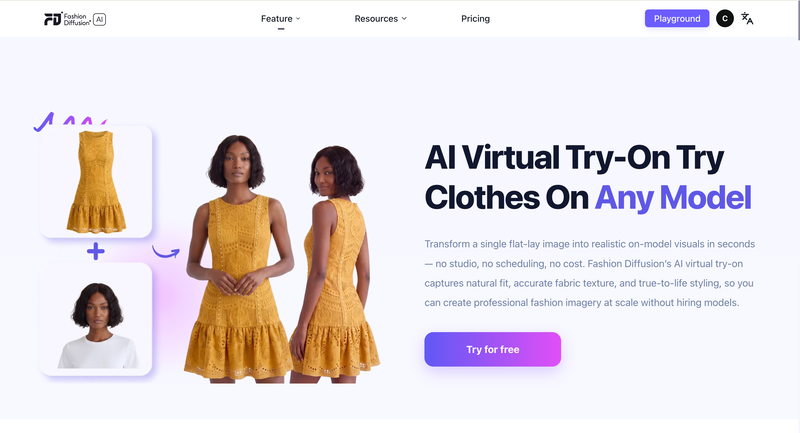
What can you do for free?
- Virtual Try-On from a flat-lay or product photo
- AI Model Generator for different body types and skin tones from the same source image
- Access to the broader toolkit — Recolor, Change Background, and AI Fashion Video — for extending a try-on result into a full set
Strengths
- The only tool on this list where try-on connects directly into a design and content workflow — recolor, background, and video all run on the same try-on output
- Free credits cover both try-on and body type variation, which most competitors split across paid tiers
- No watermark on output generated with free credits
Limitations
- Free credits are limited in number; high-volume catalog work requires a paid plan
- Best results depend on a clean, well-lit source photo
For a full walkthrough of the workflow — including prompt examples and how to extend results into colorways and video — see our AI bikini generator guide.
2. Kolors Virtual — Best Genuinely Free AI Bikini Try-On, No Signup
Best for: Quick, no-commitment tests before choosing a paid tool.
Kolors Virtual Try-On is an open-source model, available through free Hugging Face Spaces. You upload a person image and a garment image, and it generates a try-on result — no account, no credits, no payment.
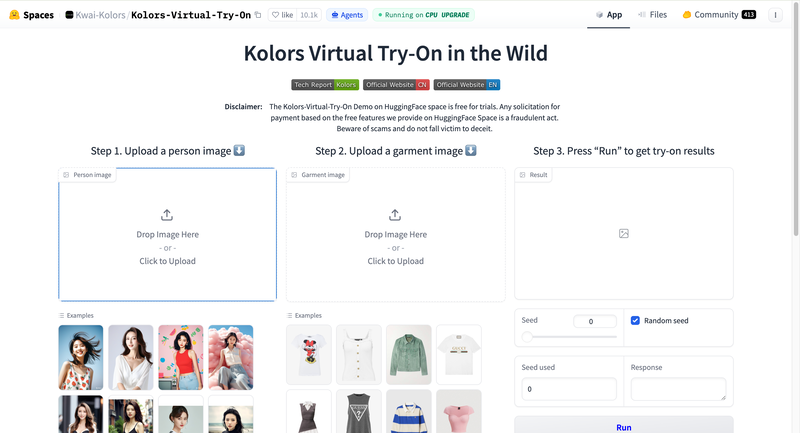
What can you do for free?
- Unlimited try-on generations on public Hugging Face Spaces
- No signup, no credit card, no usage cap
- Open-source model — multiple community-hosted versions available if one is busy
Strengths
- The most genuinely free option available — no account required at all
- Good baseline for testing whether AI try-on works for your specific garment before committing to a paid tool
Limitations
- Output is stochastic — the same inputs can produce noticeably different results on different runs
- Public Hugging Face Spaces can have long queue times during peak usage
- No body type selection, no editing tools, no batch processing — it’s a single-image demo, not a workflow
3. SellerPic — Best Free AI Bikini Try-On Credits for E-Commerce
Best for: Shopify, Etsy, and Amazon sellers who want try-on alongside other product photo tools.
SellerPic‘s free plan includes 20 credits with no credit card required — enough to generate around 20 images and evaluate output quality on your own products.
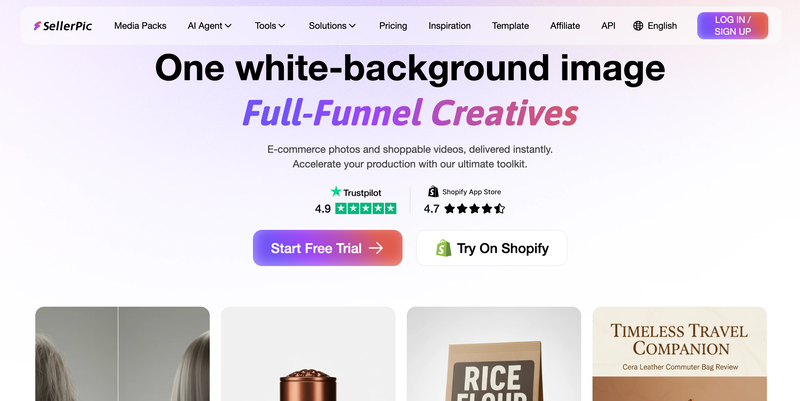
What can you do for free?
- 20 credits (roughly 20 image generations)
- Access to Virtual Try-On alongside background removal, color changer, and other editing tools under one credit system
- 5 scheduled posts and 1 concurrent video generation
Strengths
- 20 free credits is enough to test multiple SKUs, not just one image
- One credit system covers try-on plus a broad editing toolkit — useful if you need more than just try-on
Limitations
- Some users report credits being consumed on failed or unsatisfactory generations
- Paid plans start at $29/month for 500 credits — a notable jump from the free tier
- Free tier output may include a watermark; commercial use requires a paid plan
4. CamClo3D — Best AI Bikini Try-On for Catalog-Scale Workflows
Best for: Brands evaluating whether a full AI photography platform fits their catalog before subscribing.
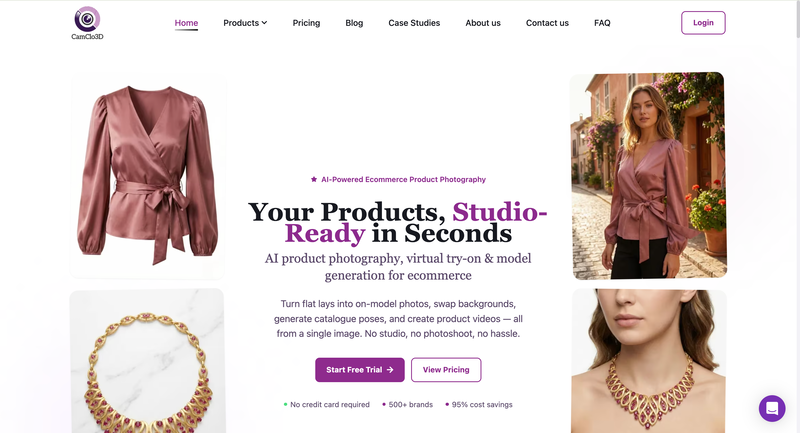
CamClo3D offers a no-credit-card free trial across its virtual try-on and product photography suite, including model swap, pose generation, and background changes.
What can you do for free?
- Free trial access without a credit card
- Virtual try-on from flat-lay images
- Access to model swap and pose generator tools for testing variation quality
Strengths
- Trial covers the broader toolkit, not just try-on — useful for evaluating a full catalog workflow before paying
- No card required to start testing
Limitations
- Trial generation limits are lower than dedicated free-credit tools like SellerPic
- Best suited to brands already planning to evaluate a paid platform, rather than one-off use
5. Botika — Free AI Bikini Try-On Credits for Shopify, with a Caveat
Best for: Shopify merchants already using Botika for general product photography.
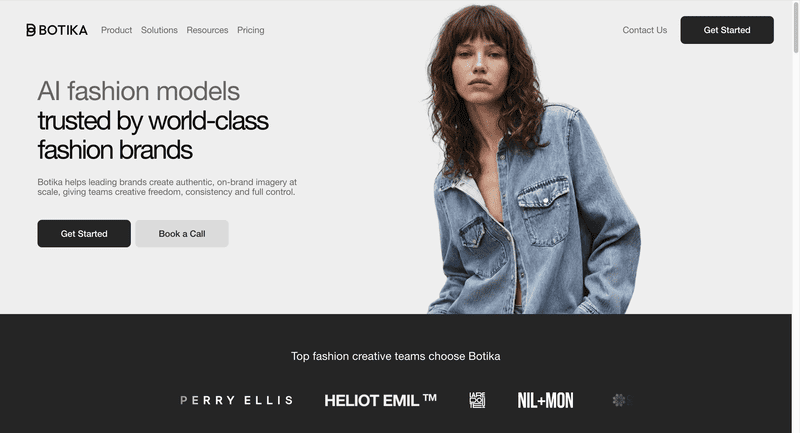
Botika is available directly from the Shopify App Store, with the first 8 photo credits free. It’s built for “upload and generate” simplicity within Shopify admin.
What can you do for free?
- 8 free photo credits, no separate signup outside Shopify
- On-model generation and background swap from flat-lay or mannequin photos
Strengths
- Native Shopify integration — generate without leaving store admin
- Simple workflow with no learning curve for non-technical users
Limitations
- Independent reviews note that Botika’s “rigid NSFW filters can sometimes interfere with lingerie or swimwear cataloging” — worth testing with your specific products before relying on it for a swimwear catalog
- At $22/month for the next tier, the per-image cost is higher than several alternatives on this list
- No pose changer or custom model options
6. WearView — AI Bikini Try-On with No Free Tier, but Worth Knowing About
Best for: Brands that need the widest model diversity and are ready to pay from day one.
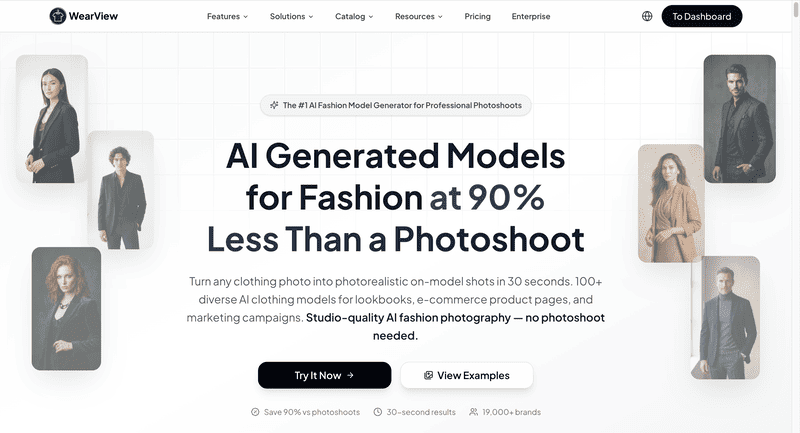
WearView doesn’t offer a free tier — plans start at $29/month. We’re including it because it’s frequently recommended for swimwear specifically, and it’s worth knowing what you’d be paying for if free options don’t meet your needs.
Strengths
- Strong model diversity across ethnicities, body types, and age groups
- Converts flat-lays to on-model shots quickly, with consistent model identity across a catalog
Limitations
- No free tier — there’s no way to test output quality on your own products before subscribing
- Entry-level plan is priced higher than the free-tier options on this list
Free Tier Limits at a Glance
| Tool | Free Generations | Card Required | Watermark on Free Output |
| Fashion Diffusion | Free credits (limited) | No | No |
| Kolors Virtual | Unlimited | No | No |
| SellerPic | 20 credits | No | Likely (paid plan for commercial use) |
| CamClo3D | Free trial (limited) | No | Varies |
| Botika | 8 credits | No | Varies |
| WearView | N/A — no free tier | N/A | N/A |
Try Fashion Diffusion’s AI Bikini Try-On Free
Upload one swimwear photo and see it on a realistic AI model — then extend it into colorways, backgrounds, and video, all using free credits.
FAQ
Fashion Diffusion and Kolors Virtual are the most accessible free options. Fashion Diffusion’s free credits cover try-on plus body type variation and downstream editing tools. Kolors Virtual is completely free with no signup, but output quality varies between runs.
Yes — Kolors Virtual, available through Hugging Face Spaces, requires no account, no credit card, and no credits. It’s open-source and unlimited, though output quality is less consistent than paid alternatives.
Most do, but not all. Botika’s NSFW filters have been reported to interfere with swimwear cataloging in some cases. Some general-purpose try-on platforms also exclude swimwear and lingerie from their training data entirely. Test with your specific products before committing to any tool.
Some can. Fashion Diffusion’s free credits cover AI Model Generator, which produces the same swimwear on different body types and skin tones from one source photo. Most free tiers from other tools don’t include this — it’s typically gated to paid plans.
It depends on the tool. Output generated with Fashion Diffusion’s free credits has no watermark. SellerPic’s free tier likely requires a paid plan for commercial use and watermark-free output. Always check each platform’s terms before publishing free-tier images.
A flat-lay or mannequin photo with even lighting, a neutral background, and the full garment visible — including straps and back details. Avoid heavy wrinkles or cropped views.
Some platforms deliberately exclude these categories from training data for content safety reasons. Others apply filters that can flag swimwear images even when the intent is standard e-commerce photography. This varies by platform — always test before relying on a tool for your catalog.


