

Traditional on-model photoshoots for 100 SKUs cost $4,000–$15,000 and take four to six weeks. In 2026, AI fashion model generators produce comparable output in under a minute per image. The market now includes dozens of platforms — most produce a convincing single image, but far fewer can maintain garment consistency across a full catalog or handle the pipeline from concept to published product shot.
This guide covers 10 tools in depth: what each is genuinely best at, where it falls short, and how to choose based on your catalog size, budget, and workflow stage.
The Two Types of AI Fashion Model Generator
Before comparing tools, it’s worth understanding what the AI Overview in Google correctly identified: there are two fundamentally different use cases.
Type 1 — Flat-lay / garment-to-model: You have a photo of a physical garment (flat lay, mannequin, or packshot) and want to see it on a realistic AI model. The AI preserves your actual product and generates a model wearing it. This is the dominant use case for e-commerce product photography.
Type 2 — Text-to-model / concept generation: You describe what you want and the AI generates a fashion visual from scratch — or you take a sketch and render it as a photorealistic model shot. This is used in design concepting, lookbook creation, and campaign visualization before physical samples exist.
Most tools specialize in one. A few, including Fashion Diffusion, handle both within the same platform. Knowing which you need narrows the field significantly.
Quick Comparison: Best AI Fashion Model Generators 2026
For a full design-to-photography workflow, Fashion Diffusion covers the most ground in a single platform. For high-volume batch processing, Uwear leads. For the most affordable entry point, Style3D.ai ($8.9/mo) or WeShop AI ($9.9/mo with 200 free credits). For catalog consistency at scale, Modelia or WearView.
| Tool | Best For | Starting Price | Free Tier | Batch | Video |
| Fashion Diffusion | Full workflow: design to photography | $12/mo | ✅ | ✅ | ✅ |
| Uwear | Batch processing + shopper try-on | $0.10/credit | ✅ | ✅ | ✅ |
| WearView | Fashion-only workspace with ghost mannequin | $29/mo | ❌ | ✅ | ✅ |
| Claid.ai | Broader product photography + API workflows | $15/mo | ✅ (50 credits) | ✅ | ✅ |
| Botika | Mid-to-large brands, high SKU volume | $22/mo | ❌ | ✅ | ✅ |
| Style3D.ai | Multi-category try-on + e-commerce visuals | $8.9/mo | ✅ (50 credits) | ✅ | ❌ |
| WeShop AI | All-in-one AI fashion content | $9.9/mo | ✅ (200 credits) | ✅ | ✅ |
| FASHN.ai | Virtual try-on + developer API | $19/mo | ✅ (10 credits) | Limited | ✅ |
| Modelia | Consistent model identity, catalog retailers | $35/mo | ✅ (20 credits, watermarked) | ✅ | ✅ |
| Photoroom | General product photography + mobile sellers | $12.99/mo | ✅ | ✅ | ❌ |
What Separates Good AI Fashion Model Generators from the Rest
Most comparison posts evaluate these tools by uploading one garment and judging the output image. That’s not how fashion brands actually use them. The criteria that matter for real-world catalog production are:
- Garment fidelity — Does the AI preserve fabric texture, color, print, and stitching? Or does it reimagine details? This varies most between tools.
- Catalog consistency — Can you maintain the same model identity — face, proportions, lighting — across 50+ SKUs? This separates professional tools from consumer-grade generators.
- Input flexibility — Does the platform accept flat-lays, mannequin shots, packshots, and sketches? Or only one format?
- Batch processing — Can you process hundreds of SKUs at once via CSV or API? Essential for large catalogs.
- Workflow coverage — Does the tool only handle model photography, or does it also cover design concepting, recoloring, background changes, and video?
- Commercial rights — Are generated images cleared for use on product pages, ads, and social media?
1. Fashion Diffusion — Best AI Fashion Model Generator for Full Workflow
Best for: Fashion brands, designers, and e-commerce teams who need design concepting and product photography in one platform.
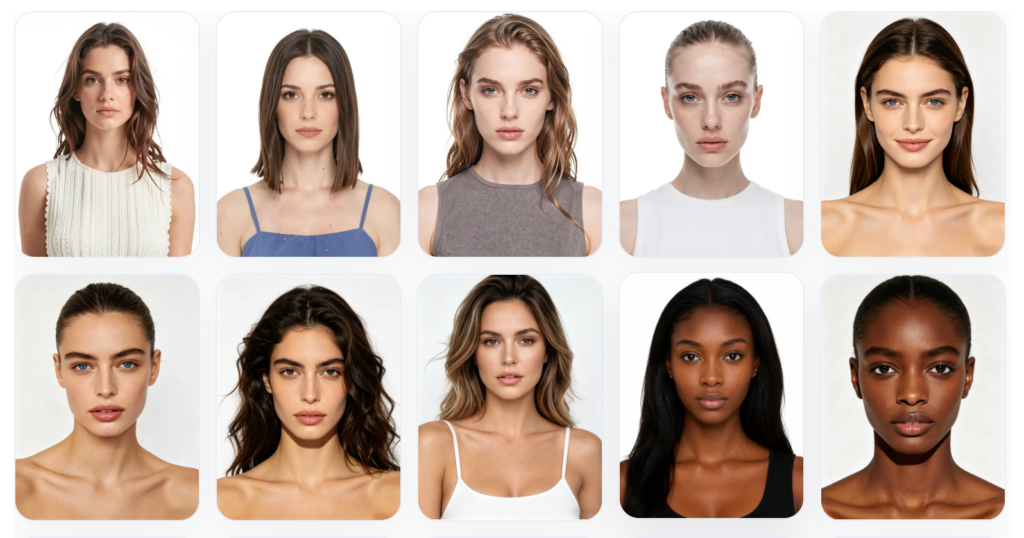
Fashion Diffusion is an AI fashion design and photography platform that covers more of the workflow than any other tool on this list. The AI Model Generator takes an existing garment photo and generates it on a new AI model — different gender, age, skin tone, and body type — while keeping the garment itself unchanged.
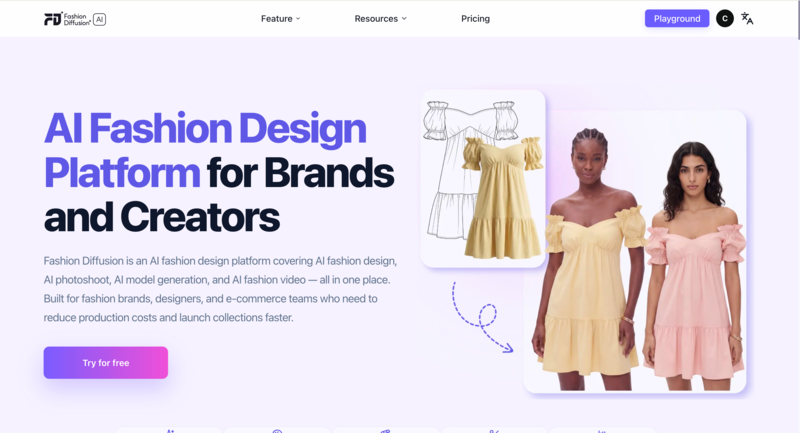
Pricing: From $12/month. Free trial available.
Key features
- Virtual Try-On — Upload a flat-lay and get a studio-quality on-model photo in seconds. No mannequin, no photographer, no studio booking.
- AI Model Generator — Change gender, age, skin tone, or body type while the clothing stays unchanged. Useful for regional campaigns and size-inclusive catalogs.
- Sketch to Render — Turn a hand-drawn concept sketch into a photorealistic fashion visual before a single sample is cut.
- Recolor — Test a garment in six colorways from one photo. No reshooting, no physical samples per color.
- AI Fashion Video — One still image becomes TikTok content, Reels, and product page video in minutes.
Strengths
- Changing the model doesn’t change the garment — fabric texture, print alignment, and construction details stay intact across every variation, which is what makes the output usable for actual product pages
- Most tools handle one stage of the visual workflow. Fashion Diffusion handles the whole thing — from early concept to published image — which matters for small teams that can’t afford to stitch together five subscriptions
- Output is ready to publish without a detour through Photoshop — background removal and upscaling are built in
Limitations
- Free trial has usage limits; high-volume catalog production requires a paid plan
- Best results require reasonably clean input photos — heavily textured or very dark garments take more iteration
2. Uwear — Best for High-Volume Batch Processing
Best for: Fashion brands processing hundreds to thousands of SKUs needing batch generation at scale, plus shopper-facing virtual try-on.
Uwear is built for volume. The platform accepts CSV uploads of up to 10,000 items in a single batch, with configurable AI models, poses, and backgrounds per product. Its pay-as-you-go pricing ($0.10/credit, no subscription required) suits brands with seasonal or inconsistent photography needs — credits don’t expire.
Pricing: $0.10/credit, pay-as-you-go. No subscription required. Free tier available.
Key features
- Batch generation via CSV — upload up to 10,000 items in a single batch with individually configurable models, poses, and backgrounds per product
- “Drape” AI engine — proprietary technology designed to preserve garment construction details (stitching, lapels, fabric structure) through model generation
- Shopper-facing virtual try-on — covers both brand-side catalog generation and customer-facing try-on in one platform
- API access for custom pipeline integration; video generation and background removal included
Strengths
- Industry-leading batch processing (10,000 items via CSV)
- Pay-as-you-go with credits that never expire — suited to seasonal brands
- Both brand-side catalog generation and shopper-facing try-on in one platform
Limitations
- Credit consumption can be unpredictable — Trustpilot reviewers note “decent images but there are a lot of throw away images that don’t render correctly,” requiring regeneration
- Model consistency is imperfect: Uwear states “body shapes or haircuts aren’t always 100% consistent from one image to the next”
- Base output resolution is 704×1024; upscaling required for higher quality output
3. WearView — Best for Fashion-Only Workspace with Ghost Mannequin
Best for: Fashion brands that want a dedicated fashion-only workspace, including ghost mannequin capability.
WearView is a fashion-only AI photography platform that combines virtual try-on, ghost mannequin processing, video generation, and pose control in a single workspace. It does not offer a free tier. Its ghost mannequin feature is a genuine differentiator: few competitors handle this format natively.
Pricing: From $29/month. No free tier.
Key features
- Ghost mannequin processing — removes mannequins and reconstructs the garment interior (collar lining, sleeve openings, hem) for clean catalog images
- Text-to-model generation — describe ethnicity, age, body type, and pose in text; generates a photorealistic model image in ~30 seconds
- Pose control via reference images — upload a reference photo to replicate the same pose consistently across your entire catalog
- Consistent model identity — lock a model’s face and proportions to appear identically across multiple SKU generations
Strengths
- Ghost mannequin capability built in — uncommon among AI model generators
- Fashion-only workspace covering virtual try-on, model creation, video, and pose control
- Up to 15 team members on the Advanced plan
Limitations
- Credit usage varies by resolution: Lite plan ($29/mo) is limited to HD output and 50 credits per month; 4K is gated to the Advanced plan ($99/mo)
- Add-on credits cost $0.29–$0.40 each; video at 1080p costs 20 credits — monthly spend is hard to predict
- No free tier; paid plan required before testing output quality
4. Claid.ai — Best for Broader Product Photography and API Workflows
Best for: Developers building fashion photography automation pipelines, and brands needing background removal and lighting correction alongside model generation.
Claid.ai started as a background removal and image enhancement platform, and has since added AI fashion model generation with batch capabilities. Its core strength is the broader product photography suite: background removal, lighting correction, image upscaling, and model generation under one API. The free tier offers 50 credits — enough for meaningful testing.
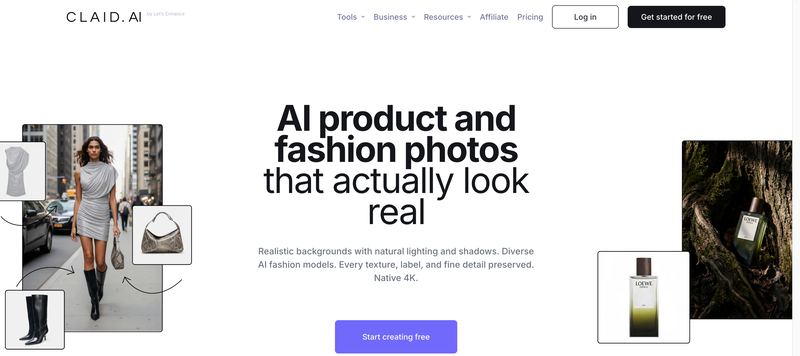
Pricing: From $19/month. Free tier includes 50 credits. Resolution-based credit costs (4 credits for standard, 10 for studio, 24 for 4K).
Key features
- AI Fashion Models — generates on-model product shots from flat-lay, ghost mannequin, or packshot input; supports custom AI model training for brand-consistent catalog imagery
- Full photo enhancement suite — background removal, lighting correction, upscaling, and outpainting in one platform
- Enterprise API — batch automation at scale; 200M+ images processed, 10,000+ business customers
- Custom AI model training — build and reuse a brand-specific model identity across your entire catalog
Strengths
- Best-in-class API for enterprise automation: 200M+ images processed, 10,000+ business customers; businesses report 80% reduction in image processing costs
- Full photo enhancement suite reduces tool sprawl for teams needing both model generation and photo editing
- Batch processing with generous free tier (50 credits)
Limitations
- Claid’s core product is photo enhancement; fashion model generation is a newer add-on — the learning curve is steep for mid-market retailers without technical resources
- Creative mode might alter product angles or compositions, which may not always be desired. See Toolradar
- Low-quality input images significantly limit AI output quality
5. Botika — Best for Mid-to-Large Brands with High SKU Volume
Best for: Mid-to-large fashion brands needing on-model imagery with built-in retouching, batch processing, and model diversity at volume.
Botika converts flat-lay and mannequin photos into on-model images with built-in retouching. It supports batch processing for high-SKU catalogs and includes video generation. Unlike most tools, Botika has no free tier — better suited to brands that have already validated their need for AI model photography.
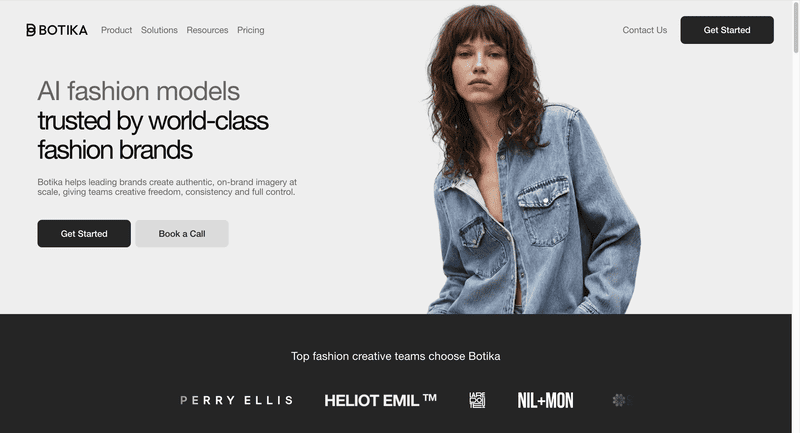
Pricing: From $22/month. No free tier.
Key features
- On-model generation — transforms flat-lay, mannequin, and packshot inputs into on-model imagery; works with headless shots and any angle or pose
- Built-in AI retouching — applied automatically alongside model generation, not as a separate step
- Diverse AI model library — customizable ethnicity, body type, age, and gender with no licensing limitations
- Batch processing and video generation included
Strengths
- G2 users consistently praise ease of use: “very easy to use, integrates directly with your Shopify catalogue, good quality image as result” (G2 reviews)
- Built-in retouching and up to 90% cost reduction compared to traditional photoshoots
Limitations
- Image quality has been inconsistent post-upgrade: Shopify App Store reviews (overall rating 2.5/5 as of 2026) include complaints that “results were completely unusable; many details looked off”
- Limited pose control; quality can be inconsistent with complex garments, layered outfits, or detailed prints
- No free tier — paid plan required before testing
6. Style3D.ai — Best for Multi-Category Try-On and Broad Product Coverage
Best for: E-commerce sellers needing broad product category coverage across multiple item types at a low entry price.
Style3D.ai is a multi-category virtual try-on and e-commerce visual content platform. At $8.9/month with 50 free credits, it offers one of the most affordable entry points in this category. The one notable gap is video generation, which is not available.
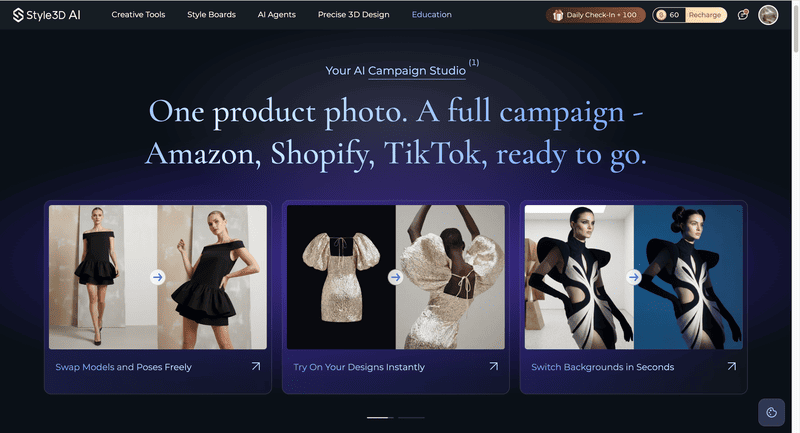
Pricing: From $8.9/month. Free tier includes 50 credits.
Key features
- Multi-category virtual try-on — covers apparel, accessories, footwear, and more, not limited to standard fashion garments
- Garment detail preservation — keeps stitch lines, zipper reflections, and fabric structure consistent across different model poses
- Batch processing with background removal and image upscaling included
- 50 free credits — enough for meaningful quality testing before committing
Strengths
- Most affordable starting price for a multi-feature platform at $8.9/month
- Avoids the flat “painted-on” effect common in general-purpose AI tools
Limitations
- Less established community and documentation than larger platforms
7. WeShop AI — Best All-in-One AI Fashion Content for E-Commerce Teams
Best for: E-commerce teams needing a broad AI content suite with a generous free allowance.
WeShop AI is an all-in-one AI fashion content platform at $9.9/month. The 200 welcome credits make it the most generous free-tier offering on this list. It covers virtual try-on, AI model generation, background removal, image upscaling, and video generation.
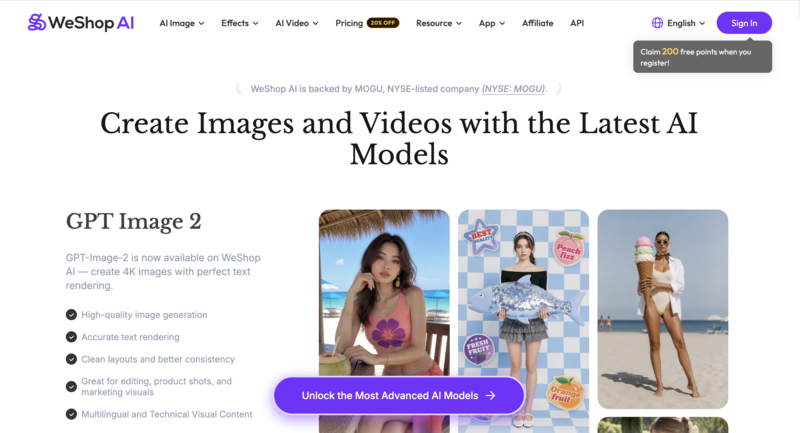
Pricing: From $9.9/month. Free tier includes 200 welcome credits.
Key features
- AI Model Shooting — generates realistic human models in under 60 seconds; covers unlimited nationalities, ages, and gender identities, plus 200+ global model representations
- AI Product Shooting — professional-grade product photography with 100+ background templates; turns a single garment image into a full range of marketing assets
- AI Video Agent — turns a single product photo or text prompt into a publish-ready video with cuts, transitions, effects, and background music
Strengths
- 200 free welcome credits — the most generous free allowance on this list
- Strong for mannequin conversion, particularly reliable at turning mannequin shots into lifelike human model images
Limitations
- UI is somewhat cluttered; the AI occasionally struggles with complex hand placements or intricate lace details
- Credit-based system can burn through budget quickly when experimenting
8. FASHN.ai — Best for Virtual Try-On and Developer API
Best for: E-commerce teams and developers prioritizing virtual try-on accuracy with API integration.
FASHN.ai develops in-house AI models specifically for fashion virtual try-on. Its primary strength is garment rendering precision and a developer-friendly API structure. It supports virtual try-on, AI model generation, and background removal.
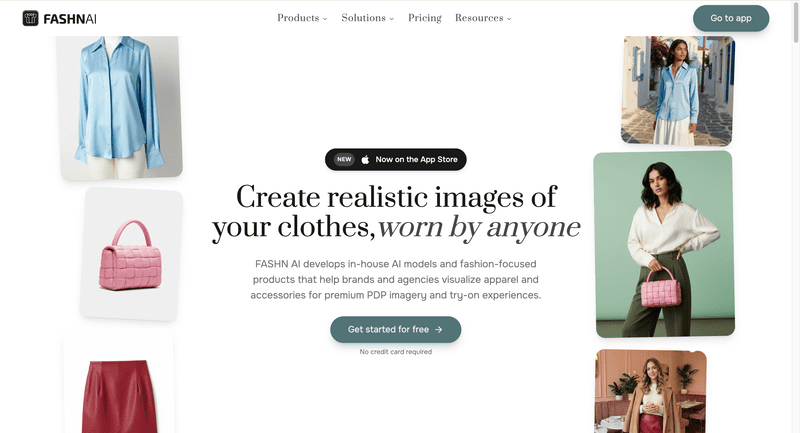
Pricing: From $19/month. Free tier includes 10 credits.
Key features
- Proprietary virtual try-on AI — in-house v1.5 architecture trained specifically for fashion; garment drape looks natural rather than composited
- Model swap — re-dress an existing model photo with a different garment while preserving pose, lighting, and setting
- Reusable model identity — build a consistent AI model that appears identically across all generations
- Developer API via fal.ai at $0.075/generation — one of the most accessible per-use API prices in this category
Strengths
- Garment rendering is among the most accurate in the category, with fabric drape that looks natural rather than painted on
- Developer-friendly API with transparent per-use pricing via fal.ai
Limitations
- Narrow focus on try-on and model swap only — no lifestyle scenes, no composition standardization
- Interface can feel unclear for beginners unfamiliar with API-oriented tools
- Limited batch processing
9. Modelia — Best for Consistent Model Identity Across Large Catalogs
Best for: Scaling brands and catalog-heavy retailers who need the same model identity maintained across hundreds of SKUs.
Modelia‘s key differentiator is consistent character identity — maintaining the same model face, proportions, and styling across your entire catalog. It supports batch processing, video generation, and has a Shopify app. The free tier offers 20 credits, but these are watermarked and non-commercial.
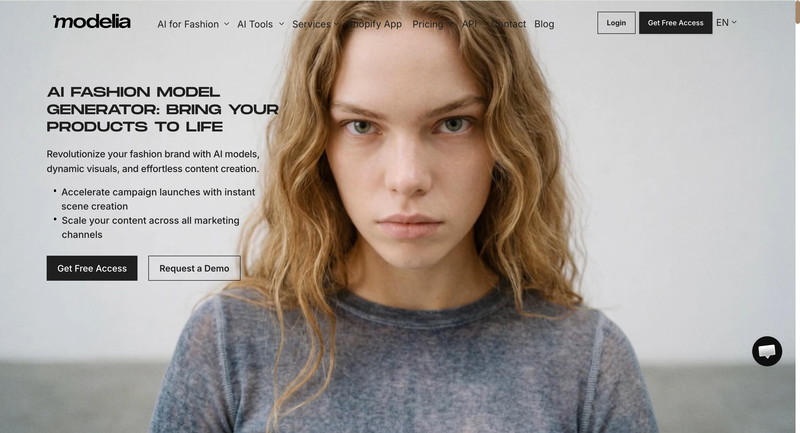
Pricing: $12 one-time Project plan (50 credits, commercial rights). Subscription plans from $35/month (Basic). Free tier includes 20 credits (watermarked, non-commercial).
Key features
- Consistent character identity — locks the same model face, body proportions, and styling across your entire catalog; avoids the inconsistent-model problem common in other tools
- Shopify app — generate and publish model images without leaving the store admin
- Batch processing and video generation included
- Free tier available — but 20 credits are watermarked and non-commercial; a paid plan is required before any output can be published
Strengths
- Consistent model identity across large catalogs — the most developed character consistency feature in this comparison
- Output quality is solid for basic product images and the interface is beginner-friendly
Limitations
- Free tier is watermarked and non-commercial — paid plan required before publishing any output
- Higher starting price at $35/month compared to most alternatives
- Less suited for high-complexity garments or brands needing advanced pose control
10. Photoroom — Best for Mobile Sellers and General Product Photography
Best for: Marketplace sellers (Etsy, Poshmark, Depop) and general product photography workflows on mobile.
Photoroom is primarily an AI product photography editing platform with over 150 million downloads. Its Virtual Model feature sits alongside background removal, AI staging, and batch export — making it a broad-purpose tool rather than a dedicated fashion AI platform.
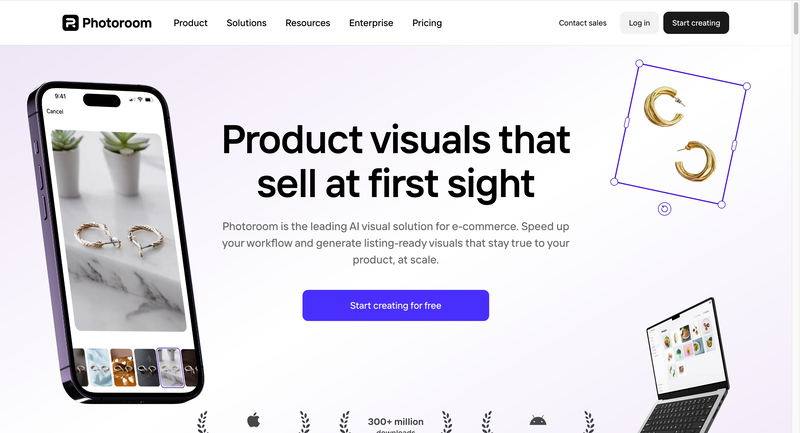
Pricing: Free tier (with watermark). Pro at $12.99/month.
Key features
- Virtual Model — places clothing onto photorealistic AI models with accurate fabric drape and color preservation; supports diverse model options
- Multi-garment generation — combines up to 4 clothing items in a single generation for complete outfit styling
- Mobile app (iOS and Android) — the strongest mobile workflow in this category; recently integrated OpenAI’s gpt-image-1
- Full product photography suite — background removal, AI staging, batch export, and image retouching (no video generation)
Strengths
- Most affordable paid entry point at $12.99/month; strongest mobile app in the category
- Full product photo editing suite beyond model generation reduces the number of separate tools needed
- Supports up to 4 garments in a single generation for outfit styling
Limitations
- Virtual Model is one feature in a general photo editor — fashion model generation is not the core focus
- Batch mode starts at $99/month, pricing out smaller sellers
- No video generation
How to Choose the Right AI Fashion Model Generator
These tools solve different problems. Choosing the wrong tool doesn’t just waste budget — it slows down your workflow exactly where speed matters most. Here are the key signals to help you narrow your options.
- Large catalog (200+ SKUs): You need batch processing. Uwear (up to 10K items via CSV) or Claid.ai (batch + API) are the strongest options.
- Full design-to-photography workflow: If you need both concept visualization (sketches, colorways, fabric testing) and product photography, Fashion Diffusion covers the complete pipeline without tool-switching.
- Ghost mannequin requirement: WearView is the only platform on this list with native ghost mannequin processing.
- Tight budget: Style3D.ai ($8.9/mo) and WeShop AI ($9.9/mo with 200 free credits) are the most affordable options with meaningful feature sets.
- Developer building a pipeline: FASHN.ai or Claid.ai offer the most flexible APIs. Uwear also provides API access for larger-scale integrations.
Try Fashion Diffusion’s AI Model Generator
If you’re looking for a more complete solution than standalone tools, Fashion Diffusion’s AI Model Generator brings everything together in one workflow. It’s designed for fashion brands, ecommerce teams, and creatives who want to move faster while maintaining visual consistency across product images and campaigns.
Try the AI Model Generator free →
FAQ
The best tool depends on your use case. For a full design-to-photography workflow, Fashion Diffusion leads. For high-volume batch processing, Uwear is the strongest option. For ghost mannequin capability, WearView. For the lowest entry price, Style3D.ai at $8.9/month or WeShop AI at $9.9/month with 200 free credits.
AI fashion model generators produce catalog-ready product images by placing garments on AI models — used for brand-side product photography. Virtual try-on lets individual shoppers see how a specific garment would look on their own body before purchasing. Both technologies use similar AI, but serve different audiences and purposes. Some platforms, including Fashion Diffusion and Uwear, offer both.
Yes, on paid plans. All tools on this list grant commercial usage rights on paid plans. Note that Modelia’s free tier is explicitly non-commercial and watermarked. Always verify the specific terms before publishing free-tier output.
In 2026, the best tools preserve fabric texture, color, and construction accurately for standard garment types (t-shirts, dresses, jackets, trousers). Challenging items — sheer fabrics, intricate embroidery, fine patterns, very dark garments — still require quality review. Testing with your specific product mix during a free trial is the most reliable evaluation approach.
Yes. WeShop AI offers 200 free welcome credits — the most generous on this list. Style3D.ai and Claid.ai each offer 50 free credits. Fashion Diffusion, FASHN.ai, and Modelia (watermarked, non-commercial) also offer free tiers. Photoroom has a permanently free tier with watermarked output.
Botika and Modelia both have Shopify apps. Botika requires a paid plan before testing; Modelia’s $12 one-time Project plan is the lowest barrier to entry. For merchants needing more flexibility, Fashion Diffusion and WearView operate as standalone platforms but export in formats Shopify requires.


