

Most people selling clothes online are photographing items at home — not in a studio. The background is usually a bedroom floor, a chair, or a wall. A background remover turns that into a clean, professional listing image in seconds. The problem is that clothing is one of the harder categories for AI background removal: lace, sheer fabric, knit texture, and fringe all create edges that generic tools tend to blur or cut into.
This guide covers eight of the best background remover apps for selling clothes, evaluated specifically for how well they handle clothing — not just simple hard-edged products.
What a Clean Background Actually Does for Your Listings
Removing the background from a clothing photo isn’t just about aesthetics — it directly affects whether your listing sells. On resale platforms, listings with clean white or neutral backgrounds consistently outperform photos taken against cluttered home backgrounds, even when the item is identical.
Platform requirements reinforce this. Amazon requires pure white backgrounds for main product images. Poshmark added native background removal because the conversion data supports it. On Depop, where aesthetic matters most, a clean flat lay or cutout signals that the seller takes their listings seriously.
For sellers who want to go beyond white — swapping in lifestyle scenes or studio settings — changing clothing backgrounds with AI has become a practical alternative to reshooting.
What to Look For in a Background Remover for Clothing
Clothing has more edge complexity than most product categories. These three factors separate the tools that handle it well from the ones that don’t.
- Edge accuracy on fabric: Lace, sheer layers, knit edges, and fringe need precise handling. Generic tools leave blurred edges or cut into the garment.
- Output resolution: Some free tiers cap resolution or add watermarks. Check what you actually get before committing.
- Workflow integration: The best tools let you replace the background immediately after removing it, producing a finished listing image in one place.
8 Best Background Remover Apps for Selling Clothes
The tools below range from free mobile apps to professional e-commerce workflows. Each one is assessed on edge accuracy with clothing, pricing, and which type of seller it actually suits.
1. Fashion Diffusion
Fashion Diffusion’s background remover is built for fashion and clothing photography. It handles sheer fabrics, knit textures, fringe, and lace with accuracy that general-purpose tools tend to miss, which is where most clothing sellers run into trouble with other options.
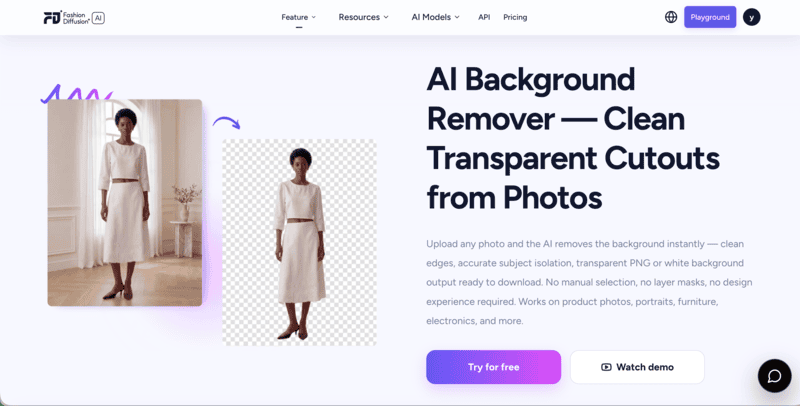
Unlike standalone background removal tools, Fashion Diffusion is a full fashion image platform. The background remover sits alongside virtual try-on, AI model generation, flat-lay creation, and AI fashion video — meaning sellers and brands that grow beyond basic background removal don’t need to piece together separate tools. Everything is in one place.
Pricing: Free credits on signup; paid plans for higher volume.
2. Photoroom
Photoroom started as a mobile-first background remover and has grown into a broader product photography toolkit. The background removal is fast and accurate, batch processing works well for large catalogs, and the app includes AI background generation and product staging.
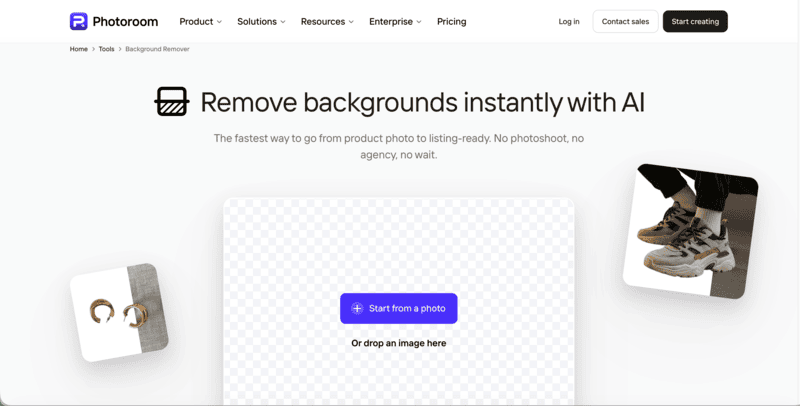
The mobile app experience is among the best available — useful for sellers who photograph, edit, and list from their phone in one session.
Pricing: Free plan available; Pro from $12.99/month (or $7.50/month billed annually).
3. Remove.bg
Remove.bg is one of the oldest and most recognized AI background removal tools, built for upload-and-done simplicity with strong API coverage.

Edge quality on hair and fine textile detail is among the best available — it handles complex fabric boundaries reliably. The free tier gives a low-resolution preview; full resolution requires credits.
Pricing: Free low-resolution preview; full resolution from ~$0.39/image.
4. Canva
Canva‘s background remover lives inside its familiar design editor — you remove the background and immediately drop the cutout into templates for social media or listings.
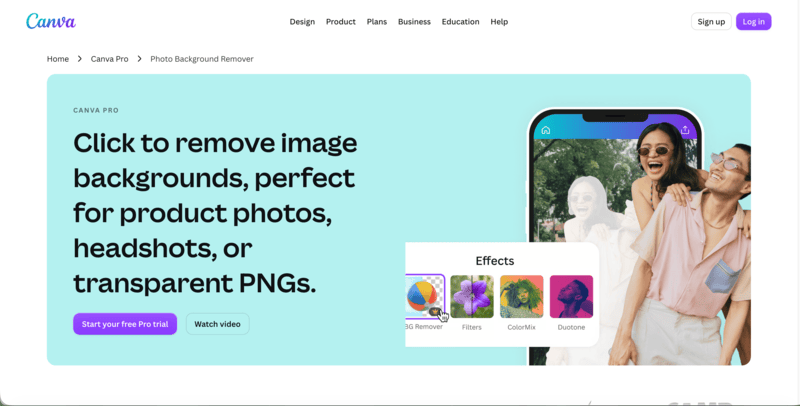
The removal itself is solid for most clothing items. The real value is the workflow: sellers already living in Canva don’t need to switch tools to get a finished asset. Background removal is Pro-only, so it only makes sense if you’re already paying for Canva.
Pricing: Pro plan required — $18/month or $119.99/year.
5. Pixelcut
Pixelcut offers unlimited HD background removal with no watermark on its free tier, which makes it the most accessible genuinely free option on this list.
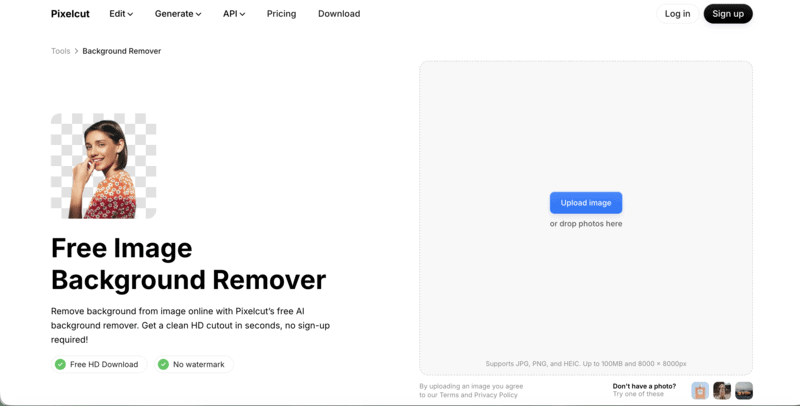
It’s mobile-first and clean, suited to casual resellers who need basic removal without a subscription. Edge quality is good on most clothing but can struggle with very fine details like lace or sheer fabric.
Pricing: Free — unlimited HD removal, no watermark. Paid plans add extra features.
6. Adobe Express
Adobe Express fits neatly into existing Adobe workflows — background removal connects directly to Photoshop, Illustrator, and Creative Cloud assets.
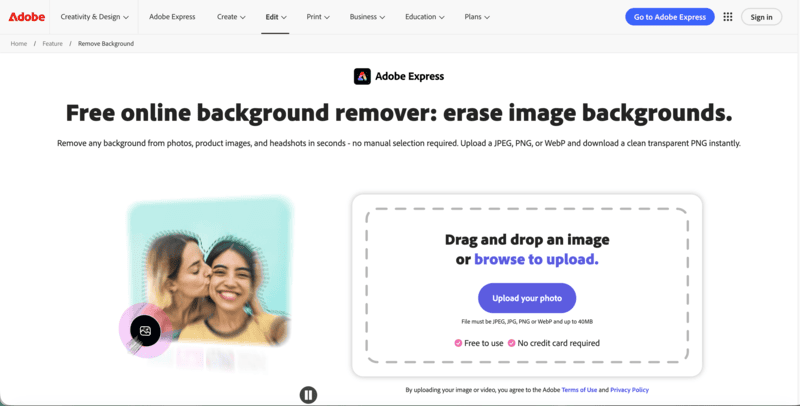
For pixel-precise API access and developer integrations, the accuracy on detail edges is exceptional. For sellers already in the Adobe ecosystem, it removes the need for an additional tool. For anyone not already in Adobe’s world, the tools above are simpler starting points.
Pricing: Free plan with limited access; Premium from $9.99/month.
7. Claid
Claid is suited to e-commerce teams that need background removal followed by resizing, padding, background generation, and upscaling through one workflow or API.

It’s the most automation-friendly tool here, built for consistent, high-volume processing rather than individual one-off edits. Not the right fit for a casual reseller, but well-suited to a small clothing brand managing catalog photography at scale.
Pricing: Free trial credits on signup; paid from $9/month.
8. Pixian
Pixian.ai keeps the pitch simple: clean background removal at a low price, with no subscription — pay as you go, with a free tier at 0.25 megapixels.
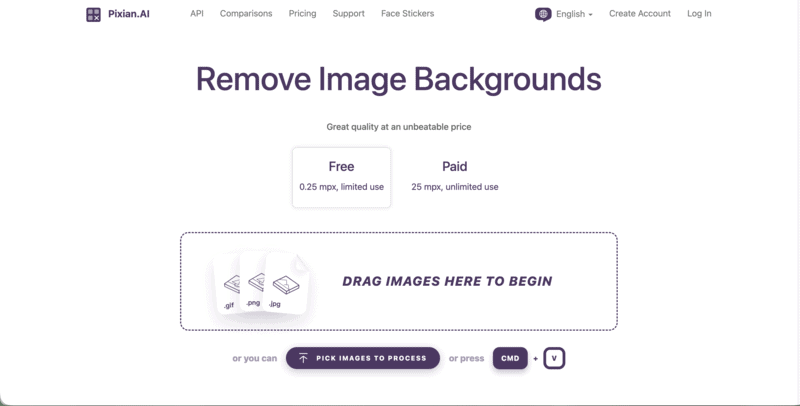
For sellers who only need occasional cutouts and don’t want a monthly commitment, this is the most cost-efficient option. It stops at the cutout though — no staging, no replacement backgrounds, no batch workflow.
Pricing: Free at 0.25MP; full resolution from $0.05–0.10/image, pay-as-you-go.
How to Remove a Background with Fashion Diffusion
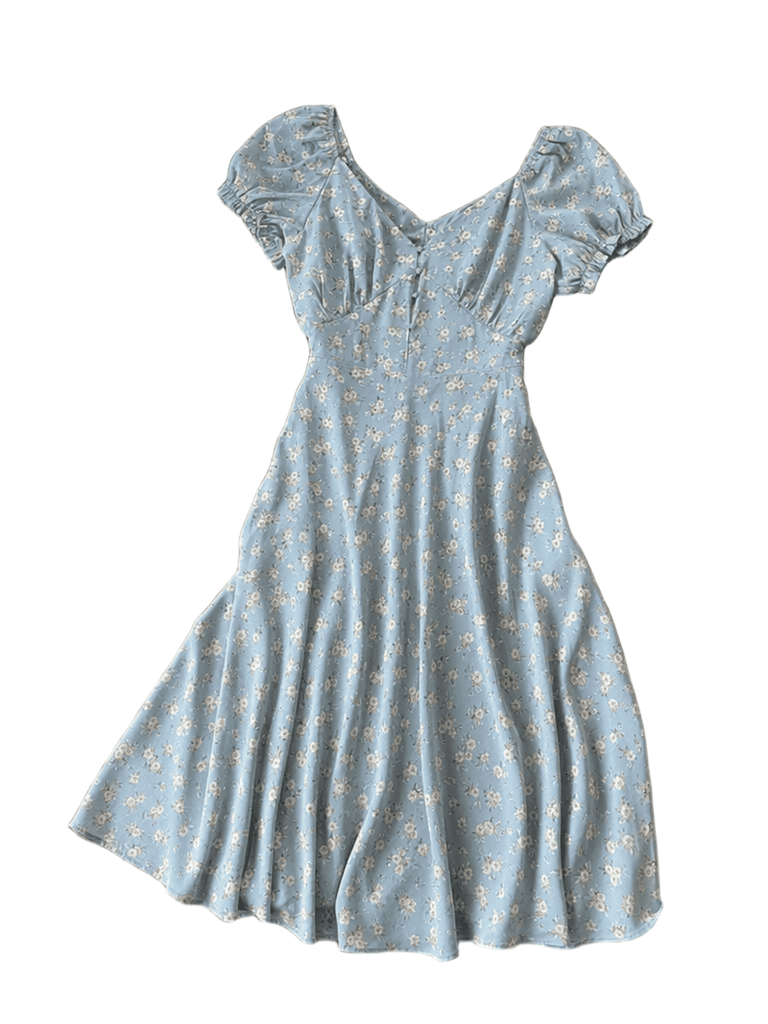
If Fashion Diffusion is the right fit for your workflow, here’s how the process works. Everything runs in the browser — no software to install, no manual selection or masking.
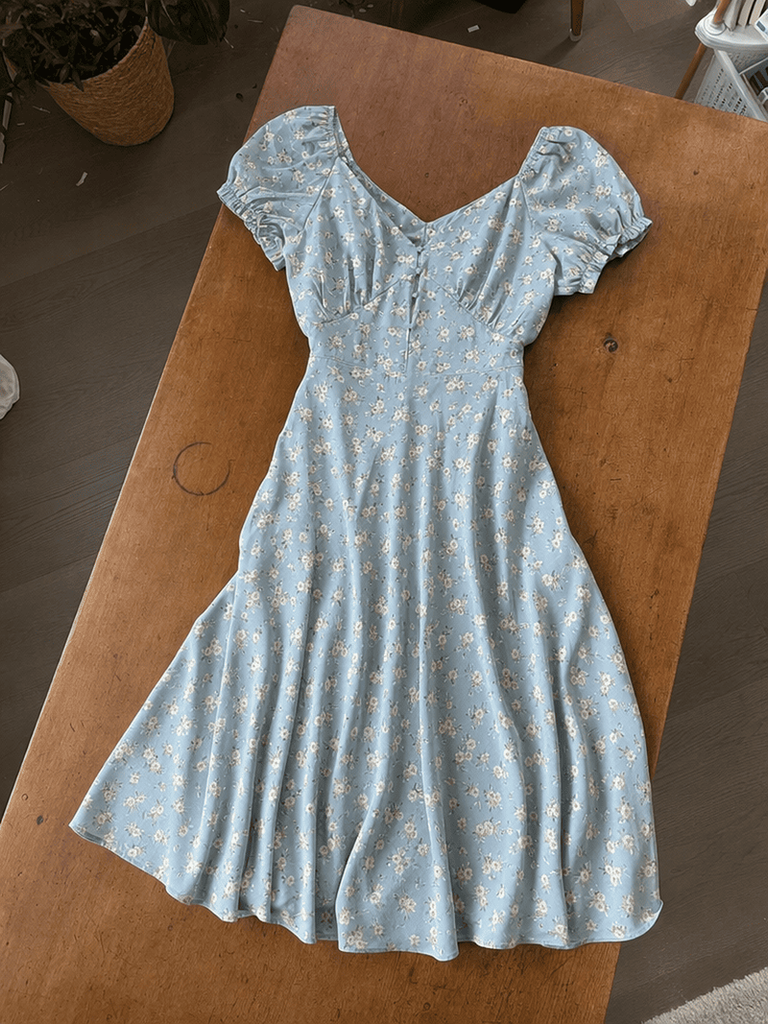
Step 1: Upload Your Clothing Photo
Use any photo of the garment — flat lay, on a hanger, or on a model. The cleaner the original photo, the more accurate the edge removal. A well-lit image with the garment clearly separated from the background gives the AI the most to work with.
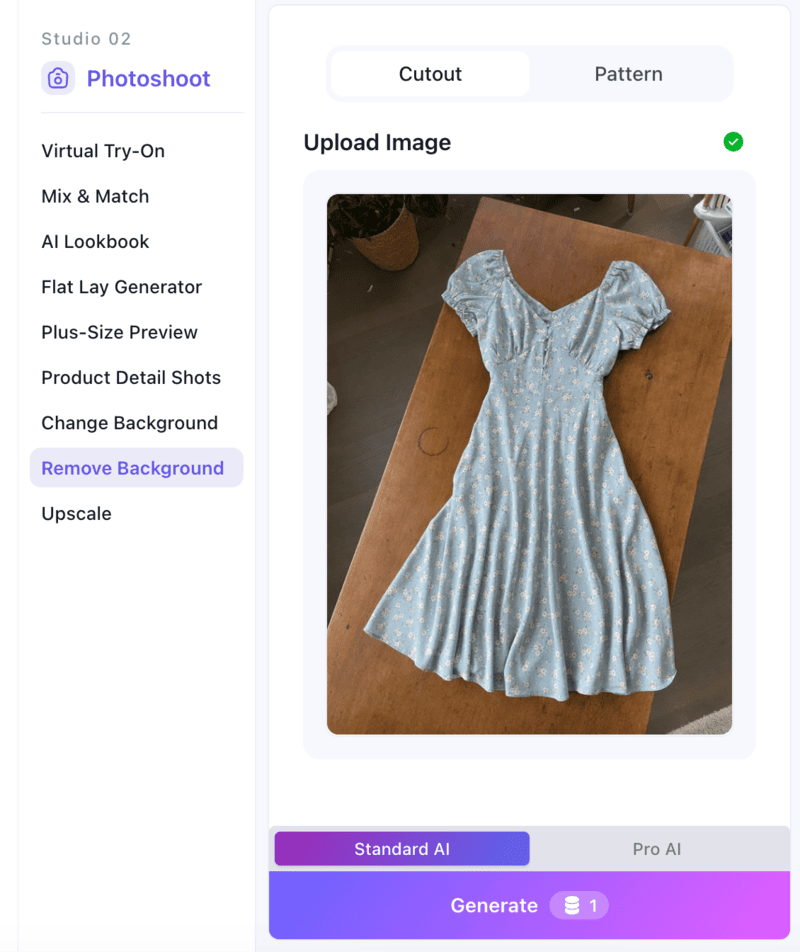
Step 2: Let the AI Process
The tool identifies the garment and removes the background automatically. Sheer fabrics, lace, knit edges, and fringe are all handled without manual adjustment.
Step 3: Download the Result
Export the cutout in high resolution. The output is ready for direct upload to any selling platform — Poshmark, Depop, Vinted, Amazon, Shopify, or your own store.
What to Do After You Remove the Background
A transparent PNG is the starting point, not the finish line. What you put behind the clothing determines whether the final image looks like a professional listing or just a slightly cleaner home photo.
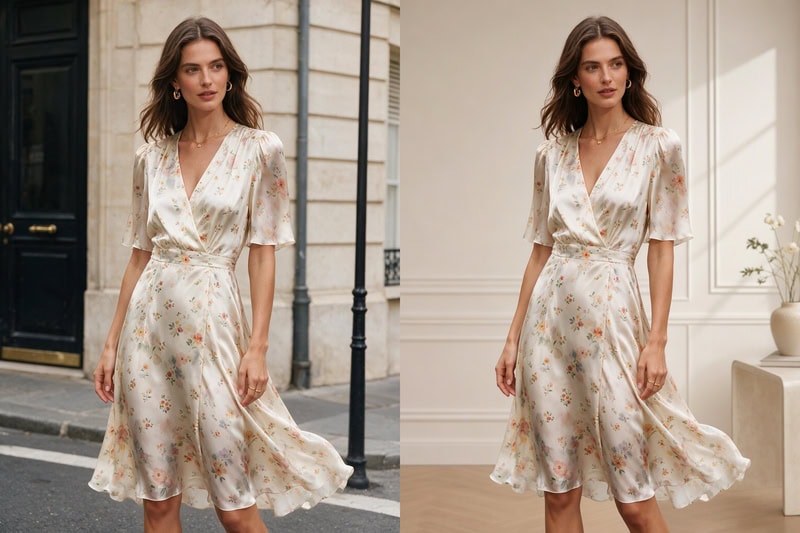
For resale platforms, a plain white background meets most marketplace requirements and is often the fastest path to a clean listing. For sellers building a brand or running their own store, a lifestyle setting — a clean interior, a styled surface, an outdoor scene — adds context that a white background can’t provide and signals brand quality to buyers.
Fashion Diffusion’s background changer handles both. After removing the background, you can replace it with a white studio setting for marketplace listings, or generate a lifestyle scene matched to the garment’s aesthetic — all without a separate shoot. The result is a finished product image rather than a plain cutout.
The Right Tool Starts with the Right Fit
The right background remover for selling clothes depends on your volume, your platforms, and how finished you need the output to be. For casual resellers, Pixelcut’s free plan handles most situations. For sellers who need fabric-accurate removal and a complete image — cutout, background, listing-ready — Fashion Diffusion is the most complete workflow available.
New accounts start with free credits. Upload a clothing photo and see how the background removal app handles clothes like yours — free to try.
FAQ
Pixelcut offers unlimited HD background removal with no watermark on its free plan. Fashion Diffusion includes free credits on signup. Remove.bg offers a free low-resolution preview. For sellers already paying for Canva Pro, its built-in remover is also solid.
Fashion Diffusion’s remover is built specifically for clothing and handles fine fabric edges more accurately than general-purpose tools. Remove.bg also performs well on complex edges.
Not always, but it improves listing performance significantly. Amazon requires white backgrounds for main product images. On Depop and Poshmark, clean backgrounds consistently outperform cluttered home photos.
Yes. Fashion Diffusion lets you remove the background and replace it with a white studio setting or a lifestyle scene. Photoroom and Canva also offer background replacement after removal.
Yes. New Fashion Diffusion accounts start with free credits that can be used on the background remover tool—no payment required to get started.


