

A lace bralette looks completely different on a size 6 model than it does on a size 14. Shoppers know this. Brands know this. And yet most lingerie product pages still show one model, one size, one pose — and wonder why return rates are high.
The visual content demands of lingerie go further than almost any other category. A single product needs a white-background catalog image for the marketplace listing, lifestyle imagery for social media, campaign visuals for paid ads, and on-model photos across more than one body type. Sourcing all of that through traditional photography is slow, expensive, and rarely produces enough variation to cover every channel.
Brands that generate lingerie on model with AI can produce all of it from a garment photo and a model photo — without booking a studio or a photographer.
What Is an AI Lingerie Generator
An AI lingerie generator takes two inputs — a photo of the lingerie and a photo of the model — and generates a realistic on-body image showing the piece being worn. The AI places the garment onto the model, renders the fit and drape accurately for that body type, and produces a finished image. The result is ready for use across product pages, social posts, and campaign materials.
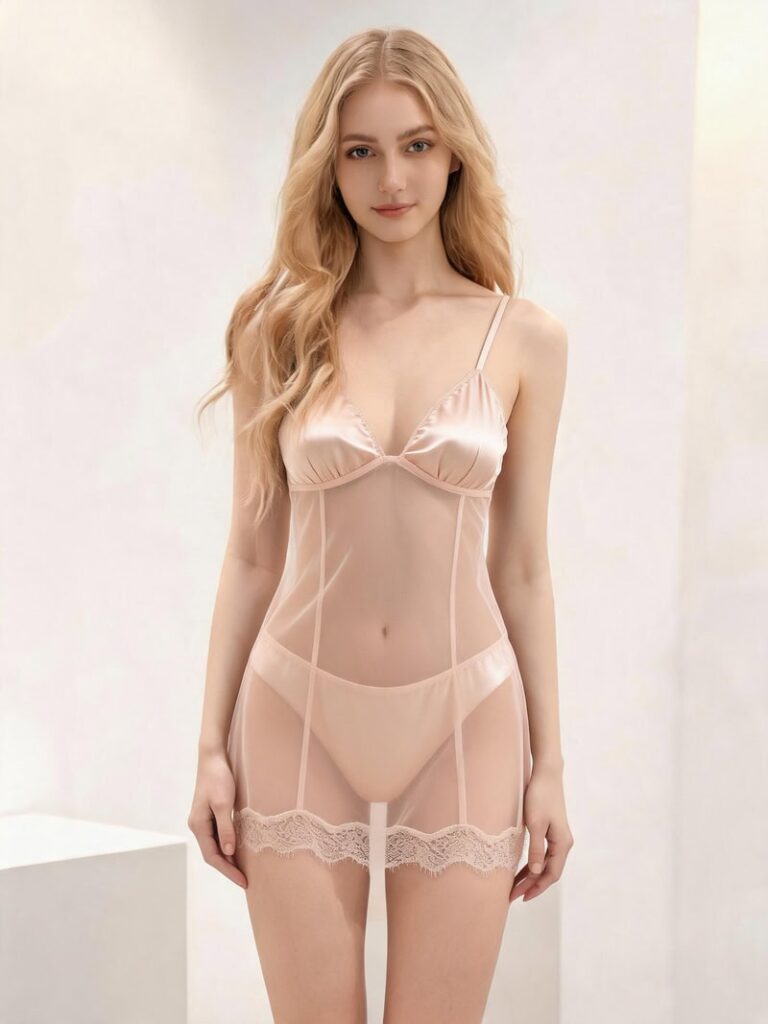
This is different from a general-purpose AI clothes generator. Lingerie is technically demanding for AI generation. Lace patterns, sheer fabrics, satin textures, and underwire construction all require accurate rendering to look realistic rather than flattened or distorted. A tool built specifically for intimate apparel handles these details in ways that general fashion AI tools typically don’t.
Why Lingerie Is One of the Hardest Categories to Shoot
The visual content demands of lingerie go beyond most other apparel categories. Three factors make it particularly difficult to produce at scale through traditional photography.
Fabric Complexity
Lace, sheer mesh, satin, and silk all behave differently under studio lighting and require different handling to photograph accurately. A lace bralette needs enough light to show the pattern without washing it out. A sheer bodysuit needs careful lighting to show the fabric’s transparency without looking cheap. Getting these details right in a traditional shoot requires an experienced photographer and often multiple setups per product. That kind of production overhead compounds quickly across a full catalog.
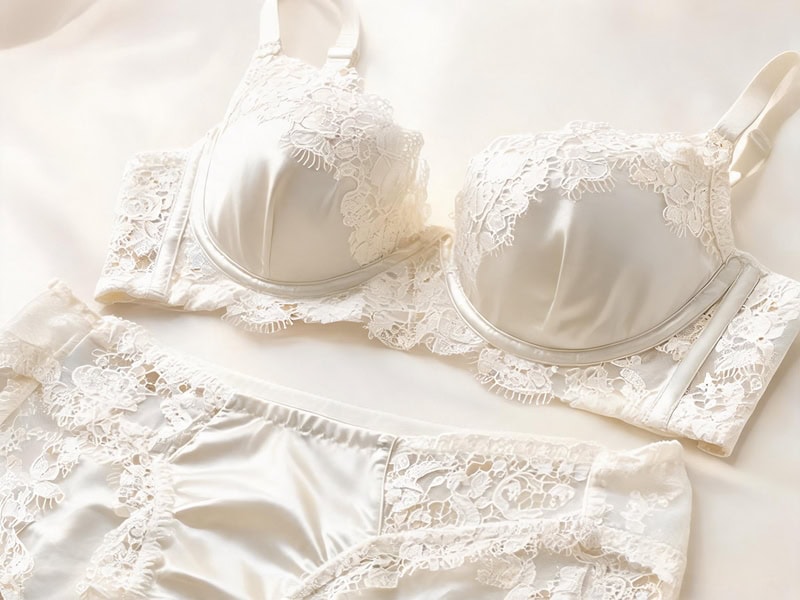
For AI generation specifically, fabric complexity is the hardest technical challenge in lingerie:
- Lace requires the AI to render fine pattern detail without flattening it into a solid texture.
- Mesh fabrics need accurate skin-tone rendering underneath the transparency layer.
- Satin and silk depend on lighting simulation to show the fabric’s unique sheen.
Sizing and Body Type Coverage
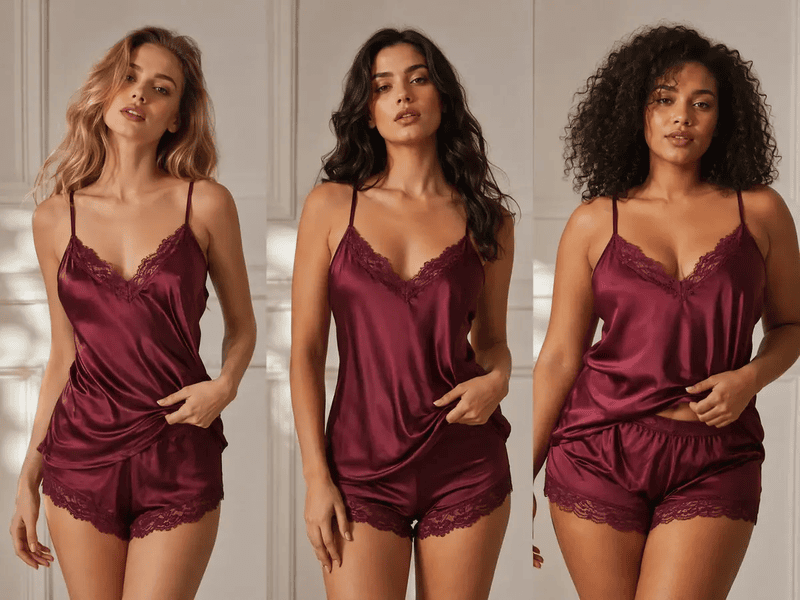
Lingerie shoppers are acutely aware of how a piece will sit on their specific body. Seeing it on a single sample-size model leaves a significant portion of the target audience unable to picture themselves in the product. Brands that want to show the same piece across a range of body types need multiple models and multiple sessions. It’s a cost most brands absorb by simply not doing it.
Multi-Channel Visual Requirements
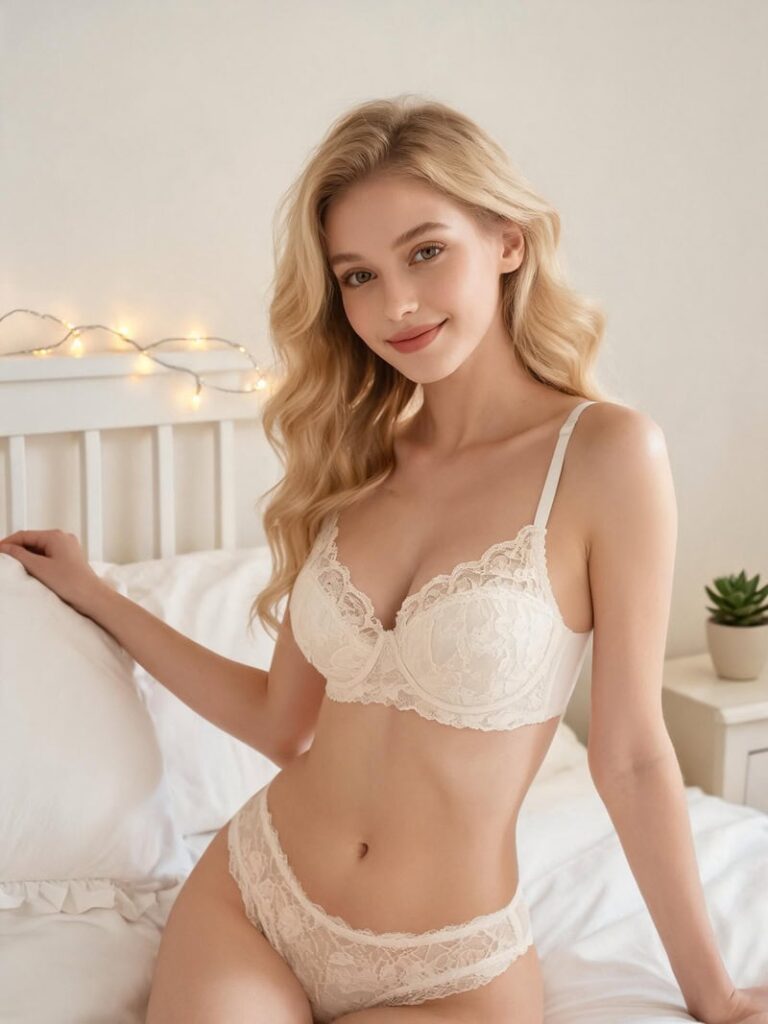
In 2026, the same lingerie item may need a clean e-commerce photo, an Instagram carousel image, a Pinterest moodboard, a TikTok Shop visual, a campaign image, and a landing page banner. Each of these has different requirements for background, lighting, pose, and composition. Traditional photography produces one set of images from one shoot. Adapting them across channels requires either multiple shoots or significant post-production work.
How to Generate Lingerie Product Photos with AI
The process requires two inputs and produces results in seconds. Fashion Diffusion’s AI lingerie try-on takes a photo of the garment and a photo of the model, places the lingerie onto the model, and generates a realistic on-body image — no studio, no additional equipment needed.
Step 1: Prepare your garment photo
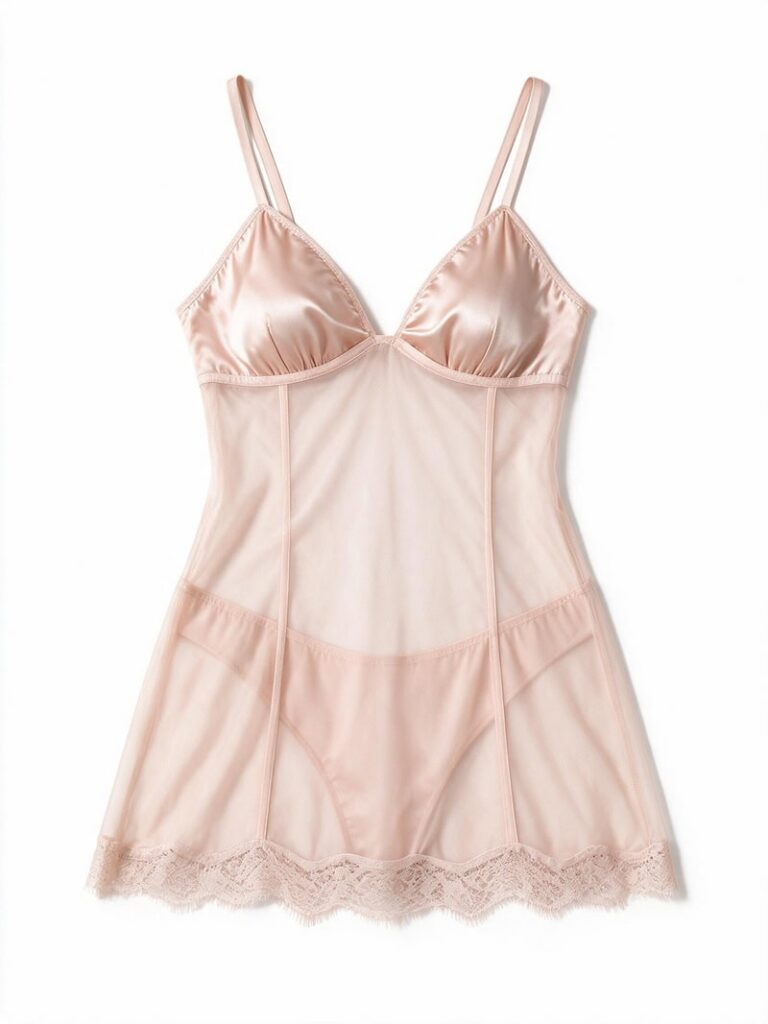
A clean flat-lay or product photo on a plain background gives the AI the most accurate input. The garment should be fully visible with clear fabric detail — the AI uses this to understand the construction, texture, and color of the piece. Heavily styled or cluttered product shots produce less accurate outputs.
Step 2: Upload a model photo
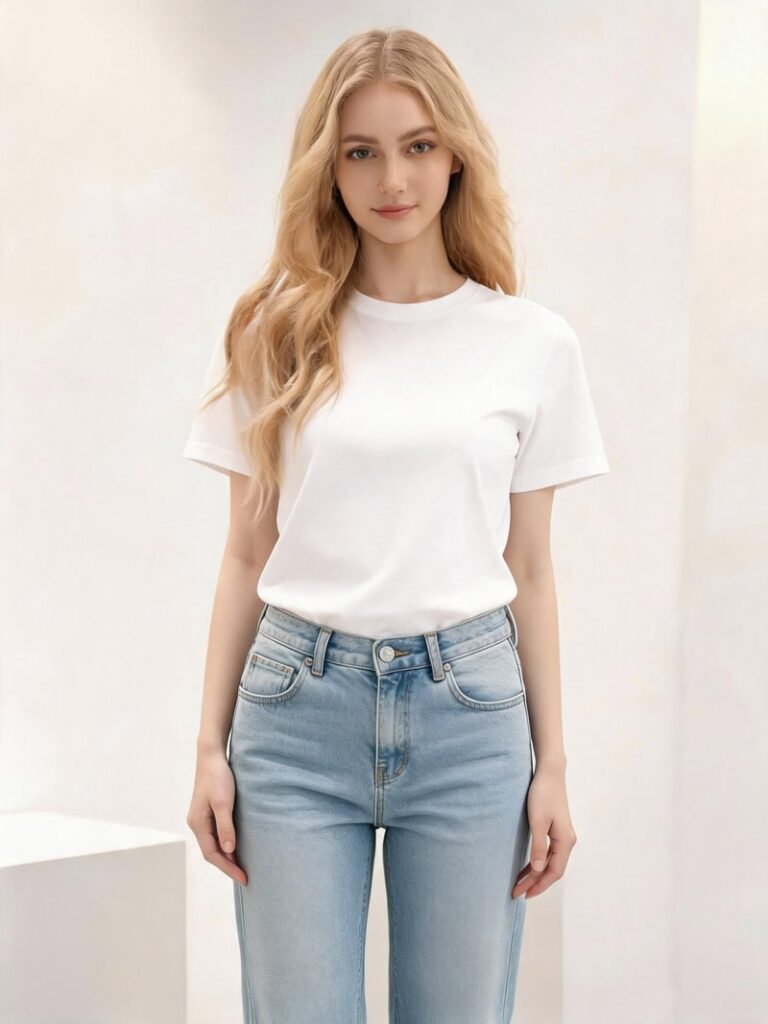
Upload a photo of the model you want to use. A front-facing, full-body image with even lighting works best. The AI uses this to map the garment onto the model’s body accurately, preserving natural drape and fit at key points like the waist, straps, and neckline.
Step 3: Generate and review
The AI combines both inputs and generates the on-model image in seconds. Review for garment accuracy — check that the fabric texture is rendered correctly and the fit looks natural. Adjust the model photo or regenerate if needed.
Step 4: Adapt for each channel
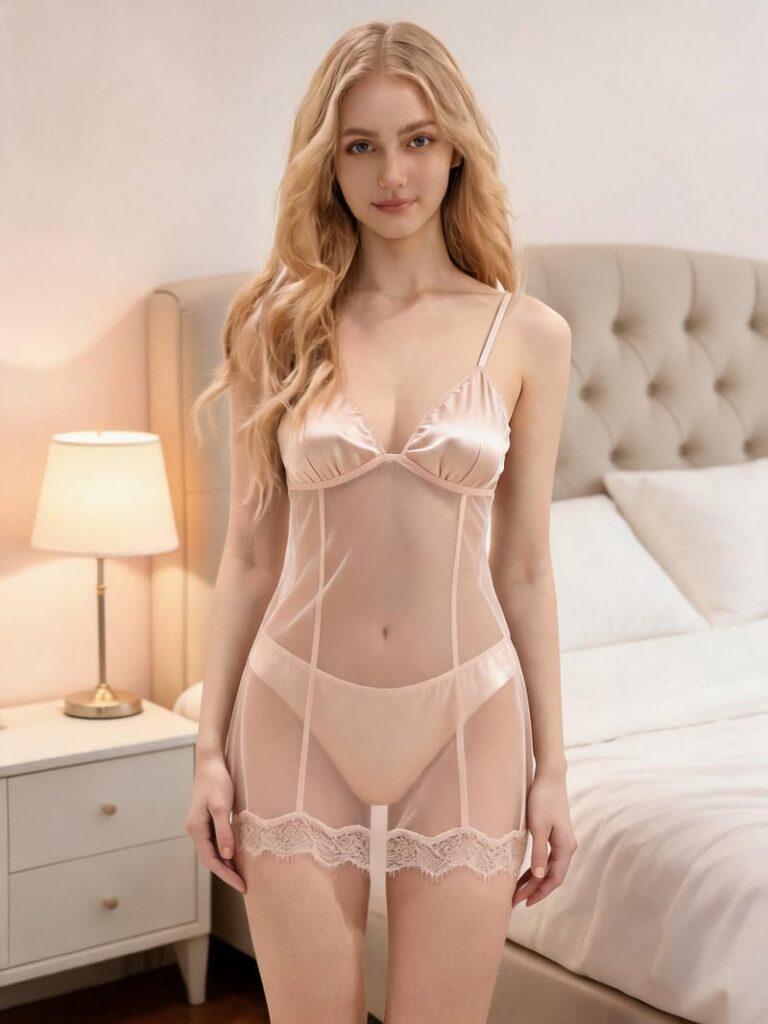
The same garment-and-model combination can be regenerated in different visual contexts. For brands that need the same look across multiple channel formats, Fashion Diffusion’s background changer lets you swap the backdrop on the generated image — a clean white studio setting for the marketplace listing, a lifestyle scene for social content — without regenerating the full look from scratch.
Prompt examples for different output styles:
- E-commerce catalog: Clean studio lighting, neutral beige background, realistic fabric texture, elegant catalog style.
- Lifestyle and social: Natural light, warm neutral bedroom background, editorial mood.
- Campaign and paid ads: Soft pink background, gentle studio lighting, premium fashion magazine aesthetic.
- Minimal product page: Soft studio light, simple white background, realistic fit, modern ecommerce look.
What AI Lingerie Generators Are Used For
The same tool serves different teams with different goals. Here’s how each uses it.
E–commerce Brands and Catalog Production
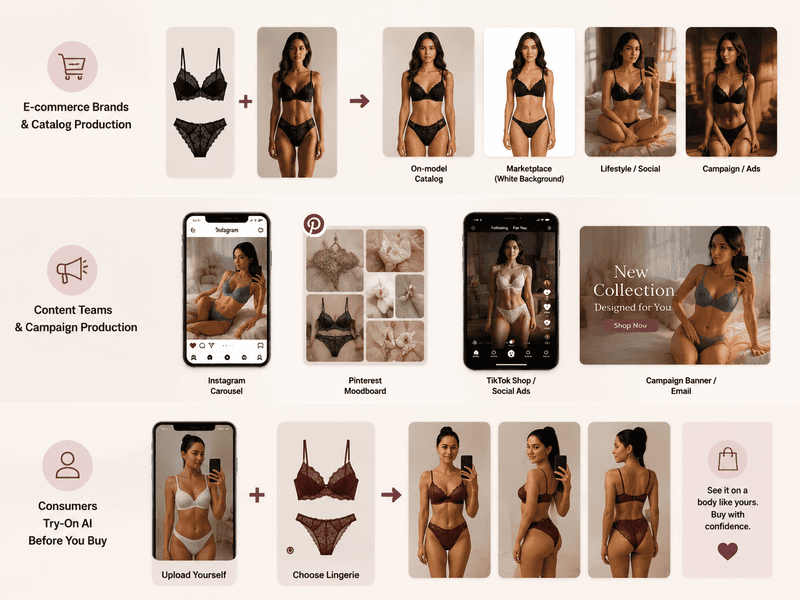
For brands managing large catalogs, the core use case is producing consistent, channel-ready product imagery without booking shoots for every new style or colorway. An AI lingerie model generator produces on-model images from a garment photo and a model photo, showing fit, drape, and fabric detail that a flat-lay alone can’t communicate.
Common outputs from one garment-and-model combination:
- On-model catalog photos across multiple body types;
- White-background images for marketplace listings (Amazon, Shopify, Etsy);
- Lifestyle and editorial versions for social media;
- Campaign visuals for paid ads and landing pages.
Content Teams and Campaign Production
Social and campaign content requires a different visual register from catalog imagery — more atmosphere, more editorial feeling, more variety. The same product that appeared in a clean catalog image last week can appear in a lifestyle context this week.
From one garment-and-model combination, a content team can generate:
- Instagram carousel images in editorial and lifestyle styles;
- Pinterest-ready moodboard visuals;
- TikTok Shop and social ad creatives;
- Campaign banners for landing pages and email.
For brands running paid advertising, this also means faster creative testing. Generate a boudoir-style creative and a clean studio version from the same inputs, run them against each other, and let the data inform the next real shoot.
Consumers: Lingerie Try-On AI Before You Buy
For shoppers, the value is more personal. Lingerie try-on AI lets them see how a piece looks before committing to a purchase — on a body that resembles theirs, not just on a single sample-size model. Swimwear and lingerie have return rates of 30-35%, among the highest in fashion, with fit uncertainty cited as the primary driver. Seeing accurate fit information before buying is what changes that.
See Your Lingerie on a Model Instantly with Fashion Diffusion
Lingerie brands need more visual content, across more channels, showing more body types, than traditional photography can produce efficiently. Fashion Diffusion produces catalog images, social content, and campaign visuals from a garment photo and a model photo. At the speed and cost that catalog-scale production actually requires.
New accounts start with free credits. Upload your first garment photo and see what the AI produces.
FAQ
A tool that generates realistic on-model lingerie images from two inputs: a garment photo and a model photo. The AI places the garment on the model, renders fabric texture and fit accurately, and produces finished images ready for e-commerce listings, social media, and campaign materials.
Yes, when the tool is built specifically for intimate apparel. Fashion Diffusion’s AI lingerie generator handles lace patterns, sheer fabrics, satin textures, and underwire construction. These are details that general-purpose AI fashion tools tend to flatten or distort.
Two images are needed: a clean garment photo and a model photo. For the garment, a flat-lay on a plain background with clear fabric detail works best. For the model, a front-facing full-body image with even lighting produces the most accurate result.
Yes. Images generated through Fashion Diffusion can be used commercially across product listings, social media campaigns, paid advertising, and marketing materials.
Yes. Shoppers can use the lingerie try-on AI to see how a piece looks on their figure before purchasing. It provides the fit information that flat-lay product photos can’t.
Yes. New Fashion Diffusion accounts start with free credits that can be used on the AI lingerie generator. Paid plans are available for higher-volume generation.


