

Fashion brands today need far more visual content than before. A single collection may require product photos, social media creatives, campaign banners, marketplace thumbnails, and localized ads.
The problem is that traditional photoshoots are expensive and difficult to scale. Even a small campaign can involve model casting, studio rentals, lighting setups, post-production editing, and repeated revisions for different platforms.
That’s why more brands are starting to use AI human generators as part of their content workflow. Instead of organizing an entire production process from scratch, teams can now create realistic AI-generated people for fashion campaigns, product marketing, and online stores within minutes.
In this guide, we compare the best AI human generator tools in 2026, walk through a real fashion content workflow using Fashion Diffusion, and share practical tips for getting professional-quality results.
What Is an AI Human Generator?
An AI human generator is a tool that creates realistic human images using artificial intelligence. Depending on the workflow, users can generate AI models from text descriptions, clothing photos, or existing model references.
In fashion, these tools are commonly used to create:
- on-model apparel visuals
- campaign imagery
- product page content
- social media creatives
- lookbook-style photography
Modern AI generation tools are also becoming much better at handling realistic skin texture, lighting, body proportions, and fabric rendering, which makes them more practical for commercial fashion content than earlier AI image models.
Some platforms focus on simple AI human generator text workflows, while others support more advanced features like AI human generator from photo generation and realistic full-body fashion model rendering.
The biggest shift is that brands no longer need to create every visual asset through traditional photography. Existing product images can now become reusable inputs for generating multiple campaign variations across different audiences and platforms.
Why AI Human Generators Are Being Adopted in Fashion E-Commerce
AI human generators are increasingly being tested and integrated into fashion e-commerce workflows, especially for product visualization and digital marketing content.
While adoption is still evolving, AI is no longer experimental in the fashion industry. Instead, it is gradually becoming part of production pipelines, particularly where brands need to generate large volumes of visual content quickly.
Industry Adoption and Shift Toward AI Visual Content
AI adoption in fashion is accelerating. According to The State of Fashion 2025 by McKinsey & Company and The Business of Fashion, marketing, product discovery, and creative processes are now among the leading generative AI use cases in fashion.
Traditional fashion photography still requires significant coordination across casting, studio production, image retouching, and campaign variations, which becomes increasingly difficult to scale for brands with large product catalogs.
As a result, AI human generators are being explored as a way to support faster visual production without relying heavily on traditional photoshoots. Large retailers have also started experimenting with AI-assisted workflows. For example, Inditex (Zara’s parent company) has tested AI-generated fashion imagery to speed up content creation while keeping human oversight in production.
Cost and Workflow Benefits for E-Commerce
The main reason AI human generators are gaining adoption is practical: they reduce time and cost in fashion content production.
Traditional fashion photography involves:
- model booking
- studio setup
- multiple shoot variations
- post-production work
AI-generated models simplify this process by allowing brands to quickly produce multiple visual variations from the same product input—useful for testing ad creatives, adapting visuals for different audiences, creating social media content, and scaling product imagery across platforms. AI-assisted workflows have been reported to significantly improve production speed, especially for fast-moving e-commerce brands.
Best AI Human Generator Tools in 2026
As AI image generation matures, platforms are specializing in different workflows. For fashion brands, the most important factors are clothing consistency, realistic body proportions, workflow speed, apparel rendering quality, and scalability. Here is a comparison of the most widely used tools today:
| Tool | Focus Area | Pricing | Best For | Skill Level |
| Fashion Diffusion | Fashion-specific | Paid (free trial) | E-commerce, catalogs | Beginner–Pro |
| Generated Photos | Portrait & full-body | Free + Paid | Marketing, mockups | Beginner |
| Adobe Firefly | Creative control | Paid (Creative Cloud) | Design teams | Intermediate |
| Synthesia | AI video avatars | Paid | Enterprise video | Pro |
| Pixelcut | Quick generation | Free + Paid | Social media, ads | Beginner |
| HeyGen | Talking avatars | Paid | Sales/marketing video | Intermediate |
| Artguru | Creative portraits | Free + Paid | Creative/social | Beginner |
Quick Recommendation:
For fashion e-commerce and catalog production, Fashion Diffusion leads in apparel consistency. For free experimentation, Generated Photos or Pixelcut are good starting points. For enterprise video content, Synthesia or HeyGen are purpose-built.
Fashion Diffusion
Fashion Diffusion is built specifically for fashion image generation and apparel visualization.
Unlike general-purpose AI image tools, it focuses more on creating realistic on-model fashion imagery from existing apparel photos or campaign visuals. This makes it especially useful for fashion e-commerce, social media campaigns, and catalog production.
In addition to AI model generation, the platform also supports workflows such as:
- virtual try-on
- apparel recoloring
- flat lay generation
- background replacement
Because the workflow is fashion-focused, clothing details and garment consistency are often more reliable than in broader AI image generation platforms.
Generated Photos
Generated Photos Human Generator is known for generating highly customizable AI people with controllable attributes such as age, gender, ethnicity, hairstyle, and facial features.
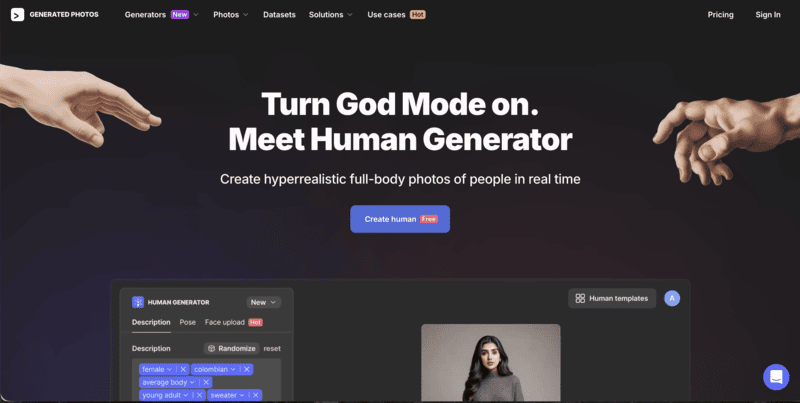
One of its biggest advantages is realism and flexibility for commercial use cases. Users can generate unique human faces and full-body characters without relying on stock photography, making it popular for marketing, design mockups, and digital product visuals.
The platform is especially useful for teams that need large numbers of diverse AI-generated people with consistent customization options.
Adobe Firefly
Adobe Firefly AI Human Generator focuses heavily on creative control and integration within Adobe’s design ecosystem.
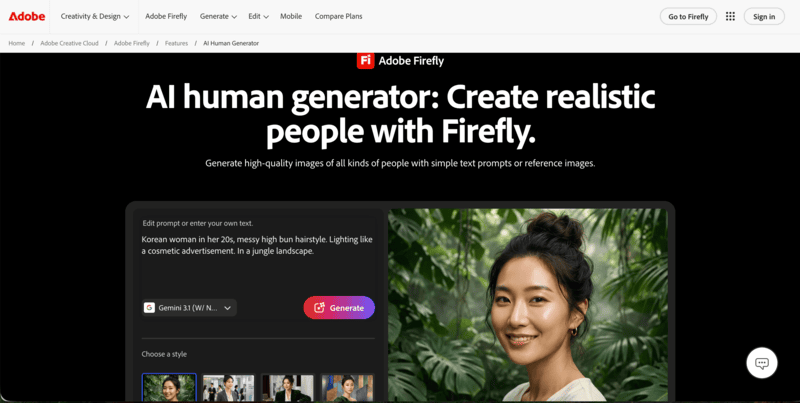
Users can generate realistic people from text prompts, sketches, or reference images while editing details such as:
- pose
- clothing
- lighting
- facial expression
- background
One of Adobe Firefly’s biggest advantages is its workflow integration with tools like Adobe Photoshop and Adobe Illustrator, which makes it appealing for professional creative teams already working inside Adobe products.
Synthesia
Synthesia AI Human Generator is primarily focused on AI avatars and video generation rather than static fashion imagery.
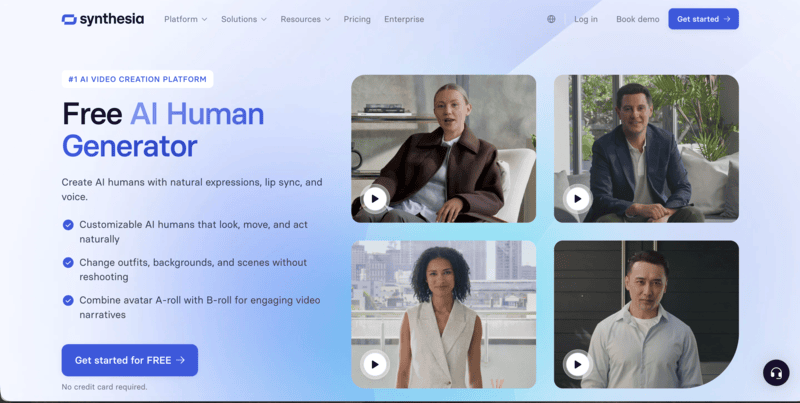
The platform allows users to create realistic talking avatars, customizable AI presenters, and multilingual video content. Synthesia is especially known for:
- realistic avatar movement
- natural speech generation
- customizable avatar outfits and scenes
- enterprise video workflows
The platform also offers a large library of ready-made AI avatars and custom avatar creation tools, making it widely used for training videos, presentations, and marketing content.
Pixelcut
Pixelcut AI Human Generator is designed more for fast and accessible content generation, particularly for creators, online sellers, and social media workflows.
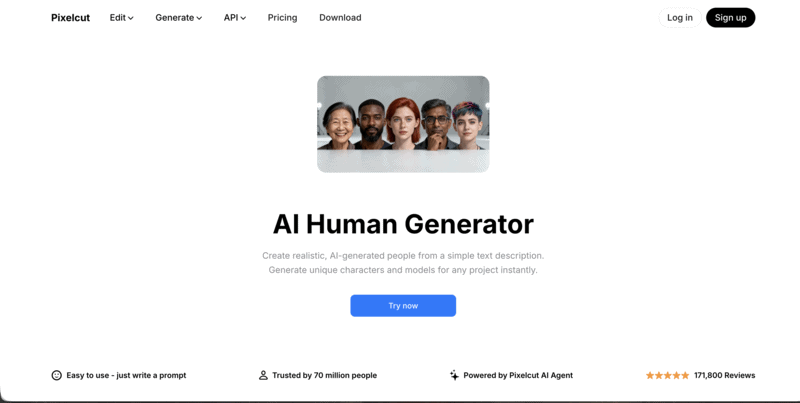
Its interface is relatively simple compared to more advanced AI platforms, making it useful for users who want quick AI-generated people without complicated prompt engineering.
The platform is commonly used for:
- product marketing visuals
- social media content
- ad creatives
- lightweight e-commerce design workflows
Because of its speed and ease of use, Pixelcut is popular among smaller brands and creators producing high volumes of short-form content.
HeyGen
HeyGen AI Human Generator focuses heavily on realistic AI avatars for video-based content.
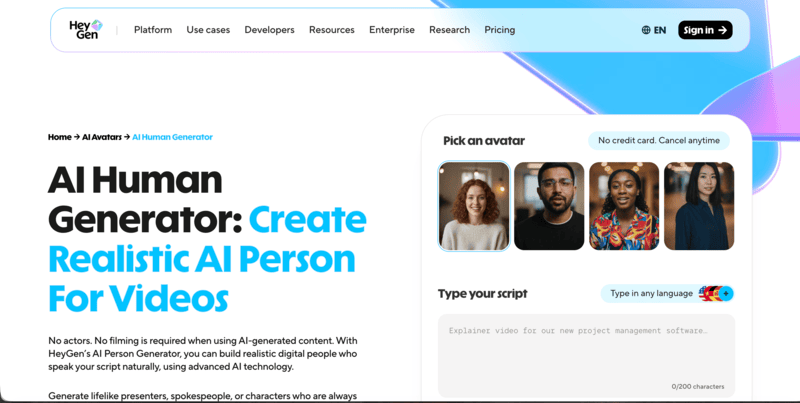
The platform is widely used for:
- marketing videos
- AI spokesperson content
- personalized video campaigns
- multilingual business communication
One of its strengths is the ability to generate lifelike AI presenters with natural facial movement and speech synchronization. Compared to traditional video production, this allows brands to create scalable talking-head content much faster.
HeyGen is especially popular among marketing and sales teams producing personalized video content at scale.
Artguru
Artguru AI Human Generator is more focused on creative and accessible AI portrait generation. The platform allows users to generate AI humans from prompts while experimenting with different artistic styles, appearances, and visual aesthetics.
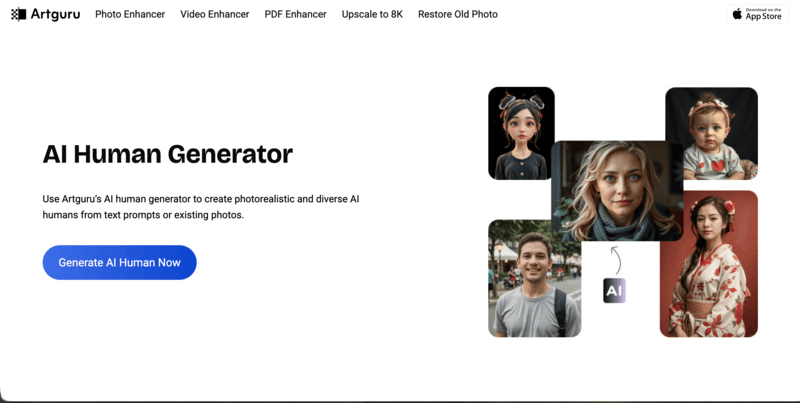
Compared to more enterprise-oriented platforms, Artguru is often used for:
- creative experimentation
- social media visuals
- stylized portraits
- casual AI image generation
Its workflow is relatively beginner-friendly, making it approachable for users who are newer to AI-generated human imagery.
Are Free AI Human Generators Good Enough for Professional Fashion Use?
This is one of the most common questions from brands evaluating AI tools. The short answer: it depends on your volume and consistency requirements.
Free AI human generators, such as Pixelcut’s free tier, Artguru, or Generated Photos’s free plan, are genuinely useful for:
- Early-stage testing and proof-of-concept visuals
- One-off social media content with low brand consistency requirements
- Exploring what AI-generated model imagery looks like for your products
However, for consistent branding, apparel accuracy, and scalable e-commerce workflows, most fashion brands eventually move to paid specialized tools. The primary limitations of free tiers typically include lower output resolution, watermarks, limited generation volume, and less reliable clothing consistency across variations.
For brands building a real production pipeline around AI fashion model imagery, tools built specifically for fashion e-commerce—like Fashion Diffusion—offer better results for garment visualization and campaign scalability.
How Fashion Brands Create AI Models With Fashion Diffusion: Step-by-Step
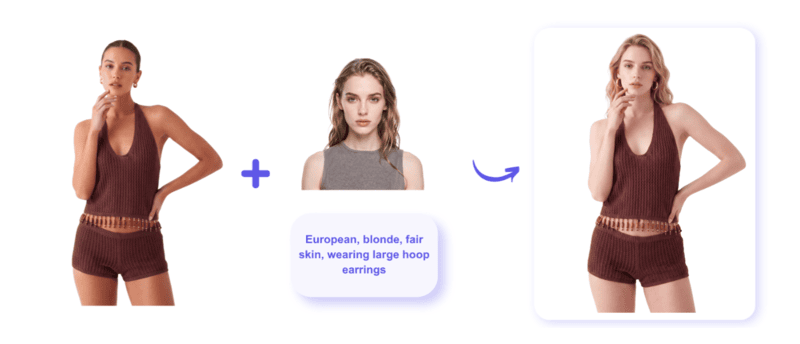
Fashion Diffusion’s AI Model Generator is designed to help fashion brands generate realistic on-model imagery from existing apparel photos or campaign visuals. Here is a complete walkthrough of the workflow:
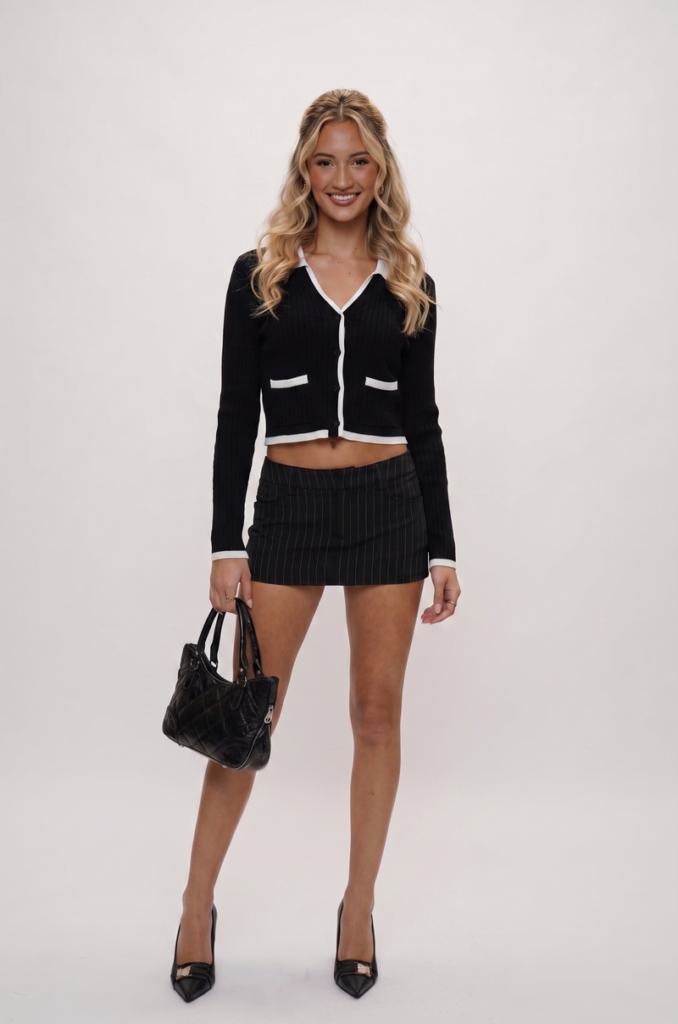
Step 1: Upload the Original Model Image
The workflow starts with uploading an original model image.
This image serves as the foundation of the generation and helps define:
- clothing appearance
- overall pose structure
- visual composition
It can be an existing campaign photo or a product image already used in marketing or e-commerce listings.
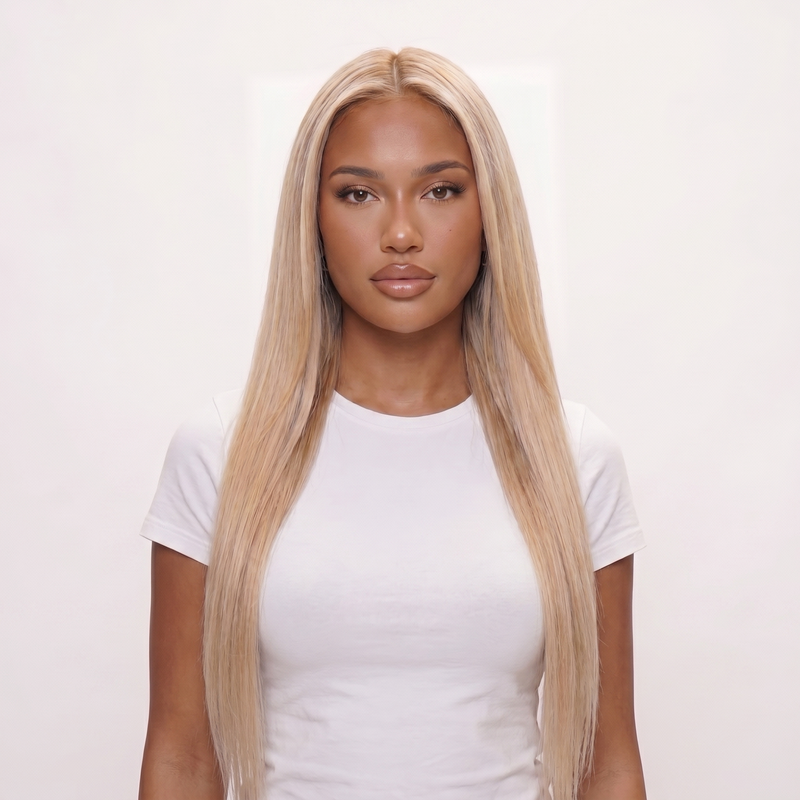
Step 2: Add a Target Model Reference Image
Next, users upload a target model reference Image to guide the direction of the new generated model.
This reference helps define the intended look and feel of the output, including:
- facial structure
- hairstyle direction
- skin tone style
- overall model aesthetic
Using a reference image helps the system produce more controlled and visually aligned results compared to prompt-only generation.
Step 3: Enter a Detailed AI Human Generator Prompt
After uploading images, users refine the output using an AI human generator prompt.
This prompt typically describes key model attributes such as gender, age, skin tone, hairstyle, facial features, and overall style direction.
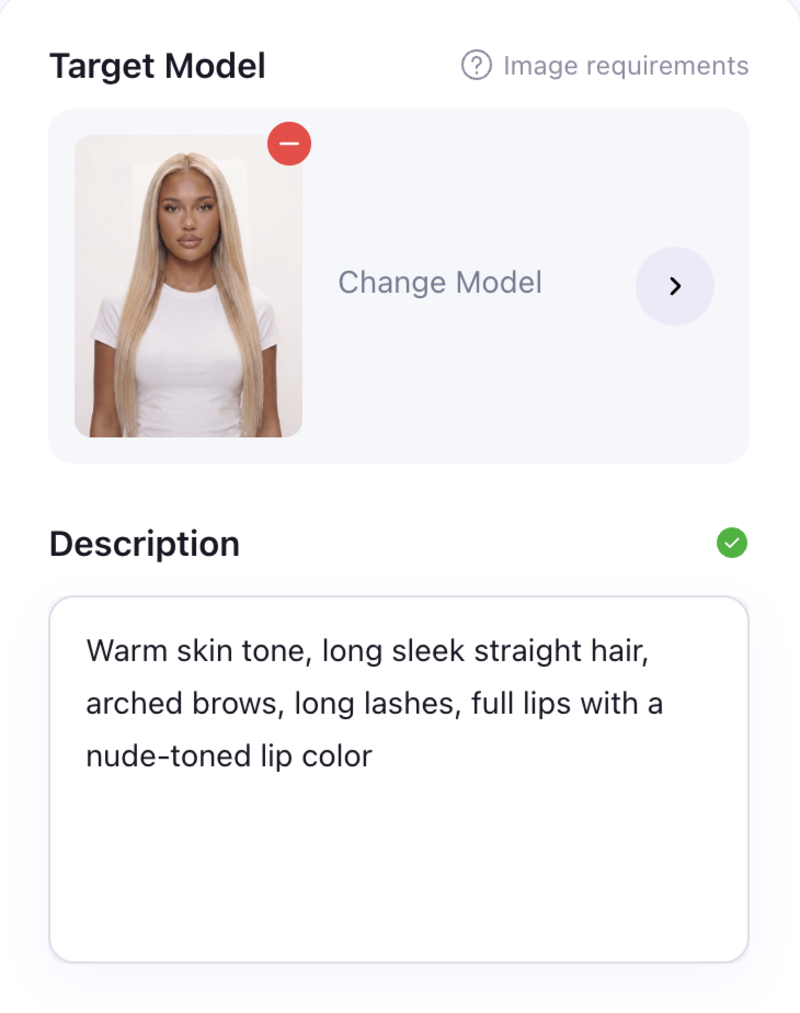
More detailed prompts usually help improve alignment between the desired model appearance and the final generated result, especially for fashion-focused visuals where consistency matters.
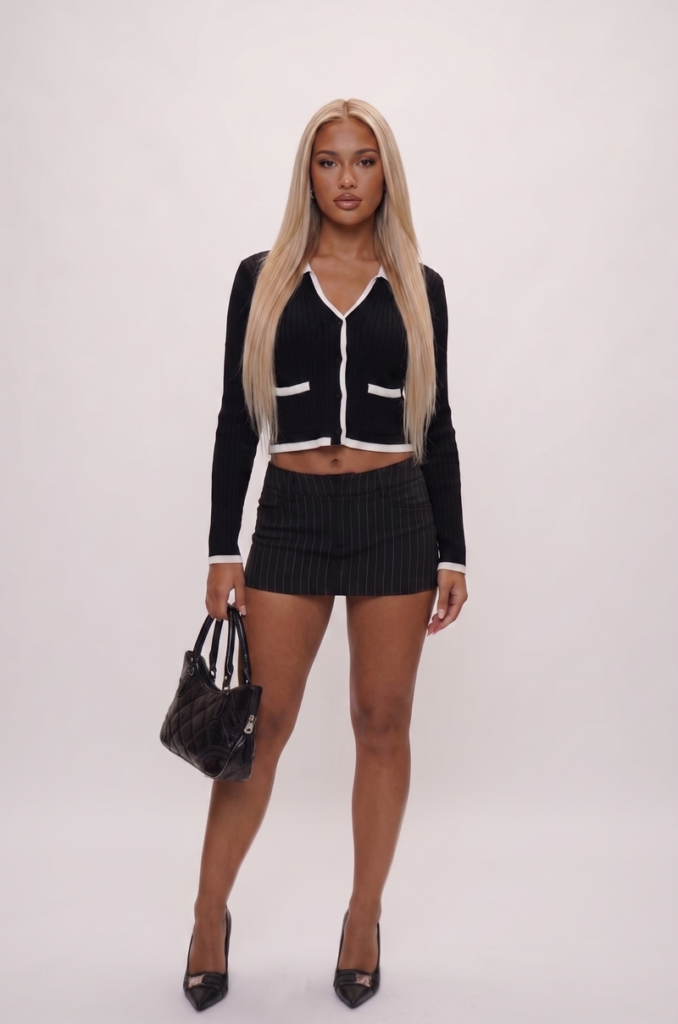
Step 4: Generate AI Fashion Model Variations
Once all inputs are ready, the system generates new AI fashion model variations while keeping the original apparel presentation relatively consistent.
This allows fashion brands to create updated visual assets from existing imagery without needing additional photoshoots or rebuilding campaign setups from scratch, making it easier to scale content production across e-commerce and marketing channels.
Tips for Creating More Realistic AI Fashion Models
Even with advanced AI tools, output quality still depends on how inputs and settings are prepared. Here are practical tips based on real workflow experience:
| What To Do | Why It Matters |
| Use clear, high-resolution reference images | Low-quality inputs produce inconsistent outputs; resolution matters for fabric detail |
| Keep lighting natural and balanced in source images | Mismatched lighting between source and reference creates unrealistic results |
| Avoid cluttered backgrounds | Clean backgrounds improve model isolation and garment rendering accuracy |
| Keep prompts structured, not overly complex | Too many competing instructions can reduce coherence in the output |
| Maintain consistent model proportions | Inconsistent body proportions undermine realism in full-body fashion imagery |
Start Creating AI Fashion Models for Your Brand
AI human generators are becoming a practical part of modern fashion content production, especially for brands managing large amounts of e-commerce and marketing imagery.
Instead of relying entirely on traditional photoshoots, fashion teams can now create realistic model visuals faster, test different campaign directions more efficiently, and scale product imagery across multiple platforms.
For brands looking to streamline fashion content creation, Fashion Diffusion offers a workflow designed specifically for generating realistic AI fashion models from apparel and campaign imagery.
FAQ
The best AI human generator depends on the use case. General tools like Adobe Firefly or Generated Photos are good for flexible human image creation, while fashion-focused tools like Fashion Diffusion are better suited for consistent apparel visualization.
Yes. Many modern platforms support AI person generator full-body workflows, allowing users to generate complete fashion model compositions for e-commerce and campaign visuals.
More realistic AI fashion models usually come from better inputs rather than complex prompts. Using clear reference images, natural lighting, and simple backgrounds helps improve consistency and realism in the final output.
Free AI human generators are often useful for experimentation and early-stage testing. However, for consistent branding, apparel accuracy, and scalable e-commerce workflows, many brands eventually move to more specialized tools with better control and output stability.


