

Fashion sketching has always been central to design, turning ideas into visual direction. With online tools and AI fashion design tools like Fashion Diffusion, designers can now create sketches quickly—no complex setups or years of experience required.
AI is transforming the process, allowing designers to explore silhouettes, fabrics, and styles in minutes, making fashion design more accessible to a wider range of creators.
What Are Online Fashion Sketch Tools?
An online fashion sketch tool is a digital platform that helps designers create and refine fashion ideas without relying on traditional pen and paper. These tools make it easier to sketch, edit, and experiment with designs, whether you’re working on early concepts or more detailed visuals.
Some platforms now go a step further by using AI. An AI fashion sketch generator can turn text prompts or reference images into fashion sketches, helping designers explore ideas faster and with less manual effort. Together, traditional and AI-powered tools are making fashion sketching more flexible, efficient, and accessible for designers at every level.
10 Useful Tools for Fashion Sketching
There are plenty of tools out there to bring your fashion ideas to life. From AI-powered platforms to traditional drawing software, each one offers unique features to help you sketch, design, and experiment with ease. Here are 10 popular fashion sketching tools and what makes them stand out:
1. Fashion Diffusion
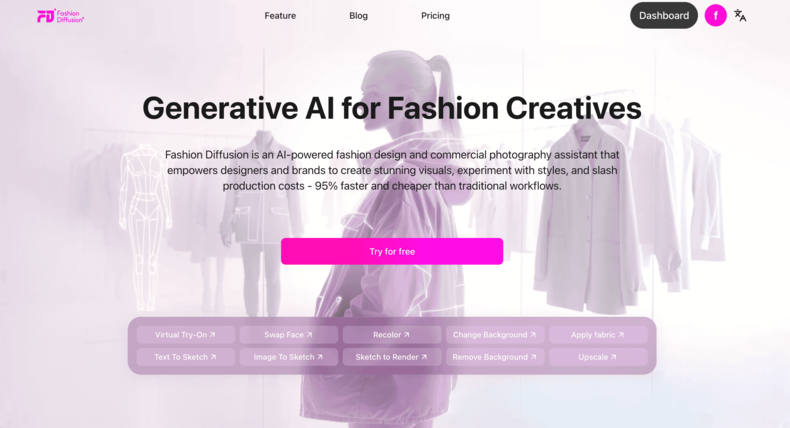
Fashion Diffusion is an AI-powered fashion design and visual creation platform for designers and brands. It helps teams create high-quality visuals faster and at a much lower cost than traditional workflows.
One of the main tools in Fashion Diffusion is the AI sketching tool. These tools are designed for the early concept stage, allowing designers to explore silhouettes, styles, and creative directions without starting from a blank page.
Rather than focusing on technical precision, the platform makes it easy to generate quick visual ideas through AI-powered sketching. This combination of speed, flexibility, and ease of use makes Fashion Diffusion a strong paid option for ideation and concept development.
How Fashion Diffusion supports sketching and concept development:
- Designers can upload reference photos or garment images and use Image to Sketch to convert them into clean fashion line drawings, making it easier to rework existing styles or analyze structure.
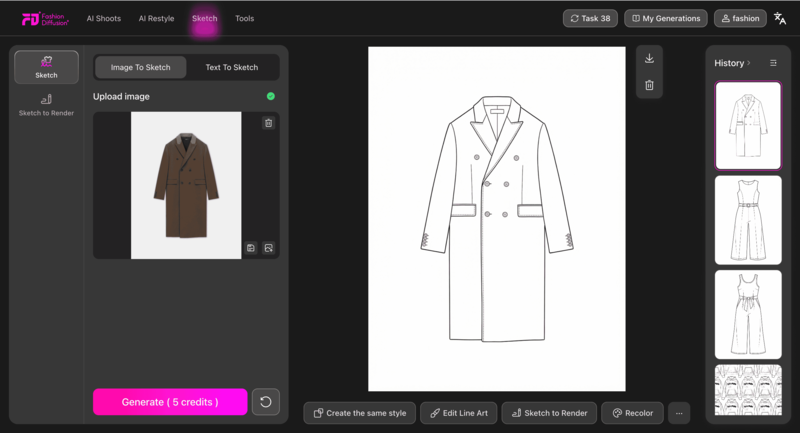
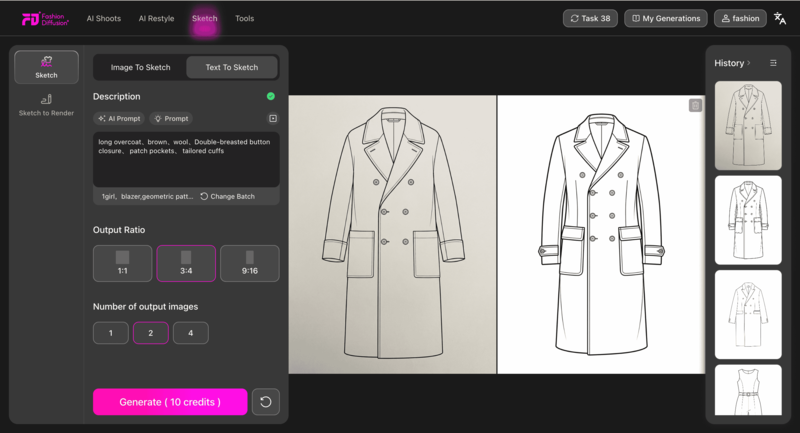
- When starting from an idea rather than an image, Text to Sketch allows designers to generate sketches directly from written descriptions, such as silhouette, sleeve shape, or overall mood.
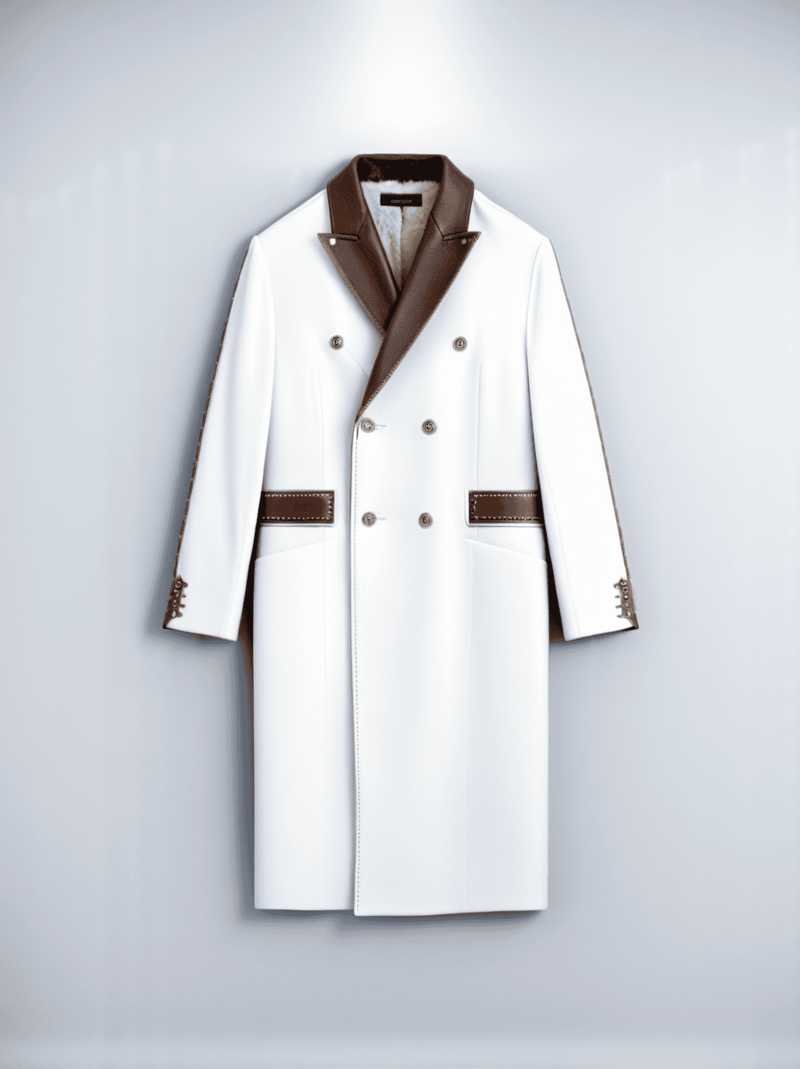
- Once a line sketch is ready, Sketch to Render helps transform it into a more realistic visual by adding fabric, color, and texture details, making concepts easier to present and evaluate.
2. Style3D AI
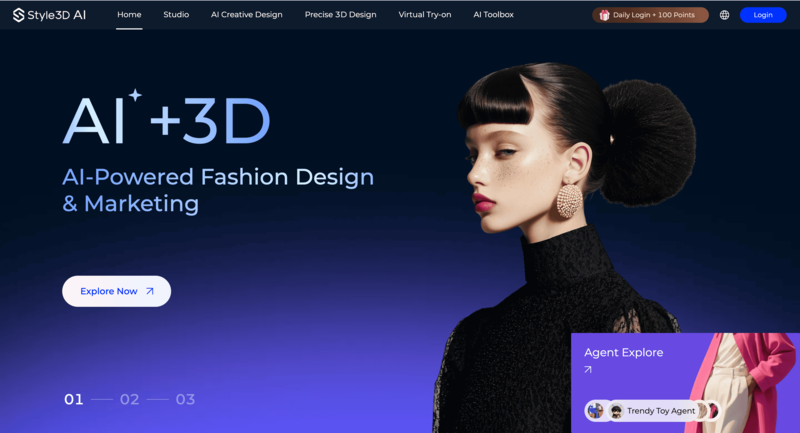
Style3D AI focuses on realistic 3D fashion visualization. It allows designers to see how garments look and behave in three dimensions, making it easier to understand proportions, fit, and fabric movement.
The tool has a moderate learning curve and is best suited for designers who want to move beyond flat sketches. As a paid platform, it works especially well during the visualization and prototyping stage.
How Style3D AI supports design visualization:
- Designers can transform flat designs into 3D garments to better evaluate silhouette, fit, and overall balance before sampling.
- Fabric drape and material behavior are simulated digitally, helping designers anticipate how a design might perform in real life.
- The tool is useful for bridging the gap between concept sketches and production-ready visuals.
3. OpenArt
OpenArt is an AI-powered platform designed for creative exploration and visual inspiration. It helps designers experiment with styles, aesthetics, and ideas quickly without committing to a final direction. Its simple interface makes it accessible for beginners, and it fits naturally into the early concept and mood-building stage.
How OpenArt supports creative exploration:
- Designers can generate visual concepts and sketches from text prompts, making it easy to explore different styles and design directions.
- AI-generated imagery can be used to build mood boards or test visual themes before moving into detailed sketching.
- The tool encourages fast experimentation, helping designers refine ideas through iteration rather than precision.
4. Adobe Illustrator

Adobe Illustrator is a classic tool for precision vector illustration. It’s widely used in the fashion industry for creating clean flats, technical drawings, and production-ready visuals. While it has a steeper learning curve and requires a subscription, it remains essential for detailed and accurate design work.
How Adobe Illustrator supports technical fashion design:
- Designers use vector tools to create precise fashion flats and technical sketches with consistent proportions.
- Editable paths and layers make it easy to refine details, adjust measurements, and prepare files for production.
- Illustrator is best suited for later design stages where accuracy and clarity matter most.
5. Affinity Designer
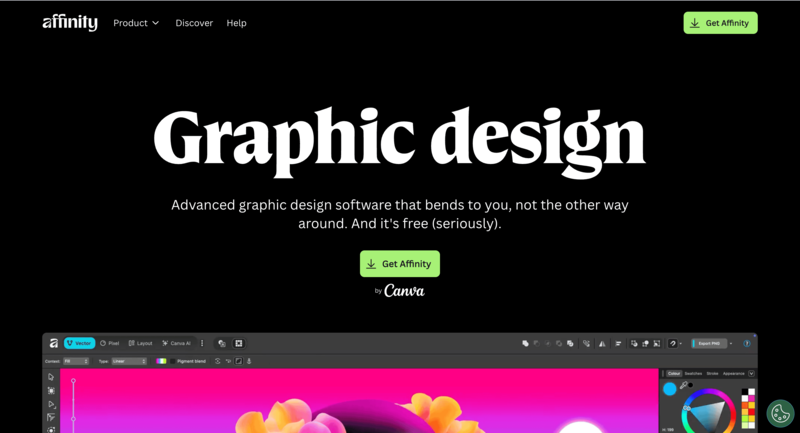
Affinity Designer offers many of the same vector illustration capabilities as Illustrator but with a lighter interface and a one-time purchase model. It’s a strong option for designers who want professional results without committing to ongoing subscription costs.
How Affinity Designer supports digital sketching:
- Designers can create clean vector sketches and fashion flats with precise control over lines and shapes.
- The streamlined interface makes it easier to learn while still supporting advanced illustration needs.
- It works well for both refined concept sketches and technical drawings.
6. Sketchbook
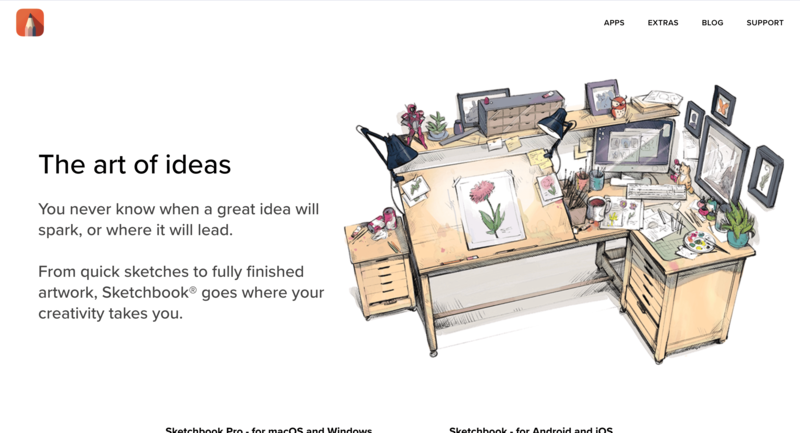
Sketchbook is built specifically for freehand digital drawing. It’s popular among designers who prefer a natural, hand-drawn approach to sketching fashion ideas. The tool is intuitive and flexible, making it suitable for early-stage concept work.
How Sketchbook supports hand-drawn sketching:
- Designers can use a wide range of brushes to create expressive, loose fashion sketches.
- Layer-based drawing makes it easy to refine rough ideas into cleaner illustrations.
- The app supports a natural drawing flow, especially when used with tablets and styluses.
7. MediBang Paint
MediBang Paint is a lightweight and beginner-friendly digital drawing tool. It’s especially useful for designers who want to sketch quickly without complex setup. As a free tool, it’s accessible to students and independent creators alike.
How MediBang Paint supports quick fashion sketches:
- Designers can create detailed sketches efficiently using simple brush and layer controls.
- Cloud storage allows sketches to be accessed and edited across multiple devices.
- The tool works well for early concept sketching and casual illustration.
8. Canva

Canva is a user-friendly design platform focused on visual presentation rather than technical drawing. It’s often used for mood boards, concept layouts, and design storytelling. Its drag-and-drop interface makes it easy to use, even without a design background.
How Canva supports concept presentation:
- Designers can organize sketches, colors, and references into clear mood boards.
- Pre-made templates help present design ideas in a polished and shareable format.
- Canva is ideal for communicating concepts visually rather than creating detailed sketches.
9. Repsketch

Repsketch is a fashion-specific sketching tool designed to speed up the illustration process. It provides built-in templates that align with industry standards. This paid tool is best suited for designers working on refined concepts or professional sketches.
How Repsketch supports fashion illustration:
- Designers can start from pre-built fashion templates instead of drawing base figures from scratch.
- Fashion-focused tools help maintain consistent proportions and clean presentation.
- The platform streamlines sketching for faster professional output.
10. Pret-a-Template
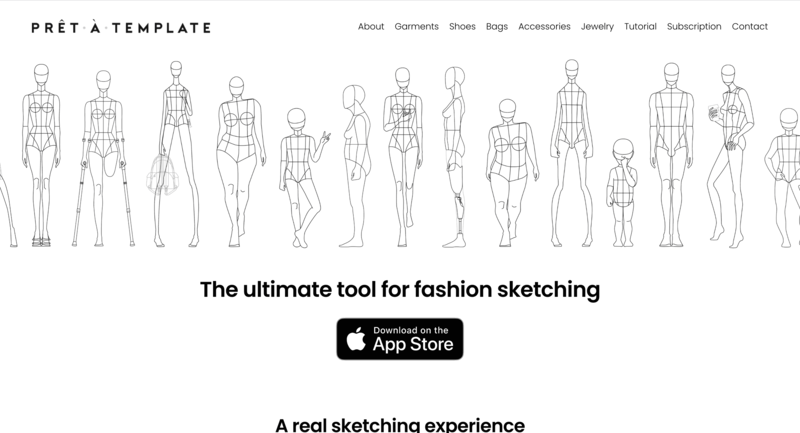
Pret-a-Template offers ready-made fashion templates for sketching and pattern planning. It allows designers to focus on creativity rather than setup. With a low learning curve, it’s ideal for quick concept development.
How Pret-a-Template supports structured sketching:
- Designers can use pre-designed body and garment templates to speed up sketch creation.
- The tool helps maintain consistency across multiple design ideas.
- It works well for early-stage planning and fast visual exploration.
When it comes to bringing fashion ideas to life, the right tool can make all the difference. From AI fashion sketch generators to traditional digital drawing software, each platform serves a unique purpose in the design process. To make it easier to see which tool fits your needs, here’s a handy overview of 10 popular fashion sketching tools.
| Tool | Type / Category | Difficulty | Paid / Free | Best For | Stage of Design |
| Fashion Diffusion | AI fashion design platform | Easy | Paid | Designers seeking inspiration | Concept / Idea generation |
| Style3D AI | 3D visualization | Medium | Paid | Designers needing realistic fit & drape | Prototype / Visualization |
| OpenArt | AI inspiration | Easy | Free/Paid | Quick mood boards & concept testing | Concept / Idea generation |
| Adobe Illustrator | Vector illustration | Hard | Paid | Professionals creating technical drawings | Technical design / Final illustration |
| Affinity Designer | Vector illustration | Medium | Paid (one-time) | Designers wanting affordable vector tools | Technical design / Final illustration |
| Sketchbook (Autodesk) | Freehand digital drawing | Medium | Free/Paid | Hand-drawn concept sketches | Concept / Sketching |
| MediBang Paint | Freehand digital drawing | Easy | Free | Quick, detailed sketches | Concept / Sketching |
| Canva | Design / Mood boards | Easy | Free/Paid | Quick visuals and boards | Concept / Presentation |
| Repsketch | Template-based sketching | Medium | Paid | Fashion-specific professional sketches | Concept / Technical illustration |
| Pret-a-Template | Template-based sketching | Easy | Paid | Focus on creativity over setup | Concept / Pattern planning |
How AI is Changing the Fashion Sketching Trend
AI is transforming the way designers approach fashion sketching, making the creative process faster, more flexible, and more experimental. What once took hours of manual drawing can now be generated in seconds, allowing designers to focus less on repetitive work and more on creative exploration.
Beyond speed, AI encourages experimentation. By suggesting new silhouettes, color palettes, and texture, AI tools help designers break out of familiar patterns and explore bolder, more innovative ideas that might not emerge through traditional sketching alone.
AI also makes fashion design more accessible. Emerging designers and hobbyists who may not have advanced drawing skills can now create professional-looking sketches and visualize their ideas with greater confidence. This lowers the barrier to entry and opens fashion sketching to a wider creative community.
As AI continues to evolve, it’s no longer just a convenience tool—it’s actively shaping design trends and influencing how fashion concepts move from imagination to visual reality. For designers looking to take the next step, this guide on how to turn a sketch into a render with AI shows how tools like Fashion Diffusion help transform early sketches into more polished, production-ready visuals.
Finding the Right Fashion Sketch Tool for Your Workflow
Choosing the right fashion sketch tool can make a huge difference in your creative process. With so many options available, it helps to understand which tools fit your style, workflow, and goals before diving in.
Understand Your Creative Style
Choosing the right fashion sketching tool starts with understanding how you like to create. If you enjoy exploring ideas quickly and visually, AI-powered tools can help generate concepts and inspiration in seconds, without the pressure of starting from a blank canvas.
Consider Your Skill Level
Your experience level plays an important role in tool selection. Beginners or non-designers may prefer platforms with templates and intuitive interfaces, while experienced designers often look for tools that offer more control over details, layers, and precisions.
Match the Tool to Your Workflow
Different tools serve different purposes. Some are great for fast concept sketches and mood boards, while others are better for technical drawings or design refinement. Think about whether your goal is inspiration, presentation, or production when choosing a tool.
Combine Tools for Better Results
You don’t have to stick to just one tool. Many designers use AI tools for brainstorming and idea generation, then switch to traditional illustration software to polish their sketches. The best setup is one that fits your workflow and helps you design with confidence.
The future of Fashion Sketching
Fashion sketching is evolving fast, driven by AI and digital tools that make the creative process quicker and more flexible. Designers today have more ways to explore ideas, experiment with styles, and turn concepts into visual without being limited by traditional methods.
Choosing the right tools is about finding what fits your workflow. AI fashion design tools like Fashion Diffusion make it easier to generate ideas, refine designs, and stay creative without getting stuck on the blank page. As fashion design moves forward, embracing tools like Fashion Diffusion is a smart step toward working faster, smarter, and more creatively.
FAQ
You can find free fashion design courses on platforms like Coursera, edX, and Alison, offering basics in sketching, textiles, pattern making, and digital skills, often with audit options or trials for full content access, plus institutions like Parsons School of Design and FutureLearn provide free modules on digital fashion and branding, while places like Oxford Home Study Centre and eLearning College offer free short courses for beginners with certificates available, covering design principles, construction, and business fundamentals.
Think through the functionality. Even if you can’t draw, imagine how the front, side, and back of your design will look and what detail you want where. Then you can walk others through your design showing your reference images, samples, and notes as you describe each side of the garment.
To draw fashion sketches as a beginner, start with a basic, elongated figure called a croquis (using shapes like ovals, triangles, cylinders for head, torso, limbs) as your template, focusing on the clothing’s flow and detail (pleats, folds) over perfect facial features, using pencils for outlining and light layers of color/shading to give dimension, and remember practice is key.


