

Imagine recoloring an entire collection in the time it takes to catch your breath. Say goodbye to the soul-crushing grind of manual edits and let AI recolor tools handle the heavy lifting. Whether you are perfecting a lookbook or streamlining your sampling process, this guide reveals how to leverage AI fashion design tools to achieve hyper-realistic fabric finishes and flawless color accuracy with just a few clicks.
What Is AI Recolor
AI recolor is an intelligent color-changing technology driven by artificial intelligence, specifically designed to automatically modify the color of clothing within digital images.
Unlike basic color replacement tools, it retains critical visual details, including fabric texture, natural lighting, soft shadows, garment folds, and material opacity, ensuring the recolored result remains photorealistic and consistent with the original scene.
In simple terms, the entire process follows a straightforward, user-friendly flow: Upload image → Select target color → Generate recolored version → Download the final output.
Built for accessibility and speed, AI recolor tools operate directly in web browsers without requiring complex software installation or prior design expertise, making professional-grade clothing color editing available to everyday users and fashion practitioners alike.
The Problem with Traditional Clothing Recoloring
Before AI recolor online tools became accessible, changing the color of clothing in images was either a manual process or required advanced editing software. Both approaches come with significant limitations.
Manual Recoloring Is Slow and Inconsistent
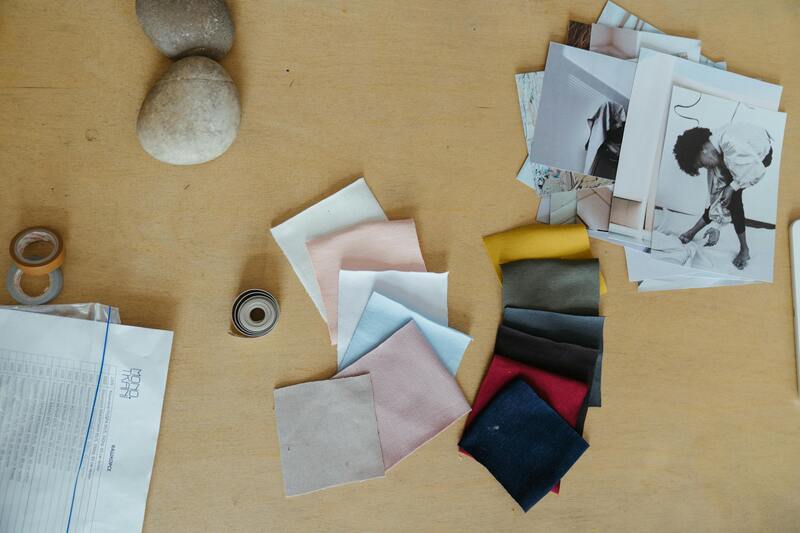
The most traditional approach to recoloring clothing images involves manually editing each color variation. This is not only time-consuming but also prone to inconsistency.
For example:
- Produce 8 samples: If a product is available in 8 different colors, brands typically need to manufacture a sample for each color.
- Photograph each variation: After samples are produced, each color must be photographed individually.
- Retouch each image manually: Once the photos are taken, each image needs to be individually retouched to match the brand’s standards, including adjustments to lighting, shadows, and color balance.
This method leads to:
- Increased production time for each product variation;
- Higher photography costs due to multiple shoots;
- Risk of inconsistencies between images.
As the number of color variations increases, this process becomes unsustainable. This is why traditional recoloring, particularly for larger businesses, can quickly become unmanageable.
Traditional Editing Software Requires Expertise
Professional tools such as Photoshop offer powerful color editing capabilities, but they are not designed for speed or simplicity.
To properly recolor clothing in Photoshop, users typically need to:
- Create precise layer masks;
- Use adjustment layers (Hue/Saturation, Color Balance, Selective Color);
- Manually refine edges;
- Rebuild shadows and highlights;
- Understand blending modes.
This demands technical knowledge and experience. For many e-commerce sellers, designers, and small businesses, hiring a skilled editor or learning advanced software adds unnecessary cost and complexity.
Additionally:
- Photoshop requires installation;
- Subscription fees apply;
- Batch processing is not automated;
- Each image must be edited individually.
When dealing with large catalogs or frequent product updates, traditional editing software slows down production cycles significantly. This is exactly where AI recolor tools create a fundamental shift by eliminating manual effort and reducing technical barriers entirely.
How AI Recolor Solves Traditional Problems in Seconds
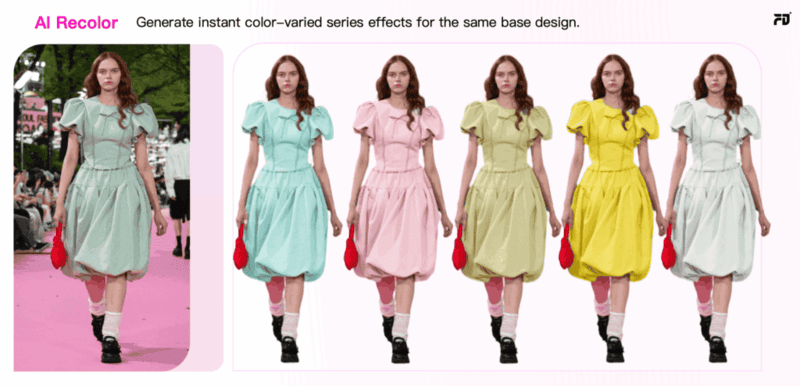
AI recolor tools provide a revolutionary shift in how clothing images are recolored, effectively addressing the key challenges in traditional manual recoloring and software-based editing. Here’s a breakdown of how AI solves these inefficiencies in seconds:
1. Automatic Clothing Detection
Traditional manual recoloring requires precise masking and selection of the clothing area to ensure accurate color application. However, this is tedious and time-consuming, especially when dealing with complex garments or large image sets.
With AI recolor, the system automatically detects the clothing area using machine learning algorithms. This is achieved by:
- Image segmentation: The AI scans the image and understands which regions correspond to clothing, even in images with complex backgrounds or intricate designs.
- No manual input required: The tool selects and isolates the clothing automatically, freeing users from the need to manually outline or mask the garment area.
2. Realistic Color Application and Texture Preservation
One of the most significant challenges with traditional software is ensuring that the color change looks natural.
AI recolor ensures realistic color application in the following ways:
- Color preservation with deep learning: The AI understands the fabric’s texture, folds, and the light interaction on the garment. It adjusts the color in a way that is consistent with the natural lighting and shadows in the original photo.
- No loss of detail: AI recolor does not result in flat, lifeless images. The system retains fabric grain, folds, and lighting contrasts, making recolored garments appear just as they would in the original shot.
3. User-Friendly and No Technical Expertise Needed
Unlike Photoshop and other traditional software, which require users to have a deep understanding of editing tools, blending modes, and adjustment layers, AI recolor tools are designed to be intuitive and easy to use. No technical expertise is necessary.
For example:
- Simple color selection: Users simply choose the color from a palette or input a hex code, and the AI tool does the rest.
- Minimal editing: The AI handles the complex tasks such as masking, color adjustment, and texture preservation, leaving the user with only a few clicks to make.
In general, with the advantages above, AI recolor is designed to streamline the recoloring process and, by doing so, cut down the time and costs associated with traditional methods. As a result, businesses can allocate resources to other important areas, such as marketing, product development, and customer service.
Practical Use Cases of AI Recolor for Clothing
AI recolor tools are transforming the way both individual designers and fashion brands approach color management, offering a quick and scalable solution for creating multiple variations of designs.
For Independent Designers
AI recolor online tools offer a quick and cost-effective way to experiment with color variations for independent designers. Designers can instantly generate multiple color options for their designs without the need for physical samples or time-consuming photoshoots.
- Faster Design Iteration: Designers can try out different color schemes quickly, speeding up the creative process without waiting for new samples or re-shoots.
- Cost-Effective Mockups: AI recolor eliminates the need for physical prototypes, allowing designers to generate realistic color mockups in seconds, saving both time and money.
- Portfolio Expansion: Easily create a variety of color options for each design, giving designers more versatility and a broader portfolio to showcase to potential clients.
With AI recolor, independent designers can focus more on creativity and less on time-consuming production processes.
For Brands and Businesses
For fashion brands and companies, AI recolor is a strategic tool that improves speed, reduces cost, and supports data-driven decisions. Instead of producing separate samples and photoshoots for every colorway, brands can generate multiple realistic variations from one approved product image.
- Faster Go-to-Market: Create 5 to 10 color options in minutes, enabling quicker e-commerce uploads and marketing campaigns.
- Smarter Inventory Planning: Test digital colorways online, analyze engagement or pre-order data, and prioritize high-demand colors before mass production.
Imagine you run a fast fashion brand preparing to launch a new sneaker in 8 to 12 colorways. Instead of producing and photographing every variation, you generate digital previews from one master image using AI recolor and test them on your website or app.
By tracking engagement data, you can move forward with high-performing colorways and refine or eliminate low-demand options. This approach reduces sampling and inventory risk while making product launches faster, more cost-efficient, and data-driven.
8 Best AI Recolor Tools Compared
If you’re searching for practical AI recolor tools, the best choice depends on what you actually need: quick edits, e-commerce mockups, creative experimentation, or professional retouching. Below is a tool-by-tool guide highlighting each platform’s core strength and ideal use case.
1. Fashion Diffusion
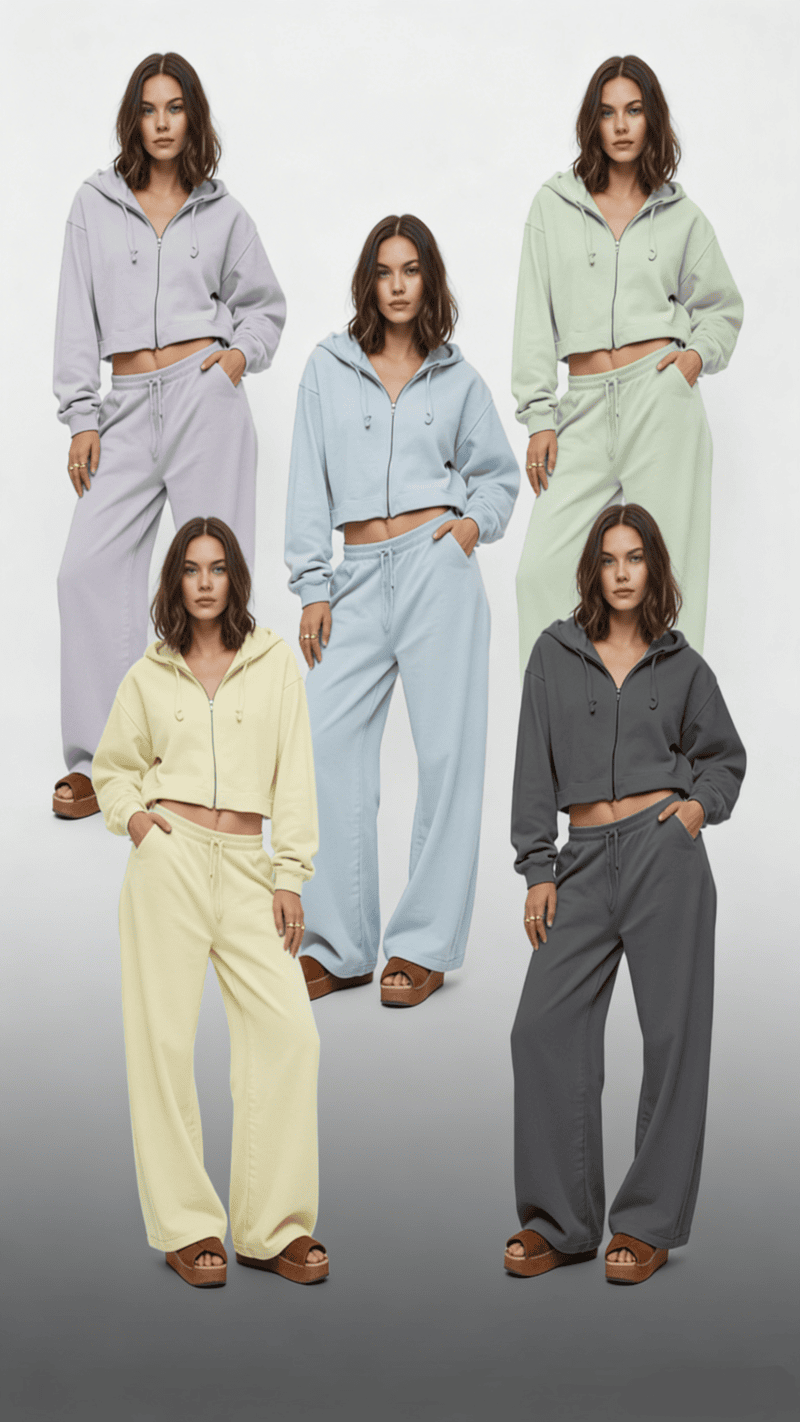
Unlike general editing tools, Fashion Diffusion is built specifically for fashion design. It is not just a hue-replacement system. It’s a specialized platform for generating and modifying garments using AI.
What it does best:
- Designed specifically for clothing and fashion workflows;
- Prompt-based generation of garment variations;
- Advanced control over style, silhouette, and color direction;
- Strong for concept development and collection ideation.
Rather than simply helping users change clothes color online for free, Fashion Diffusion supports broader design exploration. It allows designers to experiment with colorways as part of a larger AI-driven fashion creation process.
Best for fashion designers, creative directors, and design teams exploring AI-assisted collection development.
2. Fotor
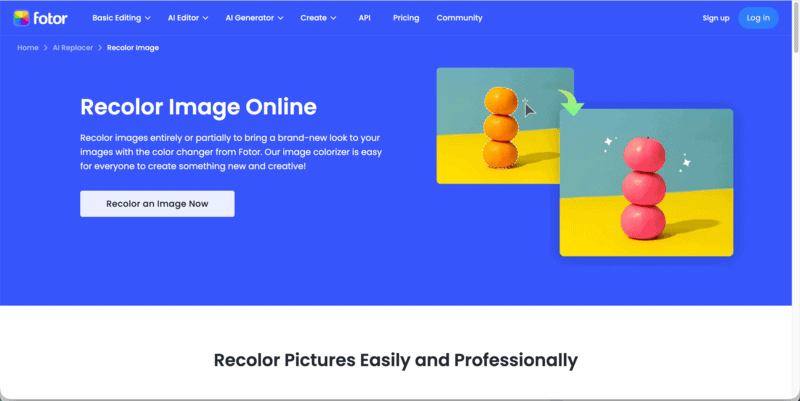
Fotor is built for users who want to change clothes color online for free without technical steps. It automatically detects garments and applies color adjustments with minimal setup.
What it does best:
- One-click AI recolor workflow;
- Beginner-friendly interface;
- Quick generation of simple color variations;
- Supports limited AI recolor free credits.
Best for small sellers, quick mockups, casual users.
3. insMind
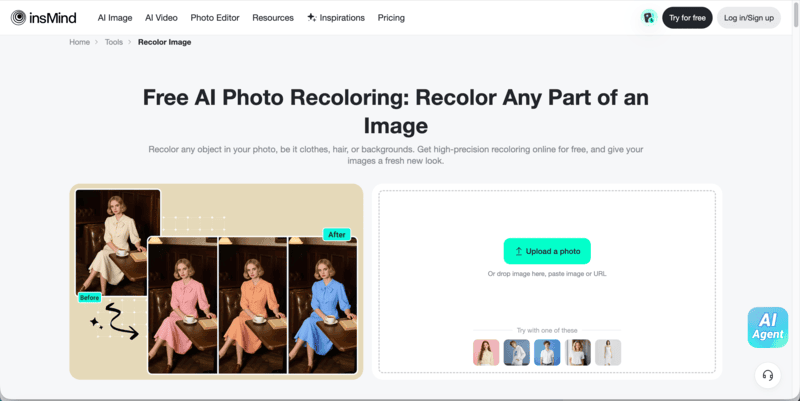
insMind focuses specifically on product photos. Its recolor function is optimized for clean backgrounds and consistent lighting, making outputs suitable for marketplaces.
What it does best:
- SKU color expansion from one product image;
- Consistent lighting retention;
- Clean catalog-style output;
- Practical for scaling color variations.
Best for online apparel stores managing multiple colorways.
4. Canva
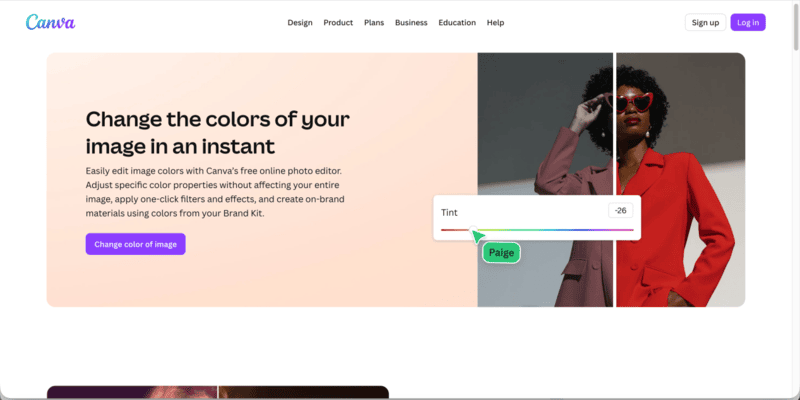
Canva integrates AI editing into its design ecosystem. While not a dedicated clothing recolor engine, it allows users to recolor clothes online for free within layouts and promotional visuals.
What it does best:
- Fast campaign edits;
- Template-based workflow;
- Easy collaboration;
- Suitable for lightweight recolor tasks.
Best for marketing teams and social media content creation.
5. Pixlr
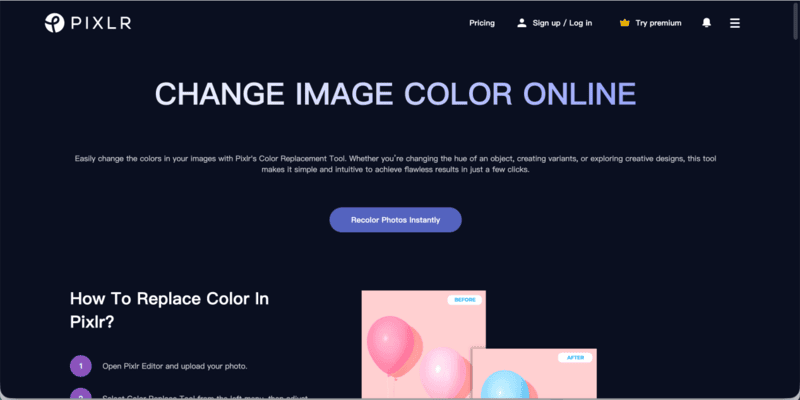
Pixlr balances automation and manual adjustment. Users can recolor objects using selection tools while refining edges manually if needed.
What it does best:
- No installation required;
- Manual fine-tuning options;
- Flexible for creative experimentation;
- Accessible free tier.
Best for bloggers and creators who want moderate control.
6. LightX
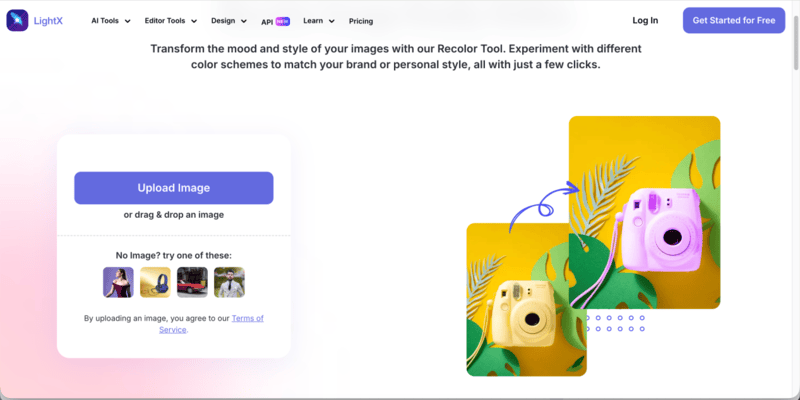
LightX prioritizes ease of use. It enables fast garment color swaps through a simplified interface.
What it does best:
- Quick edits;
- Beginner-friendly workflow;
- Works across web and mobile;
- Basic AI recolor free functionality.
Best for casual users and quick visual adjustments.
7. VanceAI
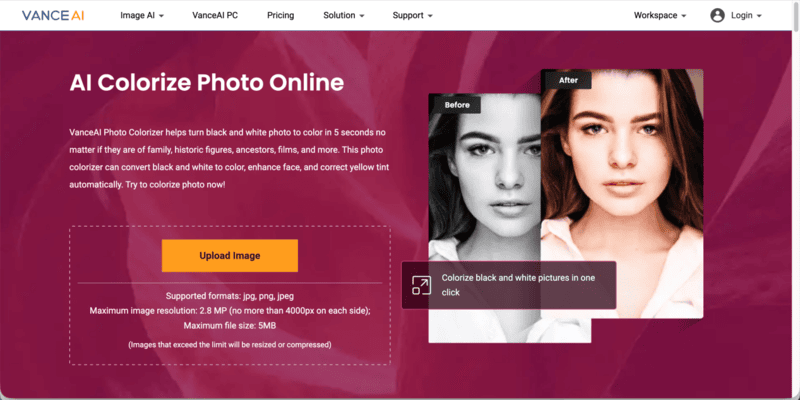
VanceAI Photo Colorizer is primarily designed to convert black and white photos into realistic color images within seconds. Rather than focusing on garment recoloring, it specializes in restoring historical, family, and archival photographs using AI.
What it does best:
- Automatically convert black and white photos to color in seconds;
- Enhance facial details during the colorization process;
- Correct yellow tint and aged photo discoloration;
- One-click AI workflow with minimal manual input.
Best for restoring vintage fashion photography, historical portraits, and archival imagery.
8. Pixelcut
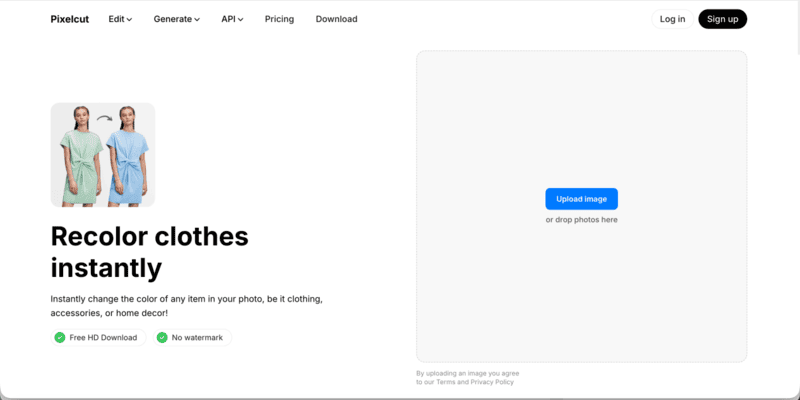
Pixelcut is an AI-powered creative platform designed to help individuals, small businesses, and online sellers produce professional-looking product images quickly. Beyond background removal and product enhancement, it also enables users to apply fast clothing color adjustments directly within product photos.
What it does best:
- Generate clean, marketplace-ready product images;
- Instantly change clothing colors for product variations;
- Combine recolor with background removal and AI enhancement;
- Streamlined workflow for social media and e-commerce visuals.
Best for e-commerce product shots and quick clothing color updates for online listings.
How to Recolor Clothes with Fashion Diffusion (Step-by-Step)
Unlike basic tools that simply shift hue to change clothes color, Fashion Diffusion is designed specifically for fashion workflows. It allows you to recolor garments while maintaining fabric structure, lighting, and design integrity.
Follow the steps below to recolor clothes using Fashion Diffusion efficiently.
Step 1: Upload your image
Select your garment photo (JPG or PNG, under 30MB).
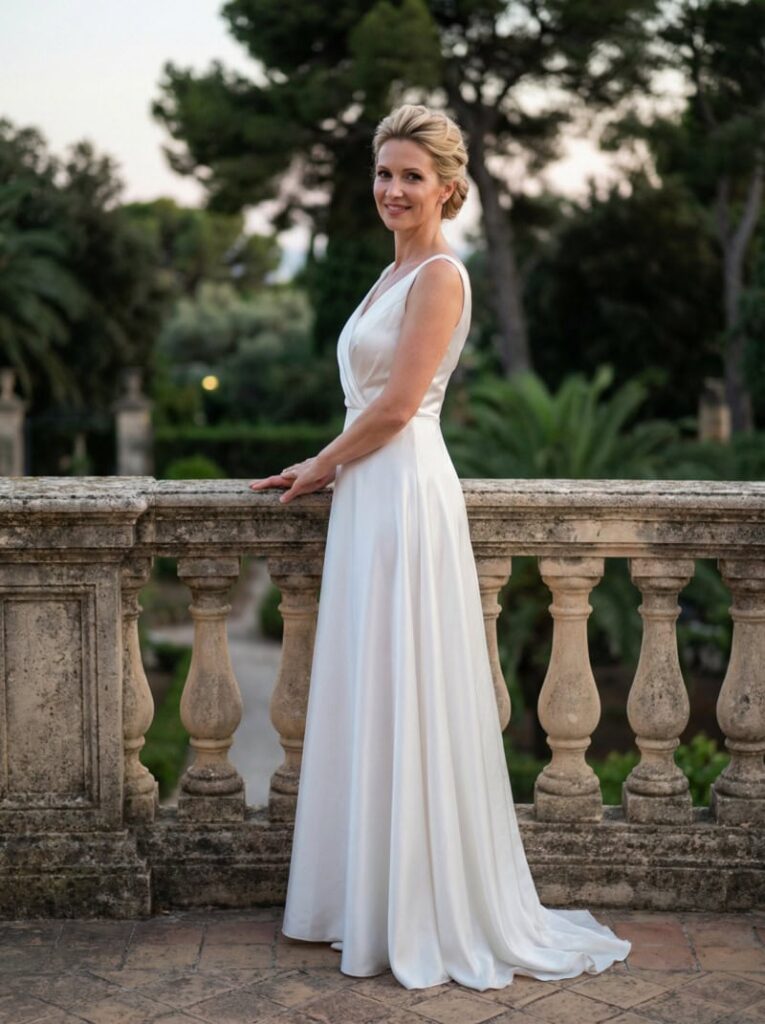
For best results:
- Use a clear, well-lit image;
- Make sure the garment is fully visible;
- Avoid heavy shadows or cluttered backgrounds.
A clean image allows the AI to detect clothing boundaries more accurately.
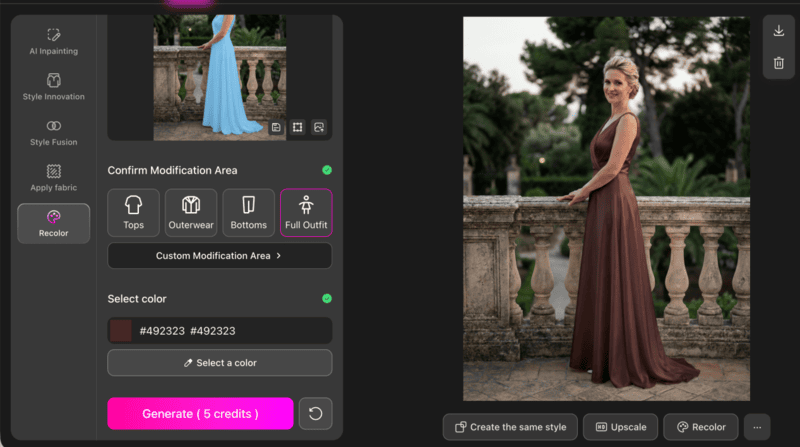
Step 2: Select the Modification Area
Under the Confirm Modification Area, choose the targeted garment category: Tops, Outerwear, Bottoms, or Full Outfit. You can also click Custom Modification Area for manual selection.
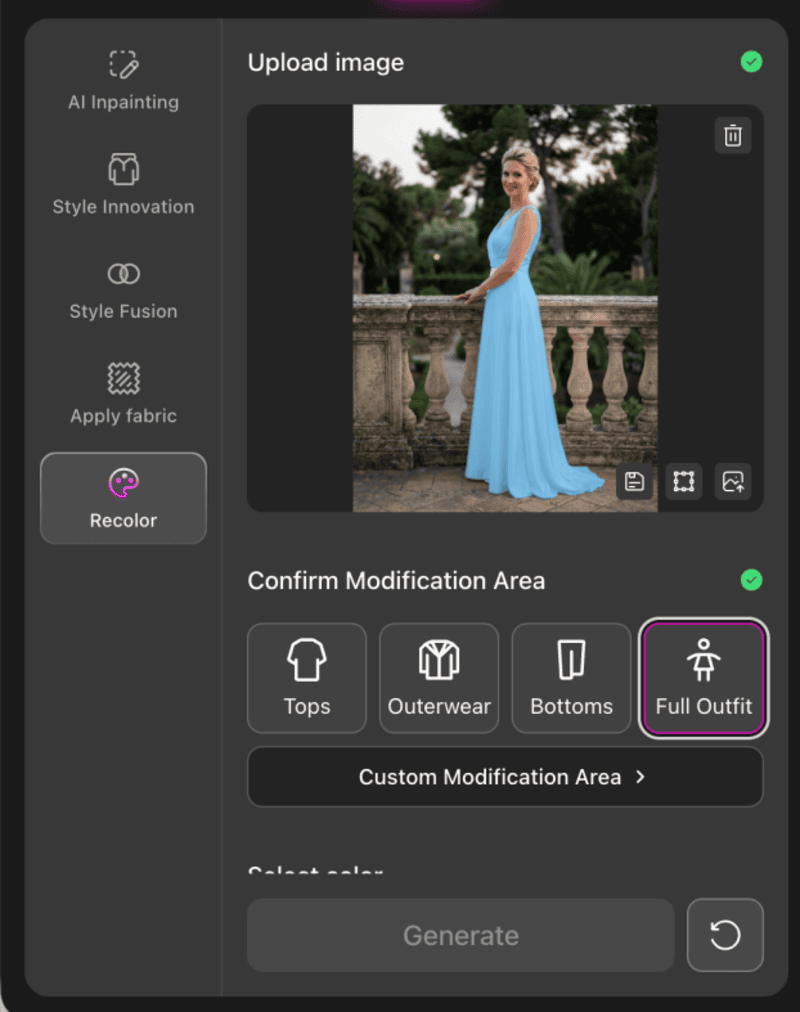
Fashion Diffusion applies intelligent masking to the selected region, meaning the AI isolates only the clothing area while preserving skin tones, background, and lighting. This step is what differentiates it from basic AI recolor free tools that apply broad color overlays.
Step 3: Select a Color and Generate
Choose your desired color from the palette, then click Generate.
The system will:
- Apply the new color to the selected garment area;
- Maintain folds, shadows, and texture;
- Keep lighting direction consistent;
The result is a realistic garment recolor rather than a flat color replacement.
Tips for Perfect Clothing Recoloring with AI
Even the best AI recolor tool won’t automatically guarantee perfect results. The difference between an average output and a production-ready image often lies in small strategic decisions.
1. Choose Colors That Respect Fabric Physics
AI preserves highlights, shadows, and texture from the original garment. That means the new color must behave realistically within those lighting conditions.
For example:
- Deep tones usually maintain fabric depth better than ultra-light pastels.
- Highly saturated neon colors can overpower texture and flatten folds.
- Very light shades applied to already bright garments may reduce contrast and make the image look washed out.
A useful approach is to stay within a similar brightness range as the original garment first, then gradually test lighter or darker variations. This keeps shading logic intact and produces more natural results.
2. Think in Color Systems, Not Single Swaps
Professionals rarely generate just one color option. Instead, they test controlled variations within the same color family.
For example:
- Beige → Camel → Chocolate
- Dusty blue → Steel blue → Midnight blue
This structured testing does two things:
- It preserves consistency across product catalogs.
- It makes comparison easier when selecting final colorways for e-commerce or marketing visuals.
Random color jumps often feel disconnected. Series-based recoloring feels intentional and brand-aligned.
3. Align Recoloring with Commercial Intent
The best color is not always the most visually striking one. It’s the one that fits the product’s purpose.
Consider:
- Luxury positioning → muted, deep, refined tones;
- Youth or street-wear → high-contrast or bold shades;
- Seasonal collections → warmer tones for fall, lighter palettes for spring.
If recoloring is used for product listings, make sure the new variation still matches your overall brand palette. Inconsistent tones across a catalog can reduce perceived professionalism.
AI makes color testing easy. Strategic thinking makes it valuable.
Is AI Recolor the Future of Fashion Editing
Yes! Fashion has always moved fast, but digital workflows are now moving even faster.
AI recolor is reshaping how designers, brands, and online sellers approach color development. What once required physical samples, re-dyeing, or multiple reshoots can now be tested in minutes. From early concept validation to e-commerce colorway expansion, AI makes experimentation scalable.
More importantly, it lowers the barrier to creativity. Independent designers can explore broader palettes. Brands can test seasonal variations before committing to production. Small businesses can offer multiple color options without increasing inventory risk.
If you are ready to explore professional-grade clothing recoloring built specifically for fashion workflows, try Fashion Diffusion and start experimenting with your next colorway today.
FAQ
Yes, several platforms offer limited free credits or trial access for AI recolor. These versions usually support basic clothing color changes but may restrict resolution, export quality, or daily usage limits. For professional or large-scale use, paid plans provide more flexibility.
Most dedicated clothing recolor tools isolate the garment area automatically. This ensures that skin tones, backgrounds, and lighting remain unchanged. Accurate masking is one of the main advantages of AI over manual editing.
Fashion Diffusion is built specifically for fashion workflows. Instead of only changing hue, it allows structured garment modification and color experimentation within a design-focused environment, making it more suitable for designers and creative teams.
Not completely. AI recolor can reduce the need for separate photoshoots for every color variation by generating multiple digital colorways from one base image. However, original photography is still important for capturing real fabric texture, fit, and lighting. In practice, many brands use one professional shoot and then apply AI recolor to expand color options efficiently.


