
Upload Your Photo
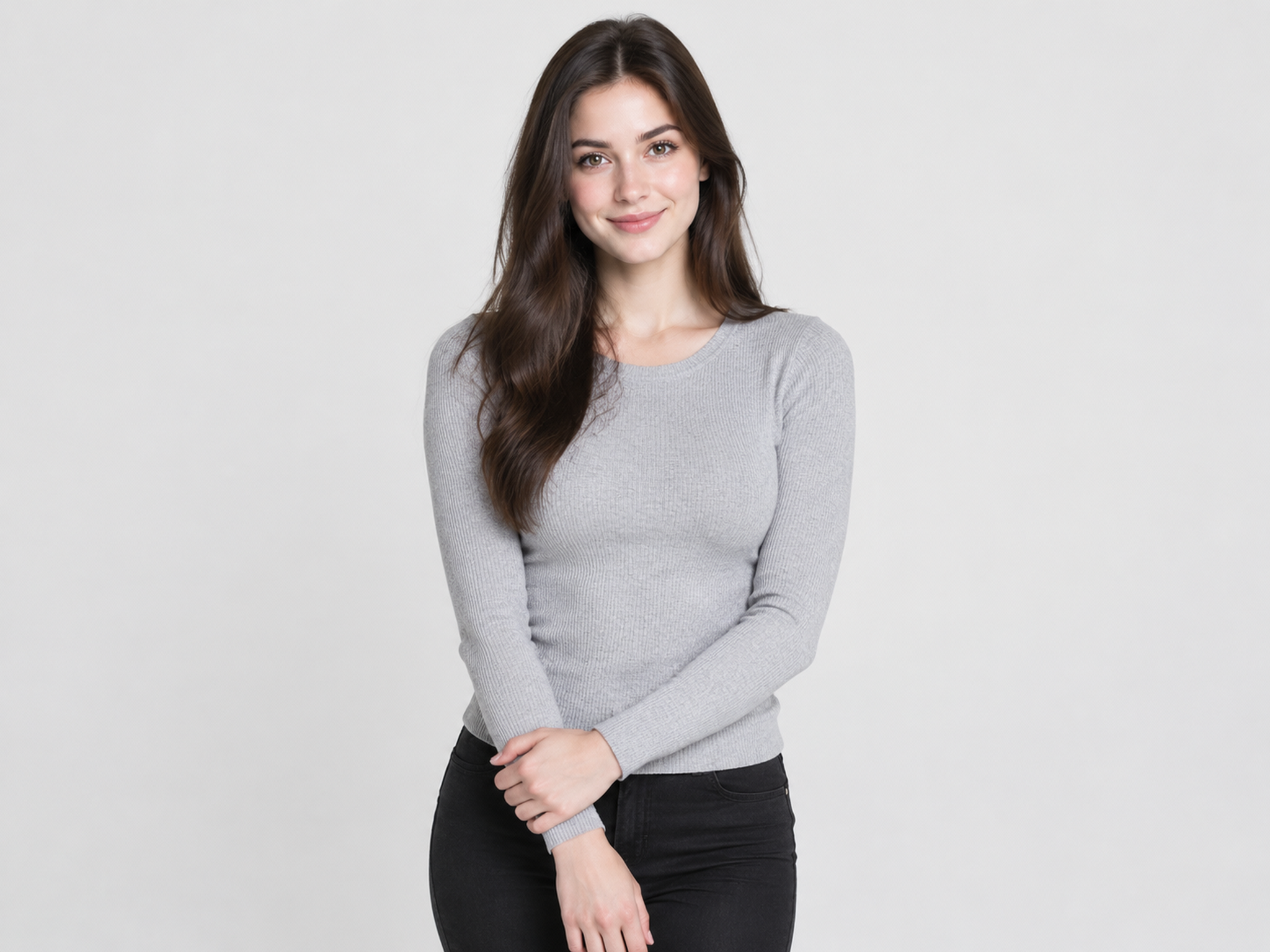
Upload a selfie, portrait, or birthday snapshot. A clear image with the subject visible can help the AI produce a more consistent result.
Create faster in the app
Upload a photo and describe the birthday look you want, from balloons and a glowing cake to a festive backdrop or a styled birthday portrait. Fashion Diffusion helps you explore new scenes, and create a personalized photo without planning a separate photoshoot.
Upload your photo
Choose a clear selfie, portrait, or birthday snapshot.
File size limit: 10 MB. PNG, JPG, JPEG or WebP.
Start with a photo you already have or an idea for a new birthday portrait. Describe the look you want and generate your image in a few simple steps.
Upload a selfie, portrait, or birthday snapshot. A clear image with the subject visible can help the AI produce a more consistent result.
Tell the AI what you want to add or change, such as pink balloons and a lit cake, a rooftop birthday party, or an elegant studio portrait with confetti.
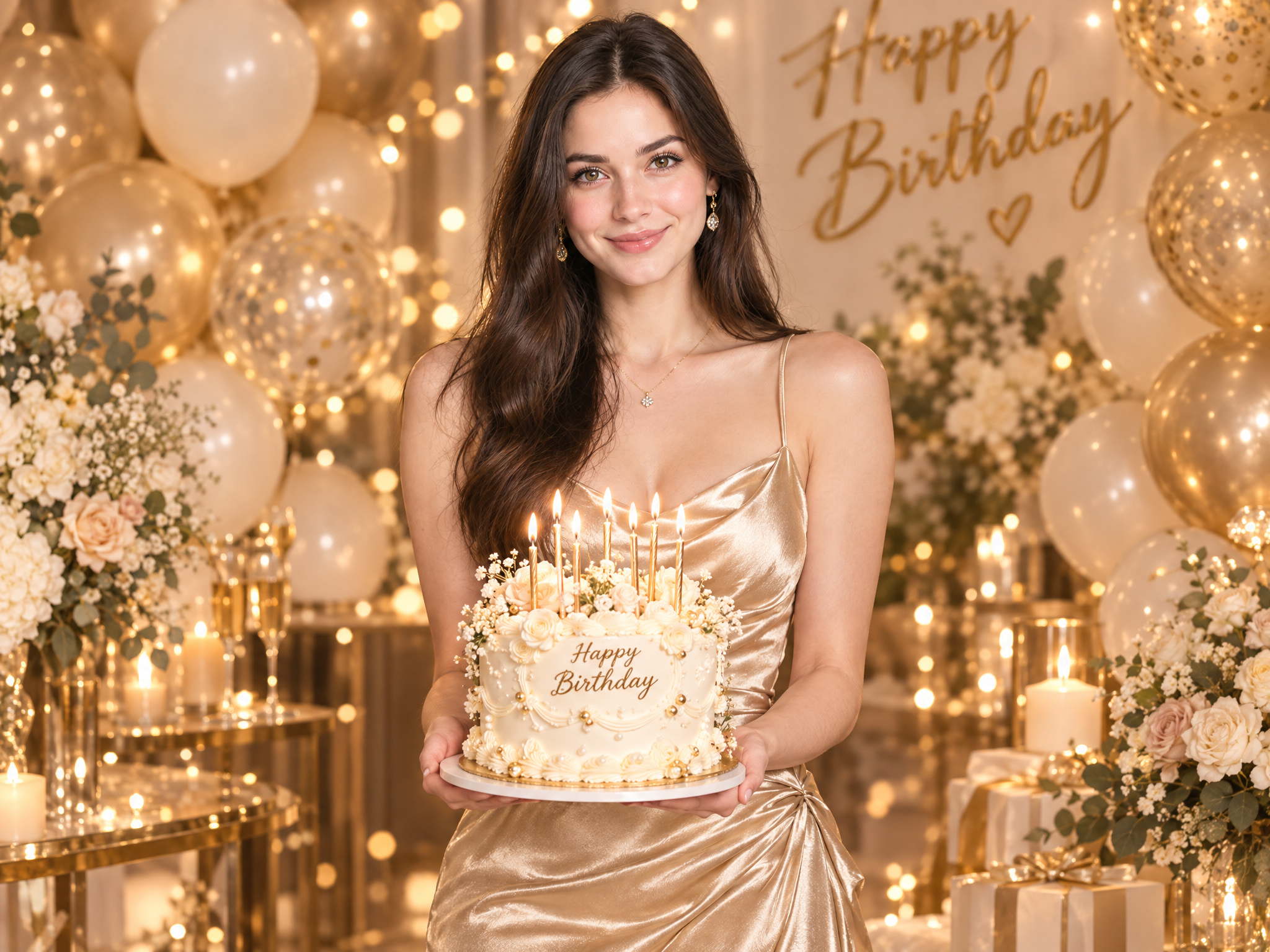
Generate the image and review the result. If you want a different atmosphere, adjust your description and try another background, decoration, or portrait style.

Start with a selfie, portrait, group shot, or everyday snapshot. You don't need a photo taken at a birthday party to create a birthday-ready image. Fashion Diffusion lets you build a festive look around the photo you already have, whether it was taken indoors, outdoors, or against a simple background.
Start Now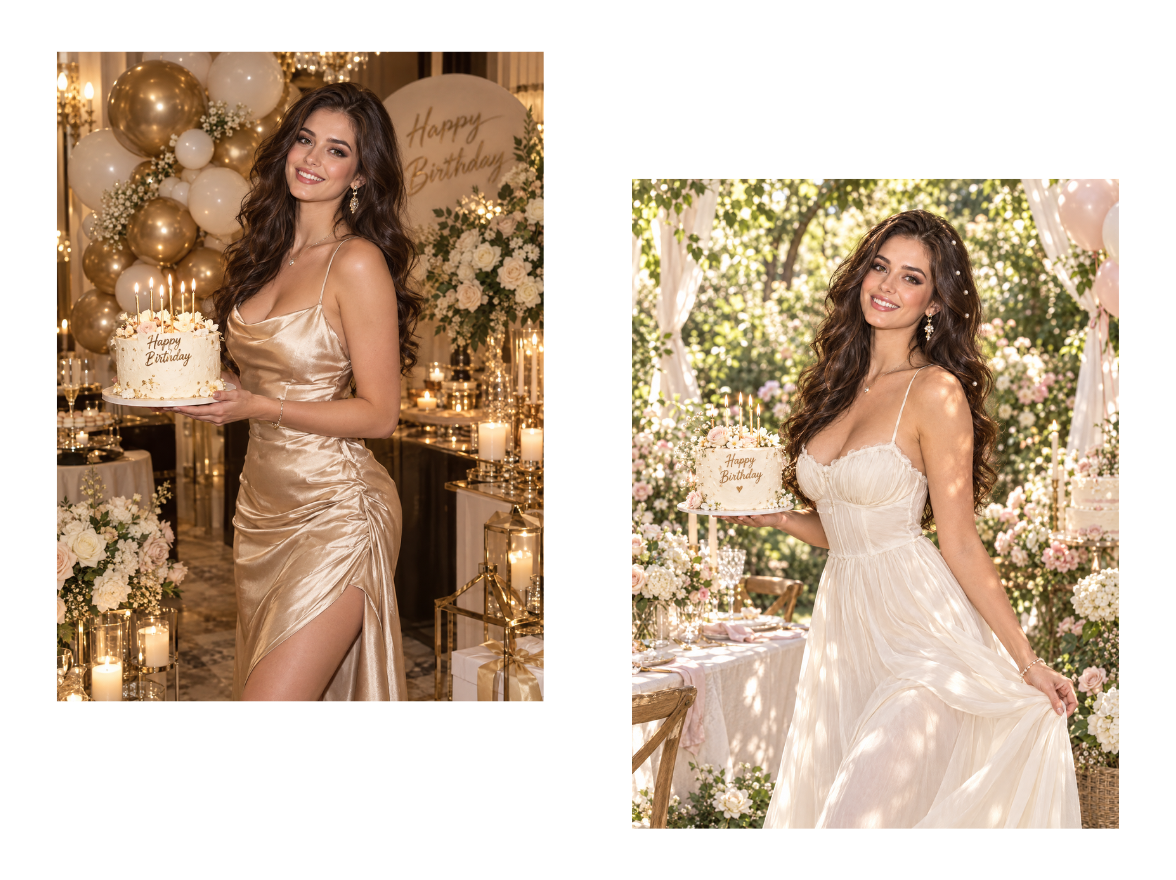
Take the same photo in a different direction. Go for a dreamy pastel party, a glamorous editorial portrait, a cozy candlelit evening, or a playful pop-art celebration, then generate more versions to compare. Each style changes the whole feel of the image, so you can find the mood that suits the birthday.
Start Now
Describe the details you want and the AI adds them to your photo: gold balloon numbers, a cake with sparklers, a banner with a name, or confetti in your party colors. Be as specific as you like about colors, placement, and text, then adjust your prompt and regenerate until every detail fits the celebration you have in mind.
Start NowFrom personal birthday portraits to greeting cards and social media posts, create birthday visuals for different occasions and styles.
Mark a personal milestone with a birthday portrait you'll want to keep, worth printing, framing, or adding to the family album.
Give photos from a birthday gathering a more festive finish, so candid moments look as celebratory as the day felt.
Make a birthday greeting for someone special, with their name or a few warm words, and send it to friends or family, even from far away.
Create birthday visuals made for Instagram posts, Stories, and other platforms, polished and personal on your feed.
Upload a photo and describe the birthday scene you have in mind. Sign up to get free credits and try your first birthday photo edit.
The AI Birthday Photo Editor is a tool that edits and creates birthday photos from your upload and a text description. Add decorations to a photo you already have, change the setting, or generate a birthday photoshoot look, while your face and the original lighting stay natural.
Yes. Describe the balloons, confetti, cake, or party backdrop you want, and the AI places them into your photo, matching the lighting and perspective so they look like they were part of the scene.
Any theme you can describe. Try a kids' balloon party, a milestone 30th or 50th, a glam studio portrait, a candlelit dinner, or a minimal pastel look. Describe the theme, colors, and mood you have in mind, and the AI builds the scene around your photo.
It helps most when the real photo falls short of the moment. Mark a milestone birthday with a portrait that would normally need a studio, rescue a cake shot taken in a cluttered room with nothing festive in frame, or build a greeting around a photo for a friend or family member who can't be at the celebration. You keep the moment you actually captured and describe only what's missing.
No. Your facial features and expression are kept as they are, and only the birthday elements you describe are added or changed. That way the result still looks like you, just at a better party.
Yes. Birthday photos often include family and children, so uploaded images are used solely to generate your result and are not shared with third parties or used to train public models without consent. You can delete your images from your account at any time. If a photo includes other people, make sure you have their permission to use it.
Fashion Diffusion offers free credits upon registration, enough to try a few birthday scenes or a small photoshoot set at no upfront cost. Paid plans are available for higher-volume generation, useful if you're making photos for several people or events.